DeskFlex

Want to see DeskFlex in action? Book your live demo today!

Blog

Assigned seat software: Managing workplace seating better while social distancing

Assigned seating software has become essential as workplaces reopen with hybrid schedules and social distancing requirements still in place. With many employees splitting time between remote and onsite work, traditional seating plans no longer work — and managing desks, cubicles, workstations, and work pods can become a logistical challenge for facility and HR teams. Modern software brings flexibility, visibility, and control to workspace planning.

1. The New Norm: Hybrid Work and Social Distancing

Even as offices reopen, it’s evident that business won’t go back to the way it was. Many organizations are maintaining partial onsite staffing, rotating attendance schedules, and hybrid work plans that require flexibility in how space is used. This environment demands a smarter approach to assigning, reassigning, reserving, and releasing workspace assets.

Traditional one-desk-per-employee models simply don’t fit with these requirements. What’s needed instead is a system that can dynamically manage space based on real attendance and organizational policies.

2. What Is Assigned Seat Software?

Assigned seat software is a workspace management system that allows:

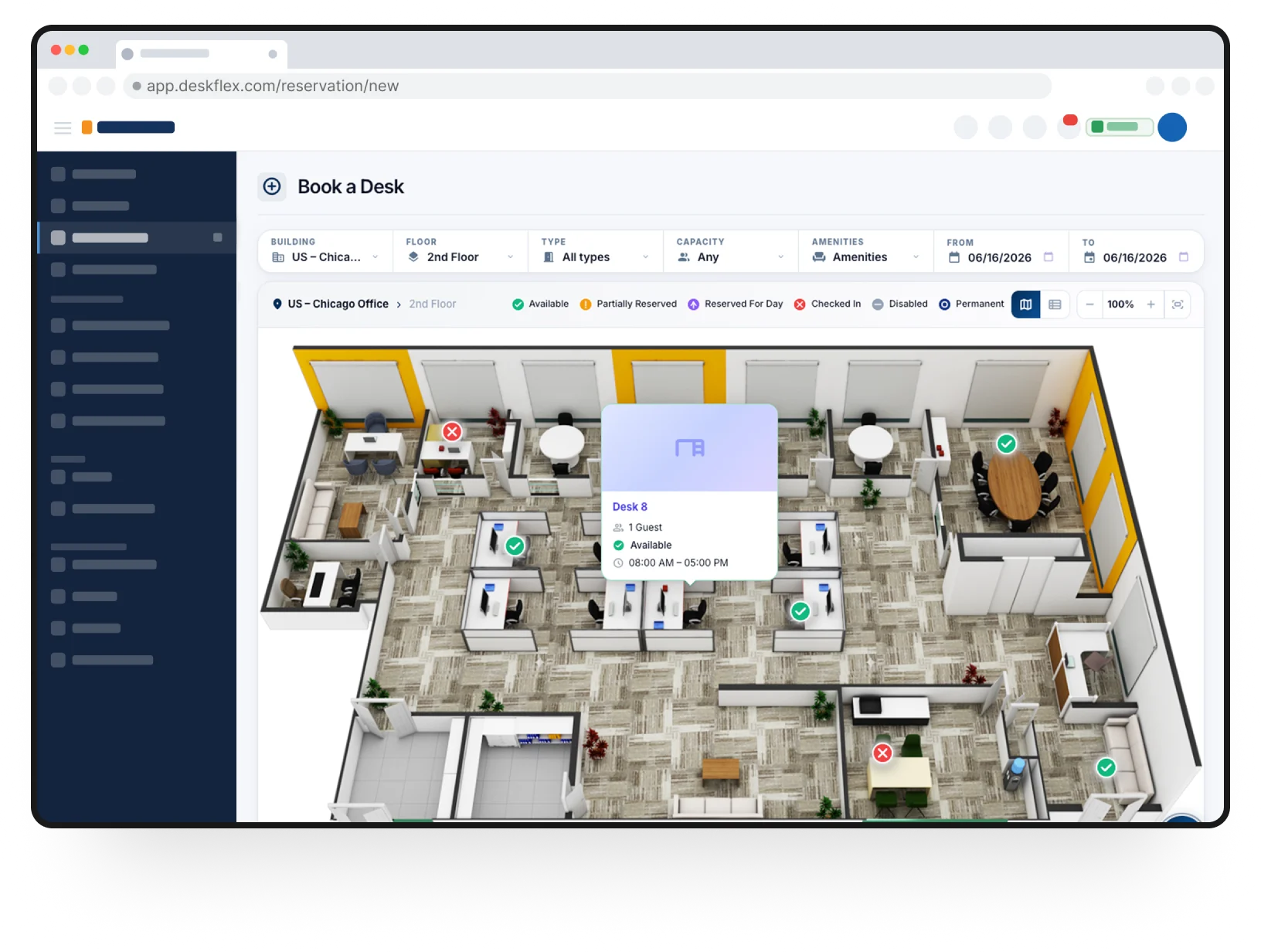
  • Intelligent reservation, release, and reassignment of desks, cubicles, and workstations.

  • Integration with calendars and reservation systems so employees and administrators can plan ahead.

  • Support for hybrid schedules, where employees work onsite only on specified days.

Unlike static seating charts or manual assignments, this software automates seat allocation and updates availability in real time — giving both staff and facilities teams clarity on who will be in the office, where they’ll sit, and when.

3. Planning for Orderly Return-to-Work Scenarios

For organizational leaders, efficient back-to-work planning is crucial:

  • Many teams will continue with rotating schedules where employees alternate onsite and remote days.

  • Assigned seat systems help plan these rotations by reserving workspace ahead of time, preventing double-booking and overcrowding.

  • Admins can see who plans to be onsite and assign seating accordingly, ensuring team proximity and collaboration where needed.

This planning helps create a smoother transition back to work while respecting health and safety protocols.

4. Flexible Seating for Today’s Workforce

The pandemic has accelerated the shift from permanent, fixed desks to flexible seating arrangements. In this new reality:

  • Employees may change desks multiple times per day.

  • Workstations shift from assigned seats to hot desks, shared desks, and flexible work zones.

  • Seating plans adapt daily based on who is scheduled to work onsite.

Assigned seat software makes this possible by managing a constantly changing occupancy landscape, so facilities teams don’t have to manually track every change.

5. Feature Highlights: How Modern Seating Tools Help

5.1 Color-Coded Availability Indicators

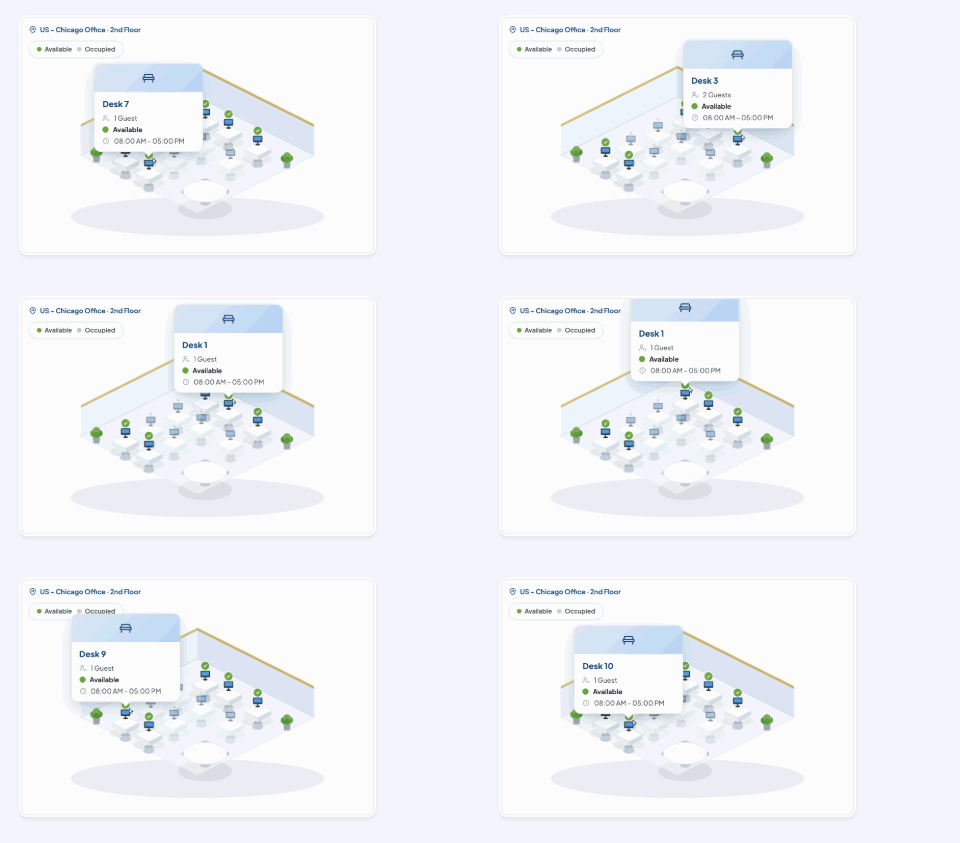
Some modern systems use visual cues — such as lighted indicators on FlexCubes or desktop units — to show:

  • Green = space is available

  • Yellow = space will become available soon

  • Red = space is currently reserved

These cues make it easy for staff to identify workspaces visually and reduce confusion.

5.2 Calendar-Linked Reservations


Reservations are tied into corporate calendars (like MS Exchange or Outlook), so:

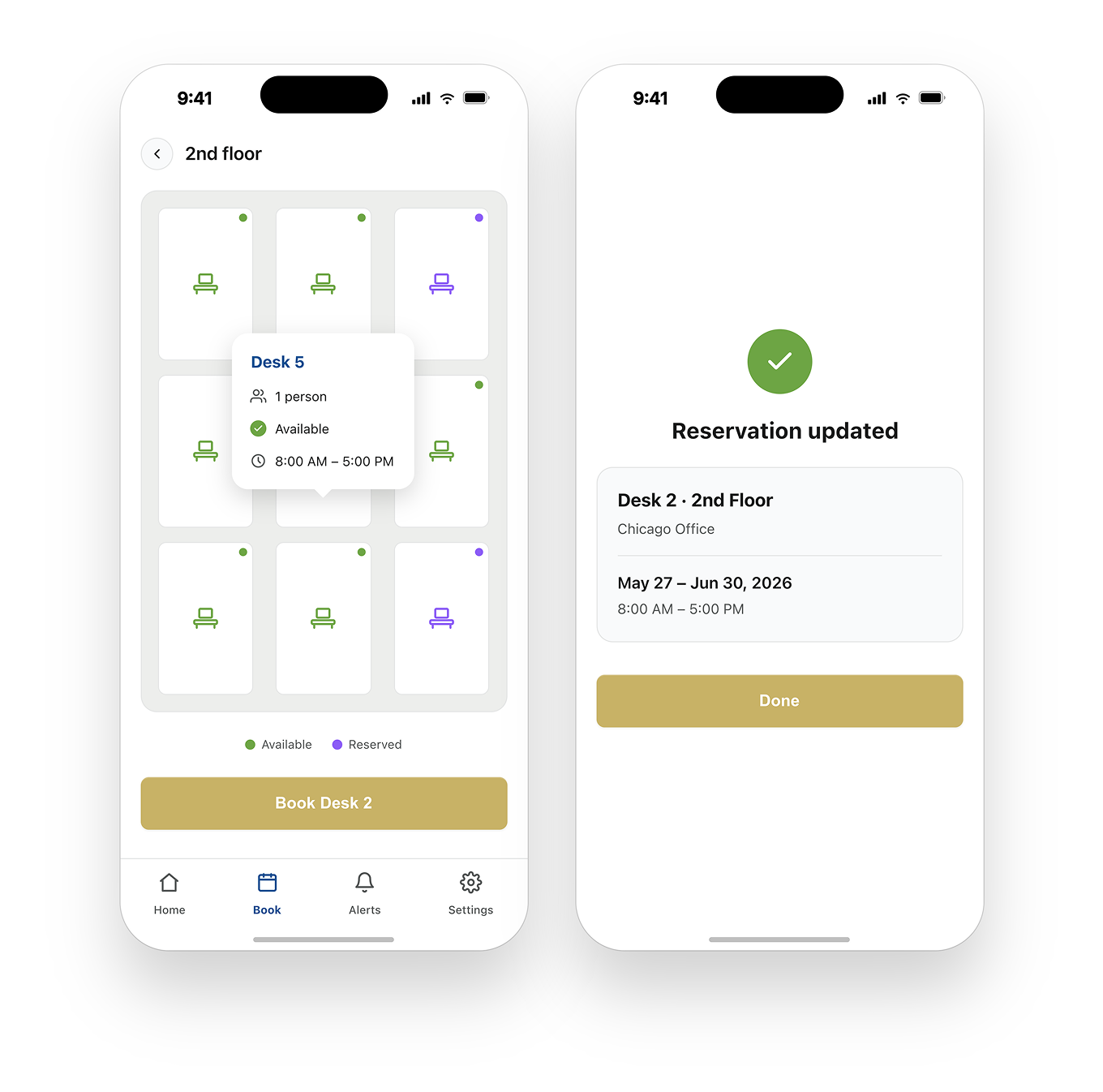
  • Staff can reserve desks ahead of arrival.

  • Availability is updated in real time across systems.

  • Employees know they’ll have an assigned workspace when they show up — no guesswork required.

5.3 Workstation Touchscreen Interfaces

Workstation touchscreens let employees interact directly with the system at the desk itself, enabling:

  • Reservations on the fly

  • Self-service check-in/out

  • Visibility of upcoming bookings

These devices make flex seating tangible and intuitive for users.

6. Making Social Distancing Practical

Assigned seat software also plays a key role in implementing social distancing policies by:

  • Distributing seats so employees are spaced appropriately.

  • Automatically disabling adjacent workstations near a booked desk to maintain distancing rules.

  • Supporting Bluetooth beacon alerts or system-driven checks when occupancy thresholds are exceeded.

These rules help organizations comply with safety protocols while getting staff back to work.

7. Why It Matters for Facilities and HR Teams

Managing hybrid workforce seating without automation can lead to:

  • Seating conflicts

  • Under-utilized workstations

  • Poor space planning decisions

  • Confusion among employees about where to sit

Assigned seat software provides tools that:

  • Reduce manual workload for planners

  • Minimize scheduling errors

  • Improve space utilization through smarter assignments

This reduces overhead and keeps teams productive and comfortable.


8. Real-World Benefits for Organizations

Improved Space Utilization

Seats are booked only when needed, reducing wasted space and lowering real estate costs.

Better Employee Experience

Employees feel more confident returning to the office when:

  • They can reserve a workspace easily.

  • They know where they will sit.

  • They can see who else is scheduling office days.

Policy Enforcement

Admins can enforce:

  • Occupancy limits

  • Distancing rules

  • Zone-based seating preferences

All while providing transparency to staff about policies in place.

9. Integrations and Support Services


Modern seating systems often integrate with other tools and services:

  • Single sign-on (SSO) solutions

  • Organizational calendars (e.g., Microsoft Outlook)

  • Facility management dashboards

  • Training services for smooth rollout

Some vendors also provide data migration and legacy system integration to make adoption easier.

10. Getting Started with Assigned Seating Solutions

To successfully implement an assigned seat system, organizations should:

  1. Assess current seating and hybrid work policies

  2. Digitize floor plans and seating assignments

  3. Configure reservation and distancing rules

  4. Train employees and administrators

  5. Monitor usage data to refine plans over time

With these steps, companies can not only manage seating better but also plan more effectively for the long term as hybrid work becomes standard.

11. Conclusion: A Smarter, Safer Office Environment

Assigned seat software transforms how workplaces manage seating in a hybrid, socially aware environment. By coupling flexible reservations with real-time availability and smart assignment tools, organizations can enhance productivity, improve safety compliance, and support the evolving expectations of today’s workforce.

Whether you’re planning to reopen fully or manage ongoing hybrid schedules, assigned seating solutions provide the visibility and control necessary to succeed in the new workplace era.

Frequently Asked Questions (FAQs)

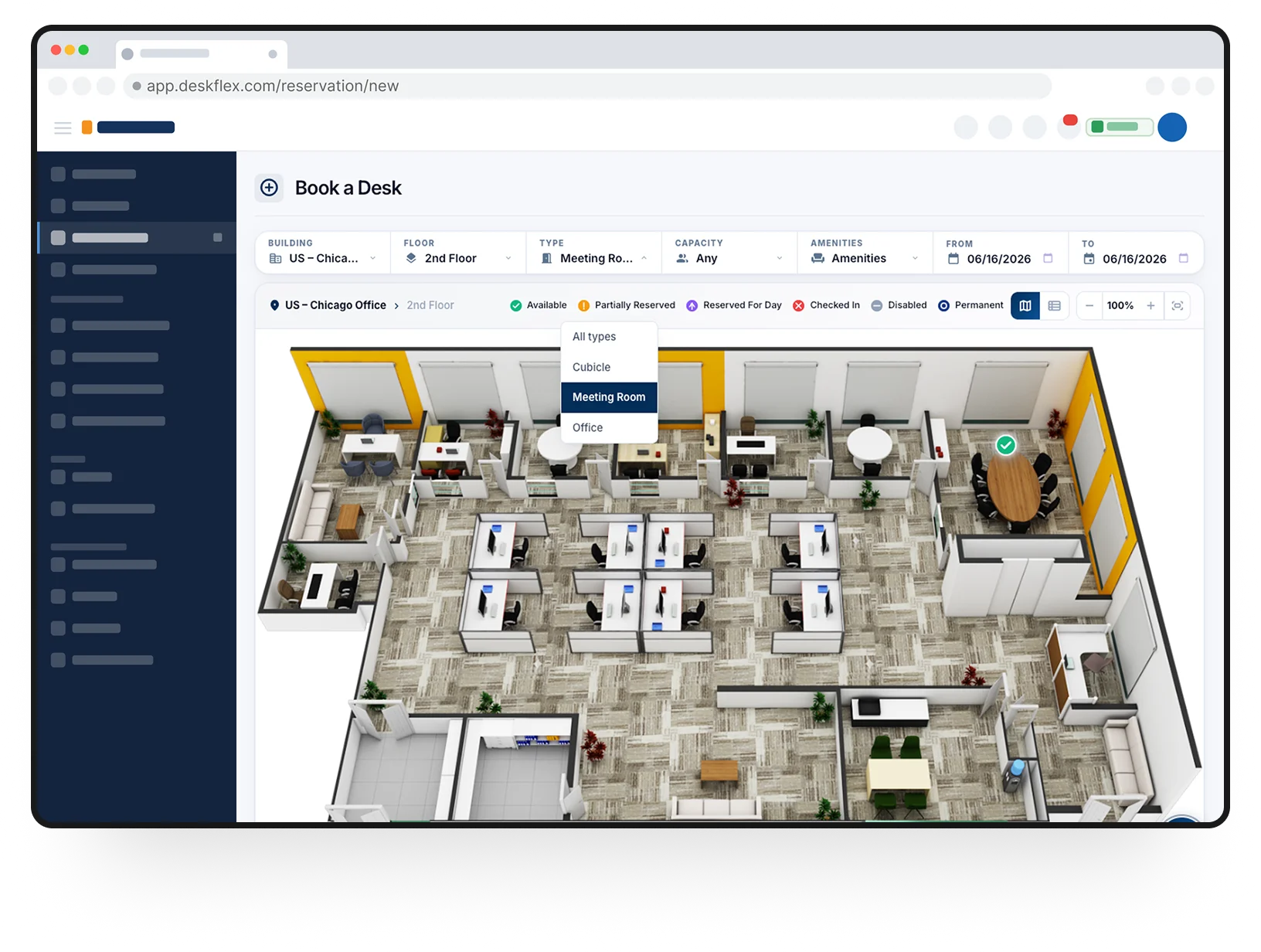
Assigned seat software is a workplace management solution that allows employees to reserve desks, workstations, and meeting rooms in advance. It helps organizations manage hybrid work models by offering flexible seating, real-time availability, and usage tracking.

Hybrid work environments require flexible space management. Assigned seat software enables employees to book desks only when they are working onsite, reducing unused space while ensuring availability when needed.

Assigned seating typically allows a desk to be allocated to a specific employee (permanently or temporarily), while hot desking allows employees to reserve any available desk on demand. Modern systems often support both models.

Yes. Most enterprise seating solutions include administrative controls that allow managers to approve, reject, or modify reservations based on company policies.

Absolutely, set up neighborhoods based on how your teams work, add activity zones, and fine-tune desk setups in minutes with easy online seating chart tools.

Start with your floor plan, map neighborhoods to team structures, then roll out office seating chart software with an interactive seating chart and a desk booking system.

Look for real-time booking, role-based rules, analytics, and integrations. DeskFlex unifies these with workplace management software for end-to-end governance.

They bring related teams together, make it easier to find people, and align desk setups with each stage of a project across the office.

Assigned seating guarantees a permanent desk, while hot desking utilizes desk reservation software, allowing employees to book on demand within designated pools.

Employees scan a QR code at the desk or entry point to confirm attendance. This verifies reservations, prevents misuse, and enables accurate usage tracking.