Managing conference rooms efficiently has become a critical challenge for modern workplaces, especially as hybrid and flexible work models continue to grow. Without the right system, meeting rooms are often double booked, left unused, or reserved without accountability, leading to wasted time and reduced productivity. Conference room scheduling software helps businesses solve these issues by providing real time visibility, automated booking, and centralized control over meeting spaces.
In this guide, we explore the top 10 conference room scheduling software that help organizations streamline meeting room management, reduce scheduling conflicts, and improve collaboration. These tools vary in features, pricing, and scalability, making them suitable for small teams, growing businesses, and large enterprises alike.
Quick List: Top 10 Conference Room Scheduling Software
DeskFlex
Skedda
Robin
Envoy Rooms
Condeco
Teem
Roomzilla
AgilQuest
EMS Software
Kadence
What Is Conference Room Scheduling Software?
Conference room scheduling software is a digital solution that allows employees to reserve meeting rooms using real time availability data. It replaces manual booking methods such as spreadsheets emails or verbal confirmations that often cause confusion and inefficiencies. The software provides a centralized platform where teams can view schedule meetings and manage room resources easily.
Key Features of Conference Room Scheduling Software
Modern businesses need efficient solutions to manage meeting spaces and prevent scheduling conflicts. Conference room scheduling software comes with several essential features that streamline booking and improve workplace productivity.
1. Real Time Room Availability
This feature allows employees to instantly see which rooms are free or already reserved, avoiding double bookings. It ensures teams can plan meetings quickly and reduces the frustration caused by manual room checks.
2. Calendar Integration
Integrations with tools like Google Calendar and Outlook synchronize bookings automatically across all platforms. Employees can schedule meetings without switching apps, keeping calendars consistent and preventing overlapping reservations.
3. Automated Check In and Release
The software automatically frees up rooms if a meeting does not start on time. This prevents valuable spaces from sitting unused and allows others to book them without delays.
4. Mobile Access
Employees can reserve, modify, or cancel meetings directly from smartphones, tablets, or on site room displays. This flexibility empowers teams to manage bookings anytime, anywhere, without waiting at a desk or office terminal.
5. Administrative Controls
Facility managers can define booking rules, manage permissions, and monitor overall room utilization easily. These controls help optimize resources, maintain order, and support data driven decision making for workplace planning.
Benefits of Using a Conference Room Booking Software
Conference room booking software helps businesses save time, reduce conflicts, and maximize the efficiency of office spaces. It provides teams with better control over resources while supporting smoother workplace operations and stronger collaboration.
Reduce Scheduling Conflicts: The software provides a single source of truth for all meeting reservations, preventing overlapping bookings and confusion. Teams can rely on accurate availability, which ensures meetings happen on time without frustration.
Save Employee Time: Employees no longer need to manually check room availability or send multiple emails to schedule meetings. Quick access to real time data allows teams to focus on productive tasks instead of administrative work.
Optimize Space Utilization: Better room management reduces unnecessary real estate costs and ensures offices are used efficiently. Rooms stay occupied appropriately, and companies can plan future expansions or redesigns with clarity.
Data Driven Insights: Analytics on room usage reveal peak times and underused spaces, helping managers make smarter planning decisions. Organizations can track trends and allocate resources more effectively for future growth.
Improve Collaboration: Easy access to rooms ensures teams meet when needed, fostering seamless collaboration across departments. Booking transparency allows employees to focus on productive discussions instead of coordinating logistics.
Streamline Daily Operations: Automated scheduling processes reduce manual work for managers and employees, eliminating last minute meeting conflicts. Smooth workflows increase efficiency and maintain consistency throughout the organization’s daily operations.
Enhance Employee Satisfaction: Employees feel less stressed when booking meetings is simple, quick, and predictable. This ease of use creates a positive workplace experience and promotes better teamwork.
Minimize Room Downtime: The software prevents meeting rooms from sitting empty during peak hours, making better use of office resources. Automated release features allow others to book unused spaces immediately, increasing overall workspace efficiency.
Improve Administrative Control: Facility managers can define rules, manage permissions, and monitor usage through centralized controls. This oversight helps organizations maintain order and enforce fair room allocation policies.
Support Hybrid and Remote Work: Employees can book rooms remotely or check availability from mobile devices, supporting hybrid work schedules. Teams stay connected and organized even when employees are working from multiple locations.
How to Choose the Right Conference Room Scheduling Software?
Selecting the right conference room scheduling software is critical for businesses to manage meeting spaces efficiently. The right solution improves employee productivity, reduces conflicts, and ensures employees can collaborate without frustration.
Here are the essential steps to make the best choice:
Evaluate Ease of Use: The software should be simple and intuitive so employees can adopt it quickly without extensive training. A user-friendly interface reduces errors, prevents confusion, and encourages consistent use across all departments.
Check Integration Capabilities: Your software must connect seamlessly with existing calendars and workplace tools like Outlook or Google Calendar. Integrations ensure that bookings appear automatically across platforms, reducing double bookings or scheduling mistakes.
Consider Scalability: The solution should grow with your business without frequent system upgrades or complex reconfigurations. Scalable software supports an increasing number of users, rooms, and locations as your company expands.
Review Security and Access Controls: Strong security features protect sensitive meeting information from unauthorized access or potential breaches. Role-based permissions allow managers to control who can book, modify, or cancel meetings.
Analyze Reporting and Analytics Capabilities: Look for software that provides detailed insights into room usage, peak times, and booking trends. Data-driven reports help facility managers optimize space utilization and make informed operational decisions.
Consider Mobile Access and Flexibility: The software should allow employees to book or modify meetings from mobile devices or on-site panels. Mobile access ensures flexibility for remote, hybrid, or traveling employees who need access anywhere, anytime.
Evaluate Customer Support and Training: Reliable customer support is essential to resolve issues quickly and minimize downtime. Check if the provider offers training materials, tutorials, or onboarding assistance for smooth adoption.
Compare Pricing and ROI: Consider the total cost of ownership including licensing, installation, and ongoing maintenance. Evaluate whether the software delivers measurable time savings, efficiency improvements, and better space utilization.
Test Before Committing: Most providers offer trial versions or demos, which are critical before making a final decision. Testing the software helps identify usability issues, integration challenges, or missing features in your environment.
Top 10 Conference Room Scheduling Software 2026
Below is a comparison of popular conference room scheduling tools, including their key features, pricing overview, and ideal use cases.
Software | Key Strength | Pricing | Best For |
|---|---|---|---|
DeskFlex | Flexible scheduling, automation, analytics | Starts around $3 per user per month | Hybrid teams and growing businesses |
Skedda | Simple self service booking | Starts around $99 per month | Small teams and coworking spaces |
Robin | Workspace insights and floor maps | Custom pricing | Hybrid and flexible offices |
Envoy Rooms | Room booking with visitor management | Starts around $4 to $5 per user per month | Offices managing visitors and meetings |
Condeco | Enterprise governance and control | Custom enterprise pricing | Large global organizations |
Teem | Room utilization and analytics | Custom pricing | Corporate offices focused on optimization |
Roomzilla | Simple and affordable room booking | Free and paid plans available | Small businesses and startups |
AgilQuest | Advanced workspace analytics | Custom pricing | Large enterprises with complex spaces |
EMS Software | Event and room scheduling | Custom enterprise pricing | Universities and healthcare facilities |
Kadence | Hybrid work and team coordination | Starts around $4 to $5 per user per month | Hybrid first and remote friendly teams |
Keep Exploring
More guides on workplace management, desk booking, and hybrid work.
1. DeskFlex
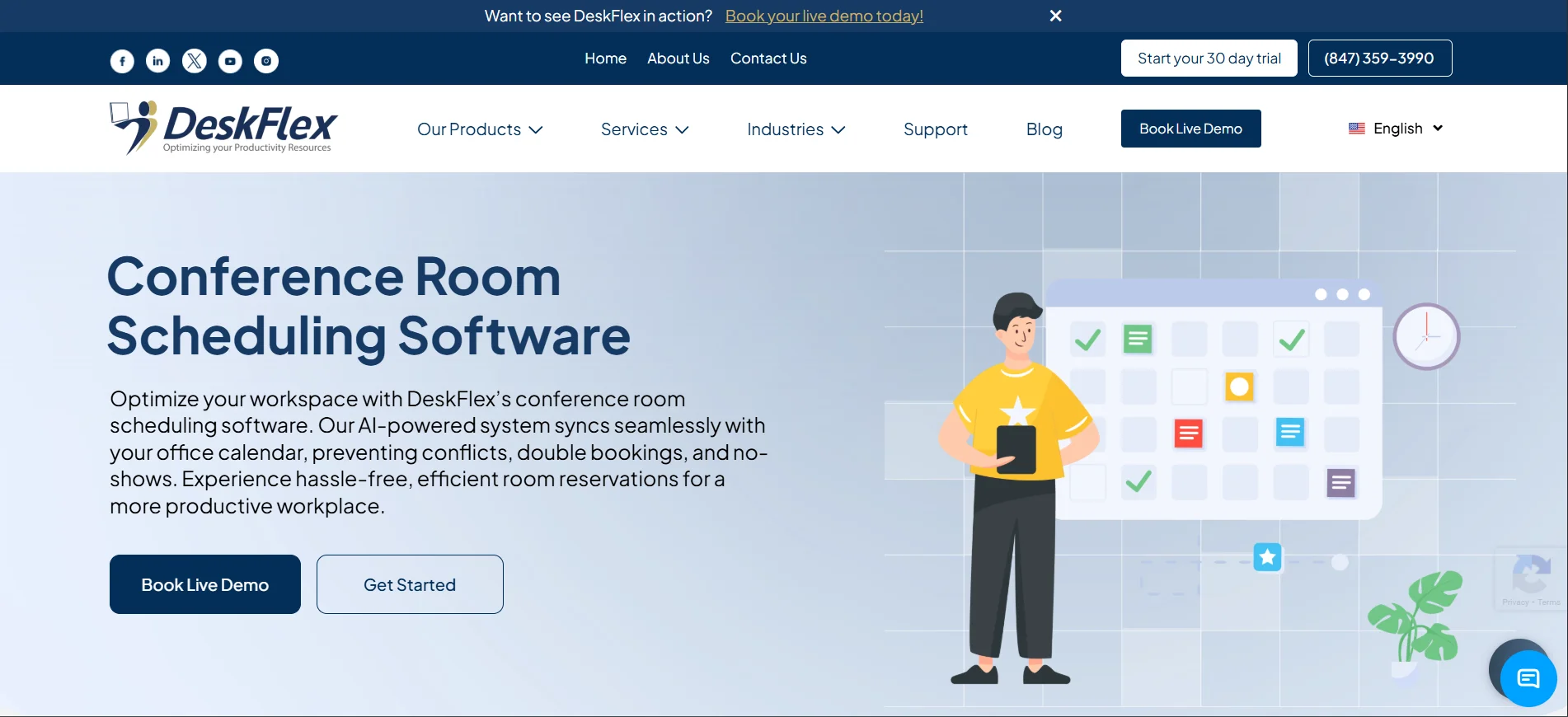
DeskFlex is a flexible and reliable conference room scheduling solution designed for modern and hybrid workplaces.
Key Features
Real time conference room availability
Integration with Outlook and Google Calendar
Automated check in and automatic room release
Mobile access and on site room displays
Custom booking rules and permissions
Detailed reporting and usage analytics
Pricing: Starts at approximately $3 per user per month depending on plan and features.
Best For: Small to large businesses, hybrid teams, and organizations looking for an easy to use and scalable solution.
2. Skedda
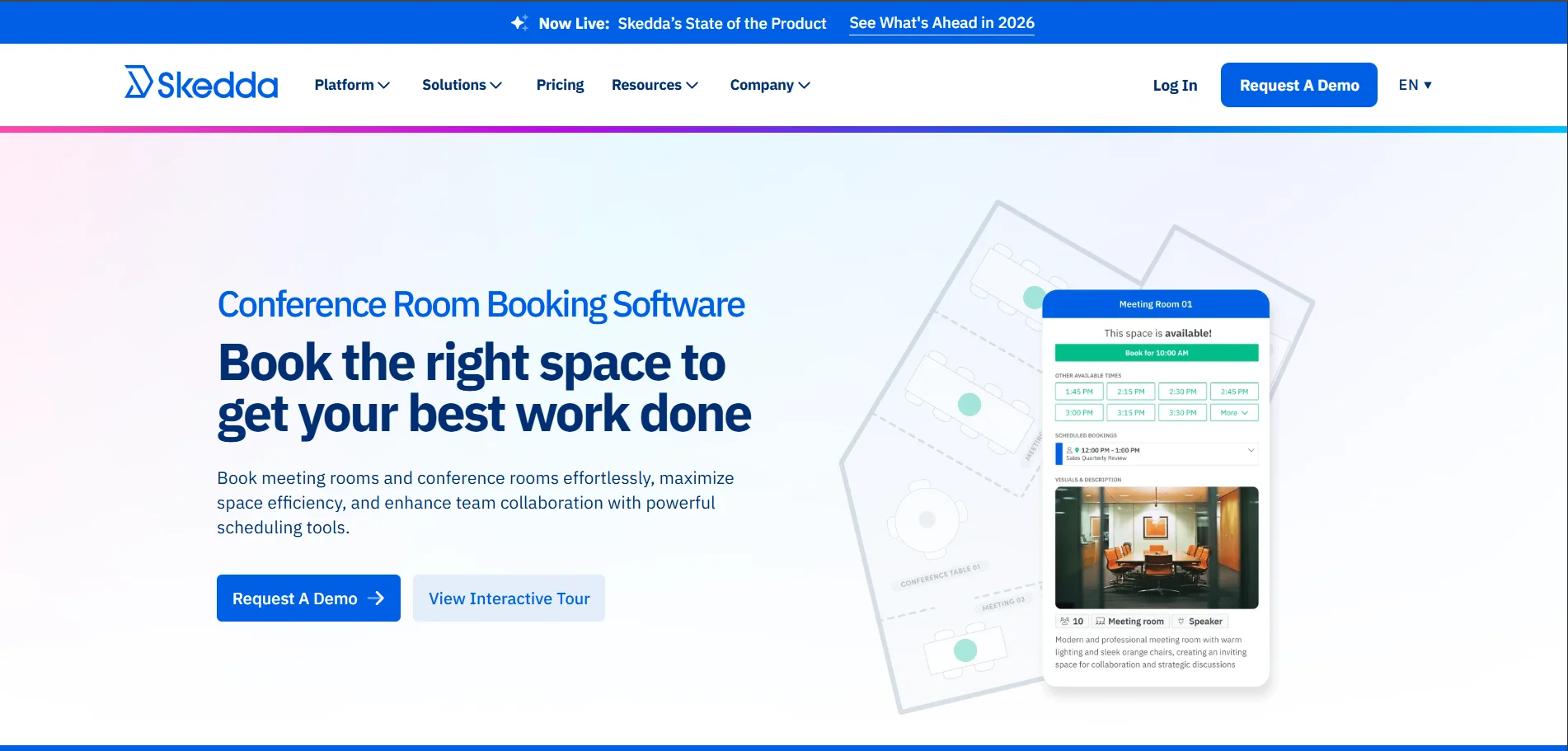
Skedda focuses on self service meeting room booking with flexible rules and simple setup.
Key Features
Real time room availability
Interactive floor plans
Custom booking rules and restrictions
Calendar synchronization
Mobile friendly interface
Basic reporting tools
Pricing: Starts around $99 per month based on the number of spaces.
Best For: Small and medium businesses, coworking spaces, and shared offices.
3. Robin
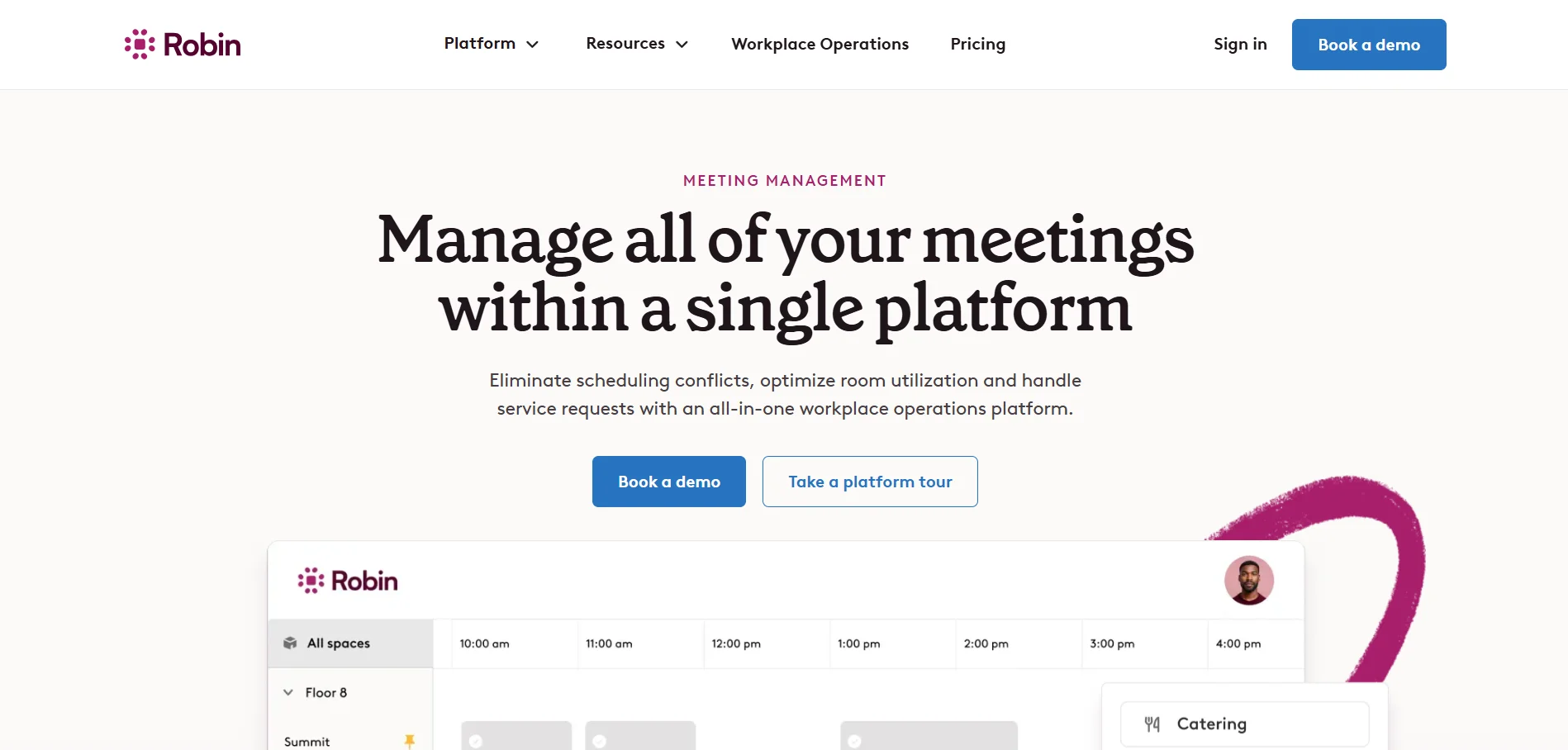
Robin provides workspace and meeting room scheduling with strong analytics and hybrid work support.
Key Features
Conference room and desk booking
Visual office maps
Calendar integrations
Workplace analytics and insights
Mobile and tablet access
Team presence visibility
Pricing: Custom pricing based on users and features.
Best For: Hybrid workplaces and growing organizations managing flexible office spaces.
4 Envoy Rooms
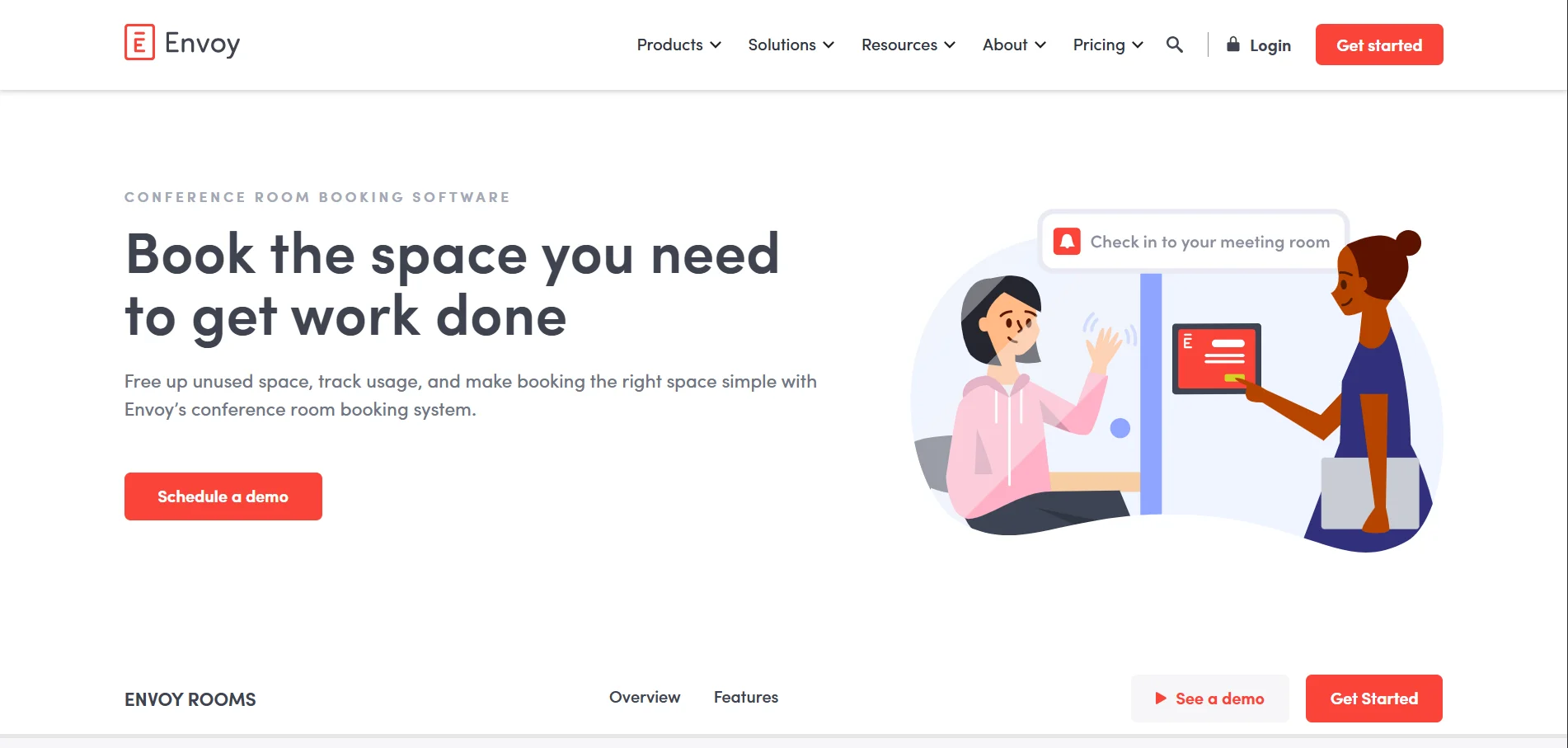
Envoy Rooms offers simple room booking with visitor management capabilities.
Key Features
Real time room availability
One tap room reservations
Outlook and Google Calendar integration
On site room displays
Mobile app access
Visitor management add ons
Pricing: Starts at approximately $4 to $5 per user per month.
Best For: Offices that want room scheduling combined with visitor management.
5. Condeco
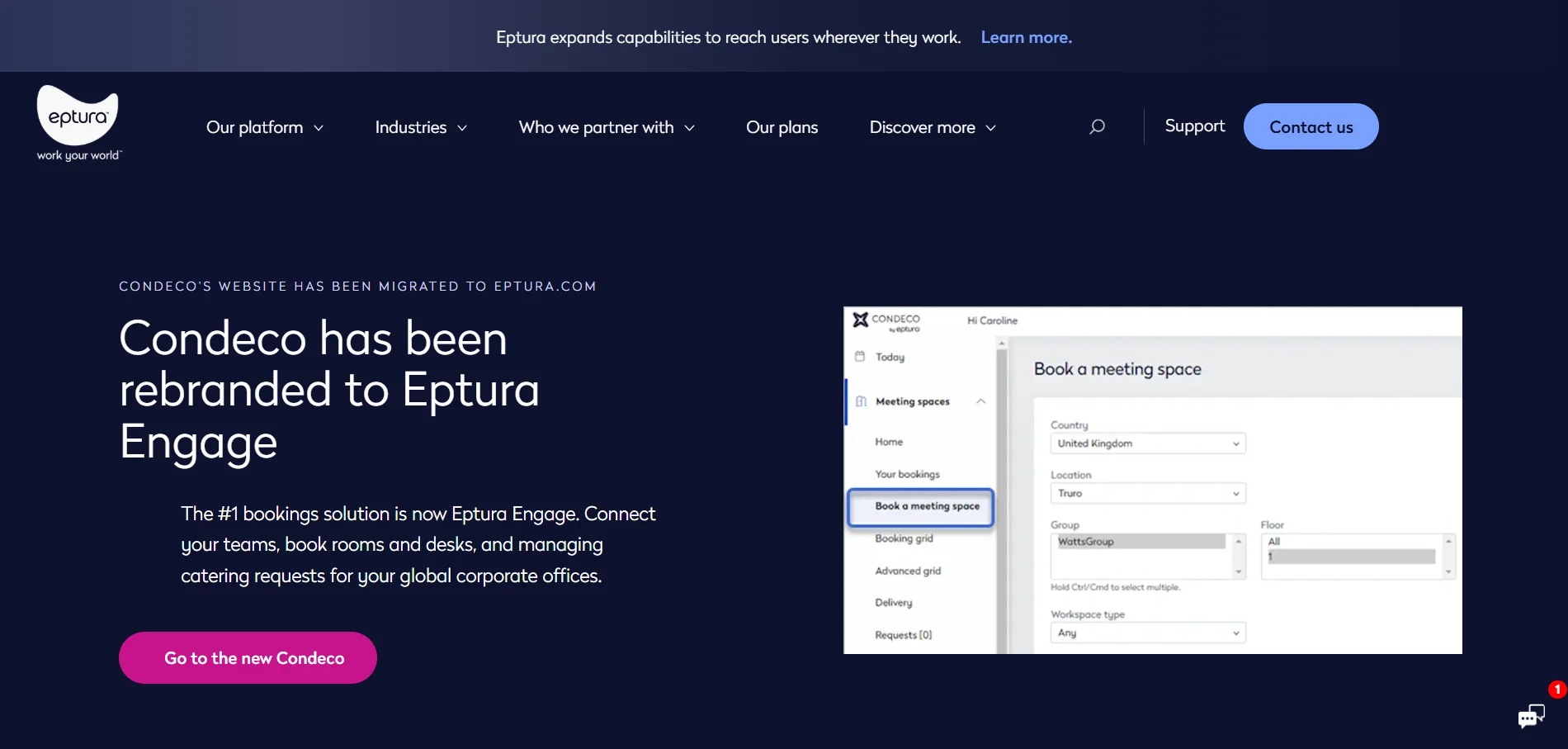
Condeco is an enterprise level conference room and workspace scheduling platform.
Key Features
Advanced room and desk booking
Multi location support
Custom governance and booking policies
Enterprise grade security
Advanced reporting and analytics
Integration with corporate systems
Pricing: Custom enterprise pricing.
Best For: Large enterprises with complex scheduling and compliance requirements.
6. Teem
Teem helps organizations optimize meeting room usage with smart analytics.
Key Features
Conference room scheduling
Automated no show meeting detection
Room usage analytics
Calendar integration
Digital room displays
Occupancy insights
Pricing: Custom pricing based on organization size.
Best For: Corporate offices focused on reducing room waste and improving utilization.
7. Roomzilla
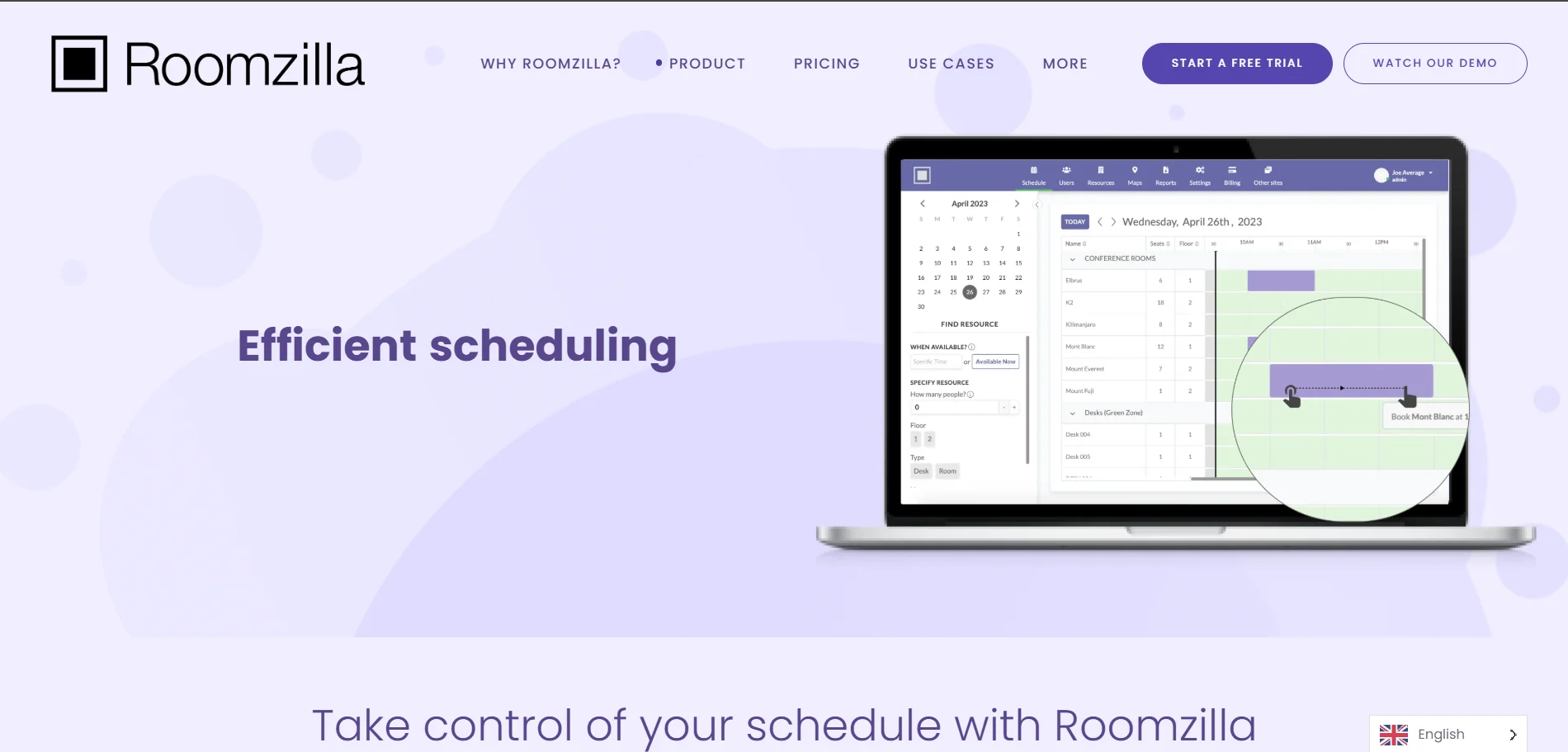
Roomzilla is a cloud based meeting room booking system designed for simplicity.
Key Features
Quick room booking interface
Real time availability view
Recurring meeting reservations
Automated check in and room release
Calendar integration
Support for tablets and displays
Pricing: Free for limited use, paid plans start at a low monthly rate per room.
Best For: Small teams and businesses looking for an affordable solution.
8. AgilQuest
AgilQuest offers advanced workspace management with strong data driven insights.
Key Features
Conference room and desk scheduling
Space utilization tracking
Hybrid workforce support
Advanced analytics and reporting
Custom access controls
Enterprise integrations
Pricing: Custom pricing based on features and company size.
Best For: Large organizations managing complex office environments.
9. EMS Software
EMS Software provides comprehensive room and event scheduling tools.
Key Features
Conference room and event scheduling
Advanced booking workflows
Custom reporting dashboards
Integration with enterprise systems
Role based access control
Scalable infrastructure
Pricing: Custom enterprise pricing.
Best For: Universities, healthcare organizations, and large enterprises.
10. Kadence
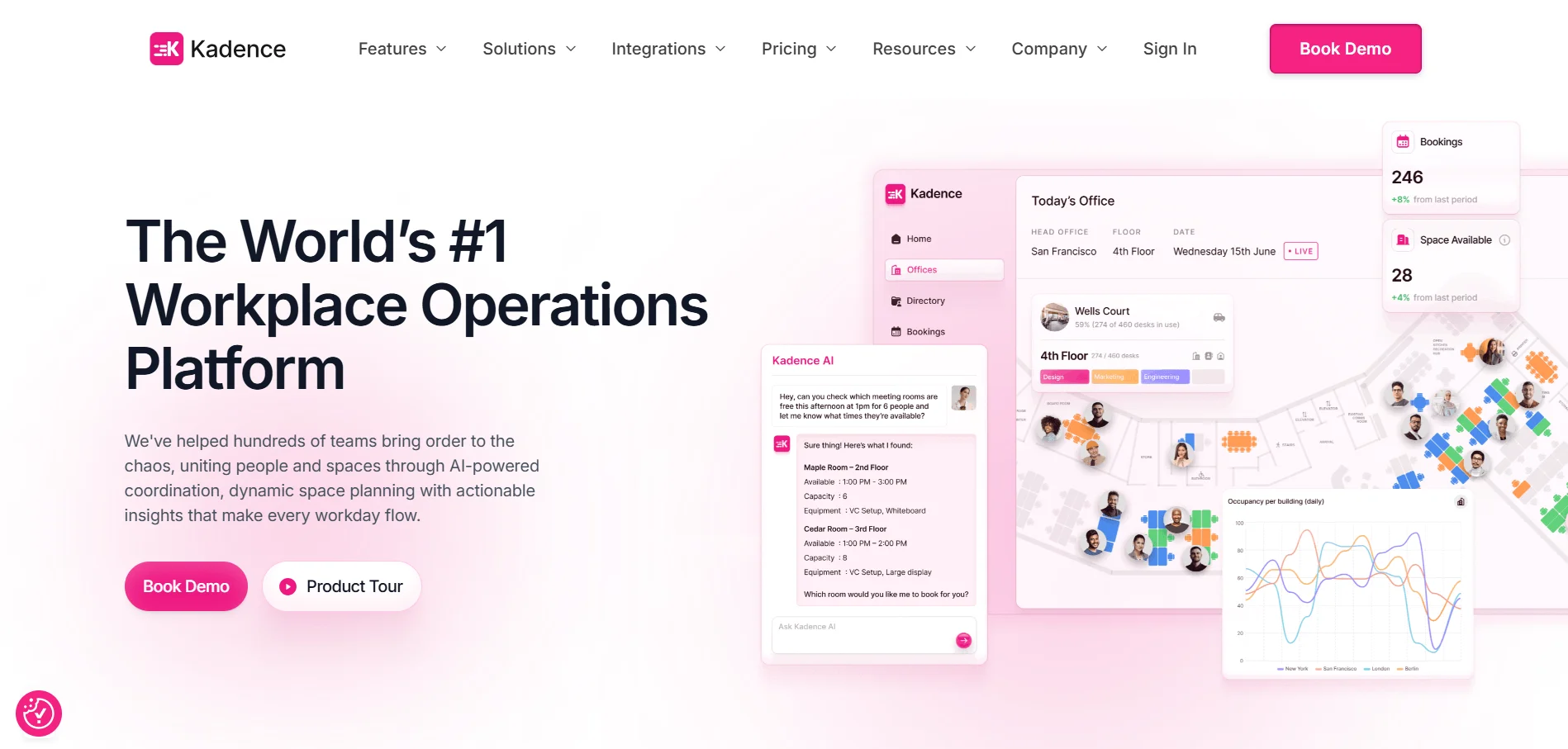
Kadence is a modern workplace scheduling platform built for hybrid teams.
Key Features
Conference room and desk booking
Smart room filters by size and amenities
Calendar synchronization
Check in reminders
Mobile friendly interface
Workspace usage insights
Pricing: Starts at approximately $4 to $5 per user per month.
Best For: Hybrid first companies and fast growing teams.
Get Started with DeskFlex Conference Room Scheduling Software
DeskFlex is a reliable and flexible solution for managing conference room scheduling efficiently. It helps businesses reduce scheduling conflicts, improve collaboration, and streamline daily operations.
Key Features of DeskFlex
Real Time Room Availability: Instantly see which rooms are free or already booked.
Calendar Integrations: Connects with Outlook, Google Calendar, and other platforms for seamless scheduling.
Automated Check In and Release: Frees up unused rooms for other employees automatically.
Mobile Access: Book, modify, or cancel meetings from smartphones, tablets, or on-site room displays.
Administrative Controls: Manage permissions, define booking rules, and monitor overall room usage.
Reporting and Analytics: Track room utilization and identify trends for smarter workspace planning.
With DeskFlex, teams can enjoy smoother scheduling, better collaboration, and a smarter, more efficient meeting experience. Book Your Free DeskFlex Demo Today and Experience Smarter Conference Room Scheduling.