Conference Room Scheduling Software
Make Conference Room Booking One Less Thing to Worry About
Help teams reserve meeting rooms faster, avoid scheduling conflicts, and keep collaboration organized across the office.
Meeting room scheduling gets chaotic fast
Meeting room scheduling becomes frustrating fast when teams rely on spreadsheets, calendar invites, and disconnected office management tools. Double bookings, unavailable meeting spaces, and last-minute scheduling conflicts slow down collaboration and productivity.
Hybrid teams need a simpler way to coordinate meetings, manage room availability, and avoid last-minute scheduling confusion across locations.

Fewer scheduling conflicts. Better collaboration.

Reserve meeting rooms in seconds
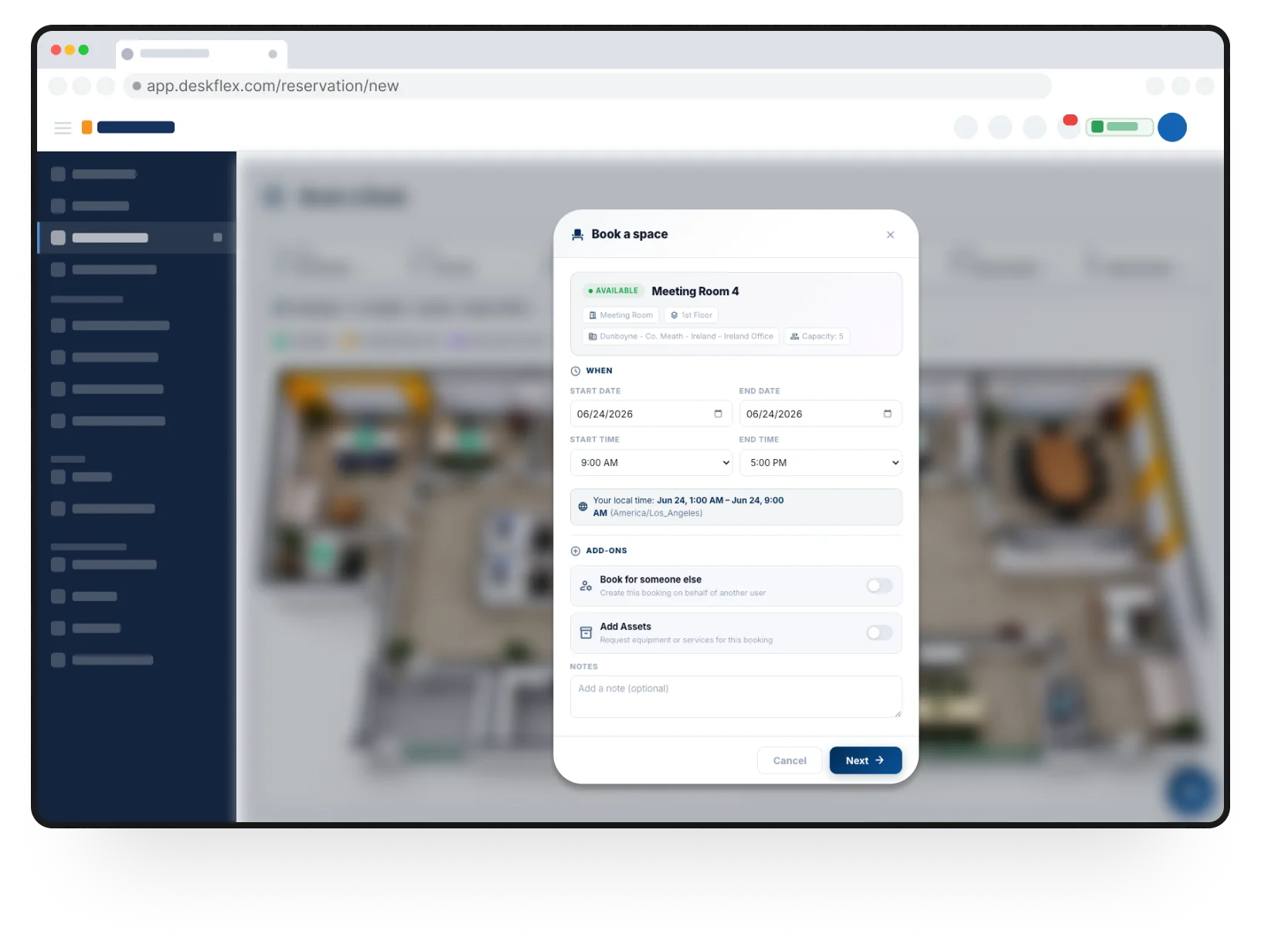
Book meeting rooms in just a few clicks. Create recurring reservations, invite attendees, and keep team meetings organized without manual coordination.

Find the right room faster
Search conference rooms by availability, room type, capacity, or location so teams can quickly find the right space for every meeting.

Reduce scheduling conflicts
Keep meeting room schedules organized with real-time availability, live booking updates, and shared visibility across teams and office locations.

Set room scheduling rules and permissions
Configure booking permissions, reservation windows, and room access rules by employee, department, office location, or user role.
Room scheduling that works with your existing workflow
Connect DeskFlex with Microsoft Outlook, Microsoft Teams, and Microsoft 365, to help employees locate coworkers, view workplace availability, and stay connected to workplace schedules.


Coordinate more than just meeting rooms
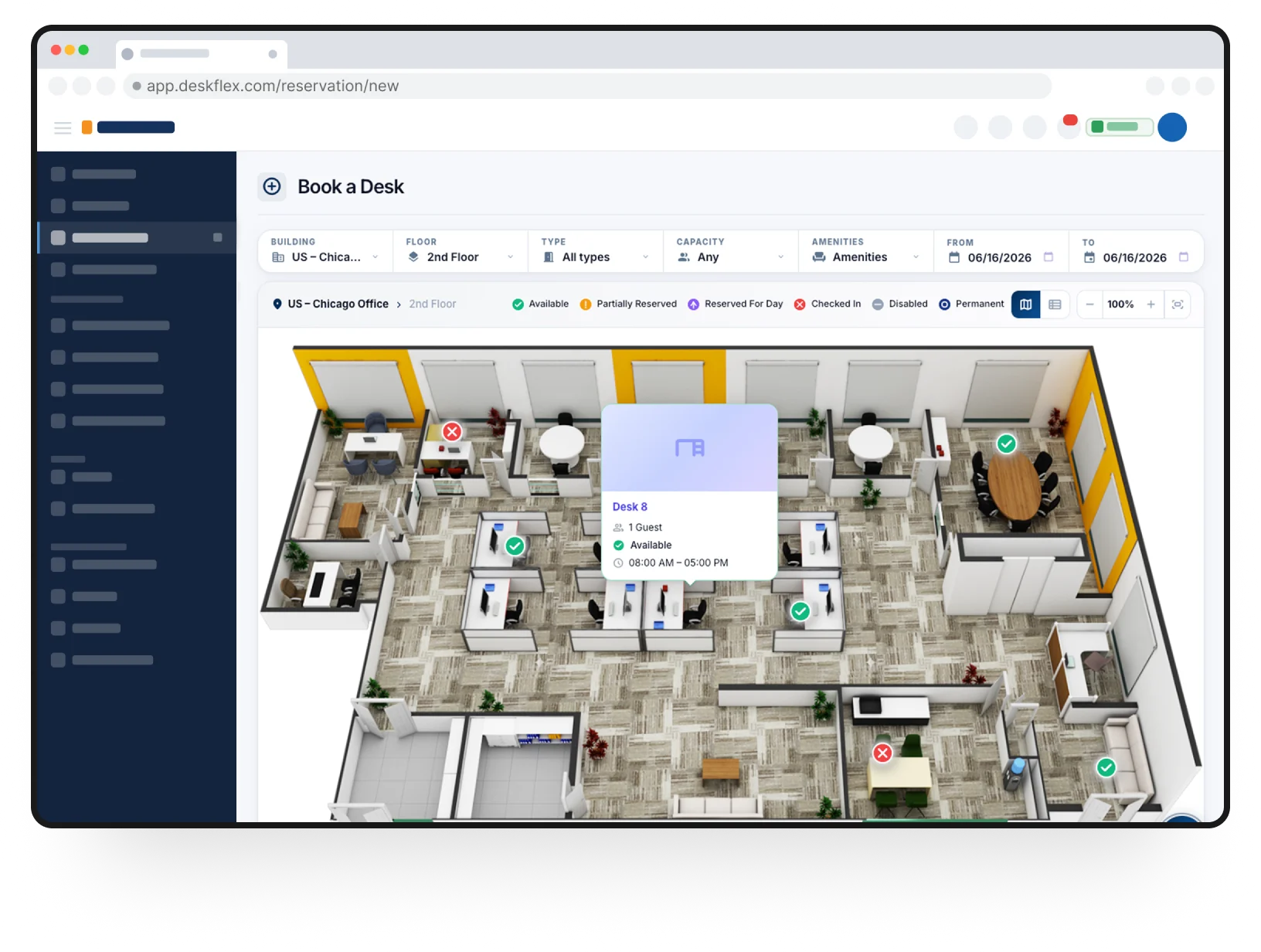
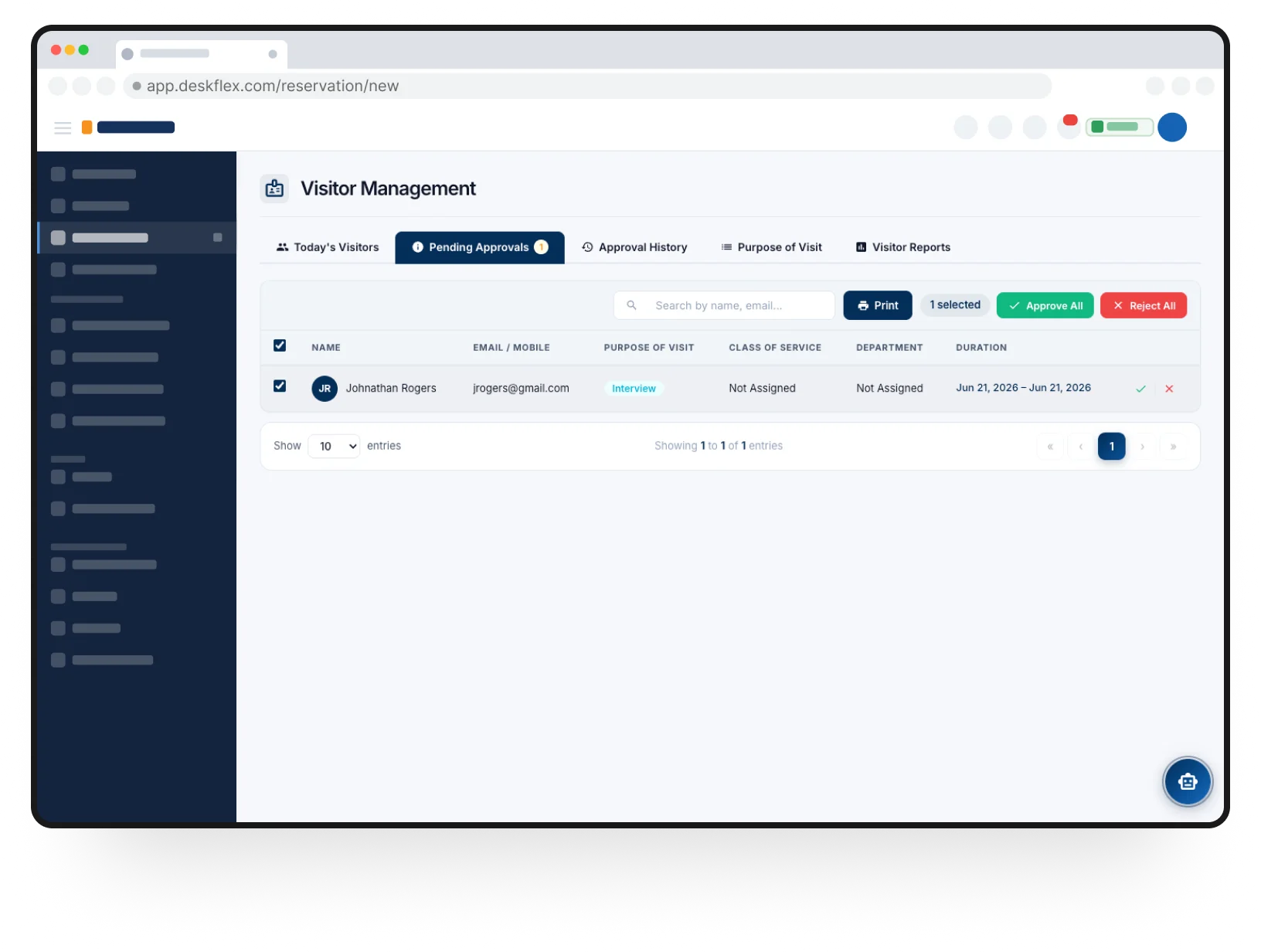
Coordinate meeting rooms, desk reservations, and office collaboration from one connected workplace platform.
See DeskFlex in action
Help teams reserve meeting rooms faster, reduce scheduling conflicts, and keep office collaboration organized across every location.