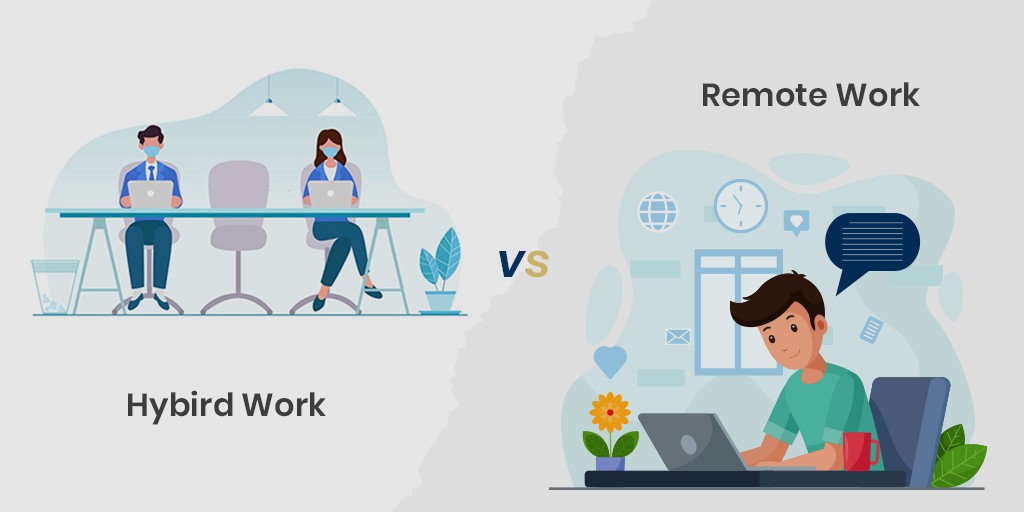
Modern workplaces are rapidly evolving as hybrid work models become the new standard across industries. Organizations now need smarter ways to manage office spaces and employee schedules efficiently.
Office hoteling software has emerged as a powerful solution that helps businesses optimize workspace usage while improving employee experience. This technology enables employees to reserve desks or meeting spaces in advance based on their needs.
In this guide, you will learn how office hoteling software works, its key features, benefits, and how to choose the right tool for your organization.
What is Office Hoteling Software?
Office hoteling software is a digital solution that allows employees to book desks, meeting rooms, or workspaces before arriving at the office. It helps organizations manage shared work environments without assigning permanent desks to employees.
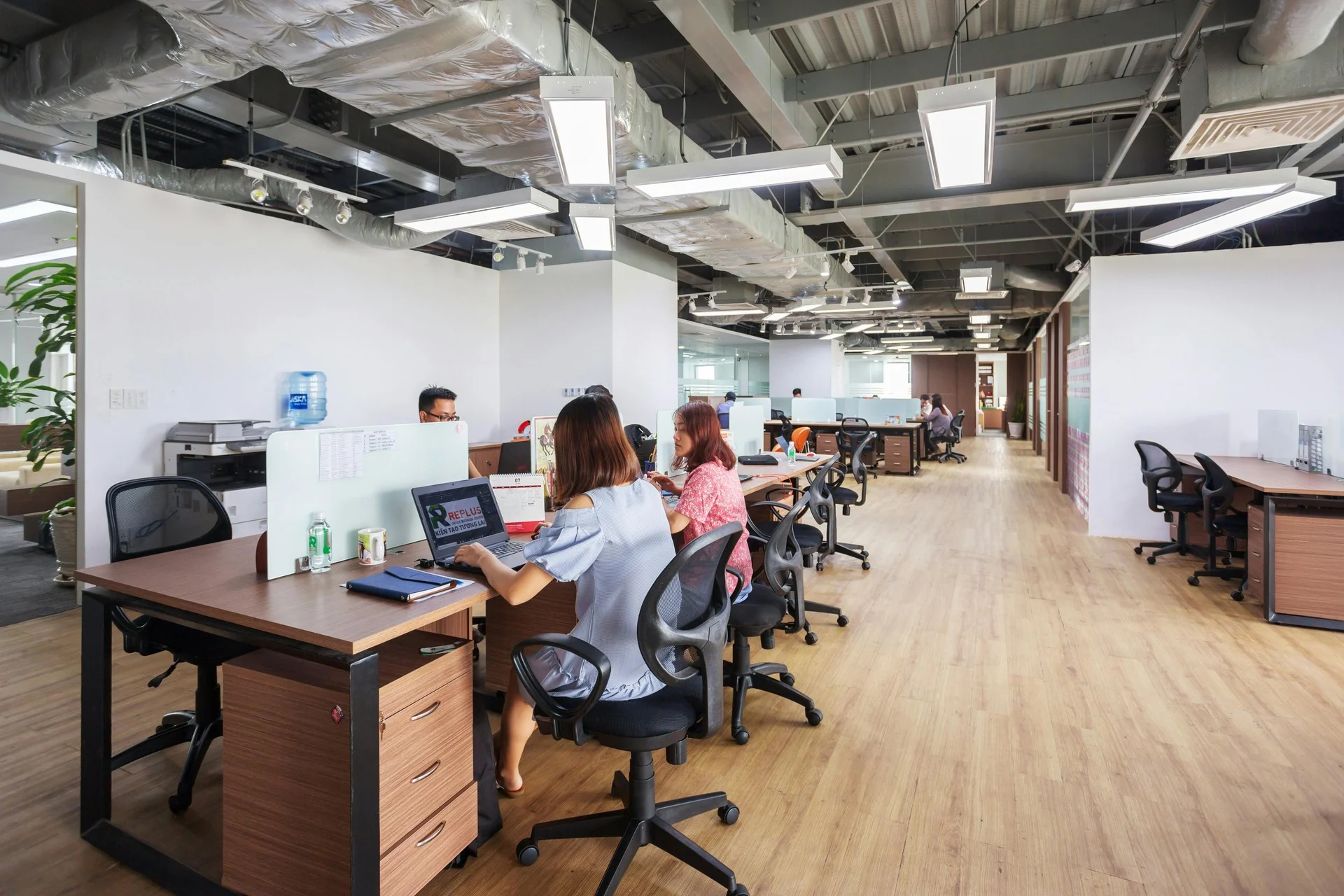
This approach is especially useful for hybrid workplaces where employees come to the office on different days. It ensures that available space is used efficiently while avoiding overcrowding or underutilization.
Unlike traditional seating arrangements, hoteling systems provide flexibility and control for both employees and workplace managers.
How Office Hoteling Software Works
Office hoteling software follows a structured process that helps organizations manage workspace reservations efficiently. It simplifies how employees find, book, and use office spaces in a hybrid environment.
1. Accessing the System and Viewing Availability
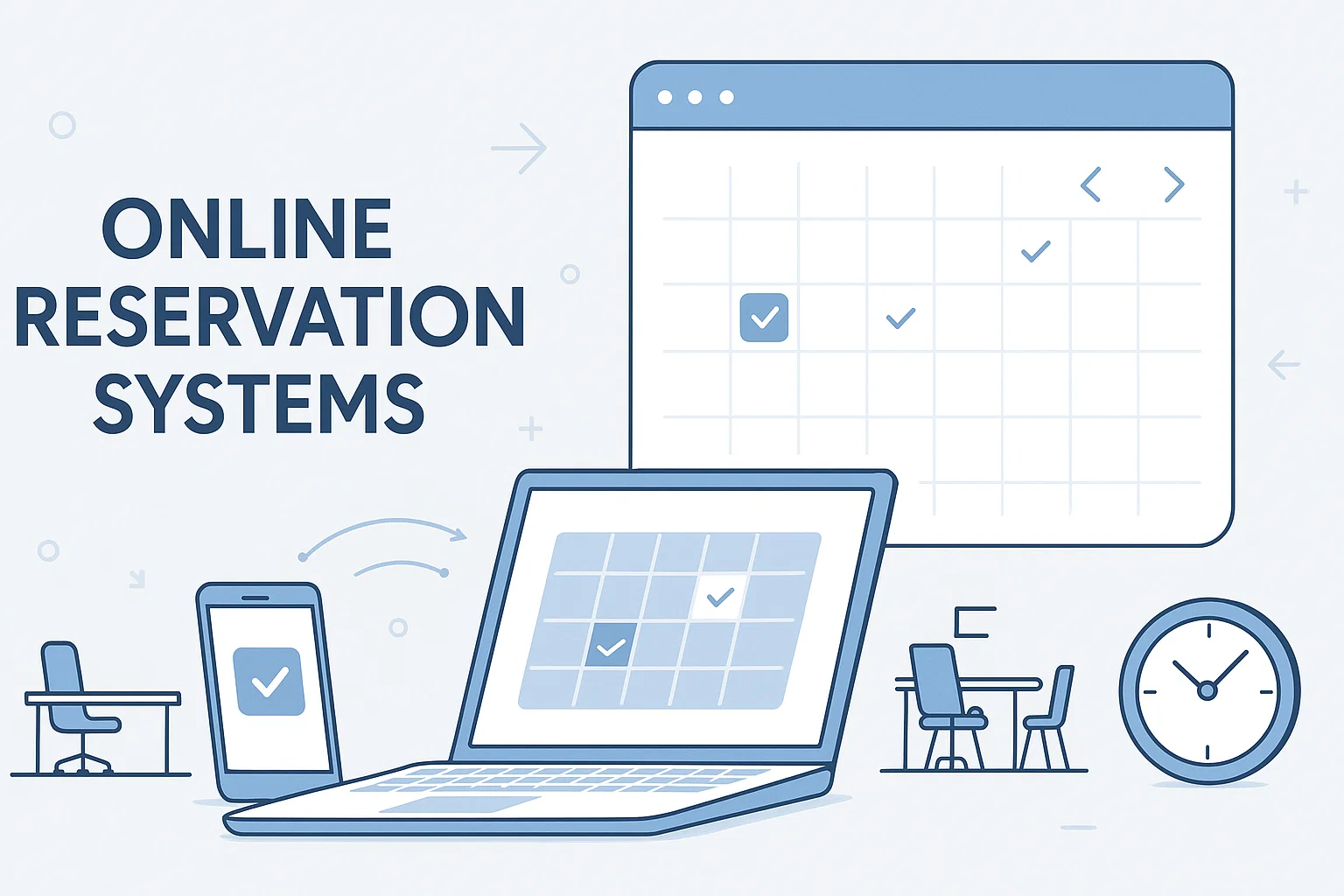
Employees can log into the platform using a desktop or mobile device to access the booking system. The dashboard displays real time workspace availability, allowing users to see which desks or meeting rooms are open.
2. Selecting and Reserving a Workspace
Users can choose a desk or meeting room based on location, availability, and personal preferences. Once a booking is confirmed, the system reserves that workspace for a specific date and time.
3. Check In Process on Arrival
When employees arrive at the office, they can check in using mobile apps, QR codes, or badge systems depending on the software. This step ensures that reserved spaces are actively used and helps prevent no shows.
4. Tracking Usage and Generating Insights
The system collects data on workspace usage and employee behavior to provide valuable insights. Organizations can use this data to optimize office layouts, improve space utilization, and make informed workplace decisions.
Key Features of Office Hoteling Software
Office hoteling software provides essential tools that help organizations manage flexible workspaces efficiently. Each feature plays a role in improving planning, reducing conflicts, and supporting hybrid work environments.
1. Desk and Meeting Room Booking System
This feature allows employees to reserve desks or book meeting rooms in advance based on their work schedule. It eliminates confusion about workspace availability and ensures that employees always have a confirmed place to work. Managers can also control bookings to avoid overuse of certain areas. This improves overall office organization and daily workflow efficiency.
2. Real Time Availability with Interactive Floor Maps
Interactive floor maps give employees a visual representation of the office layout. They can easily see which desks or rooms are available at any given time. This helps users choose workspaces that are closer to their team or preferred location. It also reduces time spent searching for empty desks and improves office navigation.
3. Mobile Access for On the Go Booking
Mobile accessibility allows employees to manage bookings directly from their smartphones. They can reserve, change, or cancel workspace bookings even before arriving at the office. This flexibility is especially useful for hybrid and remote workers who need quick adjustments to their schedules. It ensures convenience and better time management for employees.
4. Seamless Integration with Workplace Tools
Office hoteling systems integrate with popular workplace tools like Microsoft Teams, Google Workspace, and calendar applications. This ensures that all meetings and bookings stay synchronized across platforms. Employees do not need to switch between multiple tools to manage their schedules. It creates a more connected and efficient digital workplace experience.
5. Analytics and Reporting Dashboard
Analytics tools collect data on how office spaces are being used over time. Managers can see which desks are most popular and which areas are underused. This information helps organizations make smarter decisions about office layout and resource allocation. It also supports long term planning for cost reduction and space optimization.
6. Automated Booking Rules and Policies
This feature allows administrators to set clear rules for workspace usage. For example, they can limit how long a desk can be booked or prioritize certain teams during busy periods. These automated rules ensure fairness and prevent booking conflicts. It also reduces manual management work for office administrators.
7. Security and Access Control Features
Security features ensure that only authorized employees can access the booking system. Role based permissions allow different levels of control for employees and administrators. Data protection measures help safeguard sensitive workplace information. This ensures that the system remains safe, reliable, and compliant with organizational policies.
Benefits of Office Hoteling Software
Office hoteling software offers several important advantages that help organizations improve efficiency, reduce costs, and support modern hybrid work models. These benefits directly impact both employees and workplace management.
1. Improved Space Utilization
Office hoteling software ensures that every available workspace is used effectively. Instead of leaving desks empty or permanently assigned, employees share spaces based on daily needs. This helps organizations make the most of their existing office area without requiring expansion or additional infrastructure.
2. Reduced Operational Costs
By optimizing how office space is used, businesses can significantly reduce real estate expenses. There is less need for extra office space, utilities, or maintenance costs for unused areas. Over time, this leads to noticeable savings while maintaining an efficient work environment.
3. Better Employee Experience
Employees benefit from the flexibility to choose their preferred workspace based on comfort and convenience. This freedom improves job satisfaction and reduces workplace stress. A flexible environment also helps employees feel more in control of their daily work routine.
4. Enhanced Collaboration
Office hoteling makes it easier for teams to coordinate office days and sit closer to each other. This improves communication, strengthens teamwork, and encourages spontaneous collaboration. It creates a more connected and productive working environment for hybrid teams.
5. Data Driven Decision Making
The software provides valuable insights into how office spaces are being used. Managers can analyze this data to understand patterns and make informed decisions. These insights help optimize office layouts, improve resource planning, and enhance long term workplace efficiency.
6. Increased Flexibility for Hybrid Work
Office hoteling supports flexible work schedules by allowing employees to book spaces only when needed. This ensures that office resources align with actual demand. It also makes it easier for organizations to manage hybrid work models smoothly and effectively.
Who Should Use Office Hoteling Software
Office hoteling software is designed for modern organizations that need flexible, efficient, and organized workspace management. It is especially useful in environments where employees do not have fixed desks and office usage changes daily.
1. Large Enterprises with High Employee Counts
Large organizations often struggle with managing space for hundreds or thousands of employees. Office hoteling software helps them allocate desks efficiently and avoid overcrowding or underutilization. It also provides better visibility into how office space is being used across departments.
2. Hybrid and Remote Teams
Companies with hybrid or remote work models benefit greatly from flexible desk booking systems. Employees can reserve workspaces only on the days they visit the office. This ensures that office space is used only when needed, improving both convenience and efficiency.
3. Coworking Spaces and Shared Offices
Coworking space providers need to manage multiple users and businesses within the same facility. Office hoteling software helps them organize bookings, manage memberships, and prevent scheduling conflicts. It also improves the overall experience for members using shared work environments.
4. Multi Location Organizations
Businesses with offices in different cities or regions need a centralized system for workspace management. Office hoteling software allows employees to book desks across locations easily. This improves coordination and ensures consistent workspace availability across all offices.
5. Organizations Focused on Space Optimization
Any company aiming to reduce office costs and maximize space utilization can benefit from this system. It helps identify unused areas and improves planning for future office layouts. This leads to smarter resource management and long term cost savings.
How to Choose the Right Office Hoteling Software
Choosing the right office hoteling software is a strategic decision that helps organizations improve workspace efficiency and support hybrid work models. It requires careful planning and a clear understanding of business needs before selecting a solution.
1. Identify Your Business Requirements
Begin by evaluating your office environment, including the number of employees, office size, and hybrid work structure. Understanding how your teams operate daily will help you choose a system that aligns with your workplace goals and future growth plans.
2. Evaluate Core Features
Check whether the software provides essential features such as desk booking, meeting room management, real time availability, and reporting tools. These features ensure smooth workspace coordination and help employees manage their office visits more efficiently.
3. Check Integration Capabilities
The software should integrate easily with your existing workplace tools such as calendars, email platforms, and communication systems. Strong integration ensures that scheduling and collaboration remain seamless without disrupting daily workflows.
4. Review Security and Compliance Standards
Security should always be a top priority when selecting any workplace management software. Look for features like secure login, role based access control, and data protection measures to ensure employee information remains safe and compliant with regulations.
5. Compare Pricing Models
Different vendors offer flexible pricing based on users, desks, or feature sets. Comparing these options allows you to choose a solution that fits your budget while still delivering the required functionality and long term value.
6. Request a Live Demo
Before making a final decision, it is important to experience the software in action. A live demo helps you understand the user interface, performance, and overall usability, ensuring it meets your organization’s expectations.
How to Implement Office Hoteling Software
Implementing office hoteling software is not just about installing a tool. It requires proper planning, structured execution, and employee alignment to ensure successful adoption. A well planned implementation helps organizations improve space utilization and create a smooth hybrid work experience.
1. Assess Workplace Needs and Define Clear Goals
Start by carefully analyzing your workplace structure and daily operations. Identify how many employees will use the system and how often they visit the office. Clearly define what you want to achieve such as reducing unused space, improving booking efficiency, or supporting hybrid schedules. This clarity helps guide the entire implementation process in the right direction.
2. Select the Right Office Hoteling Software
Choosing the right platform is a critical step in implementation. Evaluate software based on features, ease of use, scalability, and integration options. Make sure it supports essential functions like desk booking, analytics, mobile access, and calendar synchronization. A well suited solution ensures smoother adoption and long term success.
3. Design and Organize Your Office Layout
Before launching the system, structure your office into clearly defined zones such as desks, meeting rooms, and collaboration areas. Assign these spaces in the software so employees can easily understand and book them. A well organized layout reduces confusion and improves user experience from the beginning.
4. Configure Settings, Rules, and Policies
Set up the system according to your organization’s workflow and policies. This includes booking limits, check in rules, priority access, and cancellation policies. Proper configuration ensures fair usage of resources and prevents scheduling conflicts among employees.
5. Train Employees and Communicate the Process
Employee training plays a major role in successful implementation. Educate your teams on how to use the software, book workspaces, and follow office guidelines. Clear communication helps reduce resistance to change and encourages faster adoption across the organization.
6. Launch the System and Monitor Usage
After setup and training, launch the system either all at once or in phases depending on your organization size. Continuously monitor usage patterns and collect employee feedback. This helps identify issues early and allows you to make improvements for better performance and user satisfaction.
Try DeskFlex Office Hoteling Software
With DeskFlex, your employees can easily find available desks, book meeting rooms in advance, and plan their office days without confusion. It removes the guesswork from daily seating and helps everyone stay better organized.
From your side as an administrator, it becomes much easier to see how office space is being used in real time. You can manage bookings, control availability, and improve space utilization without manual effort.
It also supports your team by making hybrid work smoother and more flexible. Employees can book spaces from anywhere and arrive at the office knowing everything is already arranged for them.
If you want to reduce office chaos and improve workplace efficiency, DeskFlex can be a practical solution to consider for your business.