DeskFlex

Want to see DeskFlex in action? Book your live demo today!

Blog

Best Office Space Facilities Management Software 2026

Best Office Space Facilities Management Software 2026: 12 Top Tools Compared (Workplace, CMMS & IWMS)

The market for office space facilities management software has fragmented significantly in the last three years, with the result that most buyers struggle to compare like-for-like options. “Facility management software” can mean a CMMS that handles work orders for HVAC technicians, a workplace platform for desk and room booking in a hybrid office, an IWMS that handles real estate portfolios and capital projects across multiple sites, or some combination of all three. Picking the wrong category wastes 6 to 12 months of evaluation and often produces a tool that does not match what the buyer actually needed.

This guide is the complete 2026 comparison of office facilities management software. It covers what the term actually means in the three software categories that currently use it, the 12 best platforms across all three categories with honest positioning of where each fits, a clear use-case framework for picking the right category, the key features to look for at each tier, and a 7-step framework for choosing and implementing the right tool. Whether you are a facilities director evaluating CMMS options, a workplace strategy lead looking at desk-booking platforms, or a real estate VP scoping IWMS for a global portfolio, this guide gives you the structure to compare.

What is Office Facilities Management Software?

Office space facilities management software is the broad category of digital tools that help organizations plan, operate, and maintain office spaces and their associated assets, occupants, and services. In practice, the term covers three distinct software categories that overlap but serve different buyers and use cases. Picking the right category for your situation is the first and most important step.

The three categories are:

  1. Workplace management platforms focused on desk booking, room scheduling, visitor management, and hybrid work coordination
  2. Computerized Maintenance Management Systems (CMMS) focused on work orders, preventive maintenance, asset tracking, and vendor management
  3. Integrated Workplace Management Systems (IWMS) focused on enterprise real estate, lease administration, capital projects, energy management, and large-portfolio coordination

Most mid-market organizations need one of the first two. Most large enterprises need either an IWMS alone or a combination of IWMS plus workplace platform. Almost no organization actually needs all three at once. The next section explains the differences so you can pick the right one.

The Three Categories: Workplace, CMMS, IWMS

Category 1: Workplace management platforms

Best for: Hybrid offices, organizations focused on desk booking, room scheduling, visitor management, and the day-to-day employee workplace experience.

Workplace platforms emerged in the past decade in response to hybrid work, hot desking, and hoteling. They focus on the employee-facing side of the office: where employees sit, which rooms they book, how visitors check in, and how facilities teams see real-time occupancy data. They are typically lighter weight, faster to deploy (4 to 12 weeks for typical mid-market), and priced per user per month.

Typical platforms: DeskFlex, OfficeSpace, Robin, Condeco (now part of Eptura), Tactic, Maptician, Gable, Officely, Yarooms, Spacewell.

Owned by: Workplace strategy, people operations, real estate, sometimes facilities.

Pricing: Typically $3 to $30 per user per month.

Category 2: CMMS (Computerized Maintenance Management Systems)

Best for: Maintenance-heavy operations including manufacturing plants, large multi-site retail, hospitals, schools, and offices with significant building or equipment maintenance loads.

CMMS platforms are work-order systems. They track maintenance tasks, asset health, technician schedules, vendor work, parts inventory, and compliance records. The buyer is typically a maintenance manager or facilities director who needs to coordinate technicians and vendors against a fixed asset base. CMMS predates the workplace platform category by decades and has deeper maintenance functionality but lighter employee-facing features.

Typical platforms: Coast, MaintainX, Limble CMMS, UpKeep, Hippo CMMS, Brightly Asset Essentials, ServiceChannel, eMaint, Fiix, IBM Maximo (CMMS module).

Owned by: Facilities and maintenance teams.

Pricing: Typically $20 to $100 per technician per month.

Category 3: IWMS (Integrated Workplace Management Systems)

Best for: Large enterprises managing real estate portfolios, capital projects, lease administration, energy management, and full facilities operations across multiple buildings and countries.

IWMS is the heaviest tier. It integrates real estate, facilities, projects, and assets into a single enterprise platform. Originally defined by Gartner around 2004, IWMS has consolidated significantly in the past three years (Eptura now contains Condeco, SpaceIQ, iOFFICE, and Archibus; Planon and FM:Systems are independent). IWMS implementations are typically 12 to 24 months and cost six to seven figures annually.

Typical platforms: Planon, FM:Systems (Eptura), Eptura full suite, IBM TRIRIGA, Accruent, Nuvolo, Archibus (Eptura), Manhattan Software, Trimble.

Owned by: Corporate real estate, facilities, finance, often with IT involvement.

Pricing: Custom enterprise pricing, typically $100,000+ annually.

Category Sweet Spot Owner Typical Deployment Pricing
Workplace Management Platforms Hybrid offices, desk booking, room scheduling, visitor management Workplace Strategy / People Ops 4 to 12 weeks $3–30 / user / month
CMMS Maintenance and work orders, asset health Facilities / Maintenance 6 to 12 weeks $20–100 / technician / month
IWMS Enterprise real estate portfolio + facilities Real Estate / Facilities / Finance 12 to 24 months $100,000+ / year

Office Space Facilities Management Software by the Numbers

Stat Figure Source
Global IWMS market size ~$8 billion (2025) Verdantix, MarketsAndMarkets
CMMS market growth rate 8–12% CAGR Industry reports
Workplace platform adoption among hybrid organizations ~80%+ in some form Gartner Workplace Experience Apps research
Real estate cost reduction from utilization-led consolidation 30 to 50% CBRE Global Workplace and Occupancy Insights; Verdantix
Reduction in unplanned downtime from preventive maintenance 15 to 25% FacilitiesNet; IFMA
Typical implementation time, workplace platform 4 to 12 weeks Vendor benchmarks
Typical implementation time, CMMS 6 to 12 weeks Vendor benchmarks
Typical implementation time, IWMS 12 to 24 months Verdantix; Gartner
Mid-market deployment ROI payback period 9 to 18 months Industry benchmarks

Office Facilities Management Software Comparison Table

Platform Category Best For Free Trial Pricing
DeskFlex Workplace Hybrid offices, healthcare, education, government 30-day trial Contact sales
OfficeSpace Software Workplace + light facilities Mid-market hybrid, space planning Demo only Contact sales
Robin Workplace Mid-sized hybrid, collaboration-first 14-day trial Contact sales
Condeco (Eptura) Workplace, enterprise Multinational enterprise scheduling Demo only Custom enterprise
Tactic Workplace Mid-market hybrid, fast deploy Free trial From ~$2.50 / user / month
Maptician Workplace Fast deployment, interactive floor plans Demo only Contact sales
Yarooms Workplace + sustainability Hybrid teams with ESG goals Free trial From $2 / user / month
Coast CMMS Maintenance-led teams, mobile-first Free + 14-day trial From $20 / user / month
MaintainX CMMS Frontline maintenance, work orders Free + trial From $21 / user / month
Limble CMMS CMMS Easy-to-deploy CMMS for mid-market 30-day trial From $35 / user / month
Planon IWMS Enterprise real estate + facilities Demo only Custom enterprise
IBM TRIRIGA IWMS Large enterprise, regulated industries Demo only Custom enterprise

The 12 Best Office Facilities Management Software Platforms for 2026

1. DeskFlex: Best Workplace Platform for Hybrid Offices, Healthcare, Education, and Government
DeskFlex

Category: Workplace management platform.

Best for: Hybrid offices, hospitals, schools, government workplaces, and any organization that needs desk booking, room scheduling, visitor management, and analytics in one platform with both cloud and on-premise deployment options.

Standout feature: Interactive 3D floor maps paired with abandoned-meeting protection that auto-releases unused meeting rooms, plus the rare combination of SaaS and on-premise deployment options for regulated industries.

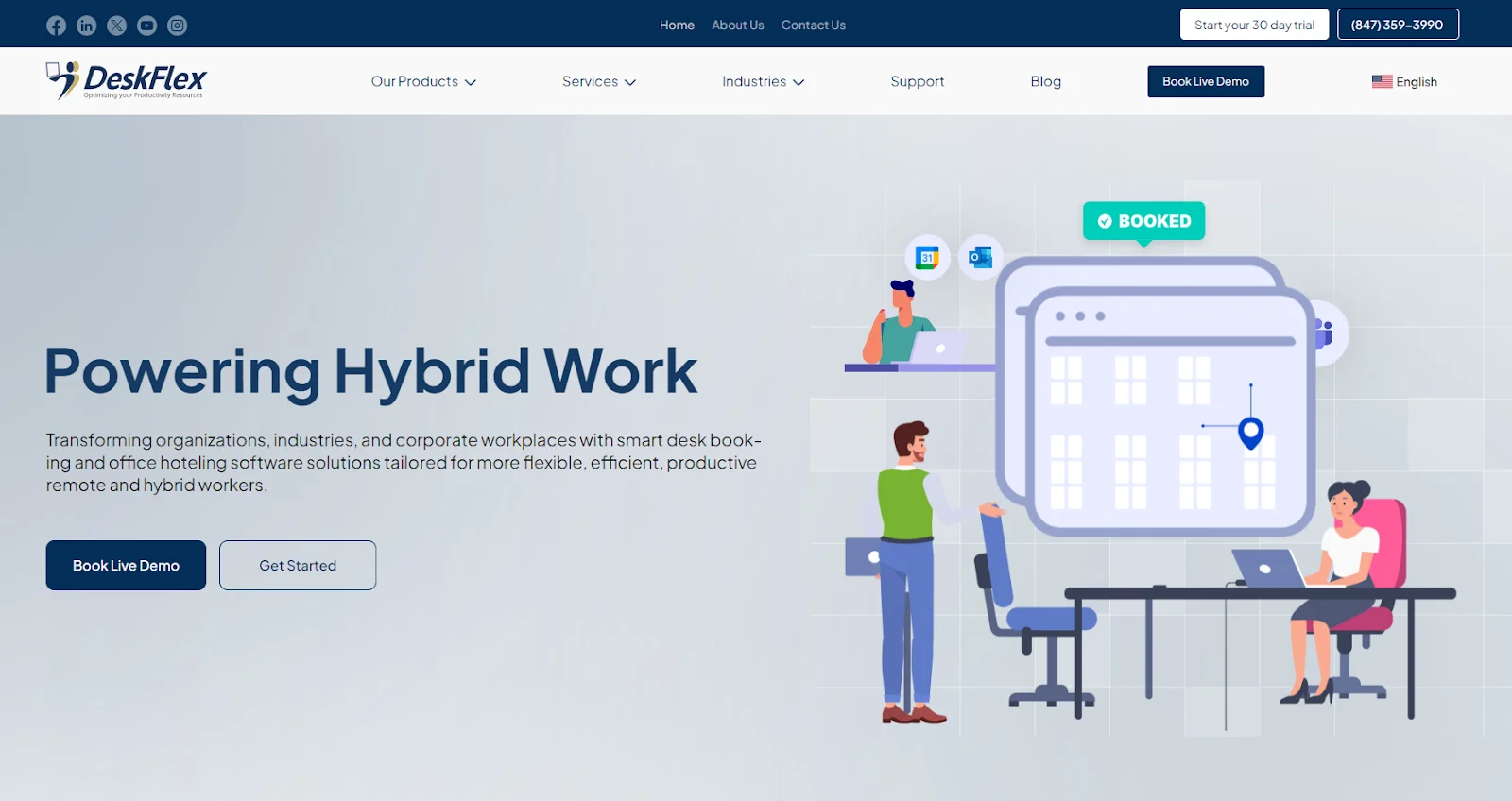
Why teams pick DeskFlex. DeskFlex consolidates desk booking, room scheduling, visitor management, asset management, space management, and analytics into a single integrated workplace platform. It is one of the few options in the workplace category that offers true on-premise deployment, which matters in healthcare, government, education, and other regulated industries with data-residency requirements. Native integrations with MS Exchange, Outlook, Office 365, Okta SSO, Microsoft Active Directory, and Zapier mean it fits existing tech stacks rather than replacing them.

Key features:Desk booking with mobile, web, and touchscreen interfaces – Room scheduling with calendar integration and abandoned-meeting protection – Visitor management with QR check-in and host notifications – Check-in and check-out with real-time occupancy visibility – 3D floor mapsSpace management and analyticsAsset management – Native MS Exchange, Outlook, Office 365, Okta, Active Directory integrations

Pricing: Contact sales. 30-day trial available.

Where it falls short: Not a full CMMS (limited work-order management), not a full IWMS (no lease admin or capital project modules). For deep maintenance management or enterprise real estate, pair with or replace with a category-specific tool.

Book a DeskFlex demo.

2. OfficeSpace Software: Best Workplace Platform with Light Facilities Features
OfficeSpace

Category: Workplace management platform with stronger facilities features than most peers.

Best for: Mid-sized organizations needing visual space planning, move management, and desk booking in one tool.

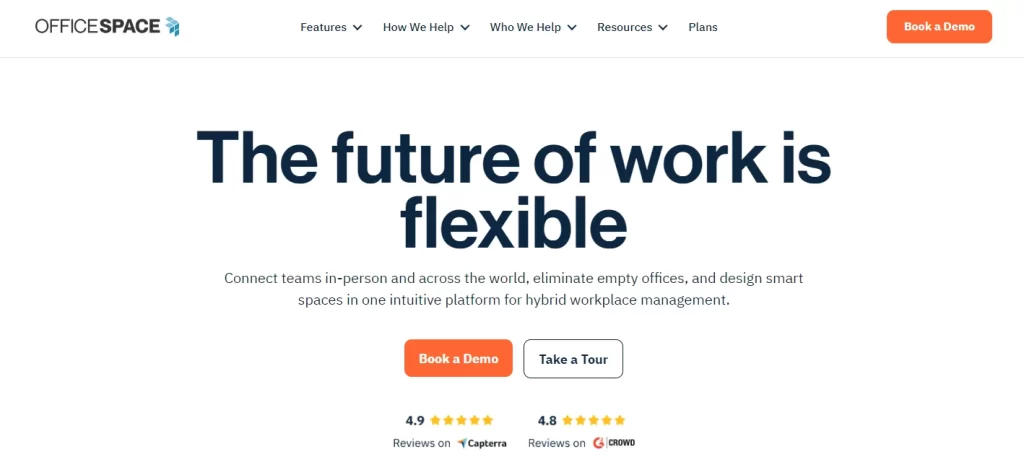
Standout feature: Drag-and-drop move management on visual floor plans, with scenario modeling for office reorganizations and consolidations. Recently positioned as an “AI operating system for the built world.”

Why teams pick OfficeSpace. Stronger space planning and move management than most workplace platforms, with reasonable depth on bookings and analytics. The visual floor-plan-first design philosophy fits facilities teams that think in square feet rather than employees.

Pricing: Contact sales.

Where it falls short: Can require extensive training for full deployment; higher implementation cost for full module suite; not a true CMMS for maintenance.

3. Robin: Best Workplace Platform for Collaboration First Hybrid Teams
Robin Powered

Category: Workplace management platform.

Best for: Mid-sized hybrid teams focused on collaboration and team coordination. High employee adoption rates due to friendly interface.

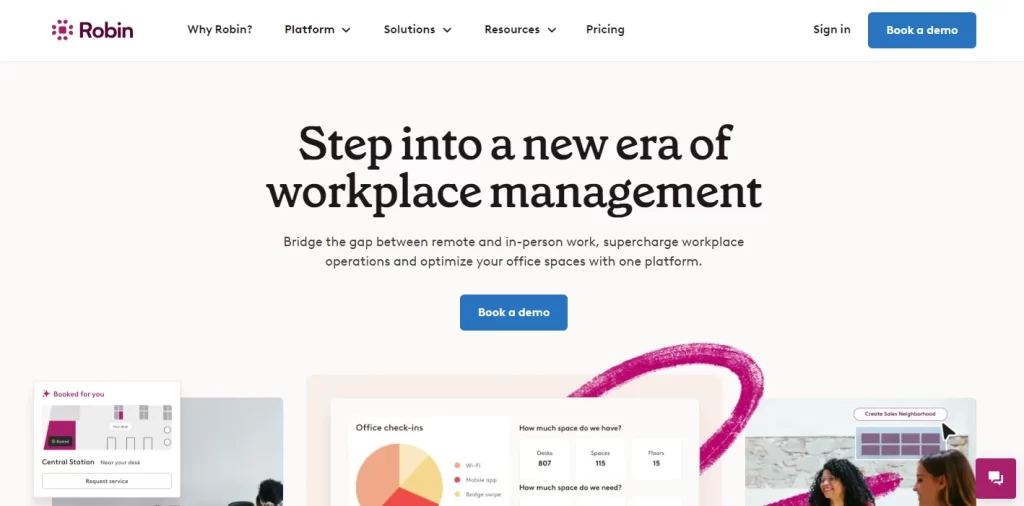
Standout feature: Team-presence visibility that shows which colleagues are coming in on which days, with strong calendar integration that makes hybrid coordination feel natural.

Why teams pick Robin. One of the friendliest interfaces in the category, which translates into high employee adoption rates. Calendar integration is mature, room scheduling supports recurring meetings and resource booking, and workplace analytics provide solid utilization data.

Pricing: Contact sales.

Where it falls short: Limited visitor management compared with DeskFlex or Envoy. Cloud-only, which rules it out for some regulated industries.

4. Condeco (Eptura): Best Workplace Platform for Multinational Enterprises
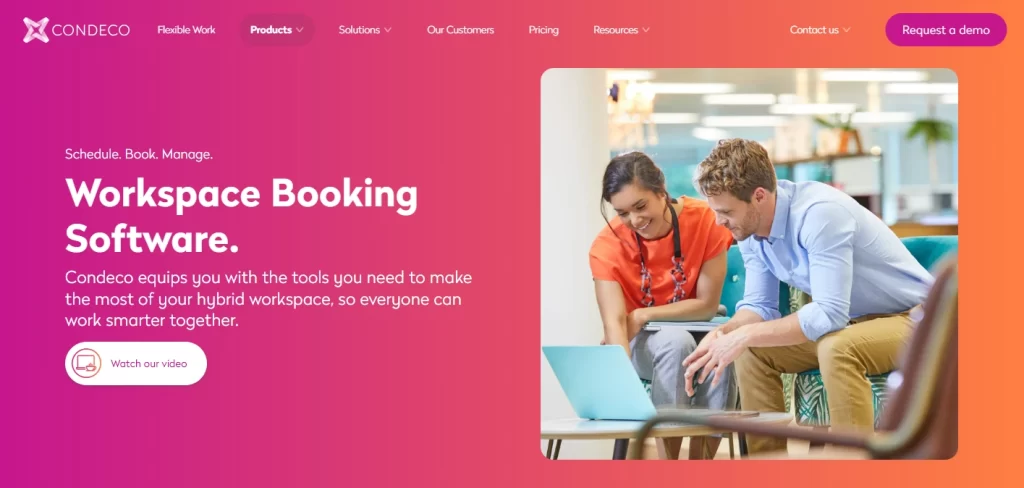
Condeco

Category: Workplace management platform, enterprise-focused, part of Eptura suite.

Best for: Multinational enterprises with multiple offices, complex meeting cultures, and centralized facilities teams.

Standout feature: Multi-location meeting management coordinating room bookings across time zones with workflow rules per country, region, or business unit.

Why teams pick Condeco. The original enterprise meeting-room booking platform, now part of the broader Eptura stack which adds IWMS modules for asset, lease, and maintenance. Best fit when workplace management needs to sit inside a wider real estate / facilities ecosystem.

Pricing: Custom enterprise.

Where it falls short: Long implementation (12 to 24 weeks typical), often overkill for SMB and mid-market, opaque pricing with high minimum-spend thresholds.

5. Tactic: Best Fast-deploying Workplace Platform for Mid-market
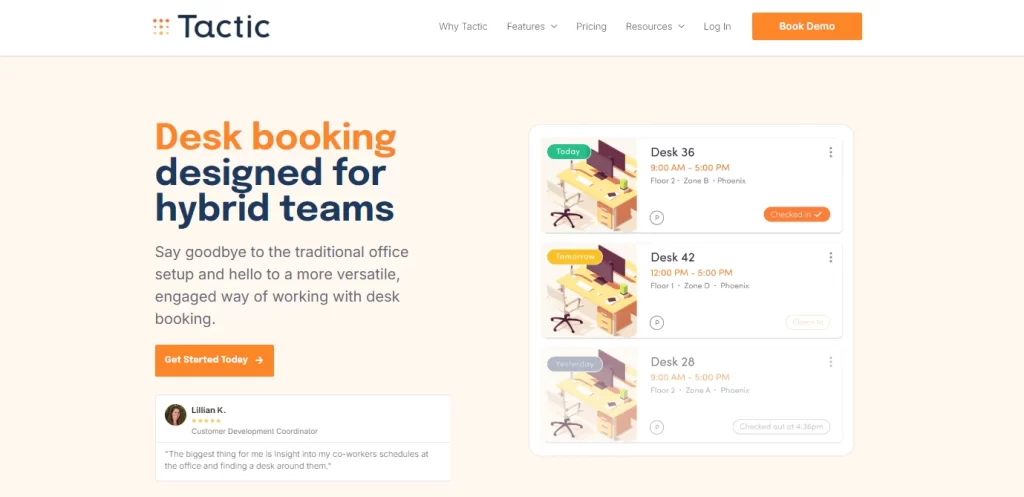
Tactic

Category: Workplace management platform.

Best for: Growing mid-market hybrid teams that want to be up and running in days rather than weeks.

Standout feature: Rapid deployment with a clean, modern interface and a strong mobile app. Typically live in under 2 weeks for SMB.

Why teams pick Tactic. Simpler product than Eptura or DeskFlex, faster to set up, and competitively priced. The trade-off is less depth in any one area, but for mid-market teams that do not need on-premise deployment or deep visitor management, Tactic is a strong pick.

Pricing: From around $2.50 per user per month.

Where it falls short: Limited customization, no on-premise option, lighter visitor management.

6. Maptician: Best Workplace Platform for Interactive Floor Plans and 3-Week Deployments
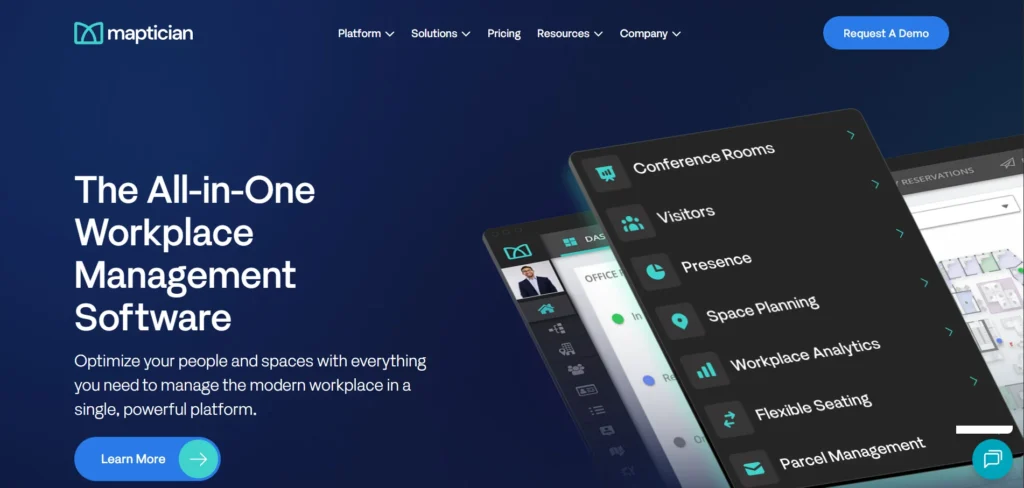
maptician

Category: Workplace management platform.

Best for: Mid-market hybrid teams that want strong interactive floor plans and a deployment measured in weeks not months.

Standout feature: Interactive floor-plan-first interface with very rapid deployment (Maptician advertises live in 3 weeks for typical mid-market clients).

Why teams pick Maptician. Strong visual emphasis with above-average floor-plan tooling. Speed of deployment is the main differentiator vs heavier platforms.

Pricing: Contact sales.

Where it falls short: Less brand recognition than DeskFlex, Robin, or Eptura’s offerings. Lighter on integrations.

7. Yarooms: Best Workplace Platform for Hybrid Teams with Sustainability Goals
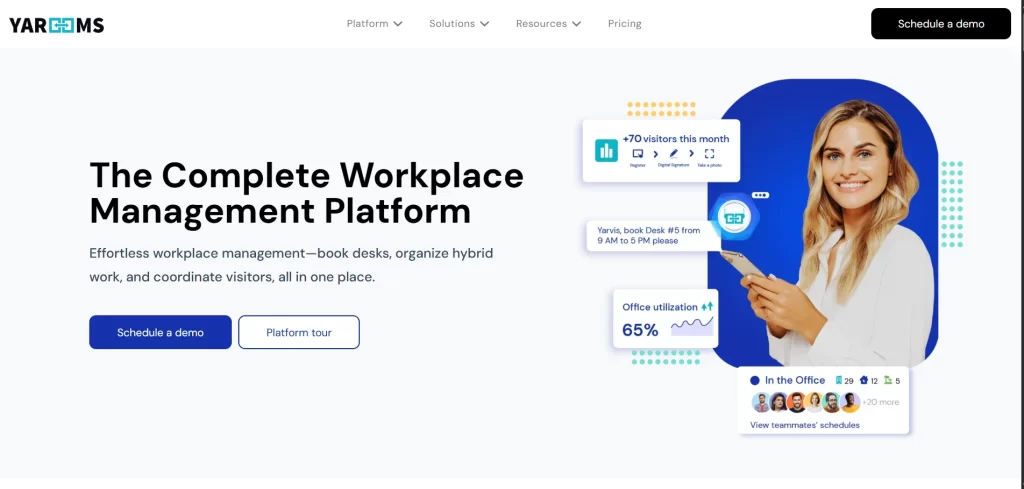
yarooms

Category: Workplace management platform with sustainability features.

Best for: Hybrid organizations with public sustainability commitments who want carbon reporting tied to office attendance.

Standout feature: Carbon emissions reporting tied to employee commute and office energy use, feeding ESG and CSRD reporting workflows.

Why teams pick Yarooms. One of the only workplace platforms that natively models energy and commute-related emissions, which is increasingly required for organizations subject to CSRD, SEC climate disclosure, or B Corp certifications.

Pricing: From $2 per user per month.

Where it falls short: Lighter on visitor management and 3D floor maps than peers. Buyers without sustainability reporting needs may not get full value from the carbon module.

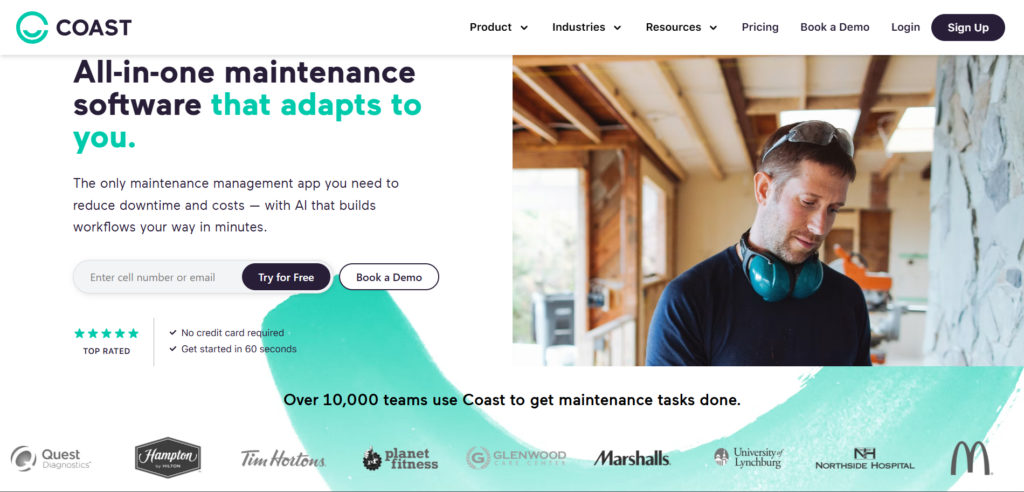
8. Coast: Best CMMS for Mobile-first Maintenance Teams
coast

Category: CMMS.

Best for: Maintenance-led teams in office buildings, retail, hospitality, and field service who need a clean, mobile-first work order system without enterprise CMMS complexity.

Standout feature: Highly customizable mobile experience with strong work-order management on phones and tablets, plus easy field renaming so the app uses your team’s language.

Why teams pick Coast. Among the most user-friendly CMMS options in the market. The mobile-first design makes it a strong pick for teams whose maintenance work happens on the floor, not at desks. Coast positions itself as the simpler alternative to enterprise CMMS like Maximo or eMaint.

Pricing: Free tier + paid from around $20 per user per month.

Where it falls short: Not a workplace platform (no desk booking, room scheduling, or visitor management). Pair with one if you need those features.

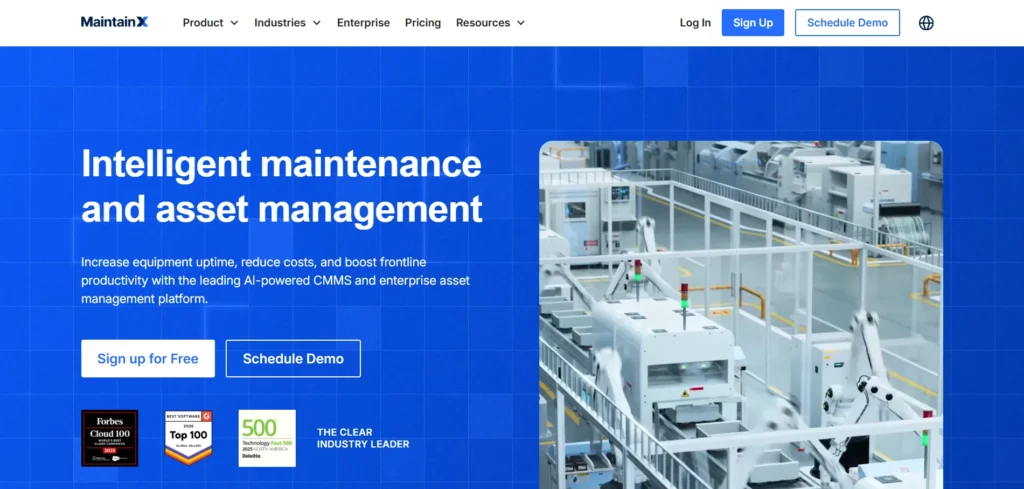
9. MaintainX: Best CMMS for Frontline-Heavy Operations
getmaintainx

Category: CMMS.

Best for: Manufacturing plants, multi-site retail, hospitality, and frontline-heavy operations needing work orders, asset tracking, and digital procedures in one mobile-first system.

Standout feature: AI-powered work order routing and digital procedures that turn paper checklists into structured mobile workflows.

Why teams pick MaintainX. Strong on procedural compliance, work order automation, and asset reliability tracking. Mobile experience is excellent and the free tier is generous enough to pilot easily.

Pricing: Free tier + paid from around $21 per user per month.

Where it falls short: Office-focused buyers will find it heavy on industrial features they do not need. Not a workplace platform.

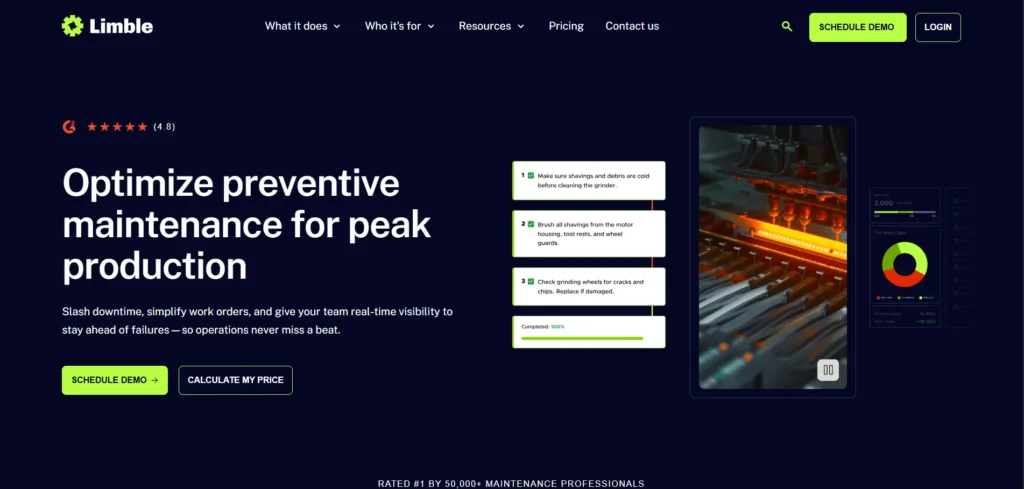
10. Limble CMMS: Best Easy-to-deploy CMMS for Mid-market
limble

Category: CMMS.

Best for: Mid-market organizations that need a real CMMS but want the deploy speed and ease of use of a modern SaaS product.

Standout feature: Strong dashboards and reporting out of the box, with mobile work-order management that does not require extensive configuration.

Why teams pick Limble. Strong customer reviews, faster deployment than enterprise CMMS, good asset tracking, decent preventive maintenance scheduling. The most-recommended CMMS for organizations stepping up from spreadsheets.

Pricing: From around $35 per user per month, with a 30-day free trial.

Where it falls short: Higher entry price than Coast or MaintainX. Not a workplace platform.

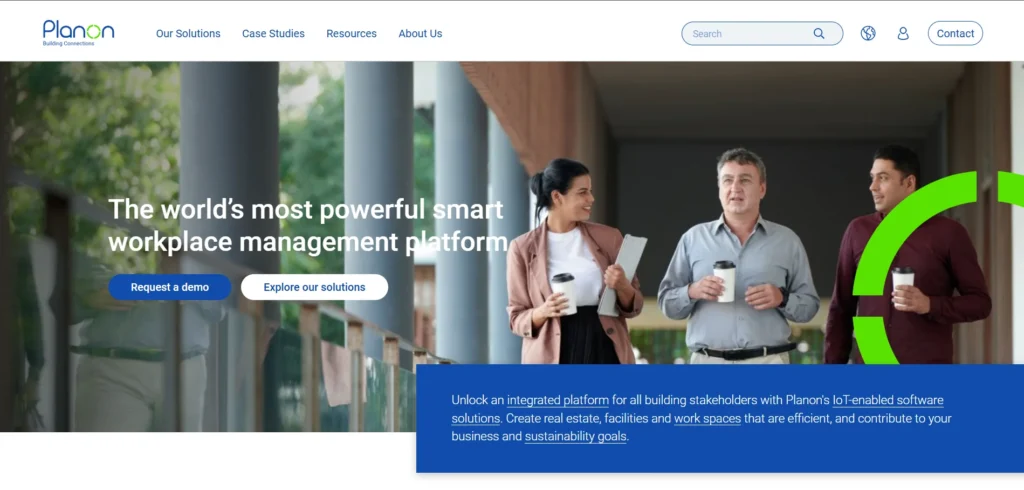
11. Planon: Best IWMS for Enterprise Real Estate and Facilities
planon

Category: IWMS.

Best for: Multinational enterprises managing complex real estate portfolios across multiple countries with lease administration, capital projects, energy management, and facilities operations all in one system.

Standout feature: Comprehensive IWMS coverage with strong real estate portfolio management, lease admin, and capital project management. Heavy enterprise functionality.

Why teams pick Planon. Among the deepest IWMS platforms in the market. Strong fit for organizations with hundreds of buildings, complex lease structures, and significant capital project workflows.

Pricing: Custom enterprise.

Where it falls short: 12 to 24 month implementations are typical. Overkill for SMB and mid-market. Pricing structure rules out organizations under 1,000 employees in most cases.

12. IBM TRIRIGA: Best IWMS for Large Enterprises and Regulated Industries
IBM TRIRIGA

Category: IWMS.

Best for: Large enterprises and government agencies needing the deepest possible IWMS with extensive customization, compliance support, and integration with broader IBM technology.

Standout feature: Industry-standard IWMS used by many Fortune 500 companies and major government agencies, with the deepest configuration depth available.

Why teams pick TRIRIGA. When you need maximum depth, integration with IBM Maximo (asset management) and other IBM systems, and the credibility of an IBM enterprise platform for board-level workplace investments.

Pricing: Custom enterprise, typically six to seven figures annually.

Where it falls short: Highest implementation cost in this list. Deployment commonly 18 to 24 months. Steep learning curve. Not appropriate for organizations under ~5,000 employees in most cases.

Which Platform is Right for You? By Use case

Best for hybrid offices (workplace platform priority)

For organizations whose primary need is hybrid work coordination (desk booking, room scheduling, visitor management, team presence), the workplace platforms are the right category. Within that:

  • DeskFlex: hybrid offices needing on-premise deployment, healthcare, education, government
  • Robin: collaboration-first hybrid teams, strong calendar integration
  • OfficeSpace Software: visual space planning + hybrid management combined
  • Tactic: fast deploy, mid-market, cost-conscious
  • Maptician: 3-week deployment, interactive floor plans

Best for facilities maintenance (CMMS priority)

For organizations whose primary need is work-order management, preventive maintenance, and asset tracking:

  • Coast: small to mid-sized teams, mobile-first, simple deployment
  • MaintainX: frontline-heavy operations, manufacturing or multi-site retail
  • Limble CMMS: mid-market stepping up from spreadsheets, strong dashboards

Best for enterprise real estate (IWMS priority)

For multinational enterprises managing real estate portfolios:

  • Planon: deepest IWMS for global portfolios
  • IBM TRIRIGA: large enterprise, IBM stack integration, government

Best for regulated industries

Healthcare, government, education, and finance often need data-residency, on-premise deployment, audit trails, and compliance documentation:

  • DeskFlex: on-premise option, used in healthcare, education, government
  • IBM TRIRIGA: enterprise IWMS with deep compliance support
  • Planon: enterprise IWMS

Best for small offices (under 100 employees)

For small offices, full IWMS is overkill and full CMMS often is too. The right pick is usually:

  • Tactic for workplace
  • Coast for light CMMS
  • Yarooms if sustainability matters

Best for global multi-site enterprises

For organizations with 5+ offices in multiple countries:

  • Condeco (Eptura) for workplace coordination across sites
  • Planon or IBM TRIRIGA for full IWMS

Best for sustainability and ESG reporting

For organizations subject to CSRD, SEC climate disclosure, or with public sustainability commitments:

  • Yarooms for built-in carbon reporting
  • DeskFlex for utilization data feeding into ESG reporting

Key Features to Look For

The right features depend on the category, but these are the universal “must-haves” across office facilities management software in 2026.

Workplace platform must-haves

  • Mobile-first desk and room booking (under 15 seconds end to end)
  • Interactive 2D and ideally 3D floor plans
  • Check-in / check-out with auto-release of no-shows
  • Calendar integration (Outlook, Google Workspace)
  • Identity integration (Okta, Microsoft Active Directory, SAML SSO)
  • Visitor management with QR check-in and host notifications
  • Real-time utilization analytics
  • Mobile apps for iOS and Android

CMMS must-haves

  • Work order creation, assignment, and tracking on mobile
  • Preventive maintenance scheduling with recurring rules
  • Asset records with location, condition, maintenance history
  • Parts and inventory tracking
  • Vendor management
  • Compliance documentation and audit trails
  • Reporting and analytics on maintenance KPIs
  • Mobile-first workflow for technicians

IWMS must-haves

  • Real estate portfolio management
  • Lease administration
  • Capital project management
  • Energy management and sustainability reporting
  • Space management and CAFM
  • Asset lifecycle management
  • Integration with finance and ERP systems
  • Audit-grade reporting for CSRD, SEC, SECR

Universal cross-category features

  • Cloud and (for regulated industries) on-premise deployment options
  • Integration with HRIS, calendar, identity, and finance systems
  • Mobile apps with full functionality, not just read-only
  • Role-based permissions and audit trails
  • Customer support including implementation assistance
  • Customer references and reviews on G2 or Capterra

How to Choose Office Facilities Management Software: a 7-step Framework

This is the framework we recommend for organizations evaluating office facilities management software for the first time or replacing an existing system.

Step 1: Identify your primary pain point

Be specific. “Better office management” is not a pain point. “Employees cannot find a desk on Tuesdays” is. “We have 30 percent more meeting rooms than we use” is. “Our maintenance team is buried in paper work orders” is. The specific pain point tells you which category (workplace, CMMS, or IWMS) to evaluate.

Output: documented primary pain point.

Step 2: Pick your category

Workplace, CMMS, or IWMS. Use the disambiguation table earlier in this article. Picking the wrong category is the single most common reason facilities software evaluations fail.

Output: confirmed category, with rationale documented.

Step 3: Define non-negotiable requirements

Deployment model (cloud, on-premise, hybrid). Compliance needs (HIPAA, FedRAMP, GDPR, SOC 2, ISO 27001). Required integrations (calendar, identity, HR, finance). Mobile platform requirements. Team size and growth trajectory. Document these before talking to any vendor.

Output: RFP or requirements document.

Step 4: Build a shortlist

Three to five vendors. Use this guide and other 2026 comparisons. Avoid the trap of evaluating only the leader in each category; the second and third tier often fit specific use cases better.

Output: shortlist of 3 to 5.

Step 5: Demo and pilot

Get a real demo with your floor plan, your data, your scenarios. Avoid stock demos. For workplace platforms, run a 2-4 week pilot with one team or floor. For CMMS, run a 4-8 week pilot with one site. For IWMS, pilot is typically 8-16 weeks given the scope.

Output: validated shortlist, ranked by fit.

Step 6: Check references and reviews

Call 3 reference customers per shortlisted vendor, ideally in similar industry and size. Read recent G2 and Capterra reviews (not just the vendor case studies). Specifically ask about implementation experience, ongoing support quality, hidden costs, and what would they do differently.

Output: independent validation.

Step 7: Implement with a real plan

Selection is 30 percent of success. Implementation is 70 percent. Have a project plan with named owners, integration milestones, training plan, communication strategy, and success metrics. Most workplace platforms deploy in 4-12 weeks; CMMS in 6-12 weeks; IWMS in 12-24 months.

Output: live system, measured outcomes.

How DeskFlex Fits in the Office Facilities Management Software Landscape

DeskFlex sits in the workplace management platform category, with deeper visitor management and asset tracking than most workplace peers and the rare combination of cloud and on-premise deployment options.

Where DeskFlex is the right fit:

  • Hybrid offices where the primary pain is desk booking, room scheduling, and visitor management
  • Regulated industries (healthcare, government, education) where on-premise or private-cloud deployment matters
  • Mid-market to enterprise organizations whose office facilities needs are about employee experience, not deep maintenance or enterprise real estate portfolio
  • Organizations that want one integrated platform rather than 4-5 point tools

Where DeskFlex is not the right fit:

  • Maintenance-heavy operations needing a full CMMS: pair with or use Coast, MaintainX, or Limble
  • Multinational enterprises needing full IWMS with lease administration and capital projects: consider Planon, IBM TRIRIGA, or Eptura’s full stack
  • Small offices under 20 employees where free tools (Skedda, Envoy free tier) are lighter

Honest comparisons:

  • vs Robin: DeskFlex offers on-premise deployment and deeper visitor management; Robin has a slightly friendlier interface and stronger team-presence visibility
  • vs OfficeSpace: DeskFlex has stronger visitor management and on-premise option; OfficeSpace has deeper visual space planning and move management
  • vs Condeco (Eptura): DeskFlex is faster to deploy and lighter weight; Condeco fits inside the broader Eptura IWMS ecosystem
  • vs Tactic: DeskFlex has deeper visitor management, asset tracking, and on-premise option; Tactic is faster to deploy and lower priced

Book a 30-minute DeskFlex demo to walk through how the platform fits your specific office facilities management needs.

Conclusion

The best office space facilities management software for your organization depends entirely on which of the three software categories fits your primary need. Workplace platforms (DeskFlex, OfficeSpace, Robin, Condeco, Tactic, Maptician, Yarooms) lead for hybrid office desk and room booking. CMMS (Coast, MaintainX, Limble) leads for maintenance work orders. IWMS (Planon, IBM TRIRIGA, Eptura) leads for enterprise real estate portfolios.

The most common mistake is choosing the wrong category. The disambiguation, comparison table, use-case framework, and 7-step selection process above give you the structure to avoid that. Most mid-market organizations need a workplace platform and possibly a light CMMS. Most large enterprises need either an IWMS alone or an IWMS plus a workplace platform. Almost no organization needs all three at full depth.

If your primary need is hybrid office workplace management with desk booking, room scheduling, visitor management, and analytics in one platform, with the rare option of on-premise deployment for regulated industries, DeskFlex is built for that specifically. Book a 30-minute demo to see how it fits.


Frequently Asked Questions (FAQs)

Office space facilities management software is the broad category of digital tools that help organizations plan, operate, and maintain office spaces, their associated assets, occupants, and services. In 2026 the term covers three distinct software categories that often get confused: workplace management platforms focused on desk booking and room scheduling for hybrid offices, CMMS focused on maintenance work orders and asset tracking, and IWMS focused on enterprise real estate portfolios and facilities. Picking the right category for your specific situation is the first and most important step.

Workplace management platforms (DeskFlex, OfficeSpace, Robin, Condeco) focus on the employee experience of the office: desk booking, room scheduling, visitor management, check-in. CMMS (Coast, MaintainX, Limble) focuses on work orders, preventive maintenance, and asset tracking for maintenance teams. IWMS (Planon, IBM TRIRIGA, Eptura suite) is the heavyweight enterprise tier covering real estate portfolios, lease administration, capital projects, and energy management. Most mid-market organizations need one of the first two categories; most large enterprises need either an IWMS alone or IWMS plus a workplace platform.

The best office facilities management software depends entirely on which category fits your need. For hybrid offices, DeskFlex (especially for regulated industries), Robin, OfficeSpace, Tactic, and Maptician lead the workplace platform category. For maintenance-heavy operations, Coast, MaintainX, and Limble are the strongest CMMS options. For enterprise real estate, Planon and IBM TRIRIGA dominate the IWMS category. Picking the wrong category is the single most common reason software evaluations fail.

Pricing varies dramatically by category. Workplace management platforms typically run $3 to $30 per user per month. CMMS typically runs $20 to $100 per technician per month, with most platforms offering free tiers for small teams. IWMS pricing is custom and typically starts in the six-figure annual range for mid-sized enterprises and runs to seven figures for global Fortune 500 deployments. Implementation and integration costs are extra for all three categories.

For 2026, Coast leads on mobile-first ease of use for small to mid-sized maintenance teams. MaintainX leads on frontline-heavy operations with strong work-order automation and digital procedures. Limble CMMS leads on mid-market deployments stepping up from spreadsheets. UpKeep, Hippo CMMS, eMaint, and Fiix are also worth shortlisting. Among enterprise CMMS, IBM Maximo and Brightly Asset Essentials lead.

For 2026, Planon and IBM TRIRIGA are the most-cited enterprise IWMS options. Eptura’s consolidated stack (formerly Condeco, SpaceIQ, iOFFICE, Archibus) is the largest IWMS by market share following multiple acquisitions. Accruent, Nuvolo, Trimble, and Manhattan Software round out the enterprise IWMS market. Choice typically comes down to deployment depth required, integration with existing enterprise systems (especially SAP and Oracle), and industry-specific functionality (healthcare, government, etc.).

Workplace platform must-haves include mobile-first desk and room booking, interactive floor plans, check-in with auto-release, calendar and identity integration, visitor management, and real-time analytics. CMMS must-haves include mobile work-order management, preventive maintenance scheduling, asset records, vendor management, and compliance documentation. IWMS must-haves include real estate portfolio management, lease administration, capital project management, energy management, and audit-grade reporting for ESG frameworks. Across all three categories, look for cloud and (for regulated industries) on-premise deployment, mobile apps with full functionality, and integration with existing enterprise systems.

Implementation timelines vary by category. Workplace management platforms typically deploy in 4 to 12 weeks for mid-market organizations, with smaller offices going live in 2 to 4 weeks. CMMS implementations typically run 6 to 12 weeks. IWMS implementations are the longest at 12 to 24 months for full enterprise deployments. The single largest variable across all three is integration with existing systems (HRIS, identity, calendar, finance), which extends timelines if not planned for early.

Not really, despite vendor claims. Eptura’s full suite comes closest by combining Condeco (workplace), Archibus (IWMS), and adjacent products from past acquisitions. Planon has workplace modules in addition to IWMS depth. But in practice, most organizations end up with either one category-specific best-of-breed tool or two tools (typically workplace + IWMS, or workplace + CMMS). Trying to force one tool to cover all three usually means deep functionality in one category and shallow functionality in the others.

For most organizations, cloud is faster, cheaper, and more frequently updated. On-premise matters in three specific situations: regulated industries with data-residency requirements (healthcare, government, defense, some financial services), organizations with existing on-premise infrastructure they want to consolidate against, and organizations with specific security policies that prohibit cloud-only deployments for certain workloads. DeskFlex is one of the few workplace platforms offering both cloud and on-premise deployment; most workplace platforms are cloud-only. Most CMMS and IWMS platforms offer both options.

ROI varies by category and deployment but typical figures are: workplace platforms deliver 30 to 50 percent real estate cost reduction over 2-3 years through utilization-led consolidation (CBRE, Verdantix benchmarks), plus 15 to 25 percent productivity gains in hybrid environments. CMMS delivers 15 to 25 percent unplanned-downtime reduction through preventive maintenance, plus 10 to 20 percent reduction in maintenance spend (FacilitiesNet, IFMA benchmarks). IWMS delivers all of the above plus enterprise real estate portfolio optimization, typically with payback in 18 to 36 months. Most mid-market workplace platform deployments pay back within 9 to 18 months.

Workplace platforms uniformly integrate with Microsoft Outlook, Microsoft Teams, and Google Workspace for calendar and collaboration. DeskFlex, Robin, Condeco, OfficeSpace, Tactic, and others all support native integrations. CMMS tools sometimes integrate with collaboration platforms but typically focus more on technician-facing mobile apps than calendar sync. IWMS platforms integrate with enterprise systems (SAP, Oracle, Workday) more than with consumer-grade collaboration tools.

The two terms are used interchangeably in 2026 with no consistent distinction. “Facility management” (singular) is slightly more common in US usage and tends to emphasize a single building or campus. “Facilities management” (plural) is slightly more common in UK and international usage and tends to emphasize multi-building portfolios. The professional certification bodies (IFMA, BIFM/IWFM) use both. Treat them as synonyms.