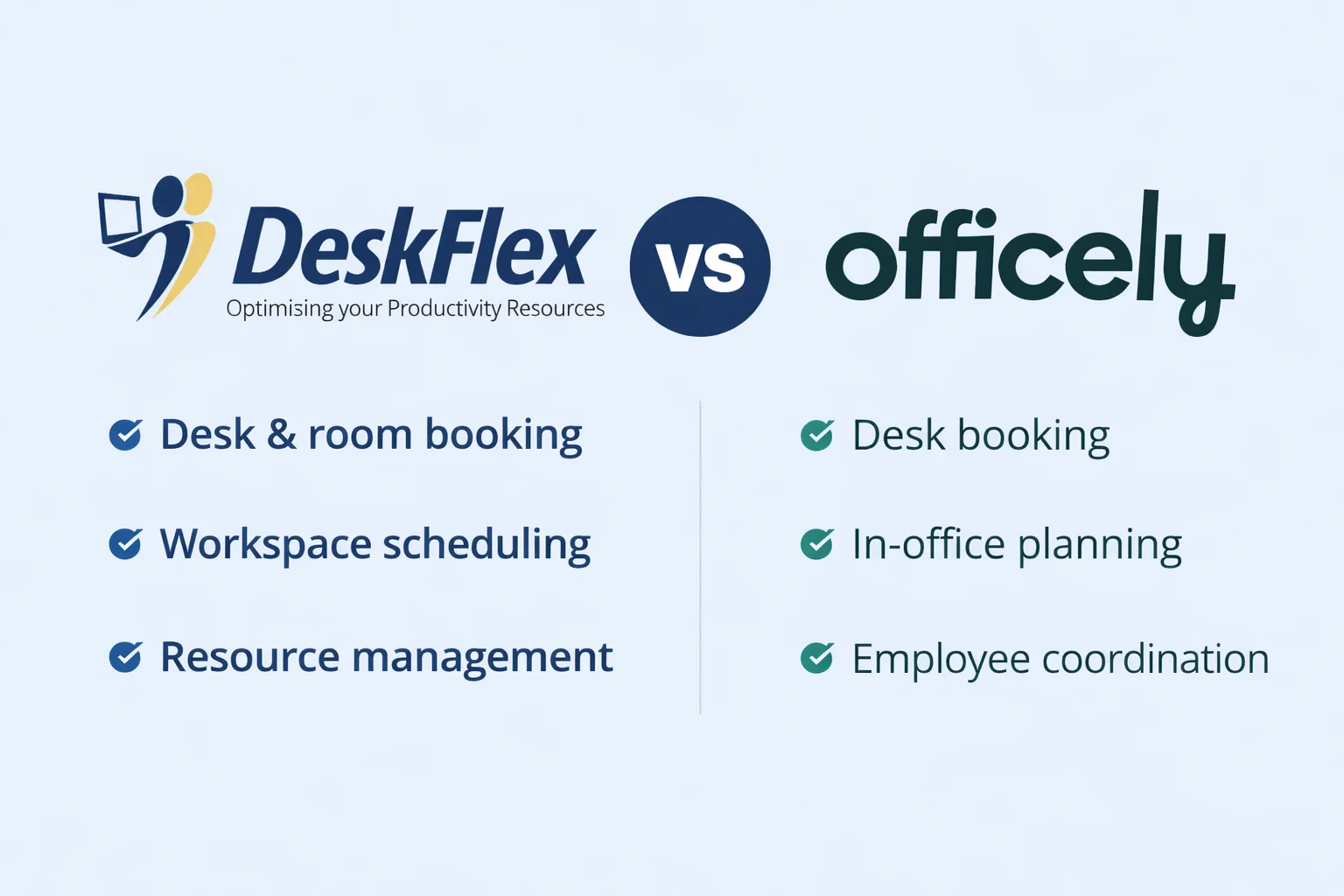
Choosing between DeskFlex vs. Officely often comes down to scale, complexity, and the level of control your business requires over its workplace operations. Both tools support desk booking and hybrid work, but they’re built for entirely different stages of growth.
This comparison is made for teams that are actively evaluating workplace management software, rather than simply browsing its features.
We’ll examine where each platform fits, identify the trade-offs, and discuss why DeskFlex is typically chosen by organizations that have progressed beyond basic desk booking and require an effective system that can scale with their needs.
Looking for a More Powerful Alternative to Officely?
See how DeskFlex simplifies desk booking, meeting room scheduling, and workplace management at an enterprise scale.
Overview of DeskFlex and Officely
It helps to understand what each platform is fundamentally built to do. DeskFlex and Officely aren’t just different tools; they’re designed around different assumptions about scale, structure, and how workplace coordination should happen.
DeskFlex
DeskFlex is an enterprise-grade workplace management system designed to handle complex office environments. It brings together desk booking, a meeting room booking system, a visitor management system, parking reservations, and hardware integrations into one hybrid workplace software.
DeskFlex is often integrated into the working operations of mid-sized to large organizations that operate across multiple locations, departments, or regions and need flexibility, governance, and visibility without sacrificing usability.
Officely
Officely is a Slack first desk booking tool designed to remove friction rather than manage complexity. Setup is quick, adoption is easy, and desk reservations happen directly inside Slack without asking teams to learn a new interface. For small groups that already coordinate most of their work in Slack, this can feel refreshingly straightforward.
Officely favors convenience over control. For teams with light requirements and stable routines, that balance often works.
DeskFlex vs Officely Feature Comparison

Desk Booking & Hot Desking
DeskFlex: DeskFlex approaches desk booking as an operational system, not just a way to reserve a seat. The setup reflects how offices actually function, with different roles, shared spaces, and policies that vary by team or location. Administrators can shape access, limits, and zones in a way that aligns with real workplace patterns rather than forcing everyone into the same flow.
That structure is what makes hot desking workable at scale. Rules aren’t implied or negotiated on a day-to-day basis; they’re built into the system. Booking windows, eligibility, and time limits are defined up front, which keeps availability predictable even as headcount grows or offices multiply. It’s not flashy, but it’s reliable, and that tends to matter more over time.
Officely: Officely comes at the problem from the opposite direction. Desk booking happens through Slack commands, which keeps things quick and familiar. For smaller teams, that ease is the point. You can see who’s coming in, grab a desk, and move on without thinking too much about the process behind it.
Where the difference starts to show is in the amount of structure that exists beneath the surface. Officely keeps rules light and oversight minimal. For simple setups, that works just fine. As teams expand or policies become less flexible, those limits tend to surface, not all at once, but enough to change how the tool feels day-to-day.
Meeting Room Booking
Meeting rooms tend to expose the fundamental differences between workplace tools. Once bookings overlap and foot traffic increases, small gaps in scheduling logic become harder to ignore.
DeskFlex: DeskFlex handles this side of the workplace with a lot more depth. Interactive floor maps, calendar synchronization with Outlook and Google, and kiosk-based check-ins all work together to ensure rooms are used efficiently and adequately. The system is designed to reduce no-shows and optimize the use of shared space, which becomes especially noticeable in larger offices where unused rooms can quietly turn into wasted capacity.
Officely: Officely keeps things simpler. Basic room reservations are supported, which is sufficient for teams that simply need to claim a space and move on. What’s largely missing is the physical layer, room displays, check-in enforcement, and more advanced scheduling rules. For organizations managing multiple rooms or high-traffic areas, that difference tends to surface quickly.
Visitor Management
Visitor management encompasses how organizations handle guests entering the workplace, including who’s arriving, why they’re there, and whether their presence is properly recorded.
DeskFlex: DeskFlex treats this as a first-class workflow. Pre-registration, guided check-ins, badge printing, and compliance logs are all part of the same system. For organizations with audit requirements or regulated environments, this level of visibility isn’t optional; it’s expected.
Officely: Officely offers little to no native visitor management. In practice, that usually means stitching together separate tools or handling the process manually. It works, but it adds cost and coordination, especially as visitor volume increases.
Integrations & Compatibility
DeskFlex: DeskFlex integrates with Microsoft 365, Google Workspace, access control systems, room displays, kiosks, and other workplace hardware. It’s designed to integrate seamlessly into an existing enterprise tech stack rather than replace it.
Officely: Officely is primarily Slack-based. Outside of that environment, its integration options are pretty narrow. Its integration footprint is intentionally centered around Slack. By design, it prioritizes in-channel interactions over broader system connectivity.
Customization & Scalability
This is usually the moment when teams stop asking what the tool can do today and start asking what it will need to support in the future.
DeskFlex: DeskFlex is designed for that conversation. Multi-location offices, configurable workflows, department-level rules, and changing workplace policies are part of its core design, not add-ons. As organizations grow or shift how they use space, the system keeps pace without forcing compromises.
Officely: Officely works well in smaller environments where structure is informal, and expectations are stable. When layers of approval, policy variation, or regional differences enter the picture, its simplicity can start to feel restrictive rather than freeing.
Analytics & Reporting
Workplace decisions eventually move beyond intuition. Leaders want to know how space is actually used, not how it feels on a busy Tuesday.
DeskFlex: DeskFlex provides detailed usage reports, occupancy insights, and space optimization data that facilities and leadership teams rely on when making real estate and capacity decisions. The data is practical and meant to guide action, not just fill dashboards.
Officely: Officely approaches analytics from a much lighter angle. Reporting is intentionally minimal, focused more on day-to-day visibility than long-term analysis. Teams can see who plans to be in the office and gain a basic sense of attendance patterns, but the data falls short of providing more profound insights. There’s no strong emphasis on historical trends, utilization rates, or space optimization.
Security & Compliance
Security is rarely a top consideration when organizations look for room booking software systems. It tends to surface later when systems are already in place, and switching becomes costly. That is usually when gaps in this aspect really start to matter.
DeskFlex: DeskFlex includes enterprise-grade security controls, audit logs, and granular administrative permissions built for regulated environments and internal governance.
Officely: Officely’s security model usually fits smaller teams with simpler expectations from their room booking software. It covers the basics sufficiently; however, what it lacks is the depth of oversight or audit readiness that even smaller teams might require.
Pricing & Value for Money
Pricing rarely answers the real question. What teams are usually trying to understand is whether the platform will still fit once growth introduces friction, complexity, and scrutiny from leadership.
DeskFlex: DeskFlex tends to justify its cost over time. Organizations that require analytics, compliance controls, and fewer overlapping tools often find value in having a single system that scales with them, rather than piecing together solutions as problems arise.
Officely: Officely is often appealing because the cost-to-effort ratio makes sense from the outset. Pricing is generally positioned to feel accessible for small teams, especially those already living inside Slack. You’re not paying for layers of governance you don’t yet need, and that restraint is part of the value. There’s little friction, minimal setup, and just enough structure to keep hybrid days from turning chaotic.
Pros and Cons of Deskflex and Officely
Before delving into detailed comparisons, it’s helpful to step back and examine how each platform performs at a practical level. DeskFlex and Officely solve similar problems, but they do so with very different assumptions about structure, scale, and how teams actually work.
The pros and cons below focus on where each tool tends to fit best and where limitations typically begin to surface.
| Software | Pros | Cons |
|---|---|---|
| DeskFlex | Robust workplace management features Advanced analytics and reporting Supports complex booking rules and policies Works across multiple office locations Scales well for growing organizations | Setup may take time for new users Feature-rich interface may feel heavy for small teams Best suited for structured workplaces |
| Officely | Simple and intuitive interface Slack-native booking experience Fast setup with minimal training Good for casual desk and room booking | Limited analytics and reporting Fewer admin controls and policies Not ideal for large or complex organizations |
Who Should Choose? DeskFlex or Officely?
Most teams don’t choose workplace software solely based on feature comparison. The decision usually comes down to how much structure already exists and how much more is expected to emerge over time. That’s where the difference between DeskFlex and Officely tends to surface. Before committing, it helps to do a quick self-check. The table below isn’t meant to be definitive. It’s a way to pressure-test fit based on how your organization actually operates today.
DeskFlex: DeskFlex is ideally suited for large enterprises, multi-location offices, and teams that depend on analytics and compliance tend to benefit most.
Officely: Officely fits small startups and Slack-centered teams with simple desk booking needs. When governance is light and structure is informal, its simplicity can be an advantage.
| Features | DeskFlex | Officely |
|---|---|---|
| Supports multiple offices or locations | ✔ | |
| Ideal for a single office or small team | ✔ | |
| Workplace policies can be enforced | ✔ | |
| Governance is informal or minimal | ✔ | |
| Desk usage data and reporting are important | ✔ | |
| Basic visibility into who’s in the office is enough | ✔ | |
| Workplace management treated as infrastructure | ✔ | |
| Desk booking seen as a convenience, not a system | ✔ |
Conclusion
At the end of the evaluation, the decision usually comes down to the workplace infrastructure. Some tools are meant to get teams started. Others are intended to carry them forward.
Officely does its job well in the early stage. It is familiar, easy to adopt, and practical for teams with simple needs and limited expectations. For many startups, that is enough for a while.
DeskFlex is built for what follows. When scale, consistency, and data start shaping decisions, it offers the depth and longevity that simpler tools are not designed to provide.