Blog
Top 10 Workplace Management Software for 2026 (Hybrid Offices, Hot Desking & Visitor Management)
Office utilisation rose roughly 15 percentage points between 2024 and 2026, and hybrid work is now the default for knowledge workers across most of Europe and North America (JLL, Global Workplace Report 2026). For workplace and facilities teams, that shift has made it nearly impossible to run a modern office on calendar invites and spreadsheets.
Workplace management software solves that. It combines desk booking, meeting room scheduling, visitor management, space-utilisation analytics, and — increasingly in 2026 — AI-driven attendance forecasting into a single platform. Employees plan office days from their phones, and managers right-size real estate based on data rather than guesswork.
This guide compares the 10 best workplace management tools for 2026: DeskFlex (our own platform), OfficeSpace, Envoy, Robin, Skedda, Condeco (Eptura), Yarooms, WorkInSync, Teem, and SpaceIQ (Eptura). Each tool is evaluated on feature depth, integrations, pricing transparency, deploy time, and customer-support quality — with use-case picks for hybrid teams, SMBs, multinationals, coworking spaces, and regulated industries.
How We Evaluated These Tools
We assessed each platform on six criteria:
- Feature depth — desk booking, room scheduling, visitor management, space analytics, and supporting modules (catering, venue scheduling, asset tracking).
- Integrations — calendar (Outlook, Google Workspace), identity (Okta, Microsoft Active Directory, SAML SSO), and collaboration (Microsoft Teams, Slack).
- Pricing transparency — published per-user pricing vs sales-only quotes.
- Mobile-app quality — real-time availability, push notifications, check-in via QR or geolocation.
- Deploy time — typical time from contract to live, based on vendor documentation and customer references.
- Verified customer reviews — G2 and Capterra ratings where publicly available.
Pricing and feature data were verified against vendor documentation in May 2026. DeskFlex is the publisher of this article and is included alongside direct competitors; we have flagged where DeskFlex is not the right fit so the comparison stays useful regardless of which platform you choose.
Workplace Management in 2026 — by the Numbers
| Metric | Figure | Source |
|---|---|---|
| Rise in office utilisation 2024 → 2026 | 15 ppt | JLL, Global Workplace Report 2026 |
| Typical real-estate cost reduction after implementation | 30–50% | Verdantix Green Quadrant: IWMS; CBRE Global Workplace & Occupancy Insights |
| Attendance-forecast accuracy claimed by leading AI platforms | 97%+ | Vendor reports (Upflex, Robin) |
| Typical employee adoption when a mobile app is shipped | 80%+ | Industry surveys, Gartner Workplace Experience Applications |
| Typical deploy time — SMB rollouts | 2–4 weeks | Vendor documentation |
| Typical deploy time — enterprise multi-site | 12–24 weeks | Vendor documentation |
| Typical pricing range | $3–$30 per user / month | Public pricing pages, May 2026 |
Quick Comparison Table of Top Workplace Management Software
| Software | Best For | Free Trial | Desk Booking | Room Booking | Visitor Mgmt | Analytics | Key Integrations | Starting Price |
|---|---|---|---|---|---|---|---|---|
| DeskFlex | Hybrid offices, healthcare, education, government | 30-day trial | Yes | Yes | Yes | Advanced | Outlook, Office 365, Exchange, Okta, AD, Zapier | Contact sales |
| OfficeSpace | Mid-sized companies needing visual planning | Demo only | Yes | Yes | Yes | Good | Calendar + HR systems | Contact sales |
| Envoy | Visitor-heavy offices, security-conscious teams | Free plan | Limited | Yes | Strong | Good | Directory, Calendar, Slack | Free plan + paid tiers |
| Robin | Hybrid collaboration teams | 14-day trial | Yes | Yes | Limited | Good | Outlook, Google, Microsoft Teams | Contact sales |
| Skedda | SMBs, coworking spaces | Free trial | Yes | Limited | No | Basic | Outlook, Google | Low cost |
| Condeco (Eptura) | Multinational enterprises | Demo only | Yes | Yes | Yes | Advanced | Outlook, Teams, Zoom | Contact sales |
| Yarooms | Hybrid teams with sustainability goals | Free trial | Yes | Yes | Yes | Good | Outlook, Google, Teams | From $2 / user / month |
| WorkInSync | Distributed teams, hybrid scheduling | Free trial | Yes | Yes | Yes | Good | Outlook, Google, HR systems | From $3 / user / month |
| Teem (iOFFICE) | Mid-sized teams needing simple room booking | Demo only | Yes | Yes | Limited | Good | Outlook, Google | Contact sales |
| SpaceIQ (Eptura) | Enterprises needing space planning + assets | Demo only | Yes | Yes | Yes | Advanced | Enterprise integrations | Contact sales |
The 10 Best Workplace Management Tools for 2026
1. DeskFlex — Best All-in-One for Hybrid Offices, Healthcare, Education & Government
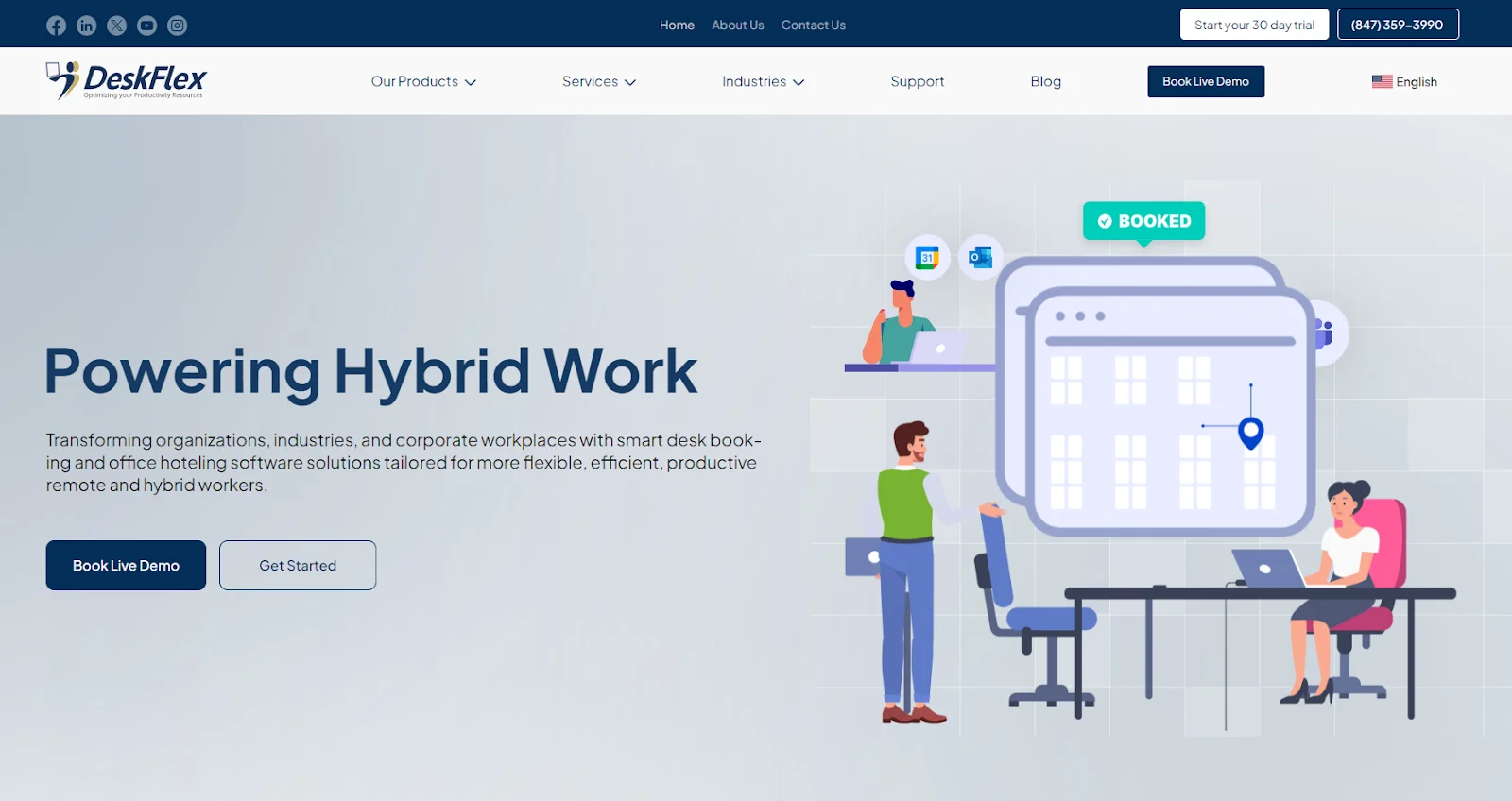
What it is: A workplace management platform combining desk booking, room scheduling, visitor management, 3D floor maps, and analytics — with both SaaS and self-hosted deployment options.
Best for: Hybrid offices, large enterprises, hospitals, schools, and government organisations that need custom workflows and tight integration with Microsoft Exchange / Outlook / Active Directory.
Standout feature: Interactive 3D floor maps paired with abandoned-meeting protection rooms are automatically released when attendees don’t check in, recovering otherwise-wasted space with no admin intervention.
Why teams pick DeskFlex. DeskFlex is one of the few platforms in this comparison that ships both a SaaS and a self-hosted option, which matters in regulated industries (healthcare, government, education) where data residency rules out pure-cloud vendors. It integrates natively with MS Exchange, Outlook, Office 365, Okta SSO, Microsoft Active Directory, and Zapier, and includes physical touchscreen room and workstation displays for wayfinding. Customers typically use it for hot desking, hoteling, room scheduling, visitor sign-in, catering coordination, and venue scheduling all from the same admin console.
Key features:
- Real-time desk and room booking with interactive 3D floor maps
- Visitor management with QR check-in, host notifications, and badge printing
- Abandoned meeting protection (auto-release of unused rooms)
- Touchscreen room and workstation displays for wayfinding
- Native integrations with MS Exchange, Outlook, Office 365, Okta, Microsoft AD, and Zapier
- Analytics for occupancy, no-show rate, and space utilisation
- Modules for catering, venue scheduling, and asset management
- Mobile apps for iOS and Android
Pricing: Custom — contact sales. A 30-day trial is available.
Integrations include: MS Exchange, Outlook, Office 365, Okta, Microsoft Active Directory, Zapier.
Where it falls short: No free plan and no published per-user pricing. Buyers comparing purely on sticker price may prefer Skedda or Envoy’s free tier as a starting point. Highly regulated buyers, however, often need the on-prem option DeskFlex offers — which most competitors do not.
2. OfficeSpace — Best for Mid-Sized Companies Needing Visual Space Planning
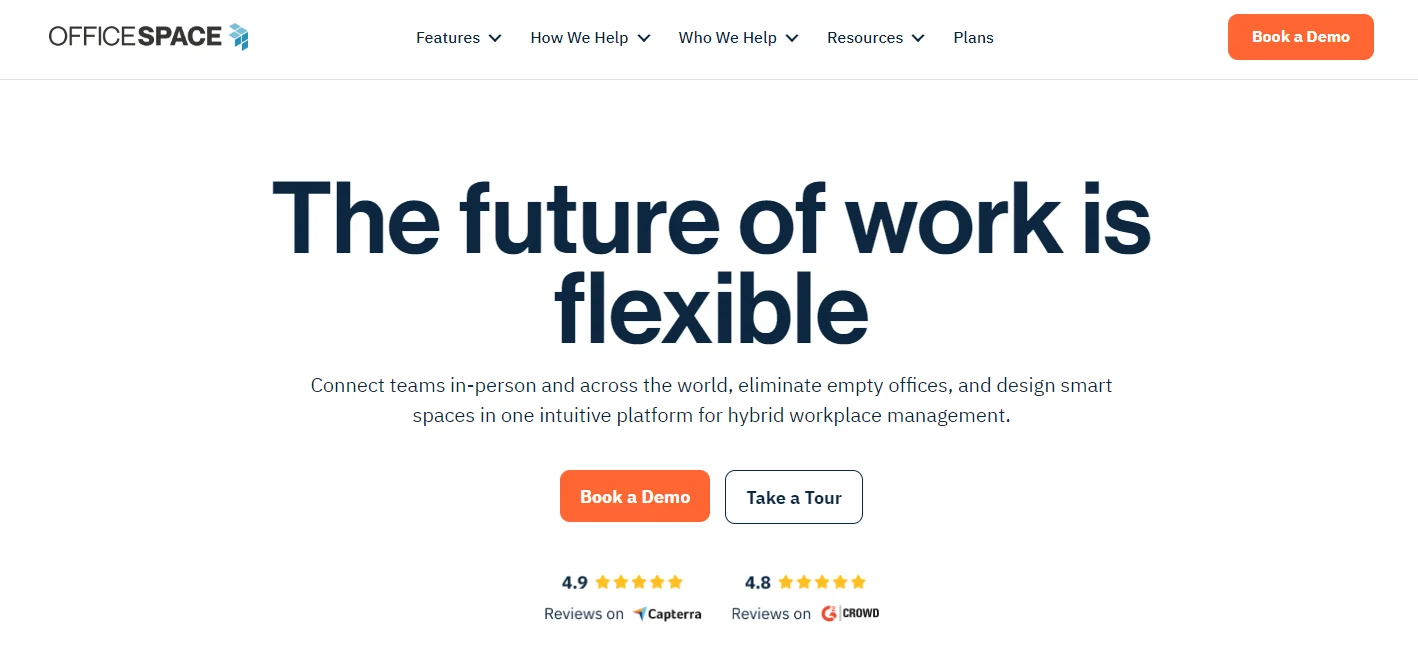
What it is: A workplace management platform focused on visual space planning, move management, and desk and room booking for mid-sized organisations.
Best for: Mid-sized companies (200–2,000 employees) that need to plan office moves, manage seating changes, and run desk booking from a single platform.
Standout feature: Drag-and-drop move management on an interactive floor plan — useful when you’re consolidating floors, re-arranging neighborhoods, or planning seat changes around a return-to-office policy.
Why teams pick OfficeSpace. OfficeSpace is one of the most visually-led platforms in the category. The interactive floor plan is the centre of the product, not a side feature, which makes it especially useful for facilities and real-estate teams that think in square feet and floor maps rather than in spreadsheets. It also bundles visitor management and occupancy analytics, so mid-sized teams can usually replace 2–3 point tools with a single subscription.
Key features:
- Visual desk and room booking on interactive floor plans
- Move-management workflows for seat changes and relocations
- Visitor check-ins with compliance tracking
- Occupancy analytics and space-utilisation reporting
- Integrations with calendar and HR systems
Pricing: Custom — contact sales.
Where it falls short: Pricing isn’t published and the platform skews mid-market; small offices may find it heavier than they need, while very large enterprises with global portfolios often outgrow it and migrate to Condeco / SpaceIQ.
3. Envoy — Best for Visitor-Heavy Offices and Security-Conscious Teams
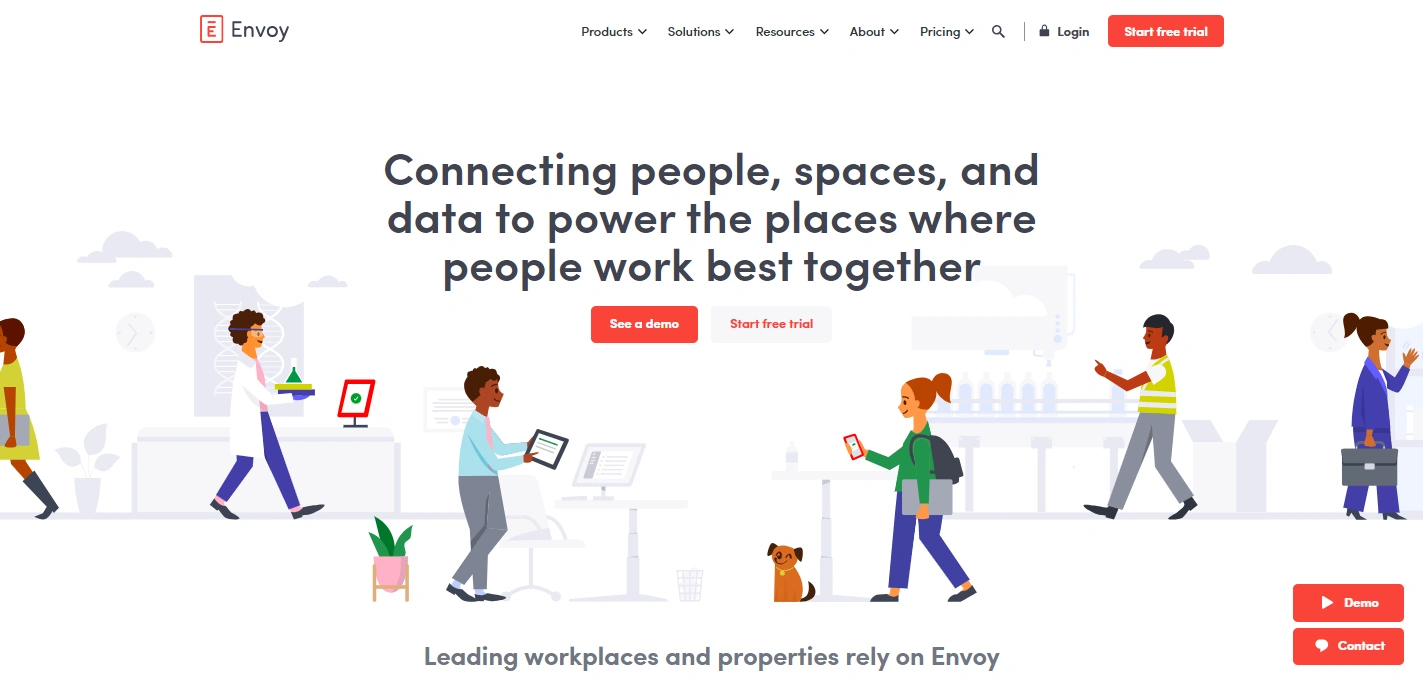
What it is: A workplace platform that started as visitor management and has expanded into desk booking, deliveries, and basic workplace coordination.
Best for: Offices with frequent visitors, regulated reception flows, or busy delivery traffic and teams that want a free starter plan.
Standout feature: Visitor management depth pre-registration, ID scanning, NDA signing, watchlist screening, and host notifications via Slack, Teams, or SMS. Envoy treats visitor experience as a first-class product, not an add-on.
Why teams pick Envoy. Envoy is the most-recognised brand in workplace visitor management, and its visitor module is more polished than what most all-in-one platforms ship. The free plan also makes it the easiest way to digitise reception in a single afternoon. Many companies use Envoy alongside a dedicated desk booking tool Envoy for visitors and deliveries, plus DeskFlex or Robin for desks and rooms.
Key features:
- Visitor pre-registration, ID scanning, NDA / health-screening sign-off
- Delivery management with package and shipment tracking
- Basic desk booking
- Host notifications via Slack, Teams, SMS
- Health and safety compliance tools
- Mobile-friendly interface for employees and visitors
Pricing: Free plan available; paid tiers add visitor analytics, multi-location, and access-control integrations.
Where it falls short: Desk booking and room scheduling are functional but not as deep as Robin or DeskFlex — Envoy is the wrong primary platform if desks and rooms are your main pain. Pair it with a desk-booking specialist rather than expecting one tool to do both well.
4. Robin — Best for Hybrid Collaboration Teams
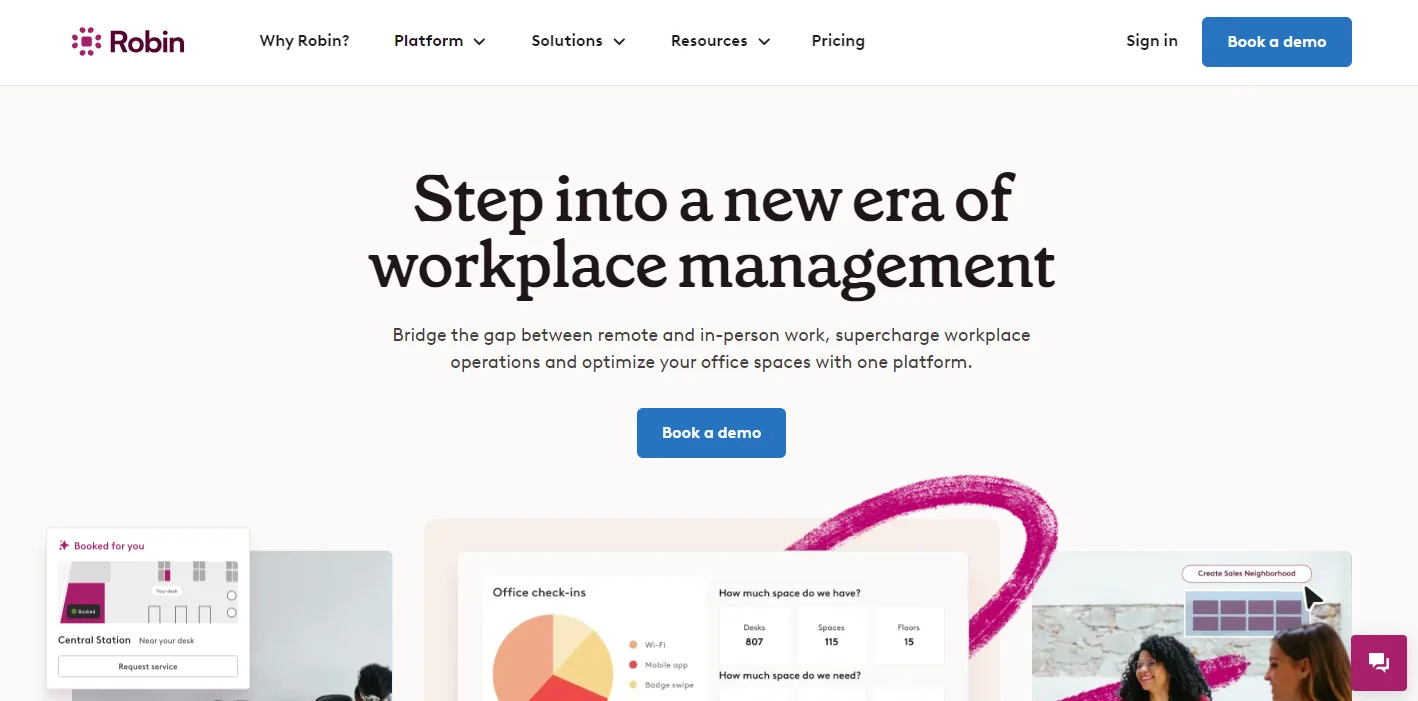
What it is: A workplace platform aimed at hybrid teams that need to find desks, rooms, and colleagues quickly — with strong calendar integration and team scheduling.
Best for: Mid-sized hybrid teams that prioritise collaboration (“when is my team in the office?”) over deep facilities management.
Standout feature: Team coordination, see when your colleagues are coming in, plan office days around teammates, and book a desk near the people you actually need to work with that day.
Why teams pick Robin. Robin’s interface is one of the friendliest in the category, which translates into the highest employee adoption rates in many comparison studies. Its calendar integration is mature bookings sync cleanly with Outlook and Google Calendar, and meeting-room scheduling supports recurring meetings and resource booking. For hybrid teams whose main goal is getting the right people in the office on the same day, Robin is hard to beat.
Key features:
- Desk booking with team-presence visibility
- Room scheduling with calendar sync (Outlook, Google)
- Employee directory and workplace maps
- Hybrid scheduling and anchor-day support
- Mobile apps for iOS and Android
Pricing: Custom — contact sales; pricing varies by module.
Where it falls short: Visitor management is limited compared with Envoy or DeskFlex, and Robin does not offer a self-hosted option, which can rule it out for regulated industries with data-residency requirements.
5. Skedda — Best for SMBs and Coworking Spaces
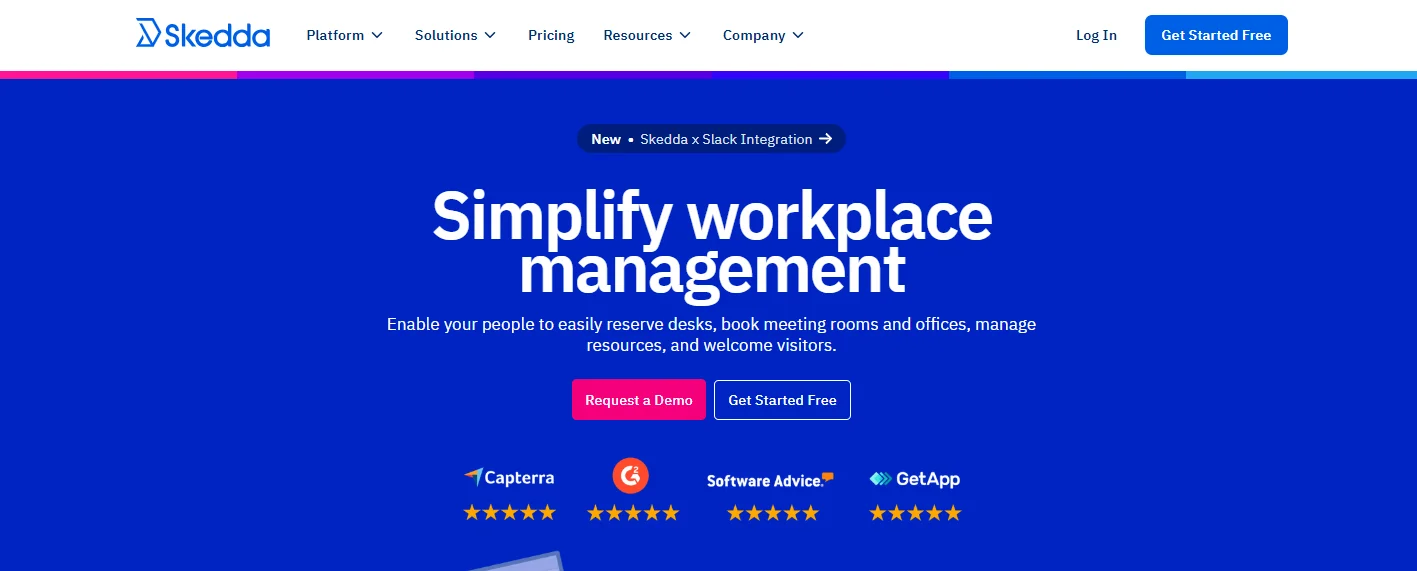
What it is: A simple, low-cost desk and room booking platform built for small teams, coworking spaces, and shared venues.
Best for: Small businesses (under 50 employees), coworking operators, religious organisations, sports facilities, and any team that needs space booking without enterprise overhead.
Standout feature: Speed of setup Skedda is one of the few platforms in this list that an admin can configure end-to-end in an afternoon, with no implementation engineer required.
Why teams pick Skedda. Skedda’s pricing is among the lowest in the category and its UX is deliberately stripped down. For coworking operators it’s especially common because of strong support for paid bookings, member groups, and external customers use cases that all-in-one corporate platforms don’t handle well.
Key features:
- Simple desk and venue booking
- Self-service reservations with permission rules
- Customisable booking rules (lead time, max duration, recurrence)
- Optional payments for premium spaces
- Calendar sync (Outlook, Google)
Pricing: Low-cost plans starting under $10 / space / month verify on the Skedda site for current per-space pricing.
Where it falls short: Skedda doesn’t include visitor management, deep analytics, or enterprise integrations like Okta or Active Directory. It scales well for SMB / coworking use but is not the right choice for multi-location enterprises that need centralised admin and reporting.
6. Condeco (Eptura) — Best for Multinational Enterprises
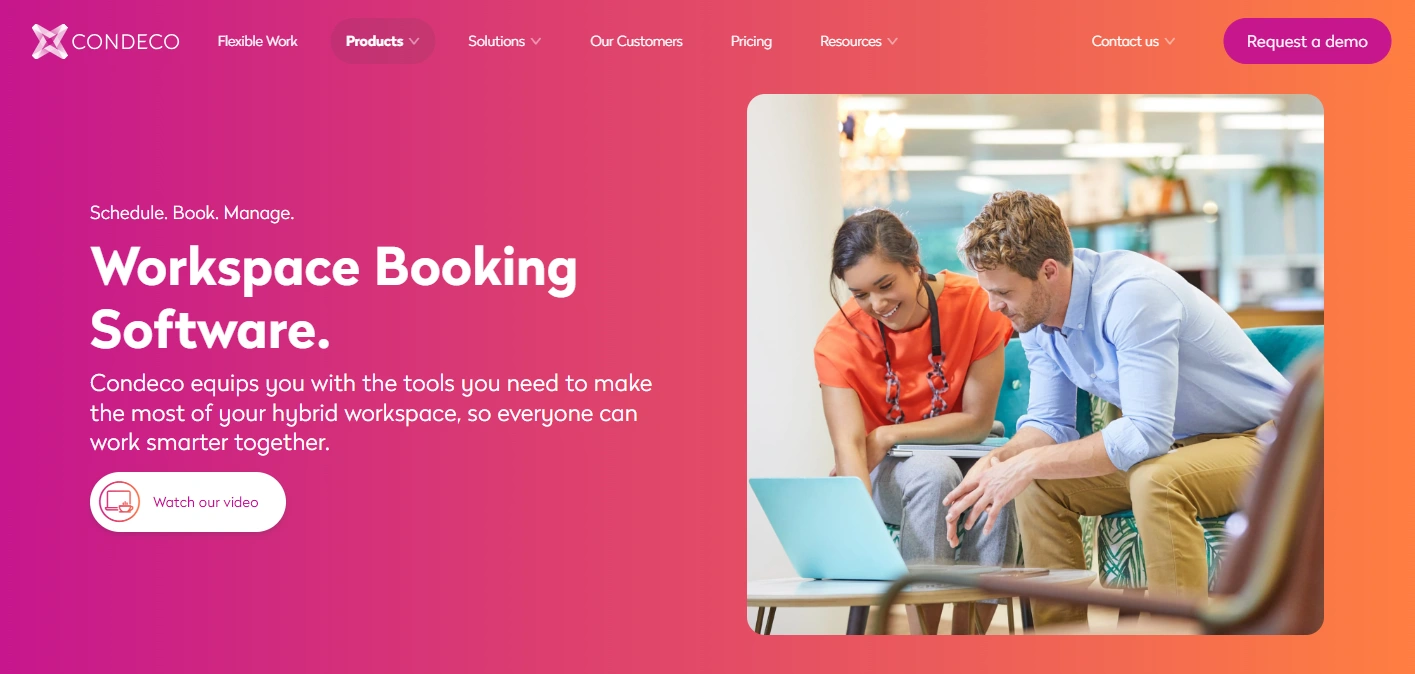
What it is: An enterprise-grade workplace management platform now part of Eptura built for organisations with multiple offices, complex permissions, and global scheduling needs.
Best for: Multinational enterprises with multiple offices, complex meeting cultures, and centralised facilities or real-estate teams.
Standout feature: Multi-location meeting management coordinating room bookings across time zones, with workflow rules per country, per region, or per business unit.
Why teams pick Condeco. Condeco was the original enterprise meeting-room booking platform and has the deepest support in the category for large, distributed organisations. Its Eptura integration adds asset, lease, and maintenance modules, making it the right pick when workplace management needs to sit inside a broader real-estate / facilities stack.
Key features:
- Enterprise desk and room booking across multiple offices
- Visitor management with global compliance support
- Advanced analytics for occupancy and utilisation
- Floor-plan technology with visual layouts
- Tight integration with the wider Eptura suite (asset, lease, maintenance)
Pricing: Enterprise pricing on request via Eptura sales.
Where it falls short: Implementation timelines run 12–24 weeks, and the platform is overkill for SMB or single-office buyers. Pricing is opaque and the contract minimums often exclude mid-market teams under 500 employees.
7. Yarooms — Best for Hybrid Teams with Sustainability Goals
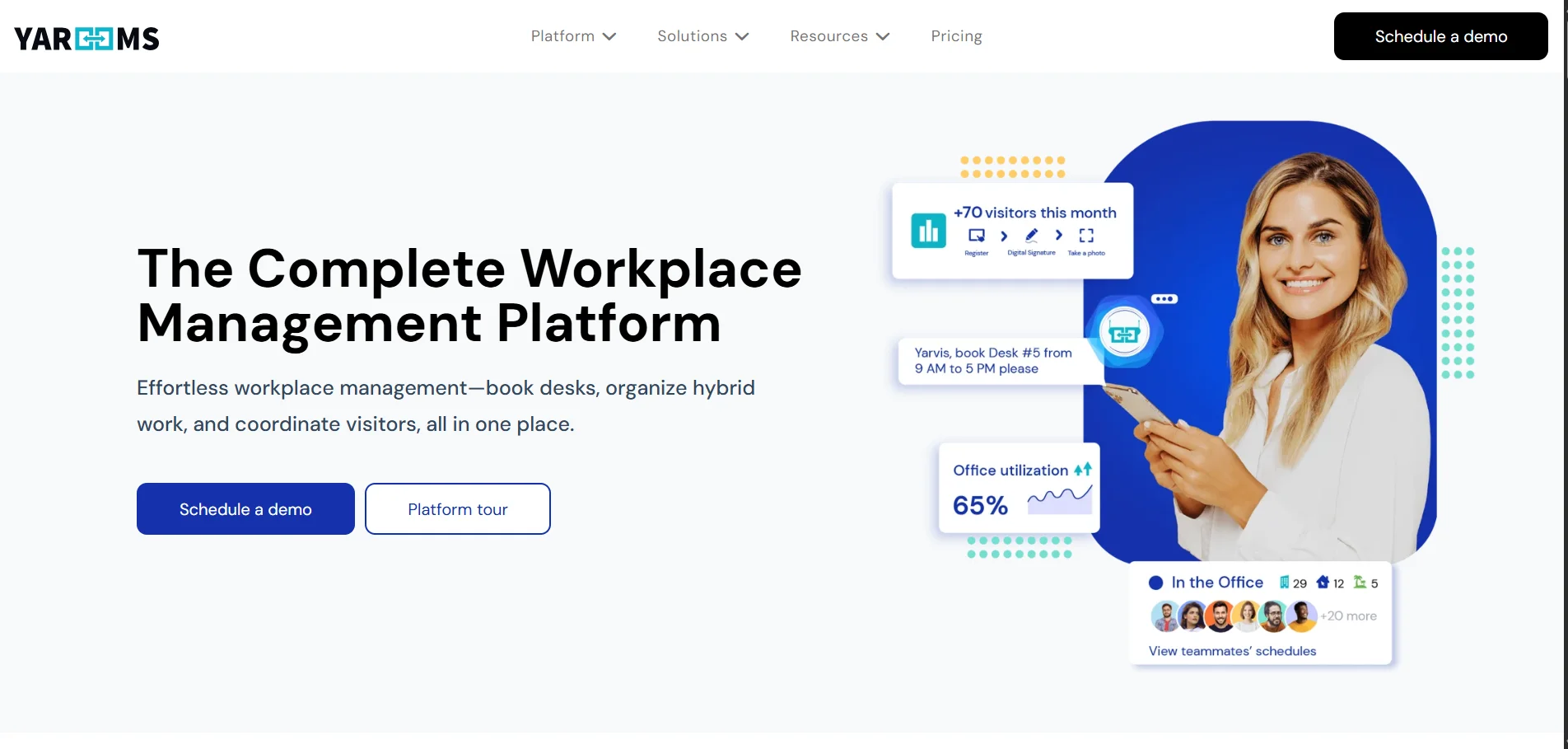
What it is: A workplace booking platform that combines desk and room booking with carbon-emissions reporting tied to employee commute and office energy use.
Best for: Hybrid organisations with public sustainability commitments (Scope 3 emissions reporting, B Corp obligations, ESG disclosures) that want workplace data tied to carbon outcomes.
Standout feature: Carbon-emissions reporting Yarooms is one of the only workplace platforms that natively models energy and commute-related emissions tied to office attendance, which feeds directly into ESG and Scope 3 reporting workflows.
Why teams pick Yarooms. Sustainability reporting is becoming a board-level requirement and most workplace platforms ignore it. Yarooms turns office attendance and space utilisation into actionable carbon data for example, modelling commute emissions saved when employees work from home, or identifying floors that can be closed to reduce HVAC consumption.
Key features:
- Desk and room booking
- Visitor check-in
- Carbon-emissions and energy-usage reporting
- Calendar integration (Outlook, Google)
- Mobile app for iOS and Android
Pricing: From $2 per user / month (verify current plans on the Yarooms site).
Where it falls short: Visitor management and analytics are good but not as deep as Envoy or Condeco. Buyers without sustainability reporting needs may not get full value from Yarooms’ carbon module.
8. WorkInSync — Best for Distributed Teams and Hybrid Scheduling
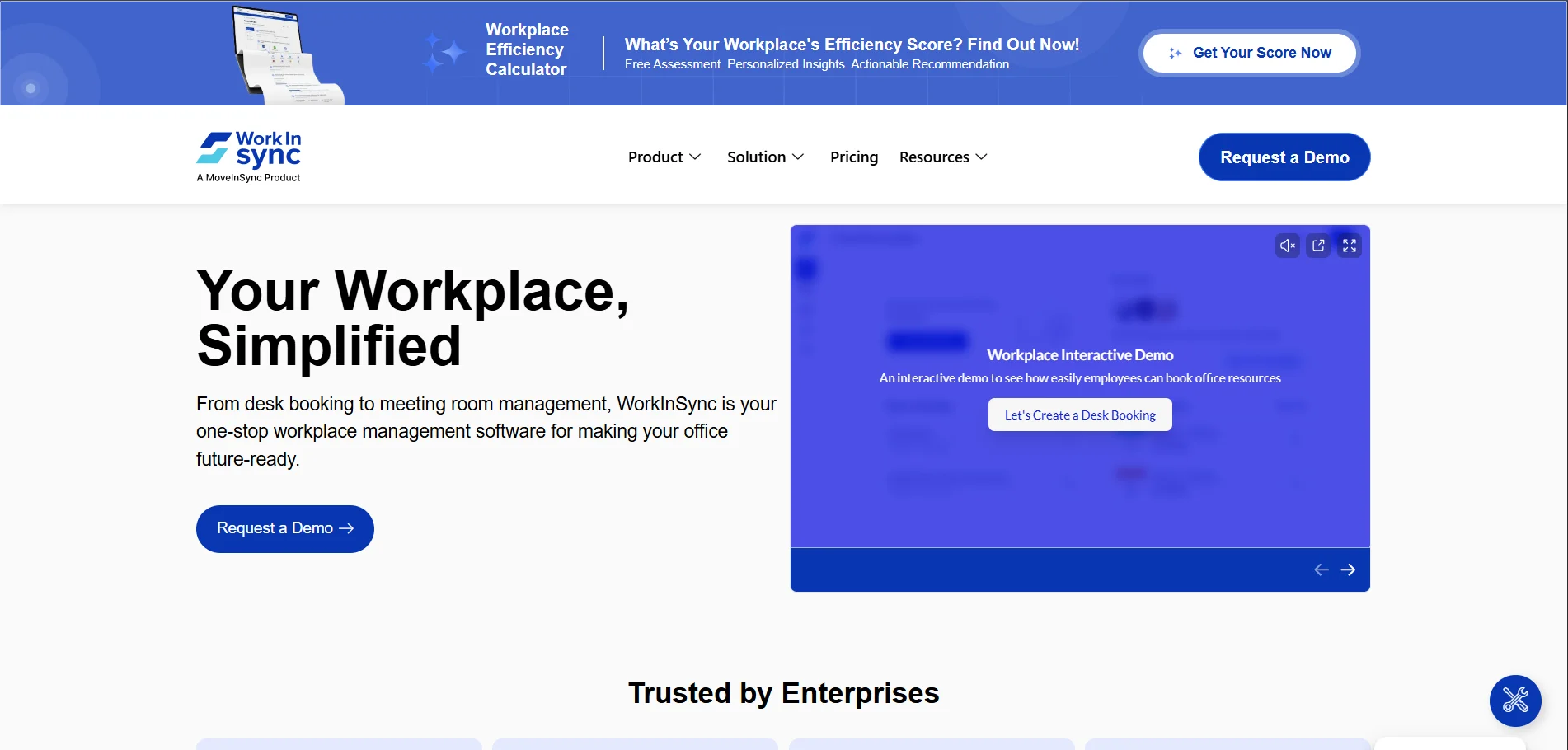
What it is: A workplace platform built specifically for hybrid scheduling combining desk booking, employee attendance, and remote-work coordination.
Best for: Distributed teams with hybrid policies (e.g. anchor days, neighborhood-based teams, rotating in-office schedules) that need to coordinate who’s in the office on which days.
Standout feature: Hybrid schedule planning WorkInSync lets managers define team-specific in-office rotations, then automatically suggests office days and desks based on the policy.
Why teams pick WorkInSync. WorkInSync is one of the few platforms designed from the ground up around hybrid scheduling rather than around desk booking. For organisations enforcing 2-day or 3-day office mandates, WorkInSync turns the policy into a workflow employees can actually follow.
Key features:
- Desk and room booking
- Hybrid schedule planning with team rotations
- Employee attendance and presence tracking
- Navigation maps for finding desks and rooms
- Mobile apps
Pricing: From $3 per user / month.
Where it falls short: Visitor management is functional but lighter than DeskFlex or Envoy. Brand recognition is lower than competitors, which can be a procurement obstacle in enterprises that prefer Gartner-listed vendors.
9. Teem (iOFFICE) — Best for Medium-Sized Teams that Need Simple Room Booking
What it is: A workplace platform focused on meeting-room booking, room displays, and office planning for medium-sized organisations.
Best for: Medium-sized organisations (200–1,500 employees) where meeting-room demand is the main pain point and desk booking is secondary.
Standout feature: Meeting-room displays Teem has long been recognised for its room-display tablets, which show real-time availability outside each meeting room and allow ad-hoc booking from the tablet itself.
Why teams pick Teem. Teem (part of iOFFICE) has been around since the early days of room-display tablets and its hardware partnerships are mature. For organisations where meeting-room squatting, ghost meetings, and double-bookings are the daily pain, Teem solves that specific problem well.
Key features:
- Room booking with calendar sync
- Desk booking
- Room-display tablets
- Visitor tools
- Utilisation analytics
Pricing: Custom — contact sales.
Where it falls short: Less focused on hot desking and hybrid scheduling than Robin or WorkInSync. Visitor management is lighter than Envoy.
10. SpaceIQ (Eptura) — Best for Enterprises Needing Space Planning + Asset Tracking
What it is: An enterprise-grade workplace and space-planning platform — now part of Eptura — that combines desk and room booking with asset tracking and strategic space planning.
Best for: Large enterprises whose workplace decisions intersect with asset management, furniture tracking, and long-term real-estate strategy.
Standout feature: Asset tracking on a floor plan SpaceIQ lets you map furniture, equipment, and other assets visually, useful for organisations with significant capital assets across multiple sites.
Why teams pick SpaceIQ. SpaceIQ sits at the intersection of workplace management and IWMS (Integrated Workplace Management Systems). For enterprises that need to manage not just where people sit but also what’s in the office and how it’s depreciating, SpaceIQ — combined with the broader Eptura stack is one of the most complete options.
Key features:
- Space planning with visual floor plans
- Desk and room booking
- Asset tracking for furniture and equipment
- Workforce occupancy insights
- Enterprise integrations (HRIS, IWMS, finance)
Pricing: Custom — contact Eptura sales.
Where it falls short: Implementation is enterprise-scale (12–24 weeks typical) and overkill for organisations that just need desks and rooms. The asset-tracking depth is more useful to facilities and finance teams than to people teams.
Head-to-head: Which Tool Wins?
These short comparisons answer the most common “X vs Y” questions buyers ask.
DeskFlex vs Robin
| Feature | DeskFlex | Robin |
|---|---|---|
| Best for | Regulated industries, hospitals, schools, government, large hybrid offices | Mid-sized hybrid teams focused on collaboration |
| Deployment | SaaS or on-premise | SaaS only |
| Visitor management | Built-in, with QR check-in, badges, host notifications | Limited |
| 3D floor maps | Yes | 2D floor maps |
| Abandoned-meeting protection | Yes — auto-release of unused rooms | Available |
| Mobile app | Yes | Yes |
| Best fit | Compliance-heavy buyers needing on-prem and deep visitor management | Collaboration-first buyers wanting frictionless team coordination |
- Pick DeskFlex if you need on-prem deployment, deep visitor management, or you’re in healthcare, education, or government.
- Pick Robin if your main use case is “help my team coordinate office days” and you’re cloud-comfortable.
Condeco vs SpaceIQ (both Eptura)
Both are now part of Eptura, which means buyers regularly ask which to choose.
- Condeco is a meeting-room and desk booking first. Pick it when scheduling is your primary pain.
- SpaceIQ is space planning and asset tracking first. Pick it when long-term real-estate strategy and asset depreciation matter as much as day-to-day booking.
In many large enterprises, both are deployed: Condeco for daily booking, SpaceIQ for planning and assets. Eptura sales can usually package both.
Envoy vs Yarooms for visitor management
| Feature | Envoy | Yarooms |
|---|---|---|
| Visitor module depth | Industry-leading — pre-registration, ID scan, NDA, watchlist | Solid — check-in, host notifications |
| All-in-one breadth | Lighter on desks and rooms | Stronger on desks, rooms, carbon |
| Free plan | Yes | No (free trial only) |
| Sustainability reporting | No | Yes |
| Best fit | Reception-heavy offices, security-conscious teams | Hybrid teams with ESG / sustainability requirements |
- Pick Envoy if visitor experience is the #1 problem and you may pair it with another desk-booking tool.
- Pick Yarooms if you want one platform for desks, rooms, and visitors and you value carbon reporting.
Other Workplace Management Tools Worth Knowing
These didn’t make the top 10 but appear regularly in buyer shortlists:
- deskbird — fast-deploy desk booking for hybrid SMBs; popular in Europe.
- Tactic — desk booking and visitor management for growing hybrid teams.
- Maptician — workplace platform with strong interactive floor plans and rapid deployment (~3 weeks).
- Gable — newer entrant with strong analytics and a focus on data-driven workplace decisions.
- FM:Systems — enterprise facilities management, often paired with workplace management.
- Planon — heavyweight Integrated Workplace Management System (IWMS) for universities and large campuses.
If you’re shortlisting beyond the top 10, start with these.
How to Choose the Right Workplace Management Software
The right platform depends on company size, complexity, and what you’re actually trying to solve. Use this quick guide.
By company size
- Under 50 employees / single office → Skedda, Envoy free plan, or Yarooms entry tier
- 50–500 employees / 1–3 offices → Robin, Yarooms, WorkInSync, or DeskFlex SMB
- 500–5,000 employees / multi-site → DeskFlex, OfficeSpace, Robin Enterprise
- 5,000+ employees / global → Condeco (Eptura), SpaceIQ (Eptura), DeskFlex Enterprise
By primary pain point
- “We don’t have enough desks for everyone” → Robin, DeskFlex, WorkInSync
- “Meeting rooms are always double-booked” → Teem, Condeco, DeskFlex
- “Reception is chaotic” → Envoy, DeskFlex
- “We’re paying for floor space we don’t use” → DeskFlex, SpaceIQ, Yarooms (with carbon)
- “Hybrid policy isn’t being followed” → WorkInSync, Robin
- “We need ESG / Scope 3 reporting” → Yarooms
- “Data residency / on-prem required” → DeskFlex (most others are cloud-only)
When DeskFlex is — and isn’t — the right fit
When DeskFlex is the right fit:
- You need desk booking, room scheduling, visitor management, and 3D floor maps in one platform
- You run a hybrid office with 100+ employees
- You require MS Exchange / Outlook / Office 365 integration with SSO (Okta or Active Directory)
- You operate in regulated environments — healthcare, education, government — and need on-prem or private-cloud deployment
- You want one vendor for desks, rooms, visitors, catering, and venue scheduling
When DeskFlex isn’t the right fit:
- You’re under 20 employees and want a free starter plan Skedda or Envoy’s free tier is lighter
- You only need visitor management — Envoy is more specialised
- You’re already on Eptura’s stack via Condeco or SpaceIQ staying in that ecosystem is usually simpler
We mention this trade-off explicitly because we’d rather you pick the right tool than the wrong one. If DeskFlex is a fit, book a 30-minute demo and we’ll show you a live walkthrough with your floor plan.
Conclusion
Workplace management software in 2026 is no longer a “nice to have” it’s how hybrid offices actually function. The right platform pays for itself within a year for most mid-market and enterprise buyers, primarily through reclaimed real estate and recovered meeting capacity.
The 10 platforms in this comparison each have a clear sweet spot. DeskFlex is the right pick for hybrid offices, healthcare, education, and government especially when on-prem deployment, deep visitor management, and 3D floor maps matter. Robin wins on collaboration and hybrid team coordination. Envoy wins on visitor management. Condeco and SpaceIQ win on multinational scale. Skedda and Yarooms win on SMB simplicity and (in Yarooms’ case) sustainability reporting.
If your shortlist includes DeskFlex, book a 30-minute demo and we’ll walk through your specific floor plan, integration requirements, and rollout timeline. If a different tool is the better fit for your situation, this guide should have made that clearer too — and that’s the point.
Frequently Asked Questions (FAQs)
What is workplace management software?
Workplace management software is a category of digital platforms that help organisations coordinate physical office space, employees, and visitors in one system. It typically includes desk booking, meeting room scheduling, visitor management, space-utilisation analytics, and calendar integrations. In 2026 most leading platforms also include AI-driven attendance forecasting, mobile apps for check-in, and integrations with identity providers like Okta and Microsoft Active Directory. Common buyers include facilities, real-estate, and people-operations teams in companies with hybrid work policies.
How does desk booking software work?
Desk booking software lets employees see real-time desk availability on an interactive floor plan, reserve a desk for a specific date and time from a web or mobile app, and check in on arrival usually via QR code, badge, or geolocation. Platforms like DeskFlex, Robin, and OfficeSpace also sync bookings with Outlook or Google Calendar, automatically release no-show reservations, and feed occupancy data to facilities teams for space-planning decisions. Most deployments take 2–4 weeks for SMBs and 12–24 weeks for enterprise multi-site rollouts.
What’s the difference between IWMS and workplace management software?
Integrated Workplace Management Systems (IWMS) like Planon, FM:Systems, and Eptura’s enterprise tier focus on the building itself: lease administration, capital projects, maintenance work orders, energy management, and long-term real-estate portfolio planning. Workplace management software focuses on the people in the building: where employees sit on a given day, which rooms they book, how visitors check in, and how space gets used hour-to-hour. Many enterprises now run both an IWMS for facilities and finance, plus a workplace management platform like DeskFlex or Robin for daily employee experience.
How much does workplace management software cost in 2026?
Pricing typically runs $3–$30 per user per month, depending on feature depth and company size. Entry-level tools like Yarooms start around $2 per user, mid-market platforms like WorkInSync from $3 per user, and enterprise platforms like Condeco and SpaceIQ are quoted on request and often have minimum-seat or minimum-spend thresholds. Free plans exist (Envoy is the best-known) but typically limit visitor volume or location count. Implementation and training fees are extra for enterprise rollouts.
Can workplace management software integrate with Outlook or Google Calendar?
Yes — every platform in this comparison integrates with Microsoft Outlook and Google Calendar so that room and desk bookings sync both ways. DeskFlex, Robin, and Condeco also integrate with Microsoft Exchange and Microsoft Teams, and most platforms support Zoom Rooms for meeting-room booking. Calendar integration is usually the single most-used feature after the desk-booking UI itself.
What analytics do workplace management systems provide?
Most platforms track desk and room occupancy, booking-vs-attendance rate (no-show rate), peak usage hours, average meeting size vs room size, and floor-by-floor utilisation. Advanced platforms (DeskFlex, Condeco, SpaceIQ) add visitor analytics, sensor-based occupancy, and benchmarking against industry averages. The most actionable metric for most buyers is desk-to-employee ratio against actual attendance; that’s how organisations justify floor consolidation or sub-leasing.
Do these tools support hybrid work models?
Yes — every platform in this comparison supports hybrid work, but the depth varies. Robin and WorkInSync are designed around hybrid scheduling (anchor days, team rotations, presence visibility). DeskFlex, Condeco, and SpaceIQ support hybrid through configurable booking rules. Skedda and Teem support hybrid in the sense that anyone can book a desk or room, but they don’t model team-level hybrid policies.
What is the best workplace management software for small businesses?
For small businesses (under 50 employees), the leading options are Skedda (lowest cost, easiest setup), Envoy’s free plan (best visitor management), and Yarooms entry tier (best if you also want sustainability data). DeskFlex, Robin, and Condeco are usually overkill at that scale though DeskFlex is worth a look if you’re in a regulated industry where on-prem deployment matters from day one.
Which workplace management software integrates with Microsoft Teams?
DeskFlex, Robin, Condeco (Eptura), Envoy, Yarooms, and WorkInSync all integrate with Microsoft Teams to varying depths typically allowing room bookings from inside Teams, host notifications for visitor arrivals, and presence sync. DeskFlex also integrates with MS Exchange and Office 365 directly. If Teams is your primary collaboration platform, prioritise vendors that ship a native Teams app rather than relying on calendar sync alone.
How long does it take to implement workplace management software?
Implementation timelines vary by company size and platform complexity. SMB cloud rollouts (Skedda, Envoy, Yarooms) typically go live in 2–4 weeks. Mid-market rollouts (Robin, OfficeSpace, DeskFlex SaaS) usually run 6–12 weeks including floor-plan upload, integrations, and pilot. Enterprise multi-site rollouts (Condeco, SpaceIQ, DeskFlex on-prem) commonly run 12–24 weeks, and longer if data migration from legacy systems is involved.
Is workplace management software GDPR-compliant?
Most leading platforms are GDPR-compliant for EU and UK deployments — but you should always confirm the vendor’s data-processing agreement (DPA), data residency options, and sub-processor list. DeskFlex offers EU data hosting and on-prem deployment, which is the strongest stance for GDPR-sensitive buyers. For visitor management specifically, GDPR adds requirements around visitor-data retention, consent for ID scanning, and right-to-erasure Envoy, DeskFlex, and Condeco all support these workflows.
How secure is visitor management in these systems?
Leading visitor-management modules support ID scanning, watchlist screening, NDA / health-screening sign-off, badge printing, and host notifications via Slack, Teams, or SMS. Enterprise platforms also integrate with access-control systems (HID, Brivo, Kisi) to grant or revoke building access automatically. Audit logs, visitor-data retention controls, and SOC 2 / ISO 27001 certification are table stakes for enterprise buyers verify these in the vendor’s trust centre before signing.
Can I manage multiple office locations from one dashboard?
Yes — enterprise platforms like DeskFlex, Condeco (Eptura), SpaceIQ (Eptura), and OfficeSpace support multi-location administration with location-scoped permissions, per-site booking rules, and consolidated analytics across the global portfolio. SMB platforms generally support multiple locations but with lighter administration controls.
What’s the ROI of workplace management software?
The most-cited ROI sources are real-estate cost reduction (30–50% is commonly reported by orgs that act on utilisation data Verdantix, CBRE), reduced no-show rates, recovered meeting-room capacity, and admin time saved coordinating moves and reception. A typical mid-market deployment pays back inside 6–12 months when buyers actively consolidate floors or sub-lease based on the data. ROI is much weaker when the platform is deployed without anyone owning utilisation as a KPI.


Support
Demo
Blog
Newsroom


