DeskFlex

Want to see DeskFlex in action? Book your live demo today!
What Is Hot Desking Benefits and Best Practices for 2026

What Is Hot Desking? A Complete 2026 Guide

Hot desking is a workspace arrangement where employees don’t have assigned desks and instead use whichever workstation is available when they arrive. The model first appeared in offices in the 1980s and 1990s, became widespread during the rise of hybrid work, and remains one of the most common flexible-seating policies in 2026.

If you’re researching whether hot desking fits your office or trying to understand what it means before evaluating software this guide covers the full picture: the definition and history, how it works in practice, the real benefits and drawbacks, who it suits and who it doesn’t, and how it compares to related models like hoteling and desk sharing.

This is the foundational guide. For deeper dives on specific topics, follow the internal links we’ve built specialized resources for evaluating software, comparing hot desking to hoteling, understanding desk sharing as a broader policy, and the etiquette that makes hot desking workplaces function smoothly.

What Is Hot Desking?

Hot desking is a workspace policy where multiple employees share the same desks over time, with no permanent assignment. Employees arrive at the office, find any available workstation, and use it for the day. When they leave, the desk becomes available for someone else.

The term originates from naval slang “hot bunking” or “hot racking” describing submariners who shared bunks because there weren’t enough beds for the whole crew. The bunk was always warm because someone had just slept in it. Offices adopted the concept and the name in the 1980s and 1990s as consulting firms and traveling workforces realized they didn’t need assigned desks for staff who were rarely in the office.

A few defining characteristics distinguish hot desking from related models. There’s no booking system, desks are claimed on arrival, first-come first-served. Personal items don’t stay at the desk employees use lockers or carry their belongings. Workstations are typically standardized so any employee can sit anywhere. And the policy is paired with cultural norms about cleaning up at the end of the day, leaving the desk ready for the next person.

How does hot desking work in practice?

The mechanics are deliberately simple. Most hot desking deployments follow a similar pattern, with or without supporting software.

  1. Setup. The office is configured with standardized workstations — same equipment, same setup, same height-adjustable surfaces. Personal items are removed. Lockers or storage cubbies are added so employees have a place for belongings and any work-related items they don’t carry daily.
  2. Arrival. Employees arrive at the office and find an available desk. There’s no reservation, no booking, no advance notice. The desk is claimed for the day by the person sitting at it. In organizations using simple software, employees might check in via app or QR code to mark their desk as occupied but the booking is the act of sitting down, not a prior reservation.
  3. Use. The employee works at the desk for the day. Their laptop, monitor cables (if needed), phone, and personal belongings are set up at the workstation. Lockers store anything that won’t fit on the desk or that the employee doesn’t want to carry between meetings.
  4. End of day. Before leaving, the employee clears the desk — removes personal items, wipes the surface, and returns it to the standardized state. This is the cultural practice that makes hot desking work; without it, the next user inherits someone else’s mess.

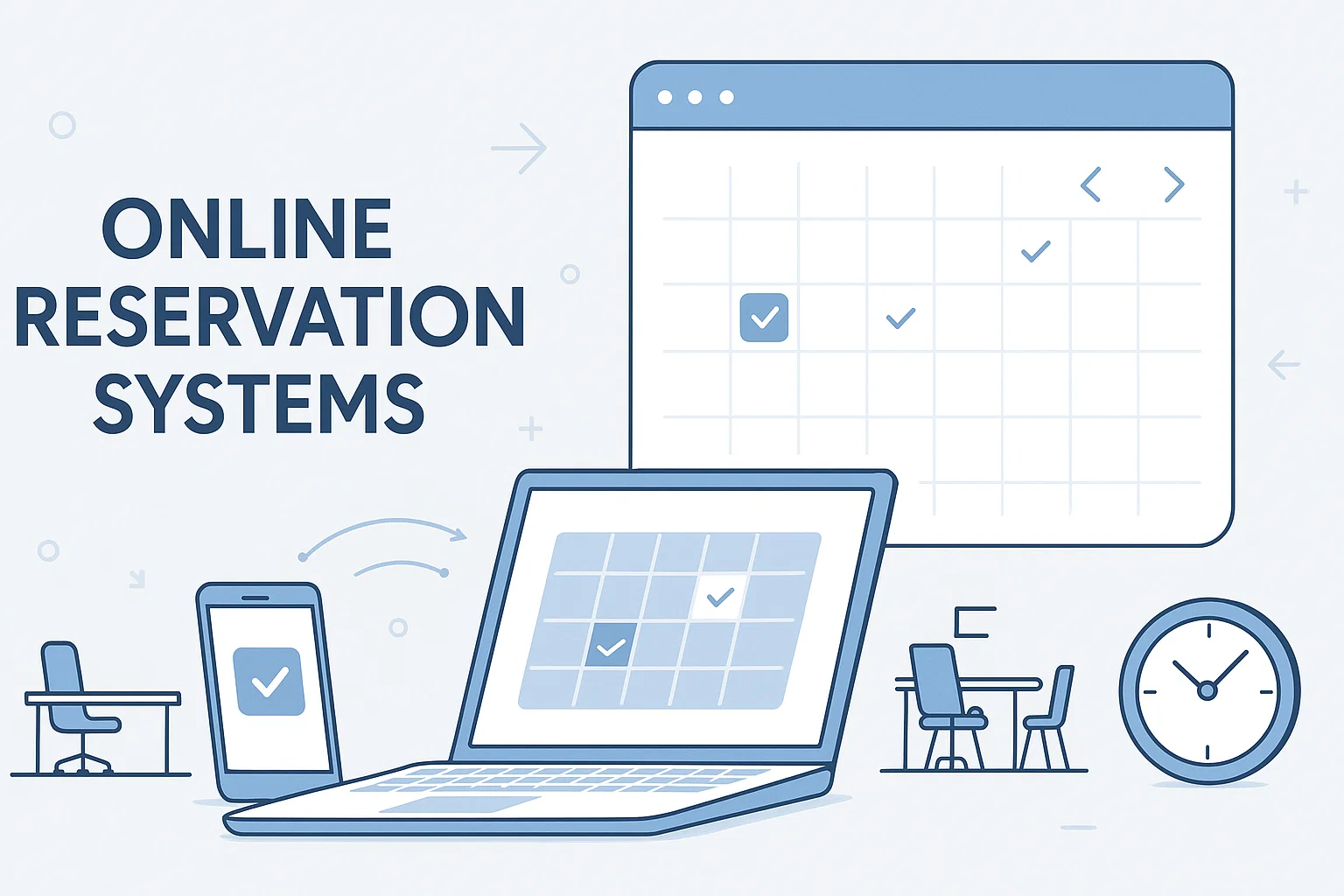
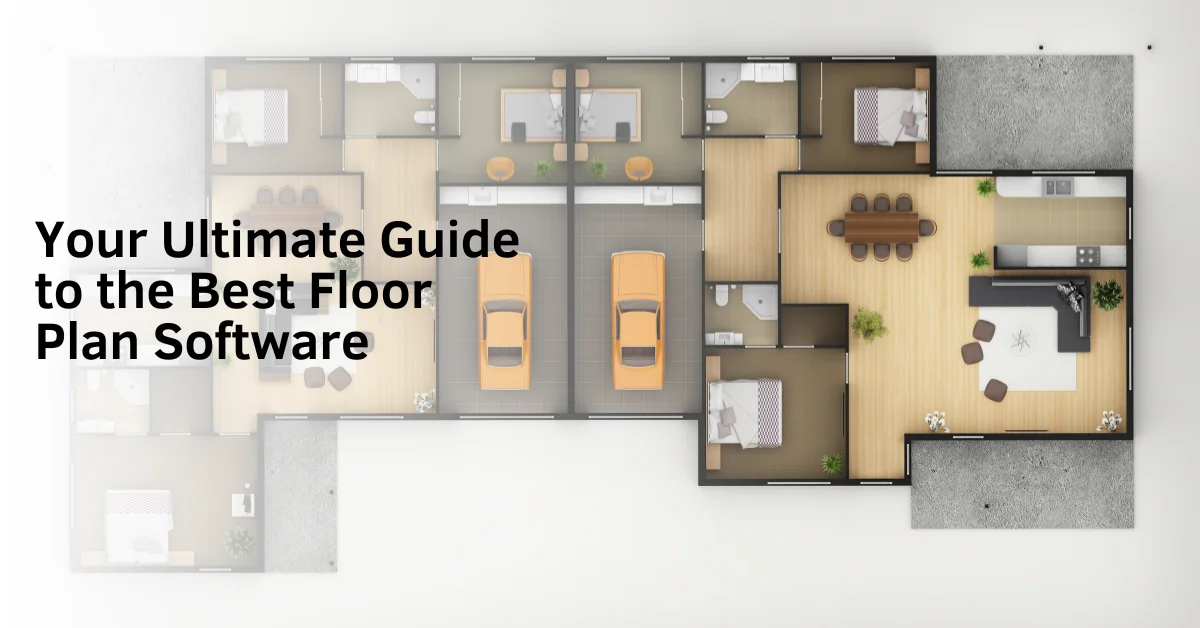
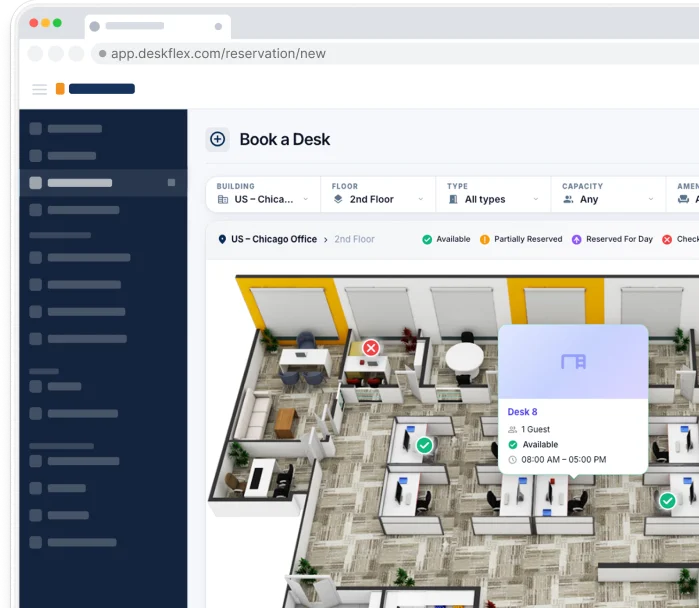
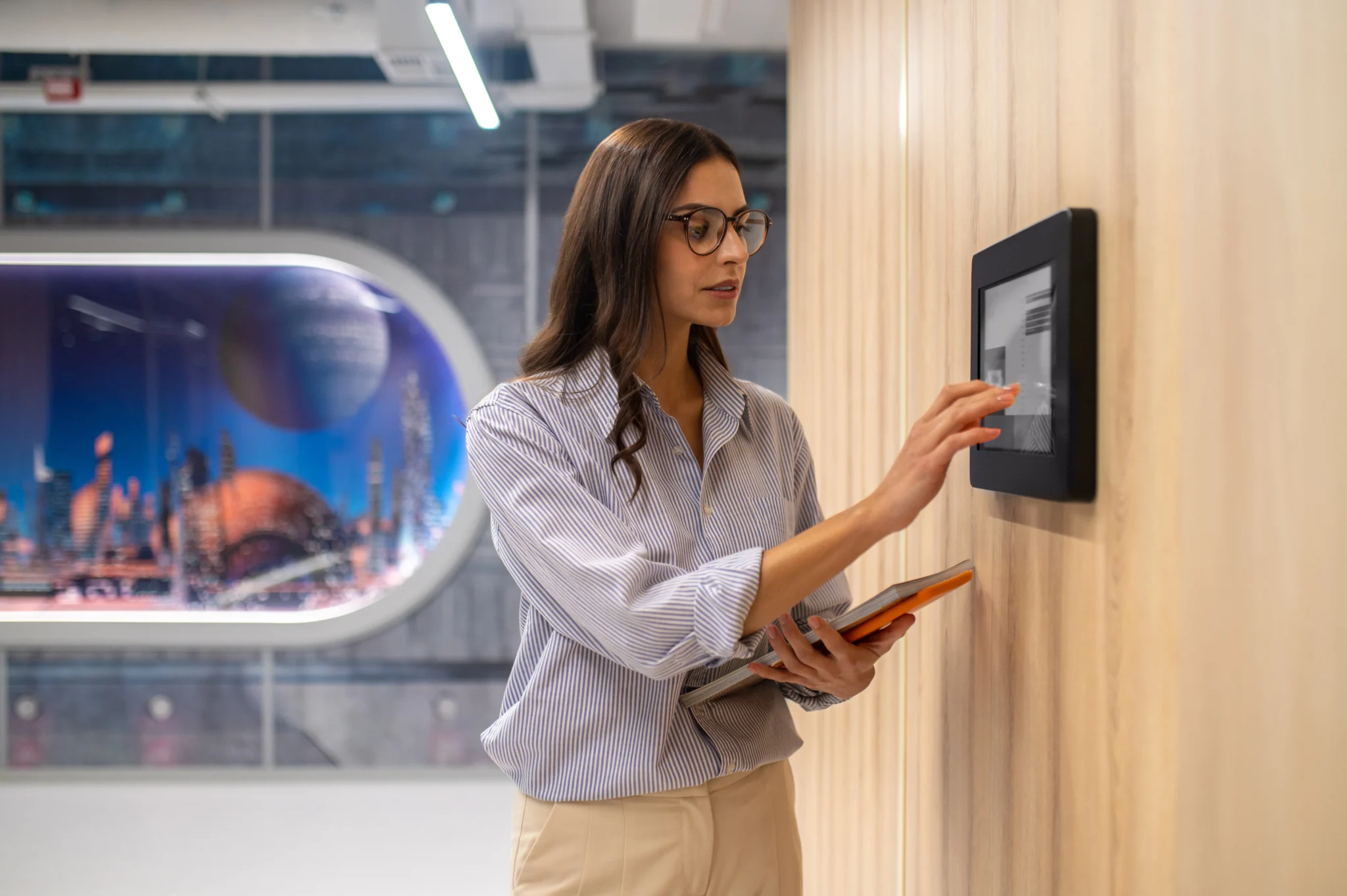
Some hot desking offices add light technology to the workflow interactive floor plans on tablets near the entrance, QR-code check-in to track utilization, or basic desk booking software that supports walk-in seating. But the core principle stays the same: no permanent assignment, no advance reservation. For organizations that want predictability and tracking, hoteling (a related model that requires advance booking) typically fits better. For organizations that want booking capability across the office, see our desk booking software guide.

Feature Hot Desking Hoteling
Desk Selection Employees choose any available desk upon arrival Employees reserve desks before arriving
Reservation Requirement No advance reservation required Advance reservation required
Workplace Flexibility Highly flexible seating environment Structured seating with scheduled bookings
Workspace Planning Minimal planning needed Employees plan workspace ahead of time
Best Use Case Offices with unpredictable attendance Hybrid workplaces with coordinated schedules
Technology Use Sometimes manual or simple booking tools Typically supported by desk booking software

The origin and history of hot desking

Hot desking didn’t start in offices, it started on submarines. Naval crews used “hot bunking” or “hot racking” to manage limited sleeping quarters: with three sailors per two bunks, the bunk was always warm from the previous occupant. The term moved to land in the 1980s as consulting firms looked for ways to manage office space for staff who were rarely there.

Andersen Consulting (now Accenture) was an early adopter and helped popularize a related model called hoteling though they used a reservation system rather than first-come seating. By the 1990s, traveling consultants at firms like Deloitte, PwC, and Ernst & Young routinely shared desks. The term “hot desking” specifically emerged in the British workplace press in the early 1990s.

The model became mainstream during the 2010s as flexible work patterns spread beyond consulting. The COVID-19 pandemic accelerated adoption dramatically when offices reopened, fewer employees were in on any given day, and 1:1 desk-to-employee assignments became visibly wasteful. By 2026, hot desking and its more structured cousin hoteling are standard practice for the majority of hybrid offices in mid-market and enterprise organizations.

Benefits of hot desking

Companies adopt hot desking for several measurable reasons. The benefits compound as office attendance becomes more variable.

  1. Lower real estate costs. Hot desking typically reduces required desk inventory by 30-50% in organizations where in-office attendance falls below 50%. For a 500-person company paying $200 per desk per month in rent, that’s $60K-$100K in annual savings. The savings are larger in expensive real estate markets like London, New York, San Francisco, and Singapore.
  2. Simplicity in implementation. Unlike booking-based models (hoteling), hot desking requires no software, no reservation workflow, and no admin overhead. Small offices can adopt it in a week with nothing more than communication and a few lockers. This makes it the fastest path from assigned seating to flexible work.
  3. Genuine flexibility. Employees who attend the office unpredictably benefit from not needing to plan ahead. Anyone can drop in any day without coordinating with a booking system. For genuinely variable attendance patterns, this beats hoteling on user experience.
  4. Cross-team interaction. Without permanent team zones, employees sit next to different colleagues over time. Some organizations cite this as a deliberate benefit of exposure to different teams and informal knowledge sharing that assigned seating doesn’t produce.
  5. Cleaner physical environment. Because employees clear their desks daily, hot desking offices tend to be visibly cleaner and more uniform than offices with assigned seats. This isn’t trivial; it affects both physical hygiene and the visual signal an office sends to visitors and new hires.

Drawbacks of hot desking

Hot desking has real costs that show up after the initial deployment. Honest assessment of the drawbacks helps you decide whether the model fits your culture and team and what to mitigate if you adopt it.

  1. Desks can run out at peak times. Without booking, employees who arrive late on busy days may find no available workstations or have to settle for poor locations far from teammates or specialized equipment. This is the most common operational complaint in hot desking offices, especially Tuesday through Thursday in hybrid setups.
  2. Teams can’t easily sit together. Without a reservation system, coordinating where a team will sit on a given day requires Slack threads, calendar tools, or showing up early. For organizations where in-office days are explicitly about collaboration, this friction undermines the value of being in the office at all.
  3. No utilization data. Without booking software, facilities teams have no record of who used which desk and when. This makes it hard to right-size office space, justify real-estate decisions to leadership, or detect underused zones. Companies that adopt hot desking without any tracking often end up adding light booking software within 12-18 months specifically to solve this.
  4. Personalization is lost. Employees can’t keep monitors at their preferred height, family photos at the desk, or personal items conveniently nearby. For employees who valued their assigned desk as a small personal space within the office, this loss is real and contributes to resistance during the transition.
  5. Cleaning and equipment standardization is a real cost. Hot desking requires standardized workstations, daily cleaning routines, and equipment that any employee can use immediately (monitors with USB-C docks, height-adjustable surfaces, peripherals that match every employee’s laptop). The transition cost is often underestimated in initial budgets.

Who hot desking is best for (and who it isn't)

Best Practices for Implementing Hot Desking

Hot desking suits some teams and contexts well and is a poor fit for others. Honest matching of model to situation prevents the most common implementation failures.

Hot desking fits well when:

  • Office attendance is consistently below 50% — the simplicity matches the variability
  • The culture is informal and tolerates unpredictability about where people sit
  • The team is small (under 100 employees) and software cost isn’t justified
  • Individual contributors do most of the work — team co-location isn’t critical
  • The organization is in early stages of flexible work and wants to test before investing in tooling
  • Real estate costs are high enough that 30-50% desk reduction creates meaningful savings

Hot desking is a poor fit when:

  • Hybrid teams come in on specific days and expect to sit with their colleagues
  • The office is large or multi-floor and finding the right zone takes time
  • Industries with compliance requirements need audit trails of who used which workspace when
  • Specialized equipment is tied to specific desks (large monitors, dual screens, accessibility setups)
  • The culture values personalization and the change-management cost would be high
  • Leadership wants regular reports on space utilization without booking data, those reports don’t exist

Organizations that fit the second list often choose hoteling instead of a related model that uses advance reservations through software. 

Hot desking vs related workspace models

How DeskFlex Optimizes Hot Desking in Hybrid Offices

Hot desking is one of several related but distinct workspace models. Understanding the differences helps you pick the right one and avoid common confusion when discussing options with vendors or leadership.

Hot desking vs hoteling

Both are forms of shared seating, but they differ on reservation. Hot desking is first-come, first-served with no booking. Hoteling requires advance booking through software, guaranteeing a specific desk for a chosen time slot. Hoteling fits hybrid teams that need predictability; hot desking fits informal cultures with unpredictable attendance. For the full comparison, see our hot desking vs hoteling guide.

Hot desking vs desk sharing

Desk sharing is the broader policy of multiple employees using the same desk over time. Hot desking is one specific implementation of desk sharing alongside hoteling and free-address models. When you compare “desk sharing vs hot desking,” you’re really comparing the broad category to one of its forms. See our hot desking vs desk sharing comparison for the precise breakdown of the parent-child relationship.

Hot desking vs activity-based working (ABW)

Activity-based working assigns zones to different work types focus areas, collaboration spaces, casual zones rather than individual desks. Employees move between zones based on what they’re doing that day. ABW is often combined with hot desking (within each zone, no assigned desks) or with hoteling (zones are bookable in advance).

Hot desking vs free address

Free address is essentially the same as hot desking; the terms are used interchangeably in many markets. Some workplace consultants use “free address” specifically for neighborhood-based hot desking, where teams have preferred zones but no assigned desks within them. The distinction is more semantic than operational.

How to make hot desking work (best practices)

Hot desking succeeds or fails on small operational details. The companies that get it right do these things deliberately.

  • Standardize the workstations. Same monitor sizes, same connector types (USB-C dock that works with everyone’s laptop), same height-adjustable surfaces. Inconsistency forces employees to find specific desks and erodes the hot desking principle.
  • Provide enough lockers. Plan for 1 locker per employee, not 1 per attending employee. People who come in occasionally still need somewhere to store items between visits.
  • Establish clear cultural norms. Wipe the desk before you leave, don’t claim a desk you’re not using, don’t camp at a desk during lunch if the office is busy. Document these see our hot desk etiquette guide for what to include.
  • Designate specialized zones for specialized needs. Some employees need dual monitors, accessibility equipment, or quiet focus space. Mark those desks as bookable-only or assigned, even within an overall hot desking policy.
  • Add light tracking, even if you don’t add full booking. Even a simple desk check-in via QR code gives you basic utilization data and helps prevent ghost reservations. See our hot desk booking system features guide for what to look for if you decide to add software.
  • Communicate the change well in advance. Employees who lose assigned desks need 4-6 weeks of notice and clear reasoning. Bad change management is the most common cause of hot desking pilots that get rolled back.
  • Plan for peak times. Identify the days when desks run out (typically Tuesday-Thursday) and either expand hot desking capacity, add bookable zones, or set expectations about which days work for in-office attendance.
  • Run a utilization review after 3-6 months. Look at whether desk inventory matches actual use, whether teams are still co-locating effectively, and whether any zones are systematically underused. Adjust based on the data.

Hot desking in 2026 — modern context

Hot desking has evolved meaningfully over the past five years. The model that prevailed during the early hybrid-work transition is different from what most companies practice today.

The biggest change is the role of software. Pure hot desking with no technology still exists, especially in small offices. But most mid-market and enterprise deployments now use light booking software not for full hoteling, but for desk check-in, utilization tracking, and visibility into who’s in the office on which days. This isn’t quite hot desking anymore, but it’s not full hoteling either; it’s a hybrid that preserves the spontaneity of hot desking while solving its biggest weakness (lack of data).

The second change is integration with hybrid work patterns. In 2020-2022, hot desking was a response to uncertain attendance. By 2026, attendance patterns have stabilized into predictable Tuesday-Thursday peaks for many companies, which exposes the limits of pure first-come seating. Organizations are increasingly combining hot desking (for flexibility) with hoteling (for predictable team days), often within the same office.

The third change is real-estate economics. With office costs continuing to rise in major cities, the 30-50% desk reduction hot desking enables is more financially significant than ever. Even companies that previously resisted shared seating are reconsidering. For organizations evaluating software to support this transition, see our 10 best hot desk booking systems for 2026.

Frequently Asked Questions (FAQs)

Hot desking is a workspace policy where employees share unassigned desks on a first-come, first-served basis. Employees arrive, claim any available workstation for the day, and clear it when they leave. There’s no booking system and no permanent desk assignment; it’s the simplest form of shared seating.

The term comes from naval slang “hot bunking” or “hot racking” where submariners shared bunks because there weren’t enough beds for the whole crew. The bunk was always warm from the previous occupant. Offices adopted the concept in the 1980s-1990s for traveling consulting staff.

Lower real estate costs (30-50% desk reduction in many cases), simpler implementation than booking-based models, genuine flexibility for unpredictable attendance, and increased cross-team interaction. The financial savings are typically the strongest driver, especially in expensive real estate markets.

Desks can run out at peak times, teams can’t easily sit together without coordination, no utilization data is generated automatically, employees lose desk personalization, and standardized equipment is required. The lack of data is the drawback most companies underestimate at adoption.

No. Both are forms of shared seating, but they differ on reservation. Hot desking is first-come, first-served with no booking. Hoteling requires advance reservation through software, guaranteeing a specific desk. See our hot desking vs hoteling guide for the full comparison.

Yes, hot desking is often the right starting point for offices under 50 employees. The simplicity matches the scale, and the lack of software cost is appropriate for small teams. Above 100 employees with predictable hybrid attendance, hoteling typically fits better.

Most desk booking platforms support hot desking, either as the only model or alongside hoteling. Look for floor plan-based interfaces, mobile check-in, utilization analytics, and configurable rules. See our 10 best hot desk booking systems for vendor comparison.

Real estate costs continue rising while office attendance stays variable for most hybrid teams. Hot desking remains the simplest way to reduce desk inventory by 30-50% without significant tooling investment. It’s particularly relevant for small offices, informal cultures, and organizations testing flexible seating before adopting more structured models.