
In 2026, visitor management software became an essential component of modern workplace operations. With offices moving to a hybrid work setup, increasing security needs, and the need to experience things without touching, manual visitor management is no longer efficient or safe.
Since check-in systems provide real-time notifications to visitors, organizations are increasingly demanding greater security for the data they store.
This article compares the best visitor management software on the market: DeskFlex, Envoy, Robin, Officely, Skedda, Archie, and Proxyclick. This will dissect features, strengths, and limitations, and provide an understanding of what makes DeskFlex consistently outperform other platforms in the majority of organizations.
What Is Visitor Management Software?
Visitor management software digitizes the process of logging, tracking, and controlling who enters a workplace. It replaces paper sign-in sheets and manual reception processes with automated workflows that handle pre-registration, contactless check-in, host notifications, badge printing, and visitor record keeping.
In 2026, the best visitor management systems also integrate with workplace infrastructure — access control systems, calendar platforms, SSO providers, and desk booking tools — to create a unified picture of who is in the building at any given time.
Core capabilities to look for include:
Contactless or QR code-based check-in
Pre-registration and visitor invite workflows
Real-time host notifications via email, SMS, or Slack
Digital badge printing
NDA and document signing at check-in
Watchlist screening and blocklist management
Audit-ready visitor logs and compliance reporting
Integration with access control, HR directories, and calendar systems
2026 Visitor Management Software Market: Key Data
Industry Statistics — 2026
Market size: $1.9 billion globally (2026)
87% of buyers rate self check-in/check-out as the most critical feature (Capterra, 2026)
Organizations switching to digital visitor management systems see a 40–50% reduction in front-desk administrative workload
First-year total cost for 3–5 locations typically ranges from $8,000 to $20,000
Envoy Visitors holds the G2 Leader position for the 5th consecutive year with a 4.7/5 rating
SwipedOn leads on user satisfaction with a 4.8/5 rating at a lower price point of $55/month
Quick Comparison: 7 Best Visitor Management Software in 2026
Platform | Best For | Starting Price | Pricing Model | G2 / Capterra Rating |
|---|---|---|---|---|
DeskFlex | All-in-one workplace + visitor management | ~$3/user/month | Per user/month | Contact for rating |
Envoy | Enterprise visitor experience | $109/location/month | Per location/month | 4.7/5 (G2 Leader) |
Robin | Hybrid workplace scheduling | Quote-based | Quote-based | 4.4/5 |
Officely | Slack/Teams-first lightweight tool | ~$2.50/user/month | Per user/month | 4.5/5 |
Skedda | Space booking + light visitor management | $99/month (fixed spaces) | Per space/month | 4.7/5 |
Archie | Coworking & shared workspaces | $2.80/desk/month + $8/room/month | Per resource/month | 4.6/5 |
Proxyclick (Eptura) | Compliance-heavy enterprise | ~$100/location/month | Per location/month | 4.5/5 |
Your security requirements, the complexity of your office, and your compliance and scalability objectives will determine the most suitable visitor management software in 2026.
The following is a brief overview of the best platforms that are discussed in this guide:
DeskFlex: Optimal all-in-one work and visitor management software in businesses.
Envoy: Ideal for smooth design and high-tech front-desk experiences.
Robin: A schedule application in the workplace that includes embedded visitor applications.
Officely: Best hybrid office is based on Slack and Teams.
Skedda: The best choice of space booking and light visitor capabilities.
Archie: Ideal co-worker and collaborative open areas.
Proxy click (Eptura Visitor): Ideal where compliance is paramount in the enterprise setup.
1. DeskFlex — Best All-in-One Visitor and Workplace Management Platform
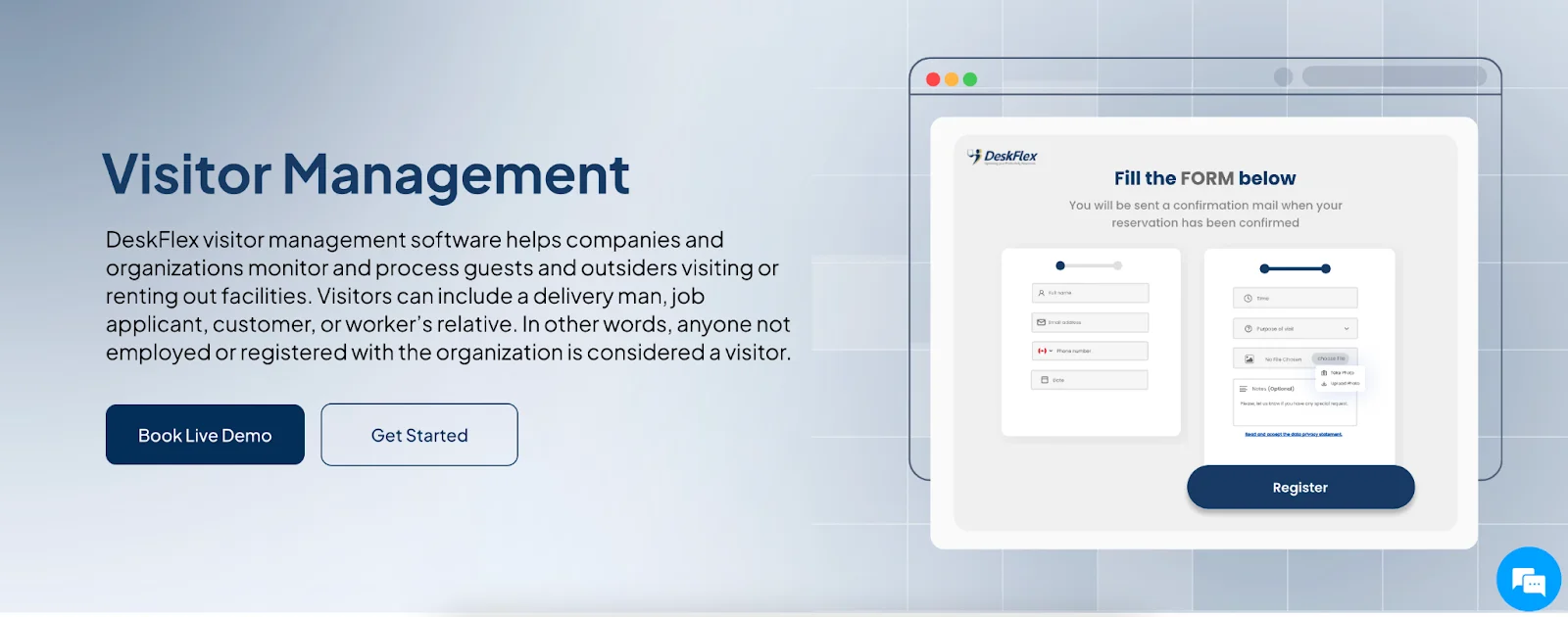
DeskFlex is a comprehensive workplace management platform that combines visitor management, desk booking, room scheduling, space management, and facility coordination into a single system. For organizations that want visitor control fully integrated with their broader workplace operations, DeskFlex is the strongest all-in-one option on this list.
Key Features:
QR Code and Self-Service Check-In: Visitors check in via QR code at kiosk screens or mobile devices, reducing wait times and front-desk workload.
Real-Time Host Notifications: Instant alerts via Slack, email, or SMS when a visitor arrives — no manual notification required.
Access Control Integration: Restrict visitor movement by floor, zone, or room. Assign temporary access permissions based on visitor type.
Visitor Management + Room Booking: Link visitor check-ins directly to room reservations — a capability most standalone visitor tools lack.
3D Interactive Floor Maps: Visitors and staff can navigate the building visually, reducing confusion at large or multi-floor venues.
Visitor Badge Printing: Print branded visitor badges automatically on check-in.
Okta SSO and Microsoft 365 Integration: Staff access DeskFlex with existing credentials. Visitor records sync with enterprise directory systems.
Analytics and Reporting: Track visitor frequency, peak arrival windows, room occupancy, and compliance data from one dashboard.
Facility Rental Workflow: Unique to DeskFlex — shared spaces can be monetized, useful for coworking and multi-use facilities.
New in 2026: DeskFlex Visitor Management Enhancements
Zapier Integration now allows visitor check-in data to trigger automated workflows in Salesforce, Slack, and 5,000+ other apps
Abandoned Meeting Protection extended to visitor sessions — auto-releases reserved visitor areas when no check-in is detected
Status Board Display now shows live visitor arrival queues alongside room availability in lobby areas
Catering module integration allows planners to attach hospitality requests to visitor bookings for client-facing meetings
Pricing
Module | Pricing | Notes |
|---|---|---|
Visitor Management | Included in platform | Part of the full DeskFlex suite |
Desk Booking | From ~$3/user/month | Billed annually |
Room Booking | Included with desk booking | Full room scheduling suite |
Enterprise / Custom | Contact DeskFlex for quote | Module pricing based on organization size |
Free Trial | 30-day free trial available | deskflex.com/product-inquiry |
Best for: Enterprises, healthcare, government, and education organizations that need visitor management fully integrated with space and resource booking.
Strength: The only platform on this list that combines visitor control, room booking, desk booking, 3D floor maps, and facility management in one system.
Limitation: Feature depth may exceed what very small or single-office organizations need.
2. Envoy — Best for Enterprise Visitor Experience
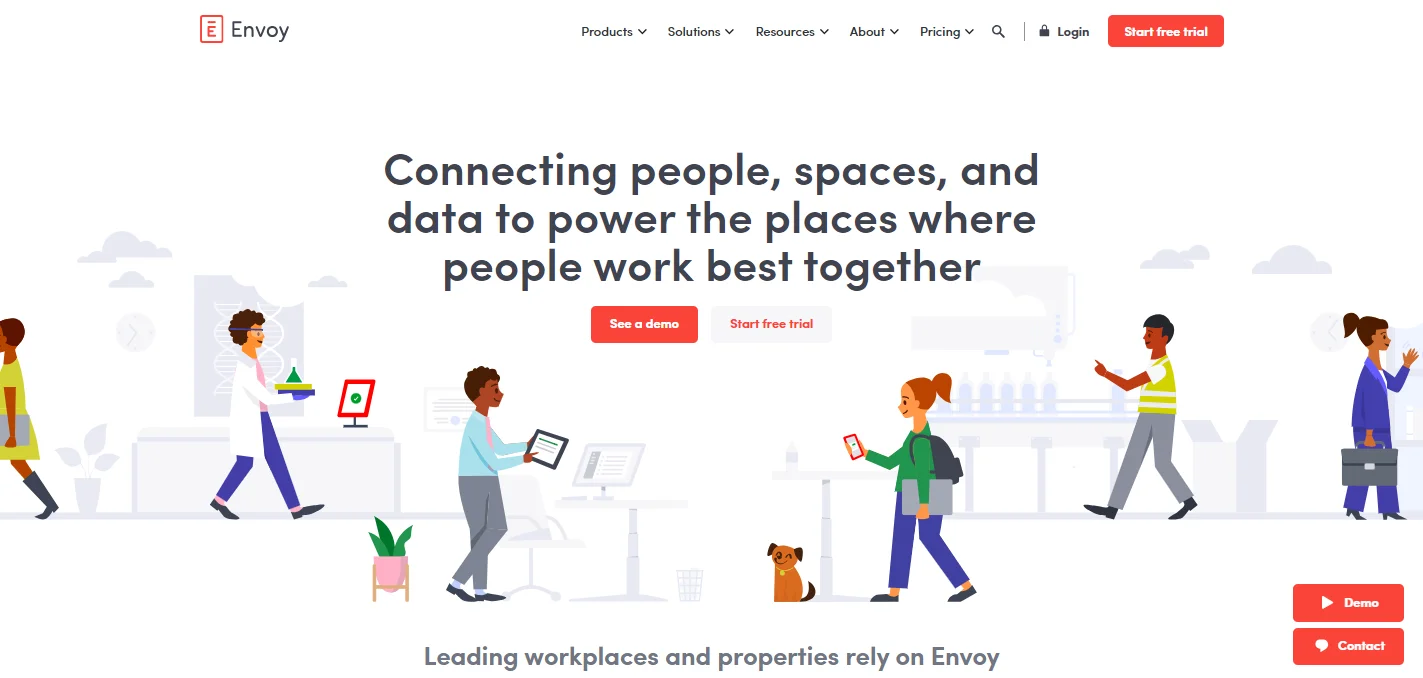
Envoy is one of the user-friendly and scalable visitor management software solutions. It began with visitor check-ins and host notifications and has now been extended to cater to desk and room reservations, delivery notices, and emergency alerts.
Envoy has a well-designed interface, making the user experience efficient and guest-friendly. Moreover, touchless check-in via iPad kiosks contributes to a pleasant first impression for guests.
Key Features:
Visitor Registration and Screening: Customizable sign-in forms, visitor photos, NDA signing, and blocklist screening.
Badge Printing and Branding: Branded visitor badges with logos printed automatically at check-in.
Compliance Tools: Audit-ready visitor logs, ID scanning (500 scans/year on Premium), watchlist alerts.
Workspace Booking: Desk, room, and parking reservations via Envoy Reservations (separate module).
Delivery Management: Package tracking with automatic employee notifications.
Virtual Front Desk: Video intercom via iPad and mobile app — after-hours coverage and backup routing.
Emergency Notifications: Real-time alerts across email, mobile push, SMS, Teams, and Slack.
2026 Envoy Pricing (Updated)
Plan | Price | Key Inclusions |
|---|---|---|
Basic (Visitors) | Free | Unlimited visitors, basic check-in, host notifications |
Standard (Visitors) | $109/location/month (annual) | Badge printing, legal documents, pre-registration, basic analytics |
Premium (Visitors) | ~$362/location/month (annual) | Visitor photos, SSO, advanced analytics, Virtual Front Desk included |
Enterprise (Visitors) | Custom pricing | Blocklist scanning, advanced security, multi-location controls |
Reservations (Desks/Rooms) | $5/bookable resource/month | Desk, room, and parking booking — billed separately |
Emergency Notifications | $24/user/year | Multi-channel alerts — platform fee applies |
Deliveries | $3,000/location/year | Package management module |
Note: Envoy uses a modular pricing model. Visitors, Reservations, Deliveries, and Emergency Notifications are billed separately. Hardware costs (iPads, badge printers) add $200–$900 per location in Year 1. Multi-year contracts typically yield 15–30% savings.
Strength: Best-in-class visitor check-in experience, deep enterprise integrations (HID, Brivo access control), strong compliance tools.
Limitation: Premium pricing — a full suite across multiple modules at multiple locations can reach $4,000+/month. Key features like advanced analytics and SSO only available at Premium/Enterprise tiers.
3. Robin — Best for Hybrid Workplace Scheduling
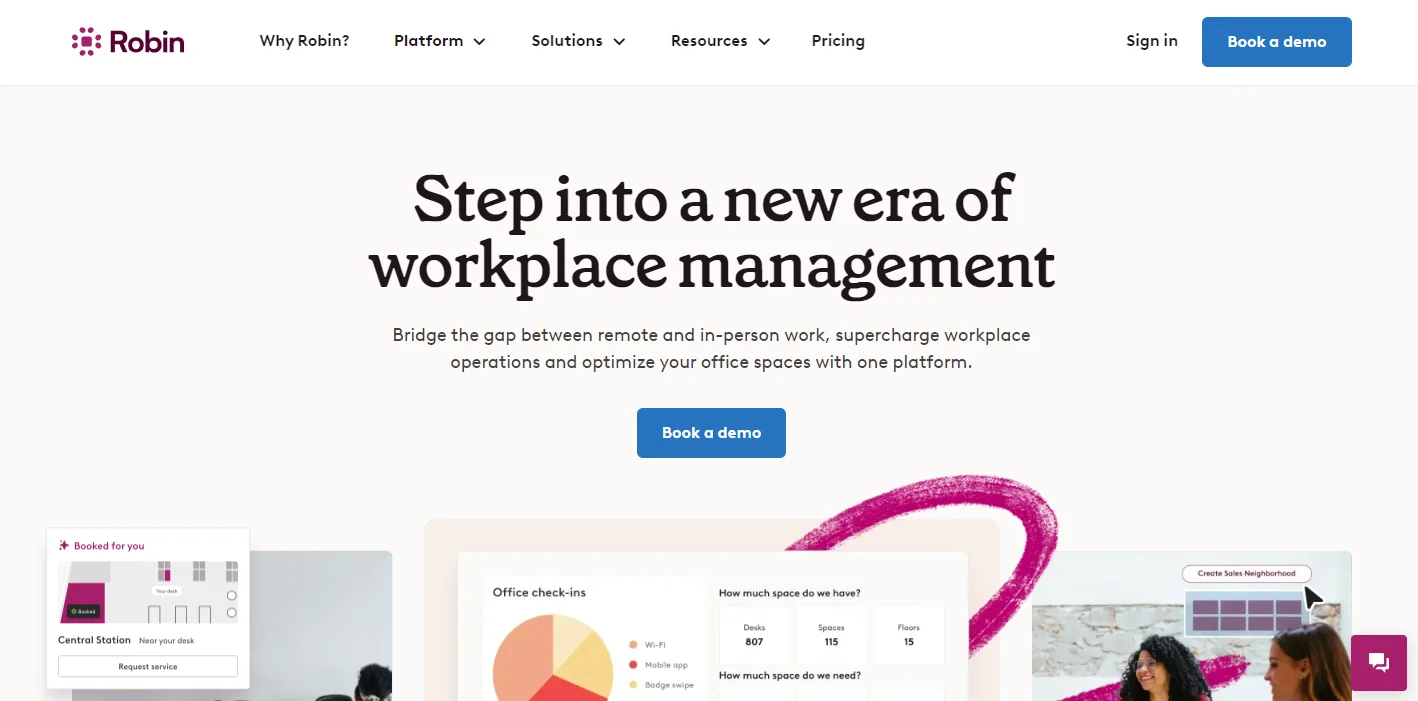
Robin targets workplace scheduling and hybrid team organization, with visitor management as a secondary focus, although it is integrated. It helps teams visualize space availability, organize office days, and make data-driven decisions about how to use the workspace.
Visitors can be tracked and the host notified, though it is not as visitor-focused as other specialist software on the list.
Key Features:
Desk and Room Booking: Interactive office maps let employees find and book available space.
Workplace Analytics: Occupancy data and peak usage reports support space optimization decisions.
Calendar Integration: Bi-directional sync with Google Calendar and Outlook.
Visitor Logging: Basic check-in and automatic host notifications — functional but not compliance-focused.
Pricing
Robin pricing is quote-based and scales with organization size and modules selected. There is no publicly listed per-unit price. Enterprise packages are available for multi-site organizations.
Strength: Strong hybrid scheduling tools, good analytics, user-friendly interface for employees.
Limitation: Visitor management is not a core priority — limited customization and no compliance-grade audit tools.
4. Officely — Best for Slack/Teams-First Workplaces
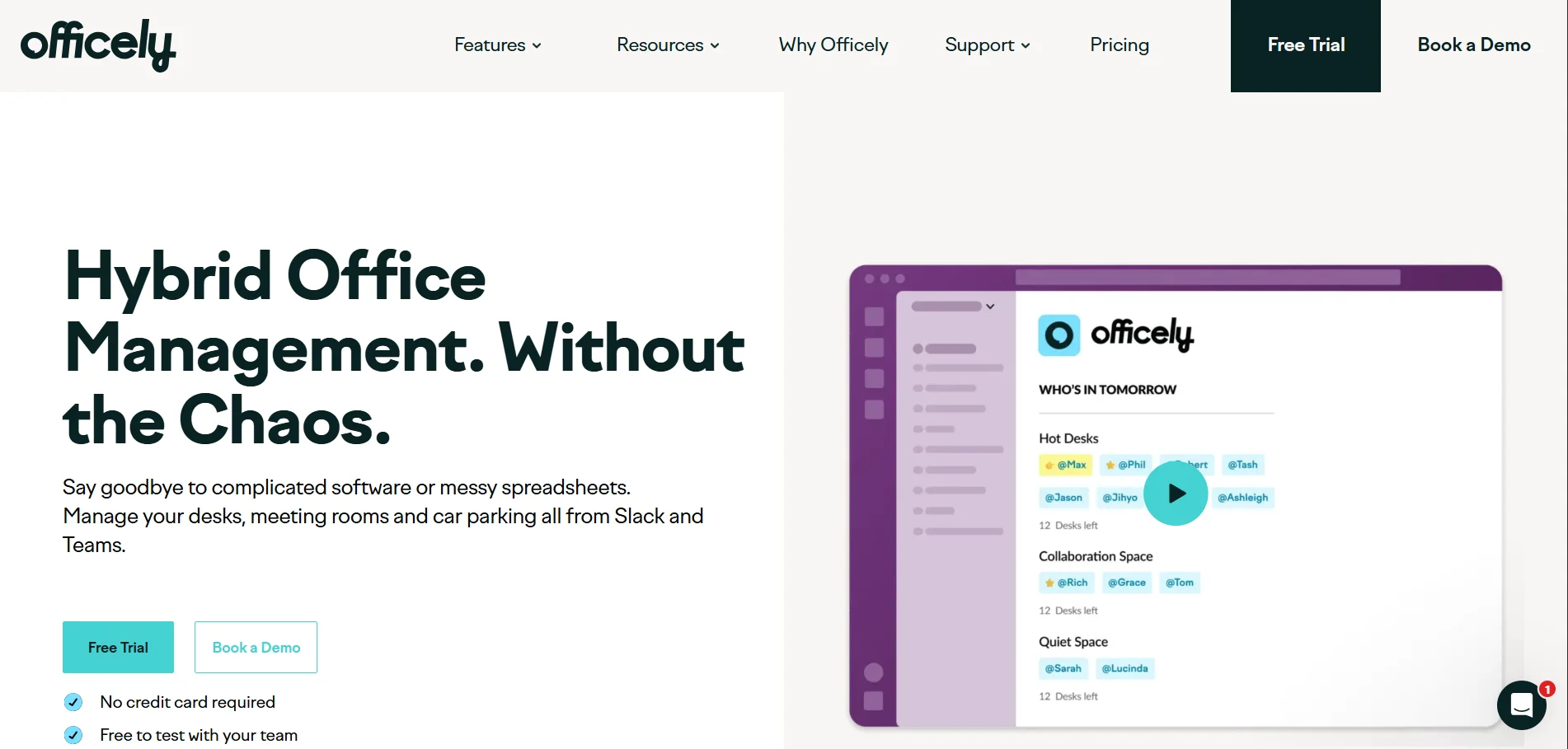
Officially specializes in managing light traffic visitors and making reservations at the desk directly within collaboration software, such as Slack and Teams. One significant thing about it is that it requires minimal setup and can be adopted quickly. This is great for teams that do not require enterprise-level coordination.
Visitor logs and notifications are straightforward and practical, but complex analytics or compliance are not feasible.
Key Features:
Keep Exploring
More guides on workplace management, desk booking, and hybrid work.
Integrated Check-Ins: Slack/Teams allows users and visitors to check in.
Desk & Room Booking: Fundamentals of workspace booking.
Notifications: Basic host notifications and reminders.
Pricing
Plan | Price | Notes |
|---|---|---|
Starter | ~$2.50/user/month | Core desk booking + Slack/Teams integration |
Pro / Business | Higher tiers available | Additional integrations and controls |
Strength: Extremely fast setup, lives inside tools teams already use, very low cost.
Limitation: No enterprise security, minimal compliance reporting, no badge printing or ID verification.
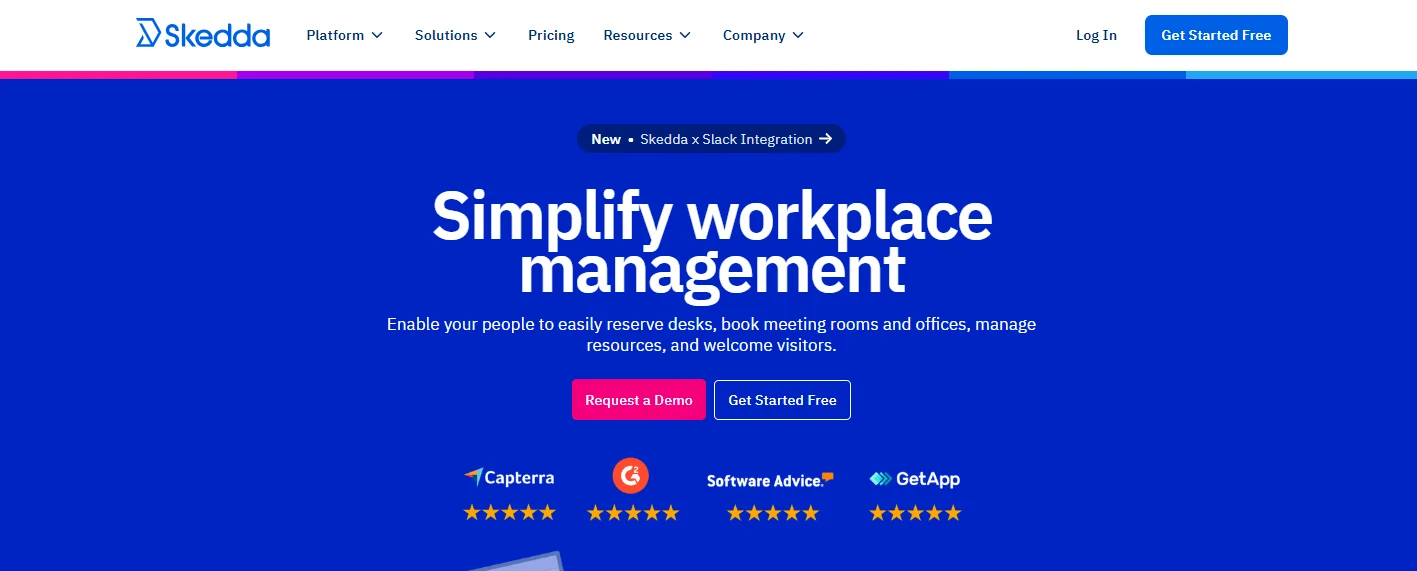
5. Skedda — Best for Space Booking with Light Visitor Needs
Skedda is an architecture centered on space and resource planning, i.e., desks, meeting rooms, and community spaces. Visitor management is an add-on and is appropriate for organizations where reservations are considered more critical than compliance-based visitor processes.
The dynamic floor plans and booking policies enable teams to plan their time and prevent conflicts and overuse.
Key Features:
Desk & Room Scheduling: Easy-to-use reservation system with interactive maps.
Custom Rules: Admins can set booking policies and permissions.
Self-Service Booking: Employees make their own room reservations, minimizing administrative work.
Pricing
Plan | Price | Notes |
|---|---|---|
Base Platform | From $99/month (fixed spaces) | Core scheduling; includes up to a set number of bookable spaces |
Visitor Add-On | Additional cost | Visitor management not included in base plans |
Enterprise | Custom pricing | Multi-site and advanced configurations |
Strength: Excellent for managing shared spaces with clear booking rules. Good value for resource-heavy environments.
Limitation: Visitor management is an afterthought — no watchlist screening, badge printing, or audit-ready compliance logging in the base platform.
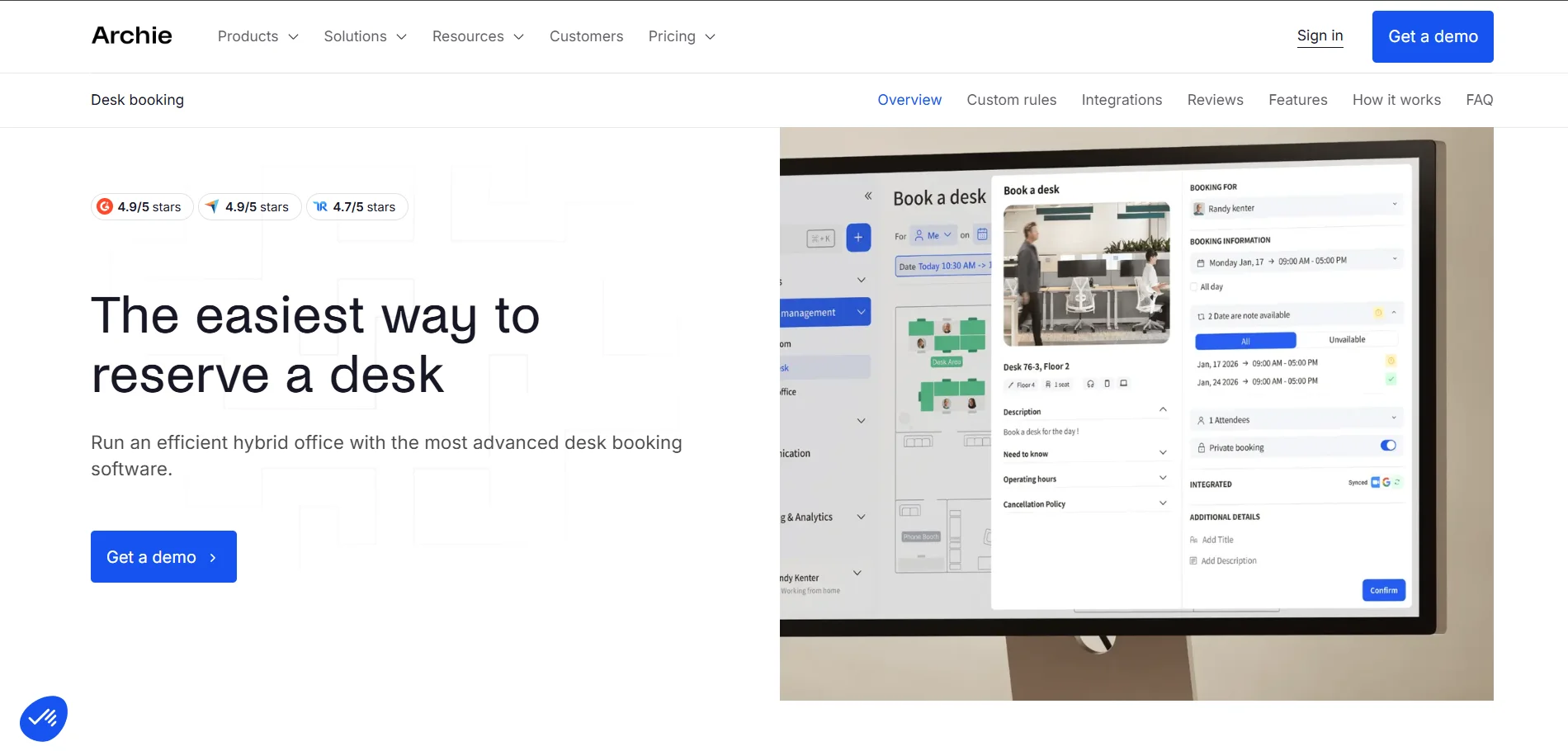
6. Archie — Best for Coworking and Shared Workspaces
Archie is a system that integrates visitor management, desk booking, and membership management into a single platform designed for shared workspaces. It boasts a user-friendly interface.
Archie also has a quick-to-onboard system and a robust visitor check-in. It prioritizes coworking, making it particularly appealing for environments where users frequently come and go.
Key Features:
Visitor & Member Check-In: Guests and members can use Fast QR-code check-in.
Desk & Room Reservations: Easy hot-desk and meeting room reservation.
Admin Controls: Booking rules, notifications, and attendance viewing.
Pricing
Resource Type | Price | Notes |
|---|---|---|
Desks | $2.80/desk/month | Per bookable desk |
Meeting Rooms | $8/room/month | Per bookable room |
Minimum Monthly | $159/month | Platform minimum charge |
Strength: Clear, resource-based pricing. Excellent for agile mid-sized teams and coworking operators.
Limitation: Not designed for regulated industries that need compliance-grade visitor workflows or multi-site enterprise controls.
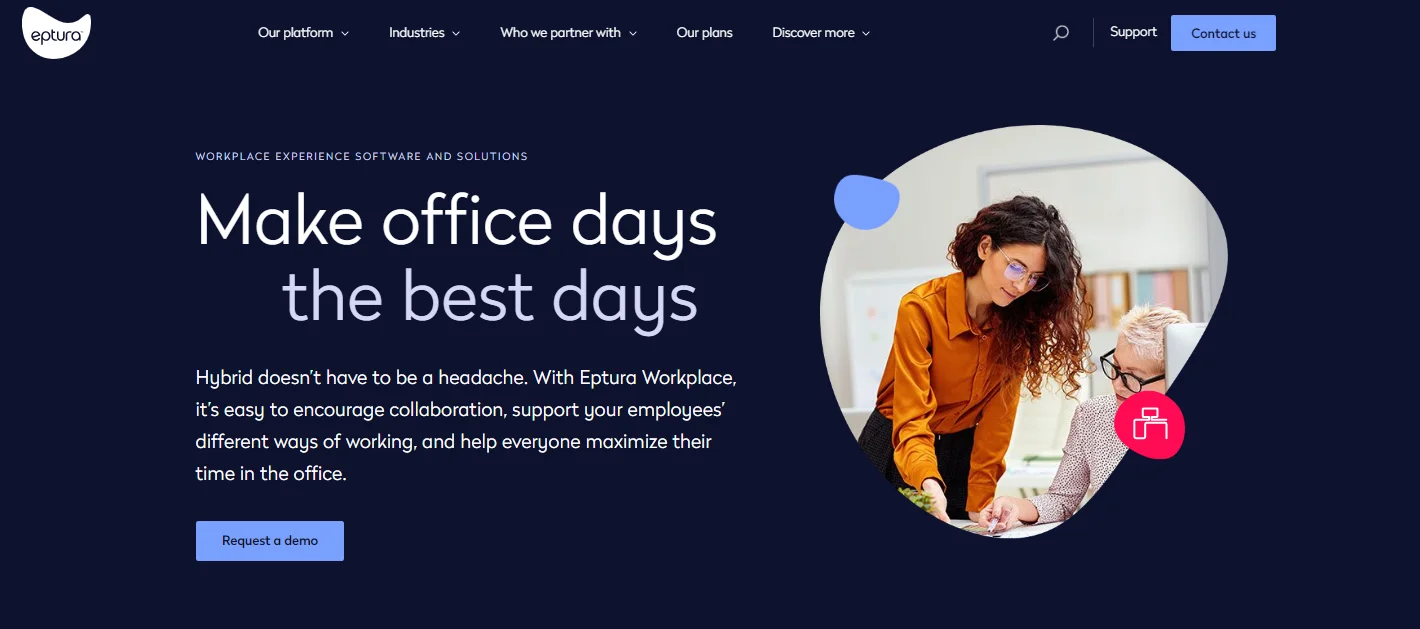
7. Proxyclick (Eptura Visitor) — Best for Compliance-Heavy Enterprise
One of the richest dedicated visitor management platforms is now called Eptura Visitor, Proxyclick. It focuses on compliance, customizable visitor flows, centralized location monitoring, and advanced auditing.
This system is often used by organizations that require tight control on who is allowed to access their premises: regulated industrial or high-volume corporate offices.
Key Features:
Custom Workflows: Graphical Workflow to permission visitor access and approvals.
Multi-Site Management: Single office or campus visitor visibility.
Compliance & Security: Audit trail, screening, and sophisticated controls.
Badge Printing & API: Large-scale deployments and integrations.
Pricing
Plan | Price | Notes |
|---|---|---|
Standard | ~$100/location/month | Core visitor management per location |
Enterprise | Custom pricing | Advanced compliance, multi-site, API access |
Strength: Best-in-class compliance tools, highly configurable workflows, strong multi-site management.
Limitation: iPad-only kiosk requirement limits hardware flexibility. Higher cost than most alternatives. Enterprise pricing can be significantly above the base rate.
Full Feature and Pricing Comparison: 7 Best Visitor Management Software (2026)
Feature / Platform | DeskFlex | Envoy | Robin | Officely | Skedda | Archie | Proxyclick |
|---|---|---|---|---|---|---|---|
Visitor Check-In | ✔ QR + Kiosk | ✔ QR + iPad | ✔ Basic | ✔ Slack/Teams | ● Add-on | ✔ QR | ✔ iPad |
Contactless Check-In | ✔ | ✔ | ● | ✔ | ✖ | ✔ | ✔ |
Host Notifications | ✔ Email/SMS/Slack | ✔ Email/SMS/Slack/Teams | ✔ | ✔ Slack/Teams | ✖ | ✔ | ✔ |
Badge Printing | ✔ | ✔ | ✖ | ✖ | ✖ | ✔ | ✔ |
Pre-Registration | ✔ | ✔ | ● | ● | ✖ | ✔ | ✔ |
NDA / Document Signing | ✔ | ✔ | ✖ | ✖ | ✖ | ● | ✔ |
Watchlist / Blocklist | ✔ | ✔ (Premium+) | ✖ | ✖ | ✖ | ● | ✔ |
Compliance / Audit Trail | ✔ | ✔ (Premium+) | ● | ✖ | ✖ | ● | ✔ |
ID Verification | ✔ | ✔ (500 scans/yr) | ✖ | ✖ | ✖ | ✖ | ✔ |
Desk Booking | ✔ | ✔ (Separate Module) | ✔ | ✔ | ✔ | ✔ | ✖ |
Room Booking | ✔ | ✔ (Separate Module) | ✔ | ✔ | ✔ | ✔ | ✖ |
3D Floor Maps | ✔ | ✖ | ✖ | ✖ | ✔ (2D) | ✖ | ✖ |
Analytics / Reporting | ✔ | ✔ (Premium+) | ✔ | ● | ● | ● | ✔ |
Okta / SSO | ✔ | ✔ (Premium+) | ● | ● | ✖ | ✖ | ✔ |
Microsoft 365 Integration | ✔ | ✔ | ✔ | ✔ | ✔ | ● | ✔ |
Zapier Integration | ✔ | ✔ | ✔ | ● | ✔ | ● | ● |
Multi-Site Management | ✔ | ✔ | ✔ | ● | ● | ● | ✔ |
Starting Price | ~$3/user/mo | $109/location/mo | Quote Only | ~$2.50/user/mo | $99/mo Fixed | $2.80/desk/mo | ~$100/location/mo |
Free Trial | ✔ 30 Days | ✔ Basic (Free Tier) | ✖ Demo Only | ✔ | ✔ 14 Days | ✔ | ✖ Demo Only |
✔ = Full support | ● = Partial / limited | ✖ = Not available
How to Choose the Right Visitor Management Software

The right choice depends on your organization’s size, security requirements, existing tools, and whether visitor management needs to connect with broader workplace operations.
Choose DeskFlex if:
You need visitor management fully integrated with desk booking, room scheduling, and facility management
You manage multiple floors or buildings and want 3D floor maps for navigation
Your team uses Microsoft 365 or Okta and needs SSO-based access
You want a 30-day trial before committing
You serve enterprise, healthcare, government, or education environments
Choose Envoy if:
Visitor check-in UX and branding are top priorities
You need delivery management and virtual reception in the same platform
You have the budget for a premium enterprise visitor experience ($300+/location/month)
Your organization has iPad kiosks already deployed or budgeted
Choose Robin if:
Hybrid workforce scheduling and desk/room booking are your primary needs
Visitor management is secondary and basic logging is sufficient
Choose Officely if:
Your team lives in Slack or Microsoft Teams and wants zero-friction adoption
You have a small office with low visitor volume and no compliance requirements
Choose Skedda if:
Space scheduling and booking rule enforcement are your core challenge
Visitor management is a nice-to-have, not a compliance requirement
Choose Archie if:
You run a coworking space or shared office with frequent rotating visitors
You want resource-based pricing that scales with your space, not your headcount
Choose Proxyclick (Eptura Visitor) if:
You operate in a regulated industry (pharma, defense, manufacturing) with formal compliance requirements
Multi-site visitor audit trails are a legal or operational necessity
What's New in Visitor Management Software in 2026
The visitor management software category has evolved significantly in 2026. Here are the key trends shaping buyer decisions:
AI-Assisted Screening
Leading platforms are integrating AI-based visitor screening that cross-references pre-registration data against internal watchlists and external databases in real time — reducing manual security review workloads by up to 60% in enterprise deployments.
Visitor Data and Workplace Analytics Convergence
The boundary between visitor management and space analytics is blurring. Platforms like DeskFlex now connect visitor arrival data with room occupancy metrics, giving facilities managers a unified view of how spaces are actually used versus how they are booked.
Touchless and Mobile-First Check-In
QR code-based check-in via mobile device is now the default expectation, with iPad kiosk-only approaches (like Envoy and Proxyclick) facing pressure to offer more flexible hardware options. DeskFlex supports both mobile and kiosk check-in, giving organizations flexibility.
Integration with Physical Access Control
The most mature platforms now integrate directly with badge and access control systems from HID, Brivo, and Lenel — automatically granting or revoking building access based on visitor check-in status. This is a critical differentiator for regulated industries.
Emergency and Evacuation Management
Post-pandemic, visitor management platforms are increasingly expected to support emergency headcounts and evacuation management. Envoy’s Emergency Notifications module and DeskFlex’s occupancy tracking are examples of this convergence between safety management and visitor systems.
Conclusion
Selecting the right visitor management software requires going beyond check-in features. You also need to consider the level of automation, compliance, integration capacity, and scalability.
The reviewed platforms each have their strengths, advantages, and benefits. Potential solutions for businesses looking to future-proof their operations include an effective visitor management system that reduces security requirements, improves front-office operations, increases visitor satisfaction, and enables data-driven decision-making.