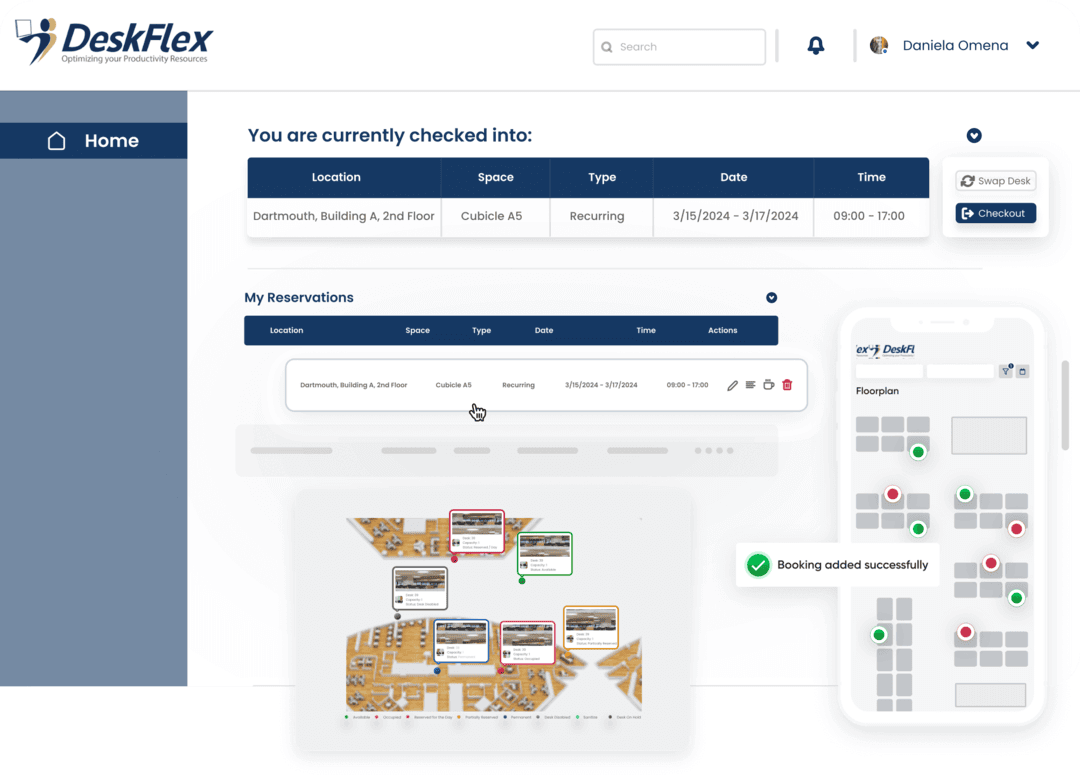

Meeting Room Booking Software
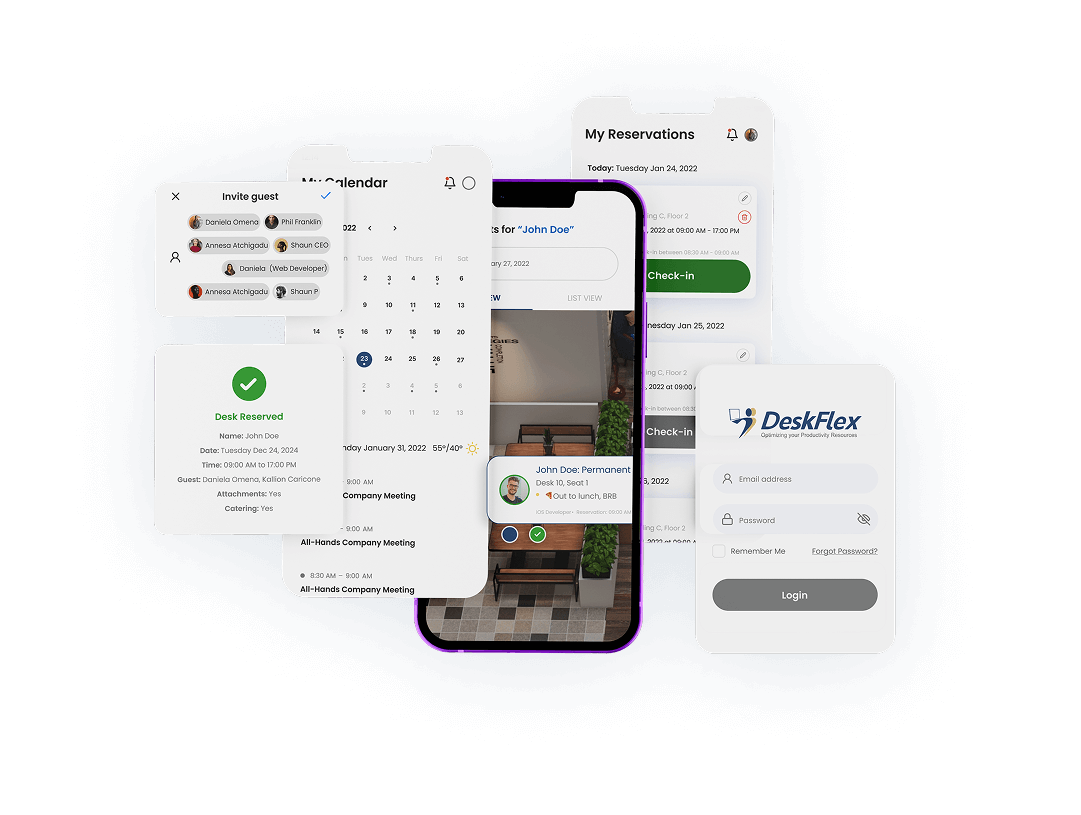
DeskFlex is a versatile equipment and meeting room booking software. A user-friendly meeting room booking software makes it easy to manage conference rooms, office spaces, and equipment. Employees and guests can effortlessly book spaces and resources from their desks or any device. Customizable to fit various work environments, conference meeting room booking software can work to fit different industry needs.
Meeting Room Booking Software Made Easy with Outlook Integration
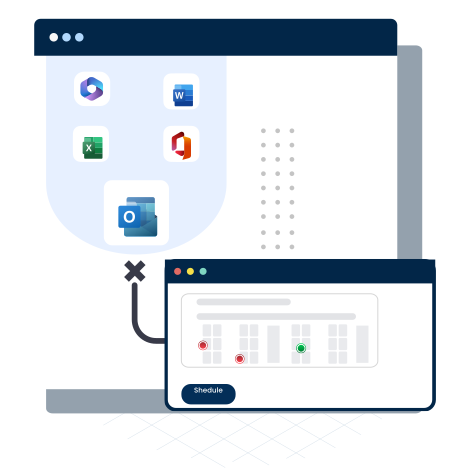
With Meeting Room Booking Software integrated into Microsoft Outlook, users can easily create, modify, view, and cancel reservations with just a single click. Coordinating meeting room schedules with colleagues becomes simple and efficient, reducing conflicts and saving valuable time. Administrators, including those managing large or high-demand meeting spaces, can quickly analyze room activity and allocate departmental costs using a reliable conference room reservation system.
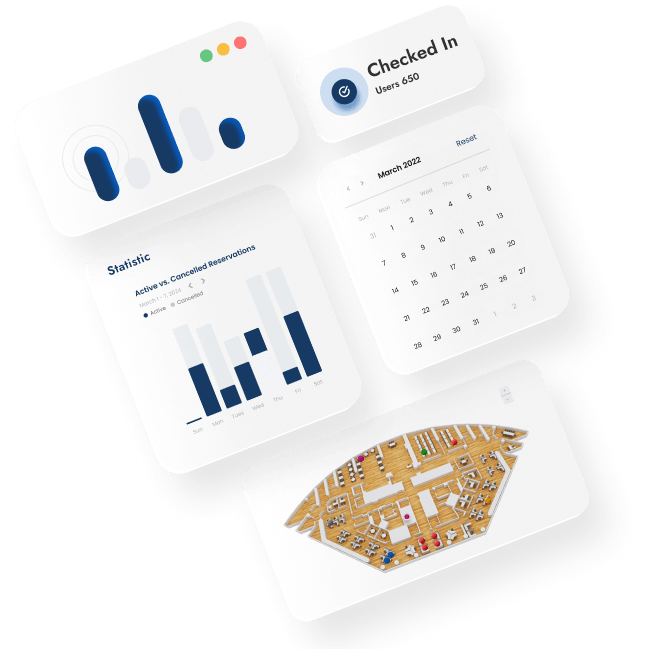
In addition, the workspace Meeting Room Booking Software provides powerful reporting and analytics for corporate offices. Managers can analyze usage by time, type of space, or specific workspace, gaining clear insight into how meeting rooms are utilized. Reports can be printed, emailed, or exported in CSV format for spreadsheet analysis, supporting better planning, cost control, and data-driven decision-making.
Utilize Office Space Smartly with Meeting Room Booking Software
Meeting Room Booking Software plays a vital role in helping organizations forecast usage patterns and implement effective policies for managing meeting spaces. By analyzing reservation data and room occupancy trends, businesses can better understand how often rooms are used and at what times. These insights allow management to introduce smarter scheduling rules and optimize meeting room availability for staff.
With Meeting Room Booking Software like DeskFlex, office space is maximized while the stress and confusion of manual reservations are eliminated. Employees can quickly reserve rooms without conflicts, double bookings, or unnecessary delays. This streamlined process improves productivity and ensures that meeting spaces are used efficiently throughout the workday.
For hybrid teams, Meeting Room Booking Software offers added flexibility and visibility. DeskFlex allows users to view real-time availability and select suitable time slots for meetings, whether they are working on-site or remotely. This ease of access supports collaboration, enhances scheduling transparency, and helps teams stay connected in a modern hybrid workplace.
Online Meeting Room Booking Software For Quick Reservations!
The DeskFlex workspace Meeting Room Booking Software allows users to reserve meeting rooms in just seconds, making the scheduling process fast and hassle-free. Employees can easily check real-time availability and book a meeting room in advance, including manager-approved reservations when required. This efficiency helps prevent scheduling conflicts and ensures smoother coordination for meetings of any size.
Additionally, the Meeting Room Booking Software integrates seamlessly with Outlook, giving users a quick and familiar view of meeting schedules. This integration eliminates the need to switch between platforms, improves calendar accuracy, and keeps everyone aligned. By simplifying reservations and enhancing visibility, DeskFlex supports more organized, productive, and collaborative meetings.
| Our meeting room scheduling system can do bookings, cancellations, and modifications. Users can utilize the data from workspace software to maximize space utilization. DeskFlex’s meeting room booking software generates reports that can be printed, exported, or emailed as spreadsheets. |
DeskFlex meeting room booking software solutions are reliable and efficient. Schedule a demo today and experience and learn how DeskFlex’s space booking software can change your organization! |
Discover More About Meeting Room Booking Software
How to Maximize the Use of a Meeting Room Booking System?
Blog How to Maximize the Use of a Meeting Room
Conference Room Booking System for Your Company
Blog Blog Conference Room Booking System for Your Company Conference
How to Book a Meeting Room Quickly and Easily?
Blog How to Book a Meeting Room Quickly and Easily?
Benefits of a Meeting Room Booking System for Modern Offices
Blog Blog Benefits of a Meeting Room Booking System for
Frequently Asked Questions (FAQs)
It’s a system that lets employees easily reserve meeting rooms, desks, and equipment in a shared workspace. DeskFlex is one of the best options—it streamlines bookings, integrates with Outlook, and supports flexible hybrid work through office hoteling.
“Booking a room” and “reserving a room” are used interchangeably. Both terms refer to securing spaces for work, events, or meetings. DeskFlex facilitates both “bookings” and “reservations.”
DeskFlex seamlessly integrates with Microsoft Outlook for efficient meeting room scheduling. Users can create, modify, view, and cancel reservations directly within Outlook. This simplifies coordinating schedules with others.
Yes, you can schedule rooms using DeskFlex with Outlook 365. DeskFlex’s integration with the Microsoft Office Suite extends its scheduling functionalities into the Outlook 365 environment.
Your company admin is the only authorized person to display or hide office spaces. To ensure transparency and optimize the use of spaces and other resources, the system will display all bookable spaces for reservation.
DeskFlex majorly includes vaccine management for health safety. It consists of abandoned meeting protection, visitor management, contact tracing, and single sign-on for operational security.
DeskFlex offers Room Display Touchscreens, Workstation Touchscreens, and Status Board Displays for real-time information. It also features lobby kiosks and 3D floor maps for interactive experiences.
DeskFlex enables reservations in seconds, allowing quick booking, cancellation, and modification. It reduces reservation stress and ensures reliable and efficient meeting room booking solutions.


Support
Demo
Blog