


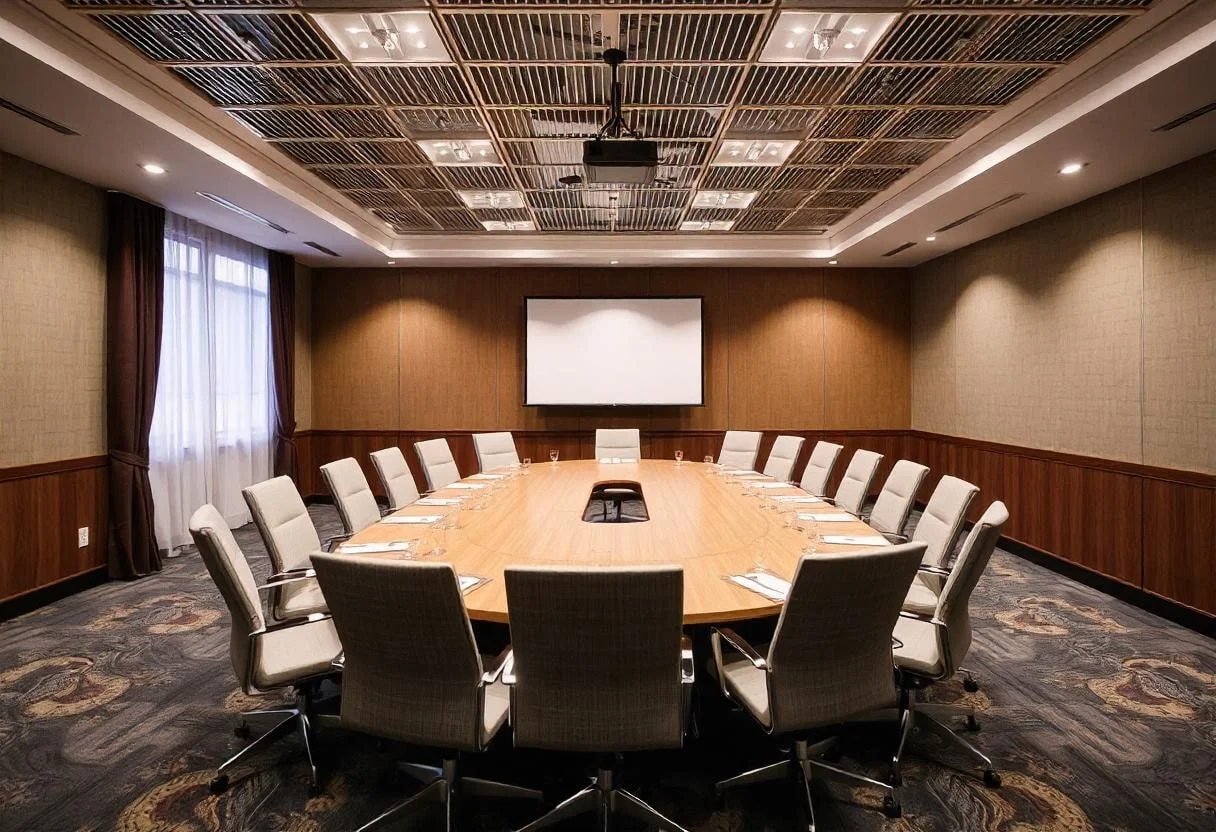

Different meetings require different conference room layout styles. Below are eight commonly used meeting room layouts and the situations they support best.
1. Boardroom Style
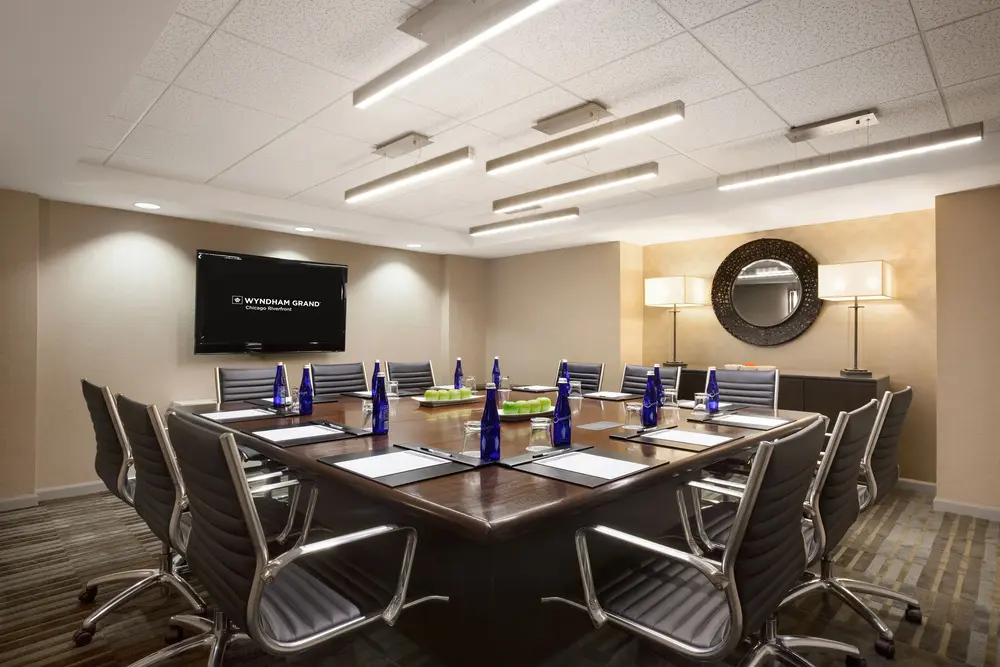
The boardroom style features a long table placed at the center of the room with chairs around it. Everyone faces each other, creating a formal and structured environment. This conference room layout supports direct communication and clear decision making. It is ideal when discussions require focus, confidentiality, and leadership involvement.
Pros:
-
Promotes clear communication and decision-making
-
Everyone can see each other, ideal for leadership meetings
-
Formal environment ensures focused discussions
Cons:
-
Not suitable for large groups
-
Limited flexibility for presentations or group work
-
Can feel rigid and less creative
Best for: executive meetings, client discussions, strategy planning, and contract reviews.
2. U Shape Style
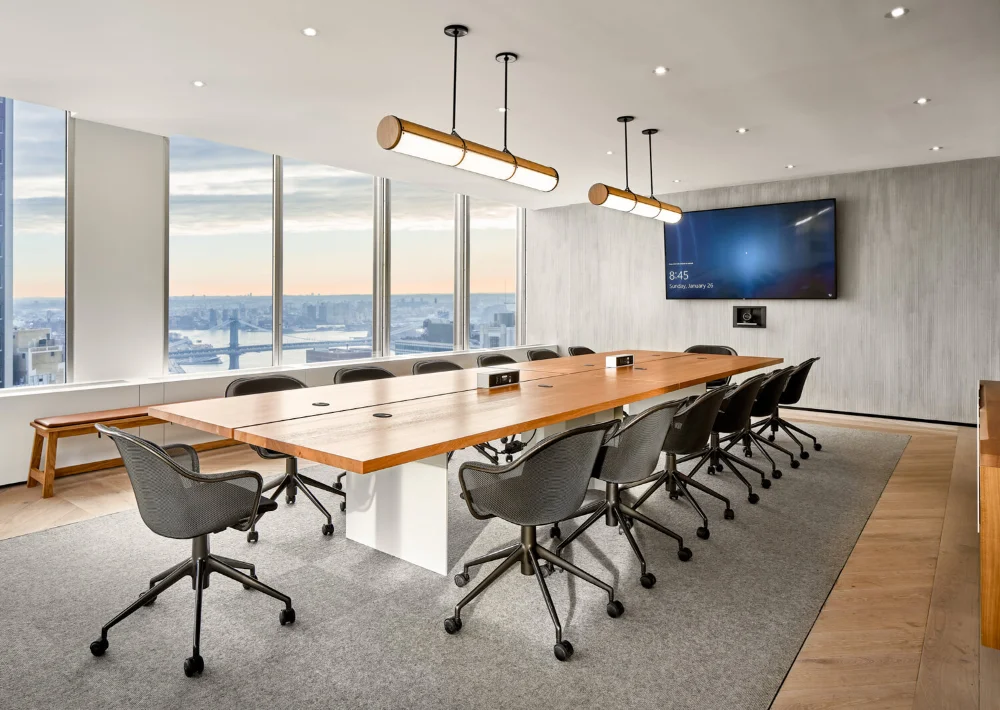
The U shape style arranges tables in an open formation facing a presenter or screen. Participants can see both the speaker and each other clearly. This meeting room set up style encourages interaction while maintaining presentation focus. The open space allows presenters to move freely during sessions.
Pros:
-
Encourages discussion while maintaining focus on the presenter
-
Open space allows presenters to move freely
-
Good sightlines for all participants
Cons:
-
Requires more floor space than boardroom style
-
May not accommodate very large groups
-
Setup can take longer
Best for: workshops, group training, interactive presentations, and team discussions.
3. Classroom Style
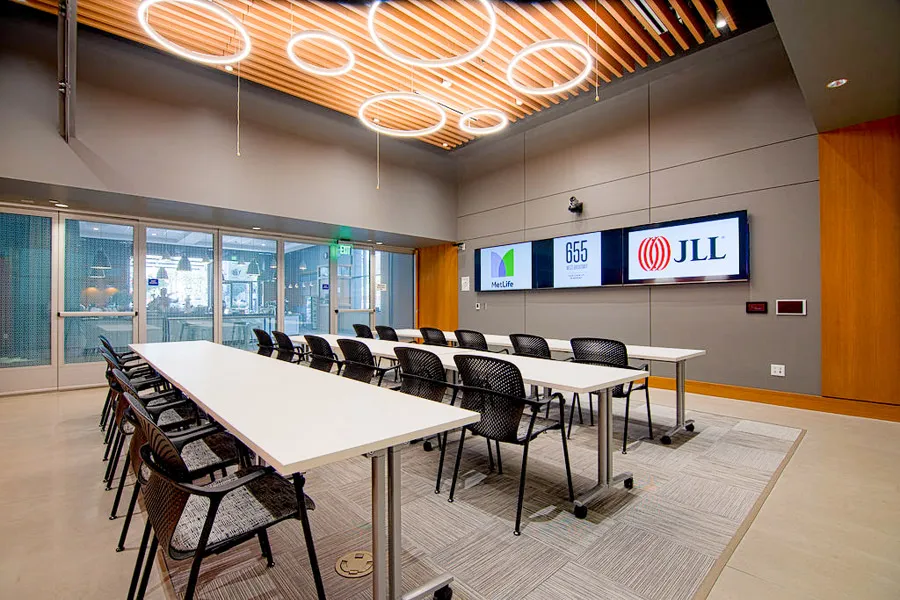
Classroom style places tables and chairs in rows facing the front of the room. Each attendee has space for laptops, notebooks, or printed materials. This conference room layout reduces distractions and keeps attention focused forward. It works well when information delivery is the primary objective.
Pros:
-
Keeps attention focused forward
-
Allows participants to take notes easily
-
Works well for information-heavy sessions
Cons:
-
Limits participant interaction
-
Not ideal for discussions or brainstorming
-
Can feel formal and impersonal
Best for: seminars, lectures, onboarding sessions, and training programs.
4. Theater Style
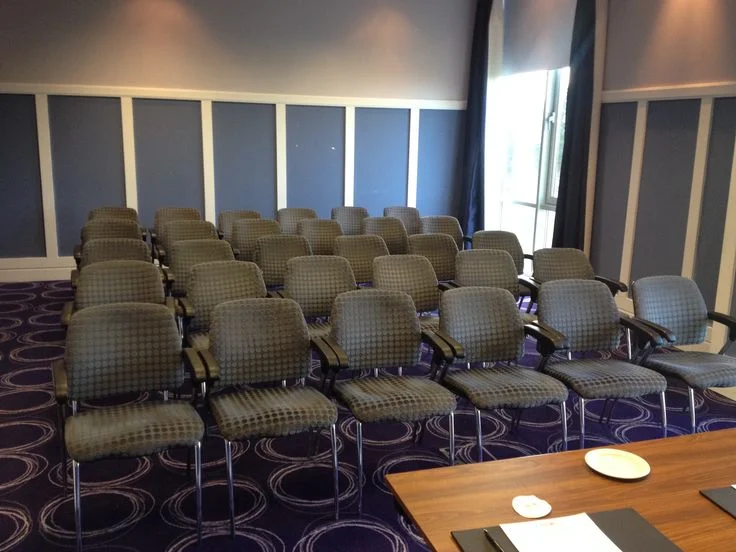
Theater style uses rows of chairs without tables, all facing the presentation area. This setup maximizes seating capacity within the room. It is best suited for shorter meetings where interaction is limited. Attendees maintain clear sightlines to the speaker or screen.
Pros:
-
Accommodates large audiences
-
Clear sightlines to the presenter or screen
-
Quick and easy to set up
Cons:
-
Minimal interaction between participants
-
No space for laptops or materials
-
Not suitable for group discussions
Best for: keynote speeches, company announcements, product launches, and large presentations.
5. Banquet Style
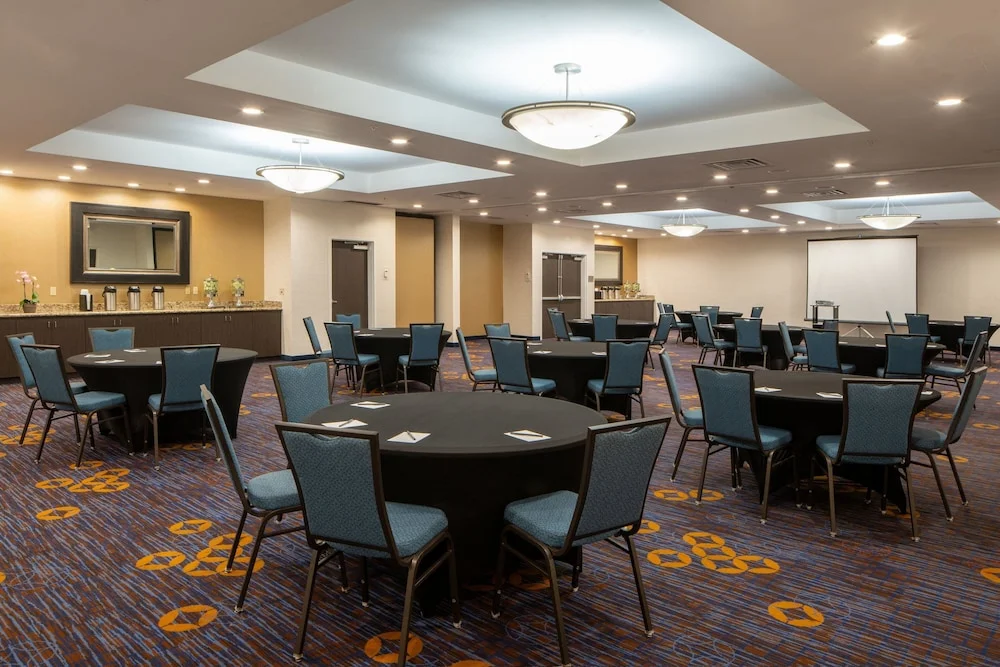
Banquet style features round tables that seat small groups of participants. This meeting room layout naturally encourages conversation and collaboration. The relaxed arrangement supports networking and group interaction. It is commonly used during events that include food or informal discussions.
Pros:
-
Encourages networking and small group discussions
-
Flexible for meals or informal events
-
Easy for facilitators to move around
Cons:
-
Limited focus on presentations or speakers
-
Not ideal for formal decision-making
-
Requires larger room space
Best for: networking events, panel discussions, team celebrations, and group activities.
6. Cabaret Style
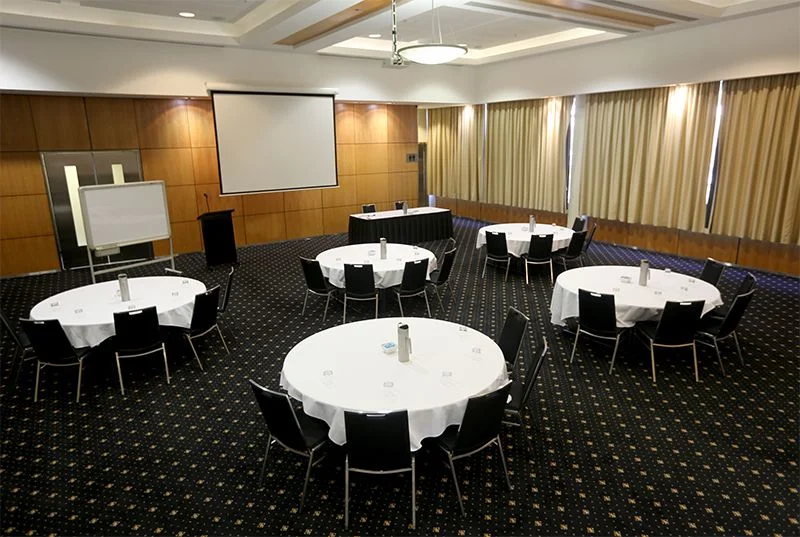
Cabaret style is similar to banquet seating, but one side of each table faces the front. Participants can see the speaker while remaining engaged in group discussions. This conference room set up style balances listening and collaboration effectively. It allows easy transitions between presentation and teamwork.
Pros:
-
Balances listening and collaboration
-
Supports interactive training and brainstorming
-
Flexible and versatile for hybrid sessions
Cons:
-
Takes more room than classroom or theater layouts
-
Not ideal for very large audiences
-
Setup can be more complex
Best for: brainstorming sessions, hybrid workshops, and interactive training meetings.
7. Huddle Rooms
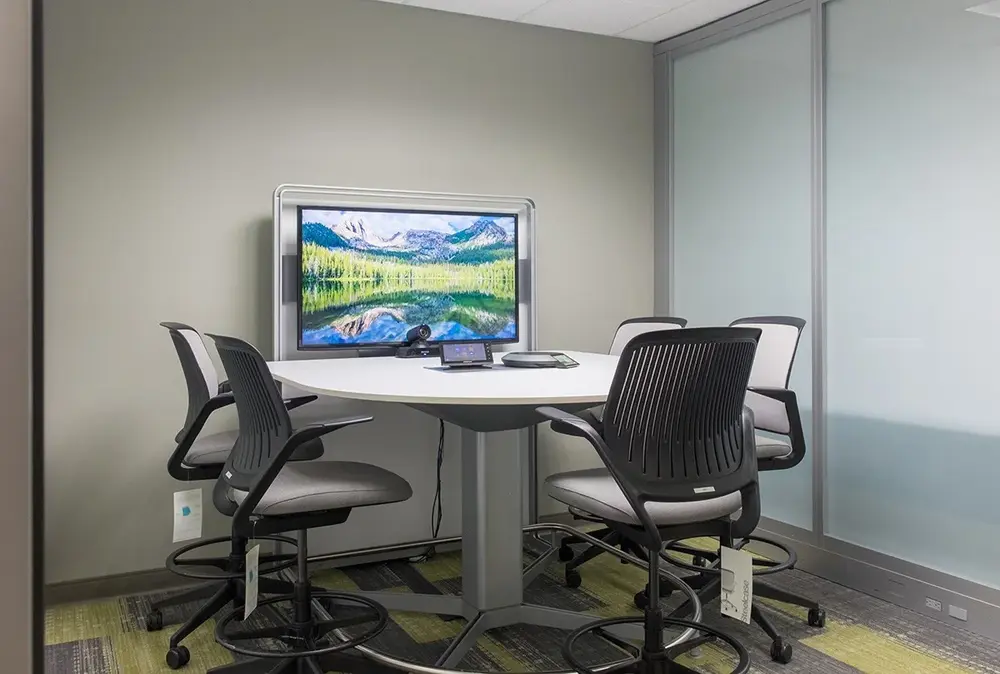
Huddle rooms are small meeting spaces designed for quick and focused collaboration. Seating is close and often centered around a screen or whiteboard. These meeting room layouts support fast communication and spontaneous discussions. They reduce setup time and encourage frequent team check ins.
Pros:
-
Fast setup and easy to reconfigure
-
Ideal for spontaneous discussions
Cons:
-
Limited capacity (2–6 people)
-
Not suitable for formal presentations
-
Can feel cramped for longer meetings
Best for: daily updates, project discussions, problem solving, and ad hoc meetings.
8. Lounge Style
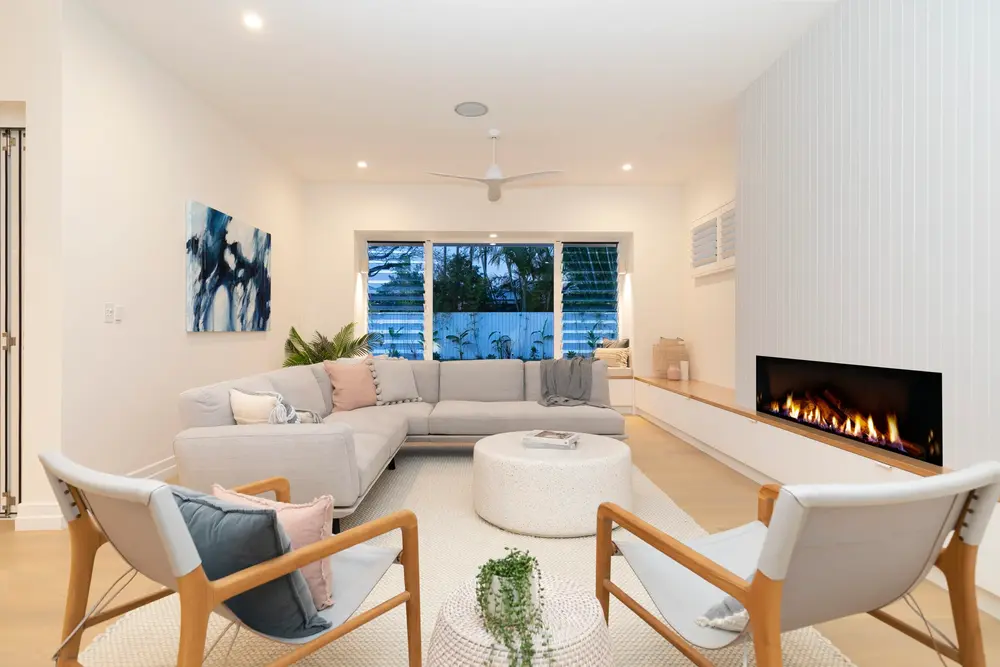
Lounge style uses soft seating such as sofas or armchairs arranged in a relaxed layout. Furniture is flexible and easy to move when needed. This meeting room set up style creates a comfortable environment that supports creativity and open conversation. It reduces formality and encourages idea sharing.
Pros:
-
Comfortable and informal, encourages creativity
-
Supports open discussions and idea sharing
-
Flexible and easy to rearrange
Cons:
-
Less formal, may not be suitable for executive meetings
-
Limited space for materials or laptops
-
Harder to manage larger groups
Best for: creative planning, informal meetings, design thinking sessions, and open discussions.