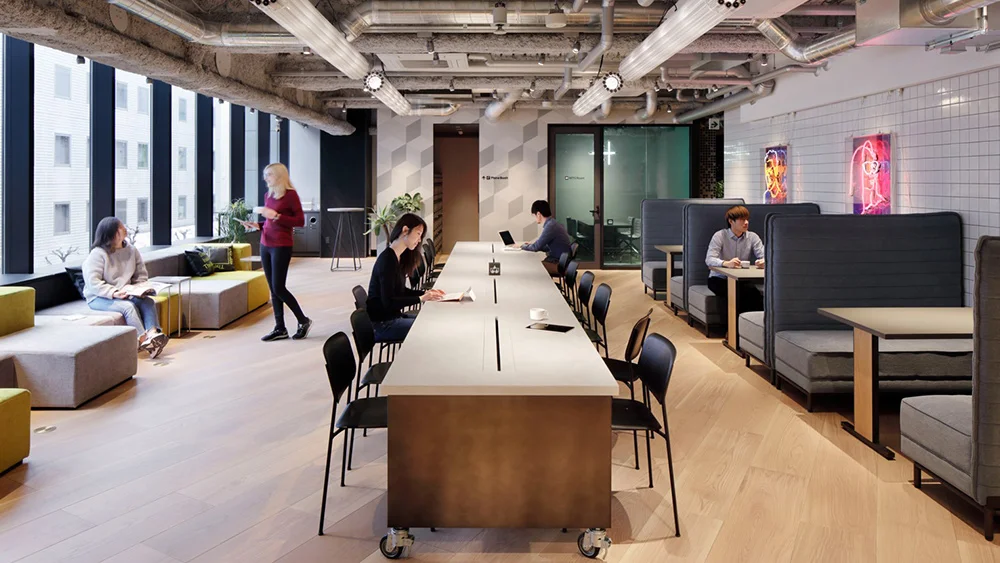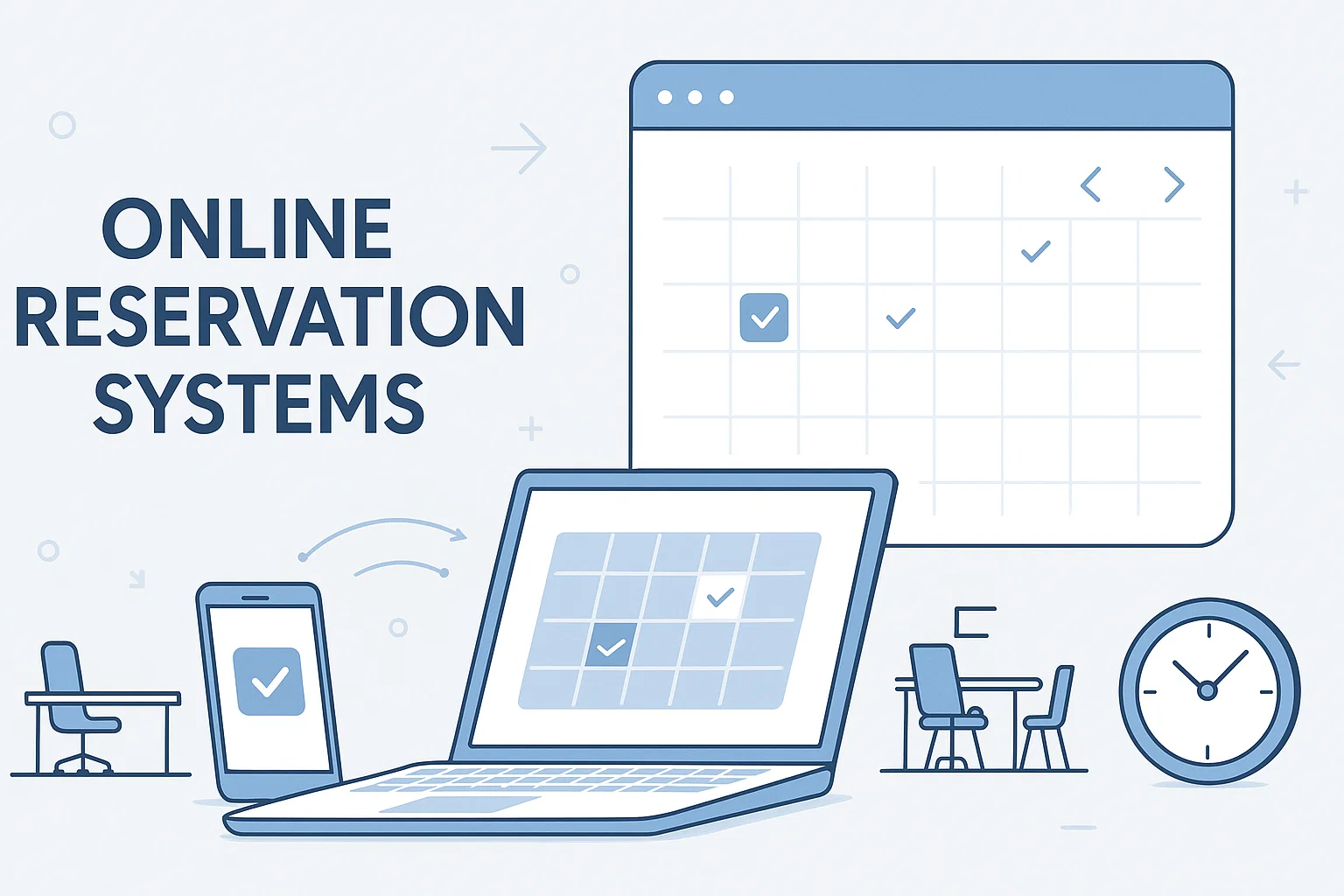
Meeting room booking systems help organizations manage shared spaces with clarity and control. They reduce scheduling issues, improve productivity, and support modern work environments.
Modern workplaces are more dynamic, collaborative, and fast paced than ever before today. Workplace studies show employees lose significant time each week due to inefficient meeting coordination and space related confusion.
Teams need reliable systems to avoid scheduling conflicts and wasted meeting time. A structured meeting room booking system helps organizations manage shared spaces efficiently and consistently.
It creates clarity, reduces frustration, and supports productive collaboration across growing teams while improving overall workplace efficiency.
What Is a Meeting Room Booking System?
A meeting room booking system is a digital tool that allows employees to reserve meeting rooms easily. It replaces manual methods like emails, spreadsheets, or whiteboards with automated scheduling.
Employees can view room availability, book spaces, and manage reservations from one platform. The system updates bookings in real time and prevents conflicts automatically.
Businesses are replacing manual scheduling because it causes confusion, delays, and double bookings. A digital system ensures accuracy, transparency, and better use of office space.
Why Modern Offices Need a Meeting Room Booking System?
Modern offices face daily challenges when meeting spaces are not managed properly. As teams grow and work styles change, manual scheduling becomes unreliable and inefficient.
Common problems offices experience include
Double booked meeting rooms that disrupt scheduled discussions
Last minute cancellations that leave rooms unused
Employees wasting time searching for available spaces
Lack of visibility into room availability across teams
Without a clear booking system, these issues interrupt workflows and lower overall productivity. Employees become frustrated when meetings start late or locations change unexpectedly.
A meeting room booking system addresses these challenges through centralized and transparent scheduling. It ensures rooms are available as planned and helps teams work with greater confidence.
10 Benefits of a Meeting Room Booking System
Implementing a meeting room booking system can transform the way your organization manages its meeting spaces. The following ten benefits show why investing in such a system is a smart decision for businesses of any size.
1. Eliminates Double Bookings and Scheduling Conflicts
A meeting room booking system provides real time visibility into room availability across the organization. This prevents multiple teams from reserving the same room simultaneously.
Automated reservations update instantly when changes occur, keeping schedules accurate and reliable. Teams can trust that their booked room will be available when the meeting begins.
2. Improves Workplace Productivity
Employees no longer need to exchange emails or messages to coordinate meeting spaces. Booking a room becomes a quick task that takes only a few moments.
By reducing scheduling distractions, teams can focus more on meaningful discussions and core responsibilities. Meetings start on time and workflows remain uninterrupted.
3. Maximizes Meeting Room Utilization
The system collects data on how often meeting rooms are used throughout the day. This helps identify rooms that are overbooked or rarely occupied.
With these insights, organizations can adjust room sizes, meeting room layouts, or policies to use space more effectively. Better utilization leads to improved space efficiency.
4. Provides Real Time Room Availability
Employees can instantly check room availability from desktops, tablets, or mobile devices. This visibility eliminates guesswork and last minute disruptions.
Real time updates ensure everyone sees the same accurate information. Teams can make faster decisions and plan meetings with confidence.
5. Supports Hybrid and Flexible Work Models
Hybrid work environments require reliable scheduling for employees working on different work schedules. A booking system helps hybrid teams plan hybrid meetings before arriving onsite.
Both remote and in office employees stay aligned through shared visibility. This improves coordination and supports flexible workplace strategies.
6. Enhances Employee Experience
A simple and intuitive booking process reduces frustration for employees. Reserving a meeting room feels effortless and transparent.
When employees can easily find and book spaces, overall workplace satisfaction improves. This contributes to a more positive and productive office environment.
7. Integrates Seamlessly With Workplace Tools
Keep Exploring
More guides on workplace management, desk booking, and hybrid work.
Meeting room booking systems often integrate with Microsoft Outlook and Google Calendar. This allows bookings to appear automatically in personal schedules.
Integration reduces manual updates and minimizes scheduling errors. Employees manage meetings from tools they already use daily.
8. Enables Smarter Space Planning With Analytics
Analytics dashboards provide insights into booking trends and peak usage times. Organizations gain a clear understanding of how spaces are used.
These insights support informed decisions about future office layouts and space investments. Planning becomes proactive rather than reactive.
9. Reduces Operational and Administrative Costs
Automation reduces the need for manual scheduling and constant problem resolution. Facility teams spend less time managing meeting room issues.
Better space utilization also improves return on office investment. Organizations reduce waste while maintaining efficient operations.
10. Scales Easily as Your Organization Grows
As teams expand, the booking system adapts without adding complexity. New rooms and locations can be added quickly.
This scalability ensures consistent scheduling experiences across offices. Growth becomes easier to manage with a flexible system in place.
Key Features of Leading Booking Systems in 2026
Calendar Integration (Outlook, Google) – Real-time sync across platforms
Mobile & Tablet Support – Book rooms on the go
Room Displays & Digital Signage – See availability instantly outside each room
Automated Notifications & Alerts – Get updates for cancellations or changes
Analytics Dashboard – Visualize usage metrics and trends
QR Code & Touch-to-Book Options – Simplify in-room reservations
Best Practices for Implementing a Meeting Room Booking System
✔ Standardize Room Naming and Categories
Make it easy for users to find and book the right room by establishing clear naming conventions and room size categories.
✔ Sync With All Corporate Calendars
Ensure rooms appear in every employee’s calendar view, so scheduling is transparent and conflict-free.
✔ Educate Teams on Booking Etiquette
Provide simple guidelines for booking, canceling, and extending reservations to avoid no-shows and abandoned rooms.
✔ Monitor Usage and Adjust Policies
Review usage reports regularly and adjust policies to improve availability, reduce bottlenecks, and enhance fairness.
Real-World Impact: Case Studies (2025–2026)
Enterprise Example
A global tech firm reduced no-shows by 40% and improved mid-day meeting space allocation by 25% after implementing a digital booking system and utilization analytics dashboard.
SMB Example
A mid-sized agency saw meeting prep time decrease by 15% after switching from email-based scheduling to mobile and calendar-integrated booking.
Conclusion
A modern meeting room booking system is no longer a luxury — it’s a business necessity. By removing scheduling chaos, improving team productivity, and providing actionable insights into space utilization, these systems empower organizations to work smarter in 2026 and beyond.
How DeskFlex Simplifies Meeting Room Booking?
DeskFlex offers a simple and reliable way to manage meeting room reservations. It brings all meeting room scheduling into one centralized and easy to use platform.
Employees can view availability, reserve rooms, and manage bookings in real time. The system eliminates confusion and ensures meeting spaces are used efficiently.
DeskFlex integrates smoothly with existing calendars and workplace tools. This allows teams to continue using familiar systems while improving scheduling accuracy.
Why Choose DeskFlex's Meeting Room Booking Software?
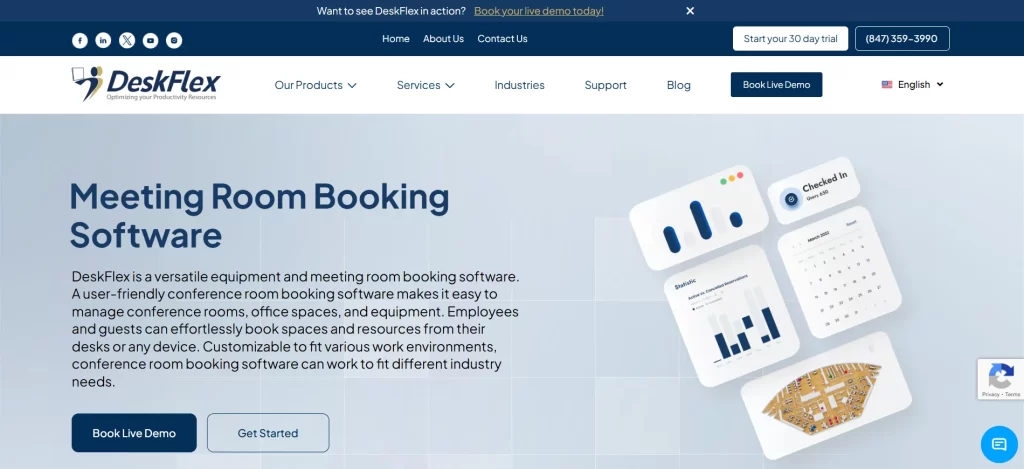
DeskFlex is designed to support modern offices with flexible and scalable meeting room boooking software. It combines usability with advanced insights for better decision making.
Organizations gain visibility into room usage, booking patterns, and space demand. This helps teams optimize office layouts and improve team collaboration.
DeskFlex supports hybrid work environments and growing teams with ease. Businesses benefit from consistent scheduling experiences across all locations.