Blog
8 Crucial Desk Reservation Software Features for Optimizing Office Space Utilization in 2026
The Hybrid Workplace Is Here — Is Your Office Ready?
Office space is one of the largest operational expenses for any organization. Yet in today’s hybrid work environment, many offices operate at only a fraction of their capacity on any given day.
Empty desks mean wasted real estate. Overcrowded collaboration days create frustration. Without visibility into workspace usage, businesses struggle to plan effectively.
That’s where desk reservation software becomes essential.
Modern desk booking systems are no longer simple scheduling tools. In 2026, they function as intelligent workplace management platforms that optimize space, improve employee experience, and provide actionable data for strategic decision-making.
What Is Desk Reservation Software?
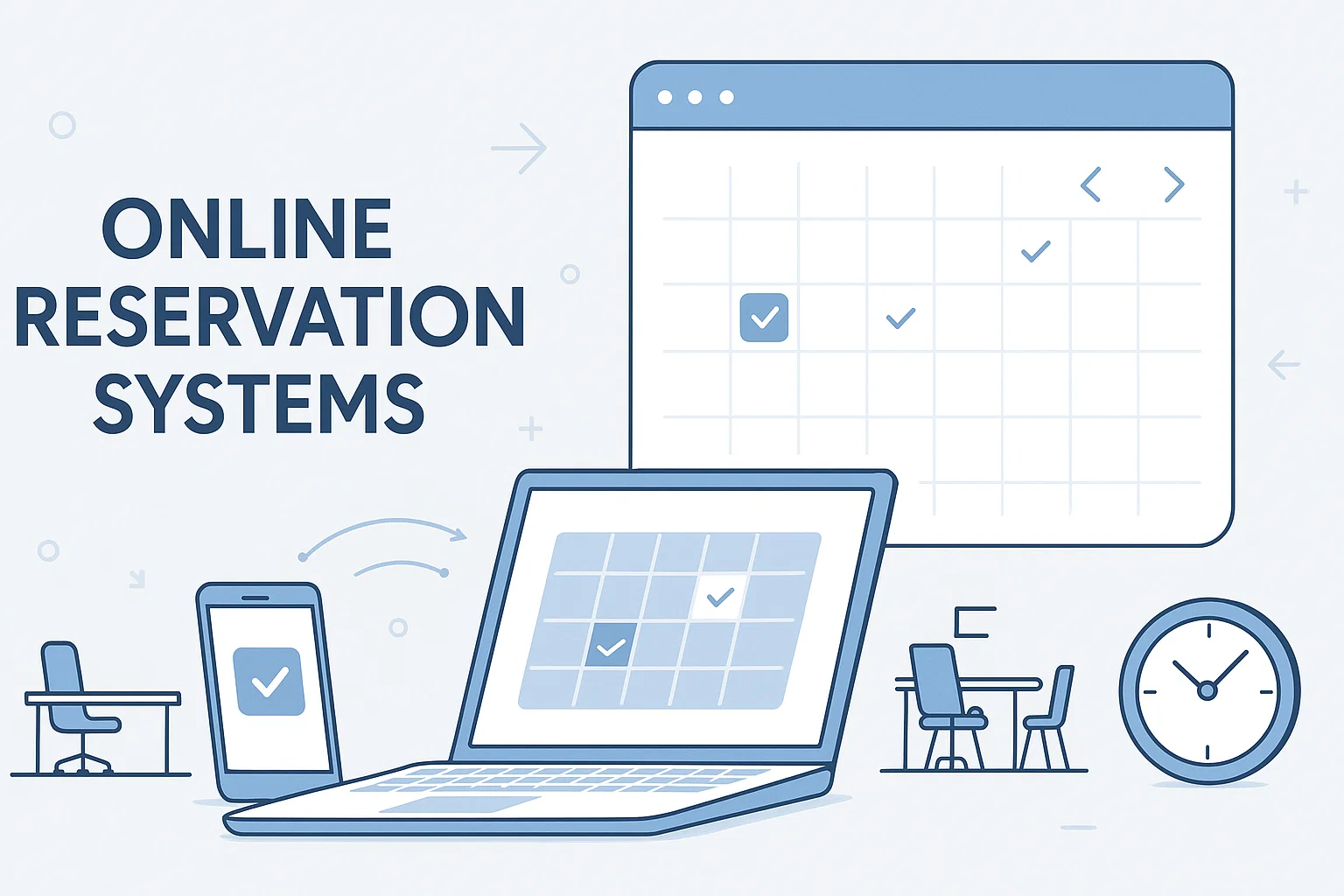
Desk reservation software (also called desk booking or hot desk software) allows employees to reserve desks, workstations, or collaborative spaces in advance using a mobile app or desktop interface.
It supports:
Hot desking
Office hoteling
Hybrid schedules
Team-based neighborhood seating
Workspace analytics
Instead of assigning permanent desks, companies create flexible environments where employees reserve space when they need it — reducing waste and increasing efficiency.
Why Desk Reservation Software Matters in 2026
The workplace has fundamentally changed. Employees now split time between home and office, and attendance fluctuates weekly.
Without a reservation system:
Desks remain unused.
Teams struggle to coordinate in-office days.
Facility managers lack accurate utilization data.
Companies overspend on underused office space.
With the right system in place, businesses gain control, visibility, and flexibility.
8 Crucial Desk Reservation Software Features for Optimizing Office Space
1. Real-Time Desk Availability
Employees should be able to see live availability before arriving at the office.
Real-time booking prevents double reservations, reduces confusion, and increases employee confidence when planning office visits.
Impact: Eliminates friction and improves adoption.
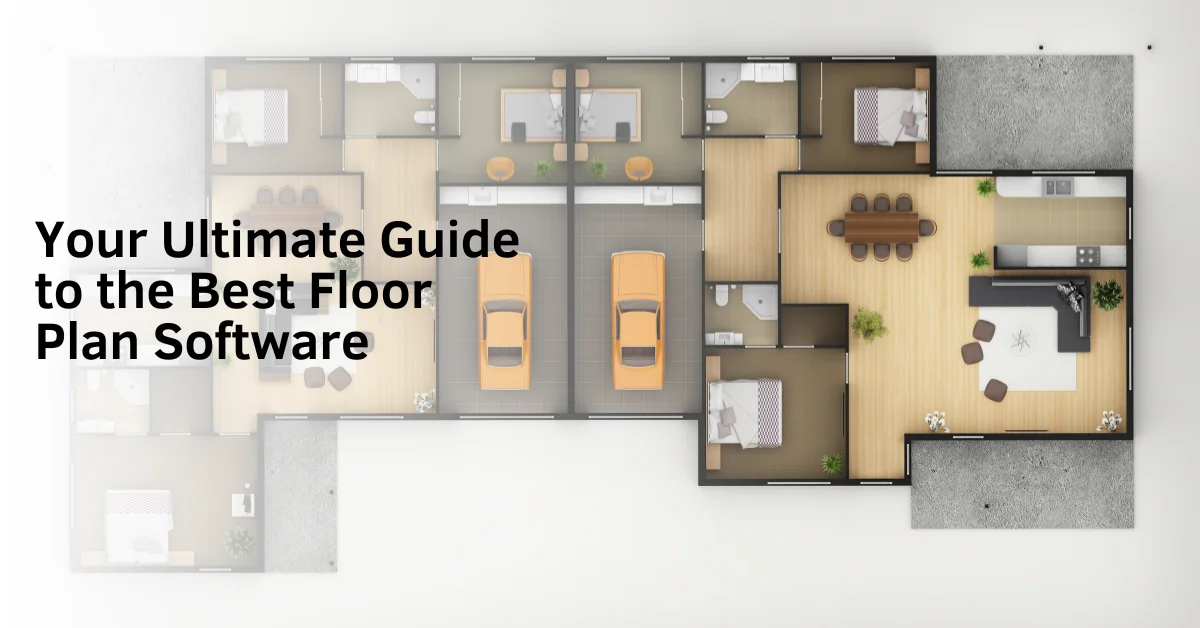
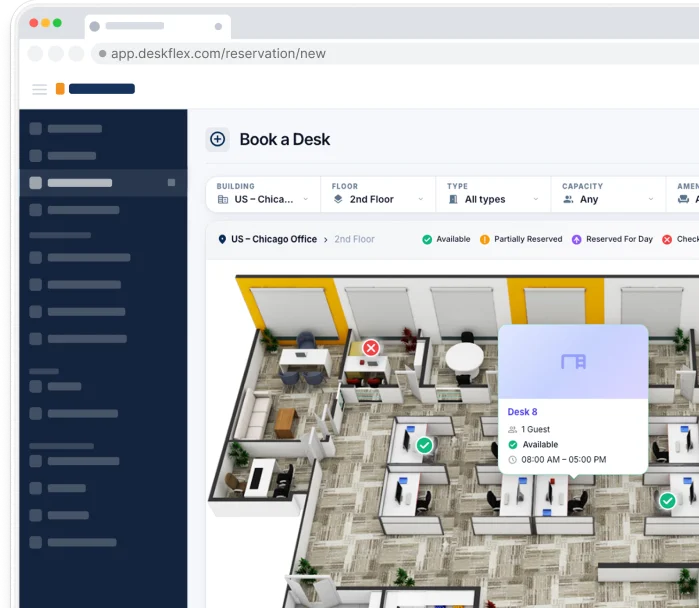
2. Interactive Floor Maps
A visual, interactive office map allows users to:
Select preferred desks
View nearby teammates
Identify collaboration zones
Choose quiet or focus areas
Visual booking increases user engagement and makes navigation simple.
Impact: Improves collaboration and enhances the in-office experience.
3. Mobile & Cross-Platform Access
Modern employees expect flexibility. Desk reservation software must support:
Mobile apps
Desktop browsers
Tablet access
QR check-ins
Easy access from any device ensures consistent usage and convenience.
Impact: Higher employee adoption rates.
4. Calendar & Collaboration Integrations
Seamless integration with:
Outlook
Google Calendar
Microsoft Teams
Slack
Desk bookings should sync automatically with meetings and schedules to avoid manual entry and errors.
Impact: Streamlined workflow and time savings.
5. Advanced Workspace Analytics
Data is the foundation of space optimization.
Robust reporting should provide:
Desk utilization rates
Peak occupancy hours
Department attendance trends
No-show percentages
Space usage heatmaps
These insights allow leadership to make informed real estate decisions.
Impact: Reduced costs and data-driven office planning.
6. Team-Based Reservations & Neighborhood Zones
In hybrid workplaces, employees come to the office primarily for collaboration.
Modern systems allow:
Teams to book adjacent desks
Departments to reserve zones
Managers to coordinate in-office days
This ensures the office supports teamwork instead of isolated attendance.
Impact: Stronger collaboration and improved productivity.
7. Check-In/Check-Out & No-Show Automation
One of the biggest challenges in desk booking systems is reserved-but-unused desks.
Advanced platforms include:
Automatic desk release after missed check-ins
QR code verification
No-show tracking reports
This ensures space is actively utilized.
Impact: Maximizes desk turnover and reduces wasted capacity.
8. Custom Rules & Capacity Management
Administrators should be able to:
Set booking limits
Control department access
Manage floor capacity
Enforce compliance policies
This is especially important for regulated industries or high-demand offices.
Impact: Better governance and operational control.
Emerging Desk Reservation Trends in 2026
AI-Powered Forecasting
Advanced systems now predict future occupancy patterns based on historical data, helping companies plan office downsizing or expansions.
IoT & Sensor Integration
Some organizations use occupancy sensors to provide real-time utilization data, increasing reporting accuracy.
Personalized Booking Preferences
Employees can set preferred desk types, proximity to teammates, or workspace zones, creating a customized office experience.
Measurable KPIs for Office Optimization
To truly optimize space, organizations should track:
Desk Utilization Rate (%)
Peak Occupancy Times
Average Booking Duration
No-Show Rate
Cost per Occupied Desk
Space ROI (Return on Real Estate Investment)
Tracking these metrics transforms desk booking software into a strategic business tool rather than just an administrative solution.
Business Benefits of Desk Reservation Software
For Employers
Reduced real estate expenses
Improved office planning
Increased operational efficiency
Data-backed workforce decisions
Better hybrid coordination
For Employees
Guaranteed workspace availability
Improved collaboration
Less scheduling frustration
Greater workplace flexibility
Enhanced overall experience
Best Practices for Successful Implementation
To maximize ROI:
Clearly communicate policies.
Train managers and employees.
Encourage team-based booking.
Monitor analytics regularly.
Adjust office layouts based on usage data.
Automate no-show releases.
Adoption is key. Even the best software fails without proper implementation and engagement.
Frequently Asked Questions (FAQs)
How does desk reservation software improve office space utilization?
It ensures desks are only used when needed, prevents underutilization, and provides data to right-size office space.
Can desk booking software reduce office costs?
Yes. By tracking usage patterns, companies can downsize excess space or reconfigure layouts to match demand.
What is the difference between hot desking and desk hoteling?
Hot desking allows open seating, while hoteling requires employees to reserve desks in advance.
Is desk reservation software necessary for hybrid workplaces?
For organizations with fluctuating attendance, it is highly recommended to maintain structure and optimize space.
What features should desk booking software have?
Key features include real-time availability, interactive floor maps, mobile access, calendar integrations, analytics dashboards, team booking capabilities, and automated check-in systems.
Is desk reservation software necessary for hybrid work?
Yes. In hybrid workplaces where attendance fluctuates, desk booking software ensures desks are used efficiently and employees have guaranteed workspace access.
How does desk booking software integrate with other tools?
Modern systems integrate with Outlook, Google Calendar, Microsoft Teams, Slack, and other workplace tools to sync reservations with employee schedules.
What are the benefits of desk reservation software for employees?
Employees benefit from guaranteed desk availability, improved collaboration planning, less uncertainty, and greater flexibility in choosing workspace locations.
How do companies track desk utilization rates?
Desk booking software provides dashboards and reports showing occupancy trends, peak usage times, no-show rates, and department attendance patterns.
What industries benefit from desk reservation systems?
Industries such as technology, finance, healthcare administration, government, education, and professional services benefit significantly from flexible workspace management.
How does desk booking software support team collaboration?
It allows teams to reserve adjacent desks or designated zones for collaboration days, improving productivity and coordination.
What KPIs should companies track for office optimization?
Important KPIs include desk utilization rate, peak occupancy hours, no-show rate, booking frequency, and cost per occupied desk.


Support
Demo
Blog