


Blog
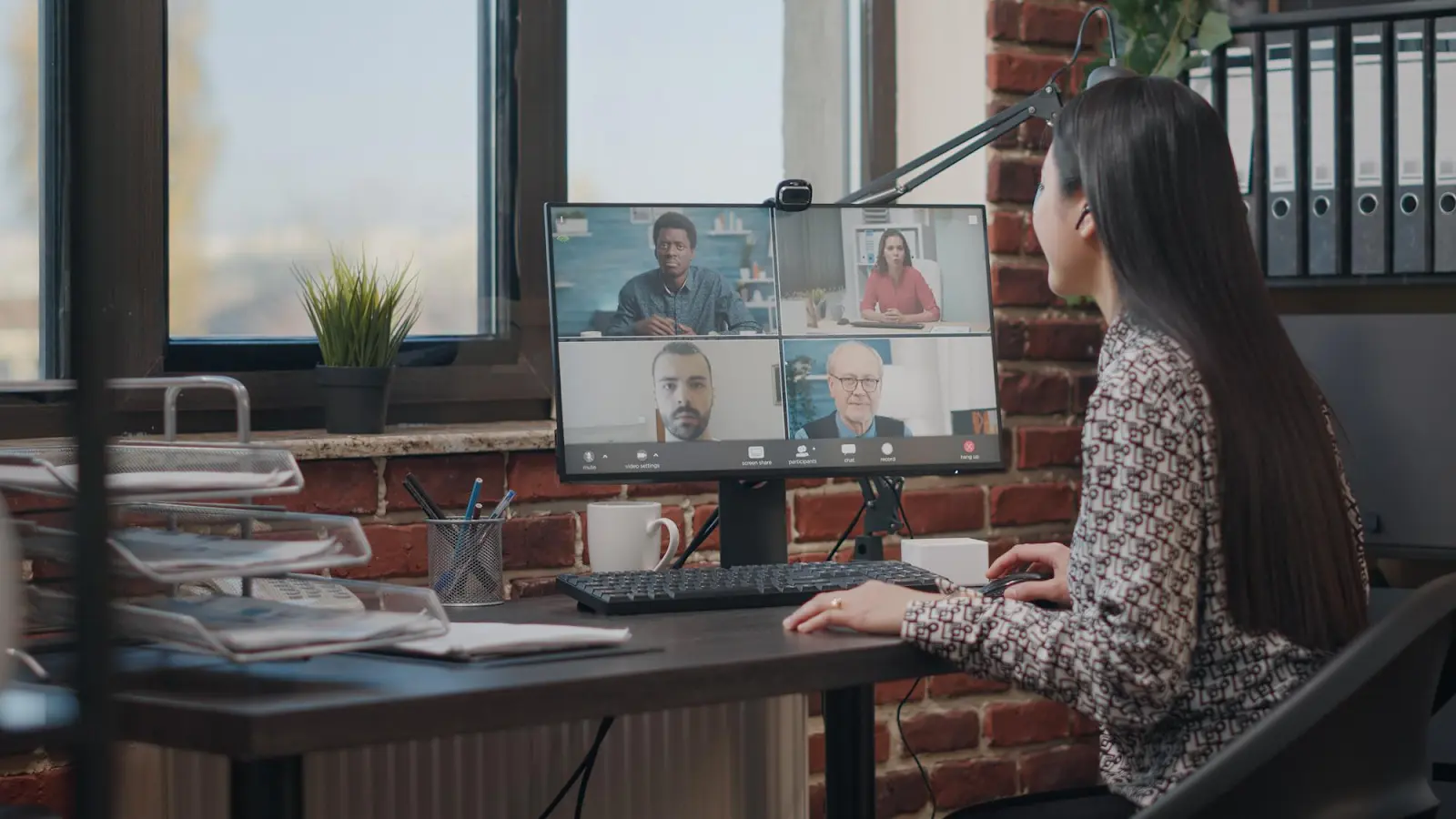
Virtual Meeting Etiquette for Remote and Hybrid Teams: Comprehensive Guide 2026
Virtual meetings are no longer a temporary fix or something added on top of office life. For many teams, they are now an integral part of the everyday work rhythm.
They connect people across time zones, locations, and hybrid setups, and they influence how decisions are made and how work actually gets done.
Still, online meetings are often treated as less formal than in-person conversations. They become quick stand-ins for hallway chats or conference room discussions. The purpose of the meeting is assumed instead of clarified.
Meeting etiquette is not about strict rules or polished appearances. At its core, it is about respecting the shared time, attention, and tools that everyone relies on.
When virtual meetings are handled well, communication improves, team engagement remains strong, and decisions are made more efficiently and effectively.
However, when they are not, team productivity suffers due to distractions, lengthy meetings, and minor misunderstandings that accumulate over time.
This article will explain what meeting etiquette truly means in modern workplaces, how it manifests before, during, and after virtual and hybrid meetings, and how the right workplace systems help teams meet with intention rather than habit.
What is Virtual Meeting Etiquette?
Virtual Meeting Etiquette refers to the professional behaviors and best practices that help virtual meetings run smoothly, respectfully, and effectively. It includes being punctual, preparing in advance, testing audio and video equipment, and joining meetings from a quiet, appropriate location. Participants should dress professionally, follow the meeting agenda, and ensure their technology does not distract others.
During the meeting, good etiquette means muting the microphone when not speaking, avoiding interruptions, and communicating clearly and respectfully. Turning on the camera when appropriate helps maintain engagement, while using chat and reaction features responsibly supports smooth interaction. Overall, virtual meeting etiquette promotes productivity, professionalism, and positive collaboration in a remote work environment.
What is hybrid meeting etiquette?
Hybrid meeting etiquette is a set of best practices that ensure fair, inclusive, and productive meetings when some people attend in person and others join remotely. It focuses on equal participation, clear communication, good audio/video use, and actively including remote attendees in discussions and decisions.
Why Virtual Meeting Etiquette Is Important?
Nowadays, virtual meetings are slowly becoming the norm. When these meetings work well, teams stay connected across locations; however, when they do not, small inefficiencies spread quickly.
In physical offices, etiquette was often enforced by context. Rooms had schedules, body language signaled attention, and being present made distraction visible.
Virtual meetings remove many of those cues, which shifts more responsibility onto habits and expectations.
Without clear etiquette, online meetings tend to lack direction and purpose.
Strong virtual meeting etiquette restores structure by setting boundaries around attention, participation, and time, even when everyone is working from different places.
There is also a practical dimension. Poor etiquette often shows up as operational waste. Hybrid teams usually book rooms they do not use, unintentionally overlap meetings, or struggle to coordinate availability across different locations.
Thoughtful scheduling, supported by space management tools like DeskFlex, helps reinforce better meeting habits without adding complexity.
Virtual Meeting Etiquette Before the Meeting
Most problems in virtual meetings do not start on the call. They start before the invite is even sent.
Schedule Meetings Thoughtfully
One of the most important rules of remote work etiquette, which is also the hardest to follow, is to schedule meetings thoughtfully. It’s worth noting that not every discussion requires a meeting.
Before sending an invite, pause and ask a simple question. What is the goal? Is it alignment, decision-making, or information sharing? If the goal of the meeting is simply to share updates, an email or shared document may be the better option.
However, when a meeting is necessary, choose a length that fits the purpose instead of defaulting to an hour out of habit. In virtual meetings, shorter sessions tend to stay focused, especially as attention fatigue sets in faster online.
Shared calendars, room booking software, and centralized scheduling tools support this approach by preventing overlapping meetings, reducing double bookings in hybrid offices, and making it easier to see when time and space are already committed.
These tools quietly remove friction that many teams only notice once scheduling becomes a problem.
Test Your Technology
Virtual meetings rely entirely on technology. This means that even the smallest issues are more significant than they would be in person.
Testing audio, camera, and internet connection ahead of time is necessary to minimize disruption. Additionally, simple checks like adjusting lighting or switching to a more reliable device can prevent repeated interruptions once the meeting begins.
In modern workplaces, this also means being familiar with the virtual meeting software that your team uses. This includes knowing how to share your screen, mute smoothly, and use basic online collaboration tools.
Virtual Meeting Etiquette During the Meeting
Once the meeting starts, etiquette shifts from preparation to presence. How people show up in the moment shapes the quality of the conversation.
Join on Time and Stay Present
Being on time sets the tone. Logging in a few minutes early allows for the resolution of technical issues without holding others up. Arriving late, especially without prior notice, can subtly signal that the meeting is optional.
Presence matters just as much. Multitasking during video calls is one of the most common mistakes made during remote meetings.
While this may seem insignificant, a participant’s divided attention during a meeting often leads to repeated questions, longer meetings, and weak results.
Virtual meetings work best when participants treat them as real-time collaboration, not background noise.
Virtual meetings work best when participants treat them as real-time collaboration, not background noise.
Mute When Not Speaking
Background noise is more disruptive online than in physical rooms. Keyboard clicks, side conversations, or ambient sounds pull focus instantly.
Keeping microphones muted when not speaking is a small habit with a noticeable impact. Unmuting only when contributing helps conversations flow and reduces the mental effort required from everyone listening.
Use Video Professionally
Video is not always required, but when it is used, it should be intentional.
A professional background, whether real or virtual, keeps attention on the conversation. Dressing appropriately also reinforces that the meeting is a formal business engagement and has purpose, even when joining from home.
Eye contact, or simply being aware of the camera, also plays a role. Looking into the camera occasionally helps recreate some of the connection that comes naturally in face-to-face meetings.
Follow Speaking Protocols
Virtual meetings do not allow for natural conversational overlap. Without etiquette, people talk over one another or disengage entirely.
Using features like chat or raise hand tools creates structure without making the meeting feel rigid. It also gives quieter team members a clearer way to participate, which supports both team productivity and decision quality.
Virtual Meeting Etiquette After the Meeting
What happens after a virtual meeting often determines whether it was worth having.
End on Time
Ending the meeting on time is a form of respect for everyone who attended. It signals that the agenda was intentional and that participants’ schedules matter as well.
When meetings regularly run long, it is usually a sign that the scope was too broad or the goal was unclear. This can lead to people disengaging or may even stir up some conflict.
Share Action Items
Virtual meetings without follow-ups can be forgotten quickly. It is crucial to develop clear action items that anchor the discussion in outcomes.
A concise summary that outlines decisions made, responsibilities, and next steps helps maintain momentum. It also reduces the need for clarification meetings that quietly multiply across remote teams.
Common Virtual Meeting Etiquette Mistakes to Avoid

Even experienced teams fall into patterns that eventually weaken their meetings.
These habits are often developed over time, typically in response to work pressures such as busy schedules, rather than stemming from poor intentions.
- When calendars are filled with back-to-back virtual meetings, leaving little room for focus or decisions to settle.
- Meetings are held without clear agendas, forcing participants to guess and navigate the meeting with confusion.
- Hybrid sessions where rooms or shared resources are not well-coordinated.
- Conversations that end without follow-up or clear next steps.
Individually, these issues might seem minor. However, when taken together, they accumulate and gradually reduce the value of team meetings, often without anyone noticing right away.
Tools That Support Better Virtual and Hybrid Meetings
Virtual and hybrid meetings are conducted well with better tools and equipment. The right tools don’t add more process. They remove uncertainty.
Here are some tools that can help you have a better virtual and hybrid meeting experience:
DeskFlex
DeskFlex supports better virtual and hybrid meetings by grounding scheduling in what’s actually available, not assumptions.
By managing meeting room bookings alongside desk and space scheduling, teams reduce conflicts, no-shows, and last-minute reshuffling that drains focus before a meeting even begins.
Calendar integrations help align virtual meetings with physical presence, which matters more in hybrid setups than most teams expect.
When people know who’s on-site, which spaces are in use, and how the meeting is intended to run, collaboration becomes more deliberate.
For larger organizations, its multi-location management feature creates consistency across offices, rather than relying on informal processes.
Analytics adds another layer of insight. Understanding how meeting rooms and virtual spaces are actually utilized helps teams reduce wasted time, optimize capacity, and make more informed decisions about when and how meetings occur.
Video Conferencing Platforms
Reliable video and collaboration platforms support the meeting itself, audio, video, screen sharing, and participation, without trying to solve the space problem that DeskFlex already addresses.
Visual Collaboration and Async Clarity
Visual collaboration tools like Miro help teams collaborate more effectively by providing a shared workspace for workshops, planning sessions, and early-stage thinking, without relying entirely on physical rooms or perfect real-time attendance. Ideas stay visible.
There’s also a quieter shift happening in how teams communicate. More organizations are becoming selective about when a live meeting is actually necessary.
Tools such as Loom support that shift by making it easier to share updates, walkthroughs, or decisions asynchronously. Fewer meetings get scheduled by default. Live time is reserved for conversations that benefit from it.
Conclusion
Meetings shape how work progresses, often more than strategy documents do. When virtual and hybrid meetings lack meeting etiquette, teams feel it quickly in slower decisions, lower engagement, and calendars that never seem to clear.
DeskFlex helps organizations move in the opposite direction, not by enforcing new behaviors, but by supporting better ones through smarter scheduling, clearer ownership, and visibility into how space and time are really being used.
If your organization is ready to bring more intention and less friction to virtual and hybrid meetings, DeskFlex offers a practical starting point.
Frequently Asked Questions (FAQs)
1. What is virtual meeting etiquette?
Virtual meeting etiquette refers to the shared norms that help online meetings stay focused and respectful, particularly during online/hybrid meetings.
These are practices that people observe in virtual meetings, shaping how they prepare, participate, and manage their attention in settings where visual and social cues are easier to miss.
2. Why is virtual meeting etiquette important for remote teams?
For remote teams, virtual meetings often replace much of the in-person alignment that once occurred. When etiquette is unclear, meetings tend to stretch, participation narrows, and momentum fades, often without anyone noticing right away.
3. What are the basic rules of virtual meeting etiquette?
At a minimum, etiquette shows up in simple habits. Joining on time, muting when not speaking, staying present, and following an agenda all help meetings feel intentional rather than draining.
4. How can companies improve virtual meeting etiquette?
Improvement usually starts with clarity. When expectations around scheduling, participation, and follow-through are made explicit, meetings become easier to manage.
Tools like DeskFlex support this by helping teams coordinate time and space more effectively across virtual and hybrid work environments.
5. What should you do before joining a virtual meeting?
Preparation does not need to be extensive. Reviewing the agenda, checking audio and video, and choosing a space where focus is possible often prevent small issues from slowing the conversation once it starts.
6. Is it rude to turn off your camera during a virtual meeting?
It is not necessarily rude to turn off cameras during meetings. Camera use heavily depends on context, the purpose of the meeting, and the shared expectations.
What matters most is the alignment; participants need to understand when visual presence adds value and when it does not.
7. How long should virtual meetings last?
Shorter meetings tend to work better. Many teams find that 30 to 45 minutes encourages sharper discussion and decision-making, especially when meetings are frequent.
8. How does DeskFlex help with virtual and hybrid meetings?
DeskFlex supports better meeting etiquette by helping teams coordinate schedules, book meeting spaces, and manage hybrid participation more smoothly. When logistics are handled well, meetings feel more intentional and less reactive.
9. Is virtual meeting etiquette different for hybrid teams?
Yes, hybrid teams require extra attention to inclusivity, ensuring remote participants are equally engaged and heard.
10. What is the role of a meeting host in virtual etiquette?
The host sets expectations, manages participation, and ensures the meeting runs smoothly.
11. How does virtual meeting etiquette impact productivity?
Proper etiquette reduces interruptions, improves focus, and leads to more efficient meetings.
12. Are virtual meeting rules the same for internal and external meetings?
External meetings often require stricter professionalism, clearer communication, and formal etiquette.