DeskFlex

Want to see DeskFlex in action? Book your live demo today!
people working in an office environment

Workspace Environment Management: The Complete 2026 Guide for Modern Workplaces

The term “workspace environment management” means two different things in 2026 depending on who is using it. For IT teams running virtual desktops, it refers to a specific category of software, with Citrix’s WEM product being the most prominent example. For workplace, facilities, and people-operations leaders, it refers to the broader practice of designing and managing the physical and digital environments where employees actually do their work. This guide covers the second meaning in depth, while briefly disambiguating the first so readers know which one they came here for.

Workspace environment management in the workplace experience sense is one of the most consequential disciplines in modern organizations. The office floor plan, the desk booking system, the meeting room technology, the visitor experience, the air quality, the noise level, the lighting, the collaboration tools, the hybrid work policy, and the analytics that connect them are all parts of the same system. Done well, the combination produces measurable gains in productivity, retention, real estate efficiency, and employee satisfaction. Done badly, every individual piece can be best-in-class while the overall experience still fails.

This guide is the complete reference for workspace environment management as a workplace discipline. It covers the definition, the disambiguation from Citrix WEM, the two pillars (physical and digital), the core components, the benefits, the challenges, the best practices, the technology stack, and how leading platforms like DeskFlex fit into the picture. Whether you are a facilities director, an HR leader, an IT manager working at the workplace/IT intersection, or an executive setting return-to-office policy, this guide gives you a single reference for the discipline.

First, the disambiguation: Citrix WEM vs workplace environment management

Before going further, it is worth being explicit about the two distinct uses of “workspace environment management” because the two communities rarely overlap.

Citrix Workspace Environment Management (Citrix WEM)

Citrix WEM is a specific product, originally a separate offering and now part of Citrix DaaS and Citrix Virtual Apps and Desktops. It is software that:

  • Optimizes virtual desktop performance by adjusting RAM, CPU, and I/O in real time
  • Manages Windows user profiles in VDI deployments
  • Replaces Group Policy Objects and logon scripts with a faster agent-based approach
  • Provides AppLocker integration, privilege elevation, and process management for security
  • Is administered by IT teams managing Citrix Virtual Apps and Desktops or Citrix DaaS

If you arrived at this page looking for Citrix WEM, the canonical sources are Citrix’s own product documentation at docs.citrix.com, Citrix’s community pages at community.citrix.com, and certified training providers like Pluralsight. This article is not about Citrix WEM.

Workplace Environment Management (the broader workplace discipline)

The broader meaning, and the subject of the rest of this guide, is the practice of designing and managing both the physical and digital environments where employees work. It covers:

  • Physical workspace design including floor plans, furniture, lighting, acoustics, air quality
  • Digital workspace including collaboration tools, identity and access, communication platforms
  • Hybrid work coordination including desk booking, room scheduling, anchor days, attendance data
  • Visitor and contractor management
  • Workplace analytics that connect attendance, occupancy, utilization, and employee feedback
  • Workplace policy covering hybrid arrangements, ergonomics, safety, and accommodation

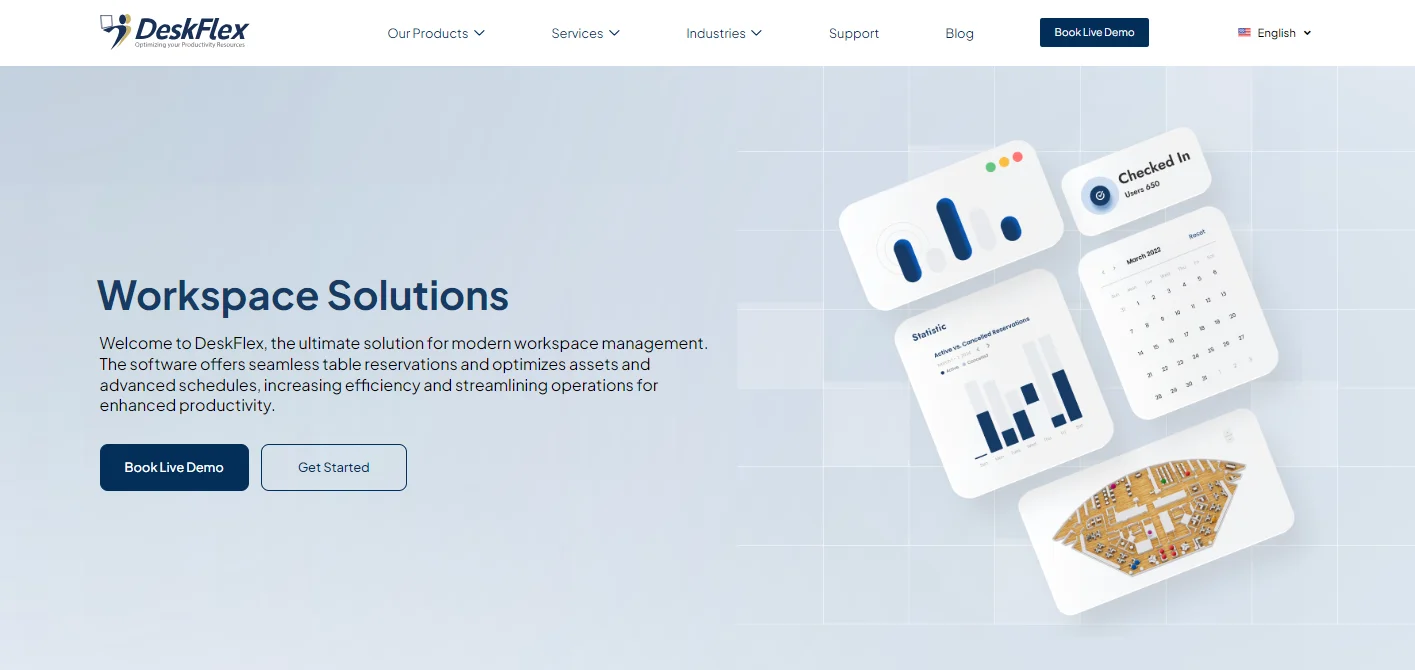
This discipline sits at the intersection of facilities management, IT, HR, and real estate. The buyers are typically workplace strategy leaders, facilities directors, people operations leads, and executive sponsors of return-to-office initiatives. The platforms that support it include DeskFlex, Robin, Eptura, OfficeSpace, and others (see our workplace management software comparison for a detailed comparison).

What is Workspace Environment Management?

Workspace environment management is the integrated practice of designing, operating, and continuously improving the physical and digital environments where employees work, with the goal of supporting productivity, collaboration, wellbeing, and business outcomes. It is a cross-functional discipline that combines facilities management, real estate, IT, HR, and workplace strategy under a single coordinated approach, with measurable inputs (occupancy data, employee feedback, productivity proxies) and measurable outputs (engagement, retention, real estate cost, productivity).

In practice, workspace environment management answers five questions for every organization:

  1. Where do people work today and where should they work tomorrow?
  2. What spaces, tools, and conditions do they need to work effectively?
  3. How do we coordinate people, spaces, and technology day to day?
  4. What data tells us whether the workspace is actually working?
  5. How do we adapt as needs, technology, and the workforce change?

Workspace environment management is closely related to but distinct from several adjacent disciplines:

  • Facilities management is narrower, focused on the building itself (HVAC, lighting, security, cleaning, maintenance)
  • Workplace strategy is broader, focused on the long-term real estate and workforce decisions that shape the environment
  • Employee experience is broader still, encompassing pay, benefits, culture, and career development alongside the workplace
  • IT service management is parallel, focused on the digital tools and infrastructure rather than the physical environment

Mature organizations run workspace environment management as a discipline with named owners, measurable goals, and a coordinated technology stack rather than treating it as a side responsibility of facilities or IT.

The Two Pillars: Physical and Digital

Workspace environment management rests on two foundational pillars. Both must work together for the overall experience to succeed.

Pillar 1: The physical workspace environment

The physical workspace covers everything an employee encounters when they walk into a building or work area. It includes:

  • Floor plans and space layout including the ratio of desks, meeting rooms, focus spaces, and collaboration zones
  • Furniture and ergonomics including desks, chairs, monitor arms, keyboards, and accessibility accommodations
  • Lighting including natural light access, task lighting, and circadian-aligned lighting
  • Acoustics including sound absorption, masking, and quiet zones
  • Air quality and ventilation including CO2 monitoring, particulate filtration, and humidity control
  • Temperature comfort including HVAC zoning and individual control
  • Wayfinding and signage including digital displays, room signs, and floor maps
  • Hospitality elements including kitchens, break areas, wellness rooms, and parents rooms
  • Safety and security including fire systems, evacuation routes, badge access, and visitor management

Each of these elements is itself a discipline. The integration is what makes them workspace environment management rather than just “facilities.”

Pillar 2: The digital workspace environment

The digital workspace covers everything an employee uses to actually do work, whether they are in the office or remote. It includes:

  • Collaboration platforms like Microsoft Teams, Slack, Zoom, and Google Meet
  • Productivity suites like Microsoft 365 and Google Workspace
  • Identity and access management like Okta, Microsoft Entra ID, and SAML SSO
  • Workplace platforms like DeskFlex for desk booking, room scheduling, and visitor management
  • Communication tools for asynchronous text, voice, and video
  • Knowledge management including wikis, document storage, and search
  • Project and task management like Asana, Jira, and Monday.com
  • HR systems for the employee record, leave, and benefits
  • Analytics and reporting for workspace utilization, attendance, and engagement

The digital workspace is increasingly the primary workspace for many employees. For hybrid workers, the digital experience often matters more than the physical one because it works the same whether they are in the office or at home.

Why integration matters

Treating these two pillars as separate is the single most common failure mode in workspace environment management. The physical office is laid out one way, the digital tools assume something else, the hybrid policy contradicts both, and employees experience the friction every day. Integration means:

  • The floor plan supports the work style the digital tools enable (focus zones for deep work, collaboration zones for video calls)
  • The desk booking system shows real-time team presence so people can coordinate
  • The room scheduling integrates with the calendar tools people already use
  • Attendance data and digital activity correlate, so leadership can see how the workspace is actually being used
  • The visitor experience flows seamlessly from arrival to host notification to badge issuance

Modern workplace platforms like DeskFlex are designed for this integration, combining physical workspace management (desk booking, room scheduling, visitor management) with the digital integrations (calendar, identity, collaboration tools) that make the whole experience work.

Core Components of Workspace Environment Management

A complete workspace environment management program covers ten core components. The depth of each varies by organization, but all ten need to be addressed.

1. Space planning and floor plan design

Designing the physical layout to match how people actually work. Includes desk-to-employee ratios (typically 0.5 to 0.7 in mature hybrid offices), zone definitions (quiet, collaboration, phone, focus), meeting room sizing against actual demand, and accommodation for accessibility needs. Modern tools include 3D floor maps that show the design and the operational data in one view.

2. Desk and resource booking

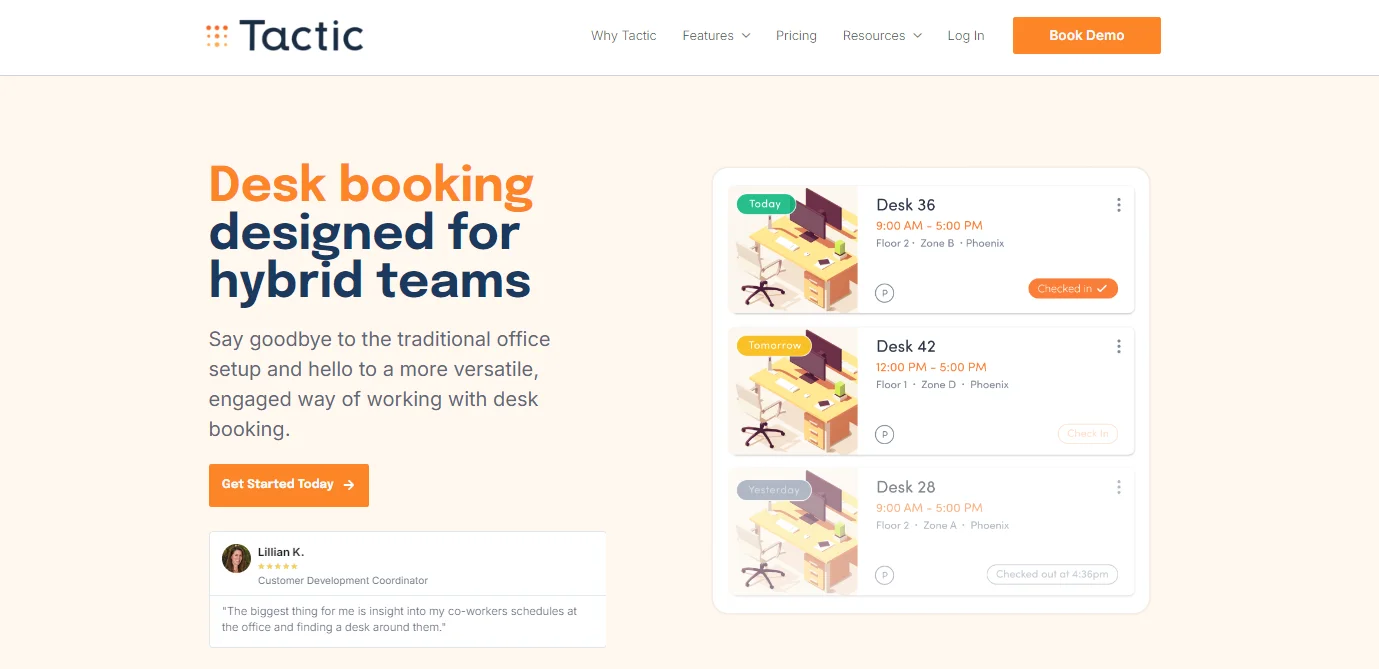
Giving employees a frictionless way to reserve workspace before coming in. Includes desk booking, meeting room reservation, parking, locker assignment, and any other shared resources. The booking system is the daily interface most employees have with workspace environment management. Desk booking platforms are now table stakes for hybrid offices.

3. Room scheduling and meeting management

Coordinating meeting rooms across calendars, equipment, and attendees. Includes calendar integration with Outlook and Google, room displays for at-the-door booking, abandoned-meeting protection that auto-releases unused rooms, and integration with video conferencing systems. Room scheduling at scale is a core component.

4. Visitor management

Managing the experience of everyone who enters the building who is not an employee. Includes pre-registration, ID verification, NDA or safety acknowledgment, host notification, badge printing, and visitor analytics. Visitors and contractors are over-represented in workplace incidents because they do not know the site, which makes visitor management a workspace and a safety priority.

5. Check-in and attendance tracking

Real-time visibility into who is in the building at any given moment. Critical for emergency response (knowing who to account for in an evacuation), for capacity management (ensuring zones do not exceed safe density), and for utilization analytics. Check-in and check-out systems close the loop between booking and actual attendance.

6. Space utilization analytics

Connecting all the data from bookings, attendance, room usage, and visitor traffic to inform real estate decisions. Most organizations overpay for office space for 18 to 24 months after going hybrid because they have no utilization data. Analytics dashboards close that gap.

7. Hybrid work policy and scheduling

Coordinating who comes in on which days, including anchor days (specific days when teams come in), neighborhood zones (specific zones for specific teams), and exception handling. The policy connects directly to the booking and analytics systems, so what is written in policy actually happens in practice.

8. Environmental controls and wellbeing

Air quality, lighting, acoustics, temperature, and ergonomics as deliberate inputs to employee productivity and health rather than building services left on default. Increasingly includes sensor-based monitoring, occupant feedback, and adaptive systems that respond to real-time conditions.

9. Digital tools integration

Connecting the physical workspace platform to the digital tools employees already use: calendar (Outlook, Google), identity (Okta, Microsoft AD), collaboration (Teams, Slack), and HR systems. Without these integrations, workspace environment management becomes another silo employees have to learn separately.

10. Workplace experience feedback loops

Mechanisms for employees to provide feedback on the workspace, ranging from in-app one-tap reports to formal surveys to focus groups. The feedback drives continuous improvement, which is the difference between a workspace that ages well and one that decays.

Benefits of Effective Workspace Environment Management

When the components above are coordinated well, the measurable benefits are substantial. The benefits fall into five categories.

1. Real estate cost reduction

The most visible benefit. Organizations that connect occupancy data to real estate decisions typically reduce their footprint by 30 to 50 percent over two to three years (CBRE, Verdantix benchmarks). The savings come from desk ratio reductions, floor consolidation, and lease right-sizing when contracts roll over.

2. Productivity and engagement gains

Multiple studies show that well-designed workspace environments produce 15 to 25 percent productivity gains compared to one-size-fits-all environments. The mechanism is matching the work to the space: quiet work in quiet zones, collaborative work in collaborative zones, social work in social zones. Engagement improves in parallel.

3. Talent attraction and retention

Workspace environment is increasingly visible to candidates through Glassdoor reviews, employee LinkedIn posts, and recruiting tours. Companies known for excellent workspaces attract more applicants per job and retain employees longer. The retention effect is particularly strong among working parents, caregivers, and employees with disabilities.

4. Risk reduction

Real-time attendance data supports emergency response and evacuation accountability. Active visitor management reduces security incidents. Ergonomic attention reduces workers’ compensation claims. Air quality monitoring reduces sick days. The combined risk reduction is rarely the headline benefit, but it shows up consistently in safety and HR metrics.

5. Decision quality

When leadership has accurate data on how the workspace is actually used, decisions about real estate, hiring, hybrid policy, and workplace investment improve. The alternative, which most organizations still operate under, is making major decisions on assumption and anecdote.

Common Challenges in Workspace Environment Management

The most common challenges in workspace environment management are siloed ownership across IT, facilities, and HR; outdated assumptions about attendance and utilization; technology stack fragmentation; weak feedback loops with employees; policy-versus-reality gaps; resistance from leadership accustomed to assigned seating; uneven access across roles and locations; and inadequate data infrastructure connecting the physical and digital workspaces. All are solvable with deliberate cross-functional coordination, modern workplace technology, and a willingness to treat workspace environment management as a discipline with named ownership.

1. Siloed ownership

Workspace environment management spans IT, facilities, HR, and real estate. Without explicit cross-functional ownership, each function optimizes for its own metrics and the overall experience suffers. Mature organizations create a Workplace Strategy or Employee Experience function that owns the discipline cross-functionally.

2. Outdated assumptions

Many organizations still plan workspace based on pre-pandemic attendance assumptions. Without current data, they overspend on space, under-invest in collaboration zones, and miss the actual ways people work today. The solution is real-time attendance and utilization data feeding decisions.

3. Technology stack fragmentation

When desk booking, room scheduling, visitor management, and analytics live in four different tools that do not integrate, employees encounter friction at every transition. Modern workplace platforms consolidate these into one stack with shared data.

4. Weak feedback loops

Without easy mechanisms for employees to provide feedback, leadership runs on assumption. Annual engagement surveys are too slow. Mature programs include in-app feedback, regular pulse surveys, and visible action on what employees raise.

5. Policy versus reality gaps

The hybrid policy says one thing, the booking data says another, the office occupancy shows a third. When written policy diverges from actual behavior, both lose credibility. The solution is honest measurement, policy iteration, and willingness to change either the policy or the operations to match.

6. Resistance from leadership

Senior leaders who built their careers in assigned-seat offices often struggle with hot desking, hoteling, and hybrid coordination. The discomfort is real and worth taking seriously. Communication, leadership-specific accommodation where appropriate, and visible benefits help close the gap.

7. Uneven access across roles

Workspace environment improvements benefit knowledge workers most and shift workers, frontline staff, and contractors least. Equity in workspace investment requires deliberate attention to these groups.

8. Inadequate data infrastructure

Without integration between booking, attendance, visitor, calendar, and HR data, the analytics that should drive workspace decisions stay siloed. The fix is choosing a workplace platform that integrates with the rest of the tech stack rather than running as a standalone tool.

Best Practices for Workspace Environment Management

These are the practices that consistently distinguish workspace environment management programs that succeed from ones that drift.

1. Establish cross-functional ownership

Name a workplace strategy or employee experience lead with explicit authority across IT, facilities, HR, and real estate. Without this ownership, the discipline does not exist, just a loose collection of functions.

2. Measure baseline before changing anything

Before redesigning the office, changing the hybrid policy, or rolling out new technology, measure the current state. Attendance, utilization, satisfaction, productivity proxies. Decisions made without baselines tend to revert.

3. Run workspace as a product, not a project

Most organizations treat workplace changes as one-off projects (an office move, a return-to-office mandate, a desk-booking rollout). The mature approach is to run workspace as an always-on product with continuous releases, feedback loops, and iteration.

4. Integrate the technology stack

Pick a workplace platform that integrates desk booking, room scheduling, visitor management, analytics, and identity rather than running each as a separate tool. The integration is what turns workspace environment management from a collection of features into a coordinated discipline. DeskFlex’s platform is built for this.

5. Anchor hybrid scheduling

If you run hybrid work, define anchor days when specific teams come in. Unstructured hybrid (everyone picks their own days) produces half-empty offices most of the time and over-crowded ones occasionally. Anchored hybrid produces predictable collaboration and predictable density. See our flexible work arrangements guide for the full framework.

6. Audit the experience honestly and frequently

Walk the office monthly. Use the booking system as an employee would. Sit in different zones for different work modes. Talk to people. Quantitative data tells you what is happening; qualitative experience tells you why.

7. Communicate policy clearly and consistently

Most workspace friction comes from policy confusion. Employees who do not know the rules invent their own. Publish the policy, train managers on it, and update it transparently when it changes.

8. Invest in environmental quality, not just space

Air quality, lighting, acoustics, and ergonomics produce measurable productivity gains and are usually under-funded relative to the visible elements of the office. The ROI of environmental quality is rarely as flashy as a new lobby but often higher.

9. Build in equity from the start

Track who uses the workspace, who books premium spaces, who gets the better desks, who gets accommodation. Patterns that look like proximity bias or accessibility gaps need to be caught early.

10. Treat data as the foundation, not the dashboard

The point of workspace data is not the dashboard, it is the decisions the data drives. Set up the data infrastructure to produce decisions: where to consolidate, what zones to add, when to change the policy, who needs accommodation.

The Workspace Environment Management Technology Stack

A complete technology stack for workspace environment management covers eight categories. Most mid-market organizations consolidate into 4 to 6 tools.

Category 1: Workplace management platform

The core operational platform combining desk booking, room scheduling, visitor management, space management, and analytics. Examples: DeskFlex, Robin, OfficeSpace, Condeco (Eptura), SpaceIQ (Eptura), Yarooms. See our workplace management software comparison for detailed reviews.

Category 2: Calendar and collaboration

The digital tools employees use day to day. Microsoft 365 (Outlook, Teams) and Google Workspace dominate. The workplace platform should integrate natively with at least one.

Category 3: Identity and access

Okta, Microsoft Entra ID, OneLogin, or similar. Single sign-on is now expected, and SCIM provisioning eliminates manual user management. Any workplace platform without strong identity integration is a non-starter for organizations over 100 employees.

Category 4: HR systems

The employee record, leave management, accommodation tracking. Workday, BambooHR, SAP SuccessFactors, ADP, or smaller-business equivalents. The workplace platform should sync to the HR system as the source of truth for who works there.

Category 5: Building management systems

HVAC, lighting, access control. Traditionally separate from workplace platforms but increasingly integrated. Modern building systems expose APIs that workplace platforms can pull from for environmental data and respond to (closing zones when not in use, adjusting HVAC based on bookings).

Category 6: Sensors and IoT

Occupancy sensors, environmental sensors (CO2, temperature, humidity, light), room display tablets. These produce the real-time data that drives both day-to-day operations and longer-term decisions.

Category 7: Analytics and reporting

Dashboards combining attendance, utilization, employee feedback, real estate costs, and productivity proxies. Some workplace platforms include this natively; others integrate with BI tools like Power BI, Tableau, or Looker.

Category 8: Feedback tools

Pulse surveys, in-app feedback collection, sentiment monitoring. Examples include Officevibe, CultureAmp, Glint, or in-platform feedback in the workplace platform itself.

Reference architecture

For a typical mid-market hybrid office (200 to 2,000 employees), a workable stack is:

  • Workplace platform: DeskFlex (desks, rooms, visitors, analytics in one)
  • Calendar: Microsoft 365 or Google Workspace
  • Identity: Okta or Microsoft Entra ID
  • HR: Workday or BambooHR
  • Collaboration: Microsoft Teams or Slack
  • Analytics: Native workplace platform + Power BI / Looker for cross-system reporting
  • Feedback: In-platform or a dedicated survey tool

Larger organizations add IWMS platforms (Planon, FM:Systems, Accruent, Nuvolo) for real estate portfolio management on top of this.

Workspace Environment Management for Specific Industries

The framework applies broadly, but several industry contexts deserve specific attention.

Hybrid offices

The most common context. Standard workspace environment management with anchor-day scheduling, 0.5 to 0.7 desk-to-employee ratios, mix of focus and collaboration zones, and integrated analytics. DeskFlex’s hybrid work platform is built for this use case.

Healthcare

Healthcare workspaces require additional layers: HIPAA-aligned data handling, on-premise deployment options for systems handling PHI, integration with badge access for restricted areas, and audit trails for compliance. The corporate-office side of healthcare (administrative offices, research spaces, physician shared offices) follows standard workspace environment management practice. See DeskFlex for healthcare.

Education

Universities and schools run workspace environment management for faculty offices, graduate student workspaces, and administrative areas. The academic-year cycle adds complexity. Most institutions need bulk user provisioning, campus identity integration, and the ability to handle high turnover. See DeskFlex for education.

Government

Government workspaces face the strictest compliance environment: data residency, audit trails, on-premise deployment requirements for sensitive workloads, and integration with government-specific identity systems. DeskFlex offers on-prem deployment specifically for these requirements. See DeskFlex for government.

Enterprise and multi-site organizations

At enterprise scale, workspace environment management typically integrates with an IWMS platform for real estate portfolio management. The workplace platform handles day-to-day operations; the IWMS handles leases, capital projects, and long-term planning. See DeskFlex for enterprise.

How DeskFlex Supports Workspace Environment Management

DeskFlex is a workplace platform purpose-built for the operational side of workspace environment management. It is not a virtualization tool, not an IWMS, and not a comprehensive employee-experience suite. What it does is consolidate the core day-to-day workspace operations into one integrated platform:

For organizations whose workspace environment management spans desk booking, room scheduling, visitor experience, and space analytics, DeskFlex consolidates a normally fragmented stack into one platform. Book a 30-minute demo and we will walk through how DeskFlex fits into your existing workspace environment management approach.

Conclusion

Workspace environment management, in the broader workplace experience sense, is the discipline that determines whether modern offices actually work for the people in them. It spans the physical and digital workspace, sits at the intersection of IT, facilities, HR, and real estate, and produces measurable outcomes in real estate cost, productivity, retention, and risk. Done well, it transforms a fragmented set of point tools and disconnected functions into a coordinated, data-driven discipline. Done badly, every individual component can be best-in-class while the overall experience still fails.

For organizations building or modernizing their workspace environment management program, the highest-leverage moves are: establishing explicit cross-functional ownership, integrating the technology stack instead of running fragmented tools, anchoring hybrid scheduling, investing in environmental quality alongside visible spaces, and treating data as the foundation for decisions rather than the dashboard at the end.

If your workspace environment management needs include desk booking, room scheduling, visitor management, and analytics in an integrated platform with both cloud and on-premise deployment options, DeskFlex is built for exactly that combination. Book a 30-minute demo to see how it fits.


Frequently Asked Questions (FAQs)

Workspace environment management has two distinct meanings in 2026. In IT contexts, it refers to a specific product category exemplified by Citrix WEM, which optimizes virtual desktop performance, manages Windows user profiles, and handles security for Citrix Virtual Apps and Desktops deployments. In workplace and facilities contexts, it refers to the broader integrated practice of designing and operating both the physical and digital environments where employees work. The two communities rarely overlap. This guide focuses on the second meaning, which covers space planning, desk booking, room scheduling, visitor management, environmental quality, and the technology stack that supports them.

The two terms are used interchangeably in many contexts but with subtle differences. Workspace environment management tends to emphasize the operational mechanics of the physical and digital workspaces: floor plans, booking systems, building services, technology stack. Workplace experience management is sometimes used as a broader umbrella that includes culture, recognition, career development, and other elements alongside the physical and digital workspace. In practice, most organizations use either term to refer to the same broad discipline, and both are distinct from Citrix’s specific WEM product.

Citrix WEM (Workspace Environment Management) is a specific Citrix software product that optimizes virtual desktop performance, manages Windows user profiles in VDI deployments, and provides security features for Citrix Virtual Apps and Desktops environments. It is an IT product used by administrators managing Citrix deployments. Workplace environment management as a broader discipline refers to the practice of designing and managing both physical and digital workspaces for employees, covering floor plans, desk booking, room scheduling, visitor management, environmental quality, and supporting technology. The two have nothing in common beyond the similar name, and the buying audiences rarely overlap.

Workspace environment management ideally sits with a cross-functional workplace strategy or employee experience function that has authority across IT, facilities, HR, and real estate. In practice, ownership varies by organization. Some place it with facilities (emphasizing the physical environment), some with IT (emphasizing the digital tools), some with HR (emphasizing employee experience), and some with real estate (emphasizing the property portfolio). The strongest results come from explicit cross-functional ownership rather than letting any single function own it in isolation.

A complete technology stack covers eight categories: a workplace management platform (desk booking, room scheduling, visitor management, analytics), calendar and collaboration tools (Microsoft 365 or Google Workspace), identity and access management (Okta, Microsoft Entra ID), HR systems (Workday, BambooHR, ADP), building management systems (HVAC, lighting, access control), sensors and IoT for real-time data, analytics and reporting (native or BI tools), and feedback tools. Most mid-market organizations consolidate into 4 to 6 platforms. The single most important choice is the workplace management platform, since it sits at the center of the daily operational stack.

The five main benefit categories are: real estate cost reduction (30 to 50 percent typical when occupancy data drives portfolio decisions, per CBRE and Verdantix benchmarks); productivity and engagement gains (15 to 25 percent productivity uplift in well-designed environments compared to one-size-fits-all setups); talent attraction and retention (workspace quality is increasingly visible in candidate research); risk reduction (real-time attendance for emergency response, visitor management for security, ergonomics for workers compensation); and decision quality (leadership making real estate, hybrid policy, and workplace investment decisions on data rather than assumption).

The most common challenges are siloed ownership across IT, facilities, and HR; outdated assumptions about attendance and utilization; technology stack fragmentation across non-integrated tools; weak feedback loops with employees; policy-versus-reality gaps where written policy diverges from actual behavior; resistance from leadership accustomed to assigned-seat offices; uneven access across roles and demographics; and inadequate data infrastructure connecting the physical and digital workspaces. All are solvable with deliberate cross-functional coordination, modern integrated workplace technology, and willingness to treat workspace environment management as a discipline with named cross-functional ownership.

In hybrid contexts, workspace environment management provides the operational backbone that makes hybrid actually work. Desk booking gives employees certainty about where they will sit; room scheduling coordinates collaboration time; team-presence visibility helps coordinate office days around colleagues; attendance data drives real estate right-sizing; and the integrated analytics tell leadership whether the hybrid policy is producing the intended outcomes. Without these operational mechanics, hybrid policies tend to drift into either silent return-to-office mandates or unstructured flexibility that wastes office space.

Measure on five dimensions: (1) real estate efficiency through occupancy rate, desk-to-employee ratio, and cost per employee; (2) employee experience through engagement scores, eNPS, and pulse-survey results; (3) productivity through output metrics and proxies relevant to your business; (4) safety and risk through incident rates, evacuation accountability, and security events; and (5) policy adherence through anchor-day attendance, no-show rates, and zone-usage compliance. Review quarterly. The strongest signal of a healthy program is rising engagement combined with falling real estate cost; the strongest signal of a struggling program is widening gaps between intended and actual workspace use.

Implementation timelines vary by scope. A first workplace management platform deployment for a small office (under 100 employees) typically goes live in 4 to 8 weeks. Mid-market deployments with multiple integrations (HRIS, calendar, identity) commonly run 8 to 16 weeks. Enterprise multi-site rollouts with on-premise deployment, custom integrations, and legacy data migration typically run 16 to 26 weeks. The full workspace environment management discipline (cross-functional ownership, integrated stack, mature feedback loops, ongoing iteration) takes 12 to 18 months to mature, regardless of how fast any individual platform deploys.

Yes, with adjustments. Fully remote organizations focus heavily on the digital workspace pillar (collaboration tools, asynchronous communication, identity, HR systems) and apply workspace environment management principles to the home office (ergonomic stipends, environmental quality guidance, equipment standards). The physical workspace components shift toward optional meeting hubs, periodic gather events, and team retreats rather than daily office space. The discipline still exists, just with a different center of gravity.

The technology stack typically runs $5 to $30 per user per month for the workplace management platform, plus the cost of integrations and any sensor or hardware investment. For a 500-person hybrid office, the workplace platform might cost $30,000 to $150,000 per year, with implementation and integration adding $20,000 to $100,000 one-time. The savings on real estate alone typically pay back the technology investment in 6 to 18 months for mid-market and enterprise deployments. The broader workspace environment management program (people, process, ongoing operations) adds variable cost depending on the scale of facilities, IT, and HR resourcing.

For practical workplace operations, see our guides on workplace management software, flexible work arrangements, office hoteling best practices, workplace asset management, and workplace safety. For Citrix WEM specifically, see Citrix’s official documentation at docs.citrix.com. For broader workplace research, Gartner, JLL, CBRE, Leesman, and Verdantix all publish ongoing research on the discipline.