Blog
Using Assigned Seat Software to Manage Workplace Re-opening 2026
The way organizations approach office space has fundamentally shifted over the past several years. What was once a static environment — rows of assigned desks and defined seating plans — has evolved into a dynamic, flexible system shaped by hybrid work, safety requirements, and real-time utilization needs. As companies reopen and reimagine their workplaces, the tools they adopt must do more than schedule workstations; they must optimize space usage, empower employees, reduce waste, and support new patterns of collaboration.
This guide explores how assigned seat software, in combination with enterprise seating chart systems, creates a robust infrastructure for managing hybrid workplaces while promoting productivity and employee satisfaction.
1. Why Static Seating Models No Longer Work
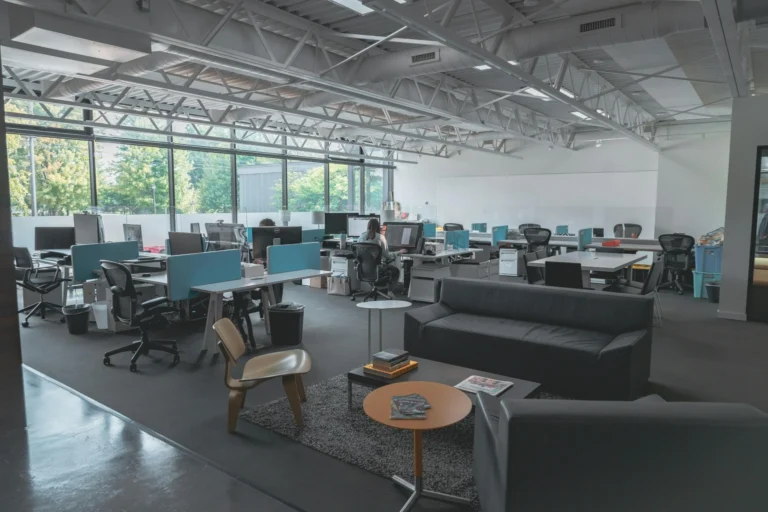
The traditional office model — where every employee had a designated desk or cubicle — is increasingly incompatible with modern work expectations. The COVID-19 pandemic and the rise in remote and hybrid work forced organizations to rethink how physical space is planned, scheduling is executed, and seating is assigned.
In many cases, companies that kept existing seating assignments post-pandemic ended up with:
Underutilized space, as remote or part-time workers rarely occupy their assigned desks.
Higher operational costs for lighting, HVAC, and maintenance of unused areas.
Reduced employee satisfaction, as static assignments fail to support flexibility and choice.
Poor safety compliance, especially around social distancing and occupancy limits.
Assigned seat software and enterprise seating charts are now part of the solution, enabling organizations to break free from rigid layouts and embrace a flexible, data-driven workplace strategy.
2. What Assigned Seat Software Actually Does
Assigned seat software is a type of workplace management system that enables employees and administrators to:
Reserve desks, workstations, and meeting rooms ahead of time.
Assign or reassign seating dynamically based on need, team, or project.
Integrate reservations with calendars and mobile apps for seamless booking.
Track real-time usage and occupancy to inform planning decisions.
In contrast to old methods like spreadsheets or static PDFs, modern systems provide interactive user experiences. Integration with enterprise seating charts makes floor plans visual and actionable, allowing users to see what’s available in real time.
3. What Enterprise Seating Charts Add to the Equation
While reservation software manages the when and who of space usage, enterprise seating charts manage the where in a visual and strategic way. An enterprise seating chart system provides:
Interactive floor plans that show desk locations, meeting rooms, and resources live.
Zones and neighborhoods for departments, teams, or collaboration spaces.
Drag-and-drop management for simple reconfigurations.
Analytics integration to show which areas are most used or underutilized.
Interactive charts replace static maps by allowing users to reserve desks directly from the seating view, assess team proximity, and visualize usage trends. This not only improves space utilization but aligns physical design with organizational goals such as collaboration or departmental clustering.
4. Key Advantages of Using Assigned Seat + Seating Chart Software
4.1 Enhanced Flexibility & Employee Experience
The hybrid workforce expects autonomy — especially when choosing when and where to work. Assigned seat systems empower employees to:
Reserve preferred desks or collaborative zones in advance.
See where coworkers are sitting to plan in-office days together.
Cancel unused reservations or switch seats as needed.
When these systems are integrated with enterprise seating charts, employees get a visual, intuitive view of available spaces, which reduces friction and boosts satisfaction.
4.2 Better Space Utilization & Cost Management
Without real-time analytics, organizations often pay for space that goes largely unused. With an assigned seat system tied to interactive seating charts, you can:
Identify underutilized desks or zones.
Reallocate space to support collaboration hubs, quiet zones, or hot desks.
Support data-driven decisions about downsizing, redesign, or expansion.
These insights can lead to significant cost savings in real estate, utilities, and facility operations.
4.3 Safety, Compliance & Occupancy Management
In hybrid workplaces, maintaining capacity policies and safety protocols is essential. Assigned seat software can enforce policies such as:
Maximum occupancy limits per zone.
Social distancing configurations.
QR-code check-in/out for access control and contact tracing.
When combined with enterprise seating charts, administrators can visually see who is where — and when — in real time, giving confidence that the space remains compliant and safe.
5. Core Features to Look For
5.1 Real-Time Availability and Booking Visibility
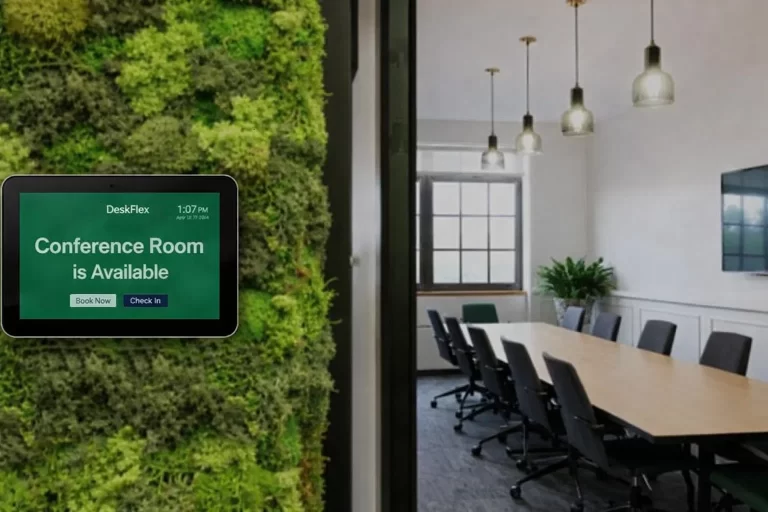
Employees should see availability instantly — whether desktop, workstation, or meeting room — and reserve space without confusion. Modern platforms allow booking via web, mobile, or QR codes, reducing barriers to adoption.
5.2 Integration with Existing Calendar & Communication Tools
Seamless integration with tools such as Microsoft Outlook, Google Workspace, and Slack helps align reservations with daily workflows and reduces double bookings or scheduling conflicts.
5.3 Usage Analytics & Reporting
Analytics dashboards should show:
Which desks or rooms are most/least used.
Peak occupancy times.
Trends in hybrid attendance patterns.
This data is invaluable for long-term planning and cost control.
5.4 Interactive Floor Plans & Enterprise Seating Charts
Interactive charts serve as the visual backbone of your seating strategy:
Users can click a desk or room to see availability.
Teams can be grouped in zones based on function or collaboration patterns.
Administrators can rearrange layouts or reassign desks with minimal effort.
5.5 Administrative Controls and Approval Workflows
Enterprises benefit from admin privileges that allow:
Approving or rejecting reservations.
Setting booking policies (e.g., minimum/maximum reservation lengths).
Managing team priorities or blackout periods.
These controls help reduce scheduling chaos and ensure organizational rules are upheld.
6. Implementation Strategy — From Planning to Adoption
6.1 Start with Clear Objectives
Before deploying software, define goals:
What problems are you solving (underutilized space, overcrowding, compliance)?
What hybrid patterns do you want to support?
How will departments use space differently?
Clear objectives guide configuration and adoption.
6.2 Map Your Physical Space Digitally
Translate your office layout into an interactive seating chart. This includes:
Floors and rooms.
Individual desks and collaboration zones.
Amenities (screens, docking stations, phone booths).
Once configured, it becomes the foundation for booking and analytics.
6.3 Set Smart Booking Policies
Examples include:
Minimum notice for bookings.
Limits on advanced reservations.
Zones reserved for specific teams or purposes.
Good policies prevent misuse and promote fairness.
6.4 Train and Support Users
Provide easy guides and support for employees and admins:
How to reserve spaces.
How to use interactive charts.
How to manage approvals and cancellations.
Proper onboarding is a predictor of adoption success.
7. Use Cases in the Hybrid Workplace
7.1 Hot Desking & Hoteling
Employees with fluctuating office attendance can:
Reserve desks only when needed.
Choose zones that match their work style (quiet, collaboration, client meetings).
These patterns save costs and reduce unused desk space.
7.2 Team Clustering for Collaboration
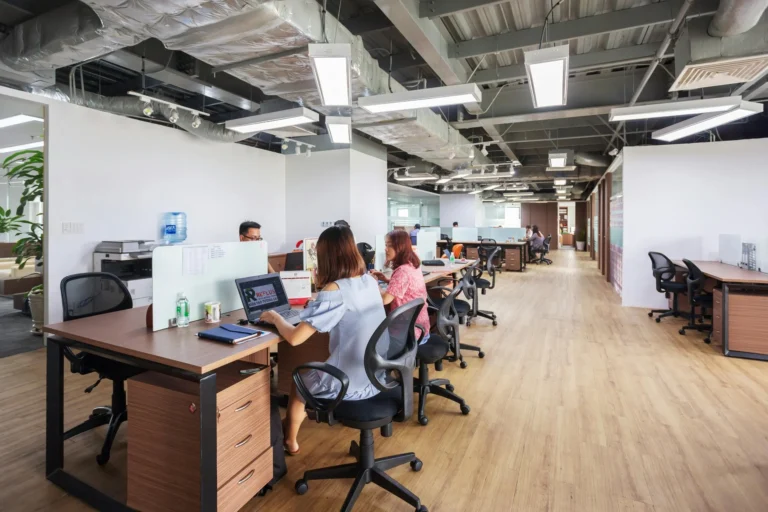
Enterprise seating charts let teams reserve neighborhoods together — ensuring designers, engineers, or client groups sit close during collaborative periods.
7.3 Compliance & Visitor Management
Facilities teams can control access via QR codes or check-in systems, ensuring only authorized personnel use office space.
8. Overcoming Common Challenges
8.1 Resistance to Change
Employees may resist moving away from fixed desks. Overcome this with:
Communication on benefits.
Early champions and internal user success stories.
8.2 Policy Misalignment
If booking rules are too rigid, users may bypass the system. Balance control with flexibility.
8.3 Data Visibility
Ensure analytics are easily accessible to decision makers — not just tucked away in admin dashboards.
9. Measuring Success
Key indicators of a successful implementation include:
Higher utilization rates for desks and rooms.
Reduced unutilized office space.
Increased employee satisfaction with workspace flexibility.
Shorter approval turnaround for reservations.
Use dashboards to continually measure and refine strategies.
10. The Future of Workspace Management
Workplace technology continues to evolve. Emerging features include:
AI-powered recommendations for best seating days and zones.
Predictive analytics for future demand.
Deeper integrations with collaboration tools.
These advancements will further align digital workplace management with human expectations.
11. Conclusion: A Strategic Advantage
Assigned seat software and enterprise seating charts do more than solve scheduling pain points — they transform how work gets done. By offering flexibility, visibility, and data-driven decision making, modern workplace platforms help organizations navigate hybrid work while improving efficiency, safety, and employee experience.
Whether you’re re-opening post-pandemic or refining an existing hybrid model, integrated seat reservation and interactive seating chart technology is a strategic asset for the modern enterprise.
Frequently Asked Questions (FAQs)
1. What is assigned seat software?
Assigned seat software is a workplace management solution that allows employees to reserve desks, workstations, and meeting rooms in advance. It helps organizations manage hybrid work models by offering flexible seating, real-time availability, and usage tracking.
2. How does assigned seating software support hybrid work?
Hybrid work environments require flexible space management. Assigned seat software enables employees to book desks only when they are working onsite, reducing unused space while ensuring availability when needed.
3. What is the difference between assigned seating and hot desking?
Assigned seating typically allows a desk to be allocated to a specific employee (permanently or temporarily), while hot desking allows employees to reserve any available desk on demand. Modern systems often support both models.
4. Can administrators approve or reject reservations?
Yes. Most enterprise seating solutions include administrative controls that allow managers to approve, reject, or modify reservations based on company policies.
5. Are office seating charts customizable?
Absolutely, set up neighborhoods based on how your teams work, add activity zones, and fine-tune desk setups in minutes with easy online seating chart tools.
6. How do I create an office seating chart for my company?
Start with your floor plan, map neighborhoods to team structures, then roll out office seating chart software with an interactive seating chart and a desk booking system.
7. What is the best software for office seating charts?
Look for real-time booking, role-based rules, analytics, and integrations. DeskFlex unifies these with workplace management software for end-to-end governance.
8. How do seating charts improve collaboration in the office?
They bring related teams together, make it easier to find people, and align desk setups with each stage of a project across the office.
9. What’s the difference between hot desking and assigned seating?
Assigned seating guarantees a permanent desk, while hot desking utilizes desk reservation software, allowing employees to book on demand within designated pools.
10. What are the benefits of interactive seating charts over static ones?
Accurate, easy to understand, and fast. Your interactive office floor plan updates in real time across every campus, including the enterprise center seating chart.


Support
Demo
Blog