Workplace routines have changed in the United States more than many expected. Many companies no longer require employees to be in the office five days a week, and hybrid work patterns have become standard across industries. Flex Report Q3 2025, shows that about 43% of U.S. firms use structured hybrid schedules, with most requiring employees to be in the office around three days per week on average, up from roughly 20% just a few years ago. This reflects a broad shift toward balancing in‑person collaboration with flexibility for employees.
Because hybrid work means some days are very busy and others are much quieter, traditional one‑desk‑per‑person layouts are proving inefficient. According to America’s Office Occupier Sentiment Survey 2024, many organizations report that while peak attendance can reach capacity, overall office usage on a typical week remains below 60%, indicating a gap between space and actual need.
Desk sharing software helps bridge that gap by letting employees reserve desks only when they plan to come in. These tools match desk availability to real attendance, reduce wasted space, and provide reliable data for workplace planning. Modern systems also show real‑time availability and make it easy for teams to schedule where they sit in the office.
👉 Here is a list of 20 leading desk sharing tools you can explore in 2026:
1: DeskFlex
2: Robin
3: Officely
4: Skedda
5: Tactic
6: Othership
7: YAROOMS
8: Deskbird
9: Kadence
10: Envoy
11: Matrix Booking
12: Dibsido
13: Desk.ly
14: Clearooms
15: Tidaro
16: Eden
17: Ronspot
18: WorkInSync
19: OfficeSpace
20: Archie
What Is Desk Sharing Software?
Desk sharing software allows more than one employee to use the same desk at different times. Instead of assigning desks permanently, companies share workstations based on schedules or availability. Employees can book desks according to their workdays, team needs, or personal preferences. Managers can track desk usage, office attendance, and overall workspace efficiency.
This type of software works best for hybrid teams, remote friendly companies, and offices with limited space.
Desk Sharing vs Hot Desking vs Desk Hoteling
Desk sharing, hot desking, and desk hoteling are flexible workspace models, but each one works differently. Understanding these differences helps organizations choose the right approach for their employees and office setup.
Desk Sharing
Desk sharing is a structured model where multiple employees use the same desk on different days or shifts. Desks are usually shared between specific people or teams based on planned schedules or rotations. Employees know in advance when and where they will sit, which creates consistency and routine. This model works well for hybrid teams that follow predictable office attendance patterns. Desk sharing reduces unused desks while still giving employees a sense of ownership and familiarity.
Hot Desking
Hot desking is a more flexible approach where desks are not assigned to anyone permanently. Employees choose any available desk when they arrive at the office. There is little to no advance planning, making it suitable for dynamic workplaces. This model works best when daily attendance varies and desk demand is unpredictable. Hot desking maximizes flexibility but may feel less organized without a booking system.
Desk Hoteling
Desk hoteling requires employees to book desks in advance for specific dates and times. It works similarly to reserving a hotel room before arrival. Employees secure their workspace ahead of time, reducing uncertainty and overcrowding. This model is ideal for offices with limited desks or high demand for certain work areas. Desk hoteling provides control and planning while still supporting flexible work schedules.
| Feature | Desk Sharing | Hot Desking | Desk Hoteling | Desk Assignment |
|---|---|---|---|---|
| Desk Usage | Shared by specific employees | No assigned desks | Reserved in advance | Assigned to one employee |
| Booking Requirement | Scheduled or recurring | Optional or same day | Required before arrival | No booking required |
| Structure Level | Medium | Low | High | Very high |
| Flexibility | Balanced | Very high | Moderate | Low |
| Employee Experience | Familiar and consistent | Open and flexible | Planned and predictable | Personal and stable |
| Best For | Hybrid teams with set schedules | Offices with changing attendance | Offices with limited desks | Traditional office setups |
| Planning Needed | Some planning required | Minimal planning | Advance planning required | Little to no planning |
Key Features of Desk Sharing Software
Desk sharing software includes essential features that help employees book desks easily and help teams manage office space efficiently.
1. Real Time Desk Availability
Employees can see which desks are available instantly before making a reservation. This reduces confusion and prevents multiple employees from booking the same desk. Real time updates ensure desk availability stays accurate throughout the day.
2. Interactive Floor Plans
Interactive floor plans show a visual layout of the office workspace. Employees can choose desks near teammates, windows, or quiet work zones. This makes desk selection faster and improves the overall office experience.
3. Automated Check In and Desk Release
Employees are required to check in when they arrive at the office. If a desk is not checked in, the system releases it automatically. This prevents desks from remaining unused and improves space efficiency.
4. Calendar and Collaboration Integrations
Desk bookings sync with Outlook, Google Calendar, and collaboration tools. Reservations appear alongside meetings and work schedules automatically. This helps employees manage their time and office days more effectively.
5. Booking Rules and User Permissions
Administrators can set rules for how long desks can be booked. They can control which desks are available to specific teams or roles. These controls ensure fair desk usage and policy compliance.
6. Workspace Analytics and Reporting
The software provides reports on desk usage and office occupancy. Managers can identify peak office days and underused areas. These insights support better decisions for future office space planning.
How Does Desk Sharing Software Work?
Desk sharing software follows a simple process that makes booking and managing desks easy for everyone.
- Employee Login: Employees sign into the desk sharing platform using a desktop or mobile device. Most systems support secure company logins for quick and safe access.
- Desk Availability View: Employees can see available desks using a visual floor map or a simple list view. This helps them choose desks near teammates or preferred work areas.
- Desk Reservation: Employees select a desk and reserve it for a specific date and time. The system follows company rules such as booking limits or team restrictions.
- Check In Confirmation: Some platforms ask employees to check in when they arrive at the office. This confirms desk usage and releases unused desks automatically if needed.
- Administrative Control: Administrators manage desk booking rules, capacity limits, and user permissions from one dashboard. They can also monitor usage data to improve office space planning.
Benefits of Desk Sharing Software
Desk sharing software delivers practical benefits for both employees and organizations in modern workplaces.
Better Use of Office Space
Desk sharing software helps reduce unused desks across the office. Companies can optimize available space and avoid paying for unnecessary real estate. This leads to lower operational costs and more efficient office layouts.
Flexible and Fair Desk Access
Employees gain flexibility to choose desks based on their work schedule. At the same time, booking rules ensure fairness and equal access for everyone. This balance improves employee satisfaction and reduces frustration.
Improved Space Planning Decisions
Facilities teams receive clear data on desk usage and attendance trends. These insights help redesign office layouts and plan future space needs. Decisions are based on actual usage rather than assumptions.
Fewer Scheduling Conflicts
The system prevents double bookings and desk disputes automatically. Employees always know where they will sit before arriving at the office. This creates a smoother and more organized workplace experience.
Stronger Collaboration and Productivity
Teams can plan office days together using shared desk visibility. Employees spend less time searching for desks and more time working. This supports productivity while meeting modern hybrid work expectations.
How to Select the Best Desk Booking Software?
Choosing the right desk booking software requires understanding your workplace needs and future goals.
1. Review Your Hybrid Work Policy
Start by analyzing how often employees work from the office. Understand attendance patterns to determine how flexible your desk system needs to be. This helps you select software that fits your hybrid work model.
2. Check Integration Capabilities
Choose software that connects easily with your existing calendars and collaboration tools. Integrations with Outlook, Google Calendar, and team platforms save time. They also reduce manual scheduling and missed bookings.
3. Look for Analytics and Insights
Ensure the platform provides reports on desk usage and occupancy trends. Space Analytics help you make informed decisions about office space and capacity planning. This feature supports long term workspace optimization.
4. Prioritize Ease of Use
Employees are more likely to use software that feels simple and intuitive. A clean interface reduces training time and increases adoption rates. Ease of use directly impacts the success of desk booking systems.
5. Consider Scalability and Flexibility
Select software that can grow with your organization over time. The system should adapt easily to new teams, locations, or office strategies. Scalability ensures your investment remains valuable in the long run.
20 Best Desk Sharing Software in 2026
Choosing the right desk sharing software depends on your company size, hybrid work needs, and budget. Below are some of the top tools in 2026, highlighting their features, target users, and pricing models.
| Software | Pricing | Key Strengths | Best For |
|---|---|---|---|
| DeskFlex | Contact for pricing | All-in-one workplace management, desks, rooms, parking, analytics | Organizations needing a complete workplace platform |
| Robin | Contact for pricing | Desk and room booking, attendance visibility, deep integrations | Mid-to-large hybrid organizations |
| Officely | From $2.50 per user/month | Microsoft Teams and Google Workspace native booking | Small to mid-sized hybrid teams |
| Skedda | From $5 per bookable space/month | Policy-driven scheduling, permissions, governance | Organizations with strict booking rules |
| Tactic | Contact for pricing | Workspace analytics and utilization insights | Data-driven workplace strategy teams |
| Othership | Contact for pricing | Flexible desk booking, employee-experience focused | Teams prioritizing flexibility |
| YAROOMS | From €3 per user/month | Desk and room booking, attendance tracking, reporting | Companies needing combined desk and room booking |
| Deskbird | From $3 per user/month | Clean UI, mobile support, attendance insights | Small to mid-sized hybrid offices |
| Kadence | Contact for pricing | Desk booking with team coordination features | Collaboration-focused hybrid teams |
| Envoy | From $3 per user/month (desk booking) | Desk booking plus visitor management | Offices prioritizing security and visitor experience |
| Matrix Booking | Contact for pricing | Enterprise-grade desk and room scheduling | Large organizations with complex policies |
| Dibsido | Free plan available, paid plans from ~$2/user | Simple booking, fast setup | Small teams needing lightweight desk booking |
| Desk.ly | From €2 per user/month | GDPR-compliant, easy adoption | European organizations |
| Clearooms | From £3 per desk/month | Visual layouts, desk and room booking | Mid-sized hybrid offices |
| Tidaro | Contact for pricing | Desk booking with space planning insights | Teams optimizing space usage |
| Eden | Contact for pricing | Workplace operations plus desk booking | Organizations needing broader workplace tools |
| Ronspot | From $3 per user/month | Visual floor plans, strong booking governance | Mid-enterprise hybrid teams |
| WorkInSync | Contact for pricing | Desk sharing, analytics, capacity planning | Data-driven hybrid workplaces |
| OfficeSpace | Contact for pricing | Enterprise space planning and real estate insights | Large enterprises |
| Archie | Contact for pricing | Modern workplace platform, desk and visitor management | Growing companies focused on employee experience |
1. DeskFlex
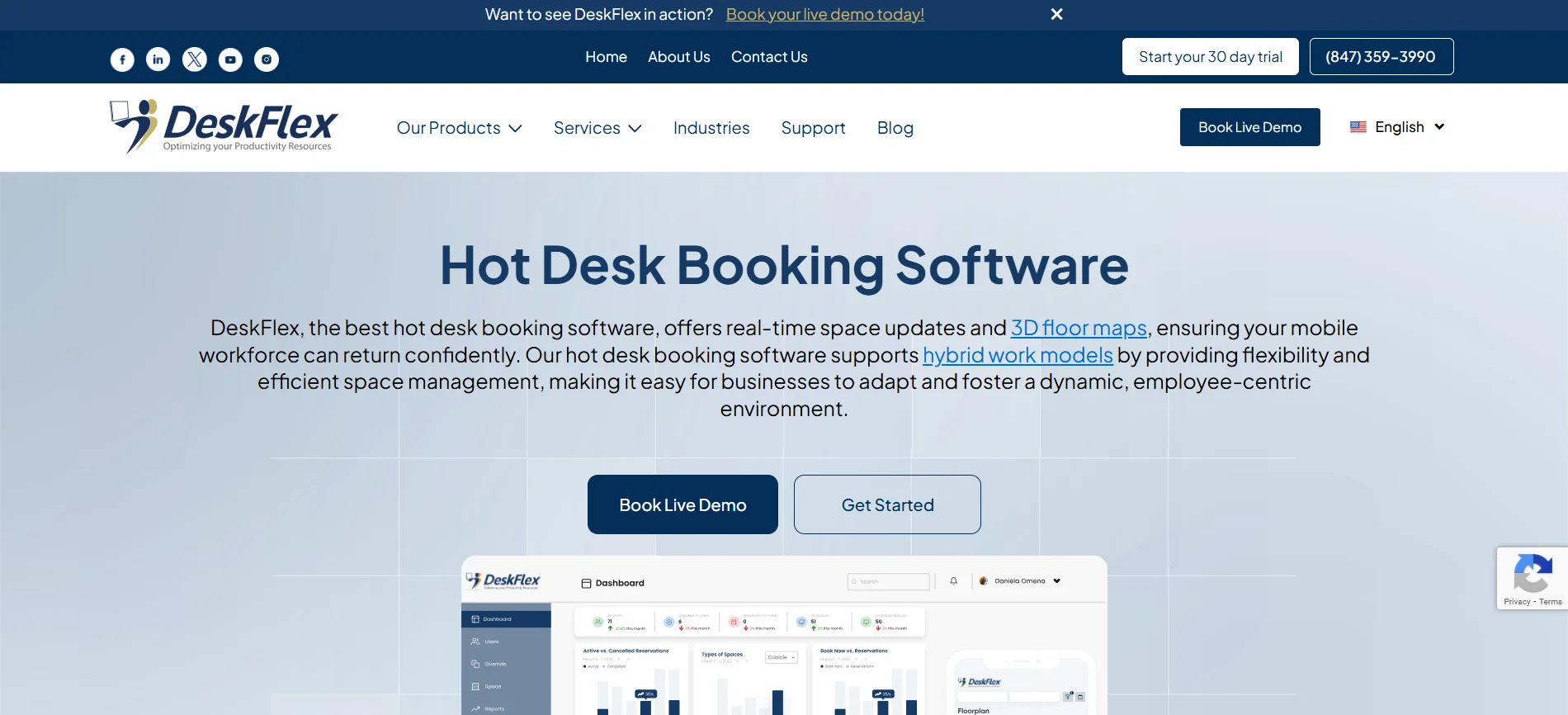
DeskFlex is a workplace management solution built around smart desk booking and shared workspace management. It helps organizations control desk availability, organize office attendance, and manage meeting rooms booking and parking, while providing clear insights into space usage and supporting flexible hybrid work schedules.
Still have questions?
No spam. Just the latest releases and tips, interesting articles, and exclusive interviews in your inbox every week.
Key Features:
- Desk sharing and workspace booking
- Meeting room reservation
- Parking management
- Interactive floor plans for easy desk selection
- Flexible booking rules and access permissions
- Detailed workspace analytics and reporting
Best For: DeskFlex is ideal for organizations looking for a complete workplace management solution.
Pricing: Custom pricing based on company size and requirements (contact sales)
2. Robin
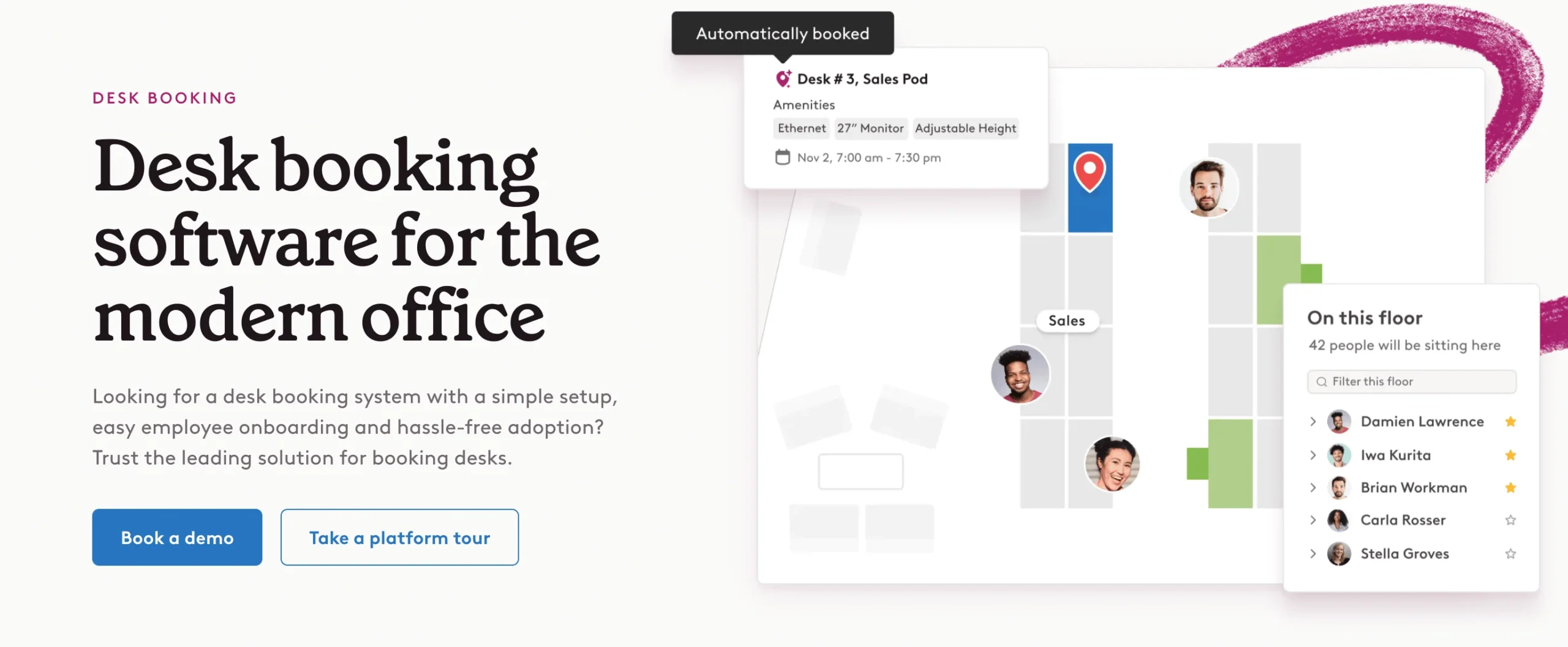
Robin focuses on making desk and room booking simple while providing visibility into office attendance. It integrates with calendars and collaboration platforms to streamline hybrid work schedules.
Key Features:
- Desk and meeting room booking
- Office attendance tracking
- Integration with Outlook, Google Calendar, and collaboration tools
- Interactive office maps
- Custom booking rules for teams and roles
- Reporting and analytics on workspace usage
Best For: Robin works well for mid sized to large companies managing hybrid offices.
Pricing: Custom / quote-based (often per user/month depending on tier)
3. Officely
Officely is designed for small to mid-sized teams that want an easy way to manage desk bookings. It integrates with Microsoft Teams and Google Workspace, simplifying hybrid work scheduling.
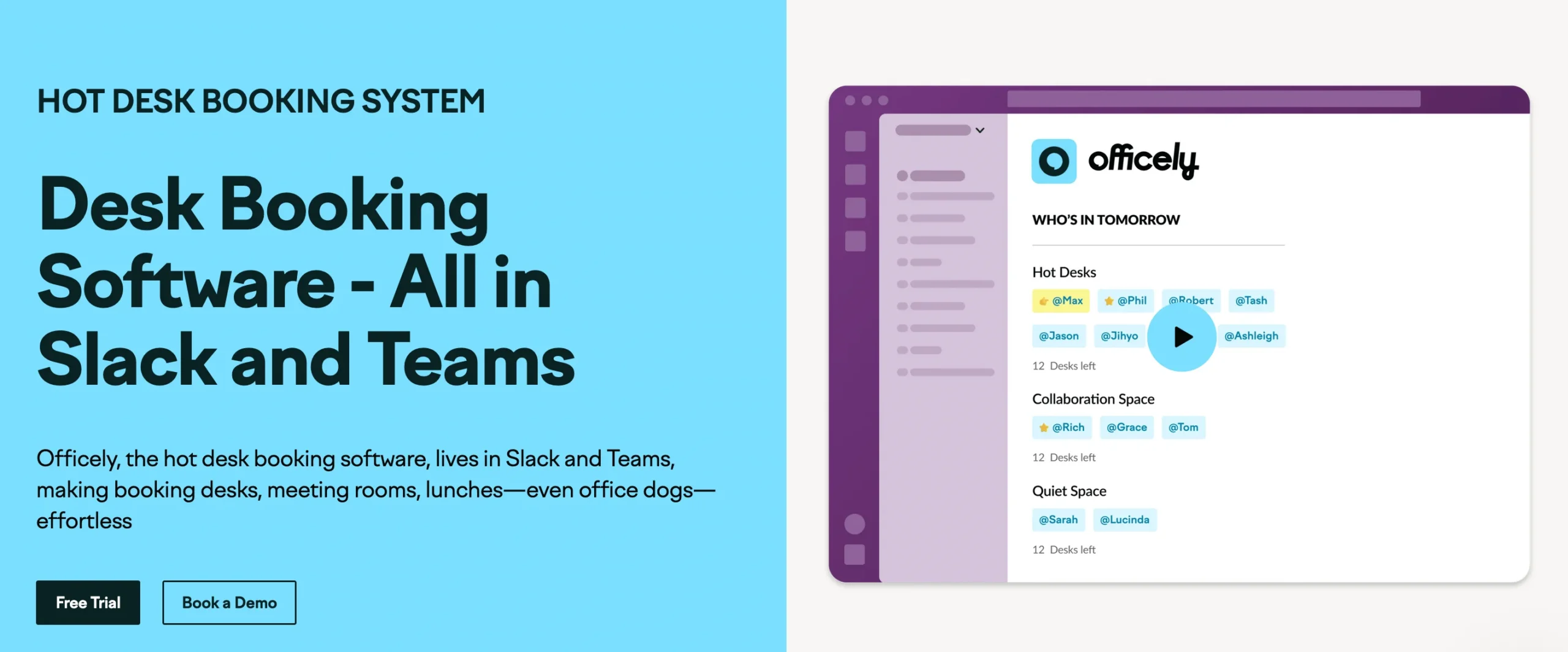
Key Features:
- Desk booking and attendance tracking
- Integration with Microsoft Teams and Google Workspace
- Simple, user-friendly interface
- Team scheduling management
- Basic reporting on desk usage
- Notifications and reminders for bookings
Best For: Officely is suitable for small to mid sized teams using existing collaboration tools.
Pricing: Transparent per user monthly pricing (e.g., ~$1.90–$2.50 per user/month).
4. Skedda
Skedda specializes in scheduling desks and spaces with advanced permission and policy controls. It is suitable for organizations with strict governance or structured workspace planning requirements.
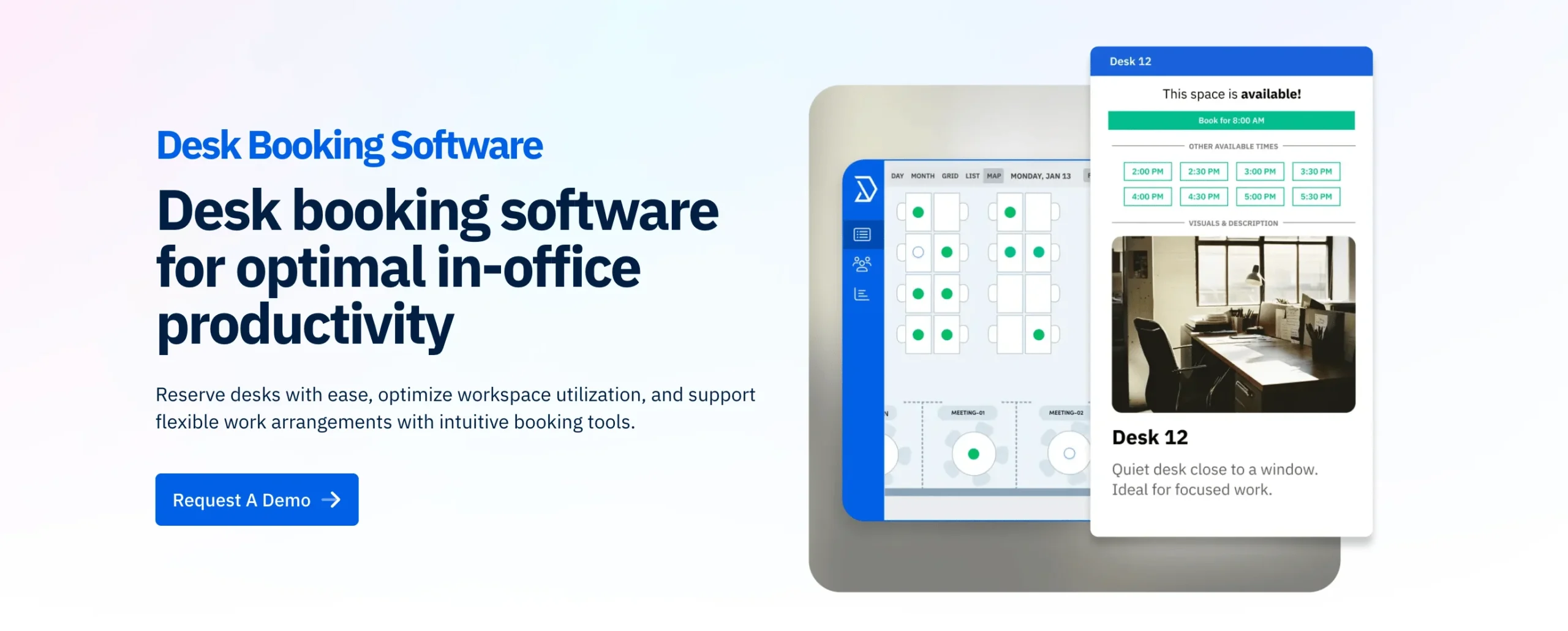
Key Features:
- Desk and space scheduling
- Customizable booking rules
- Role-based permissions and policy enforcement
- Interactive floor plans
- Capacity management and conflict prevention
- Reporting and analytics on utilization
Best For: Skedda is suitable for organizations with strict scheduling requirements and governance needs.
Pricing: Starts at ~$99/month for base plan (flat rate per number of spaces)
5. Tactic
Tactic is built for data-driven teams that want detailed insights into office usage. It helps organizations optimize desk layouts, monitor attendance trends, and plan office space efficiently.
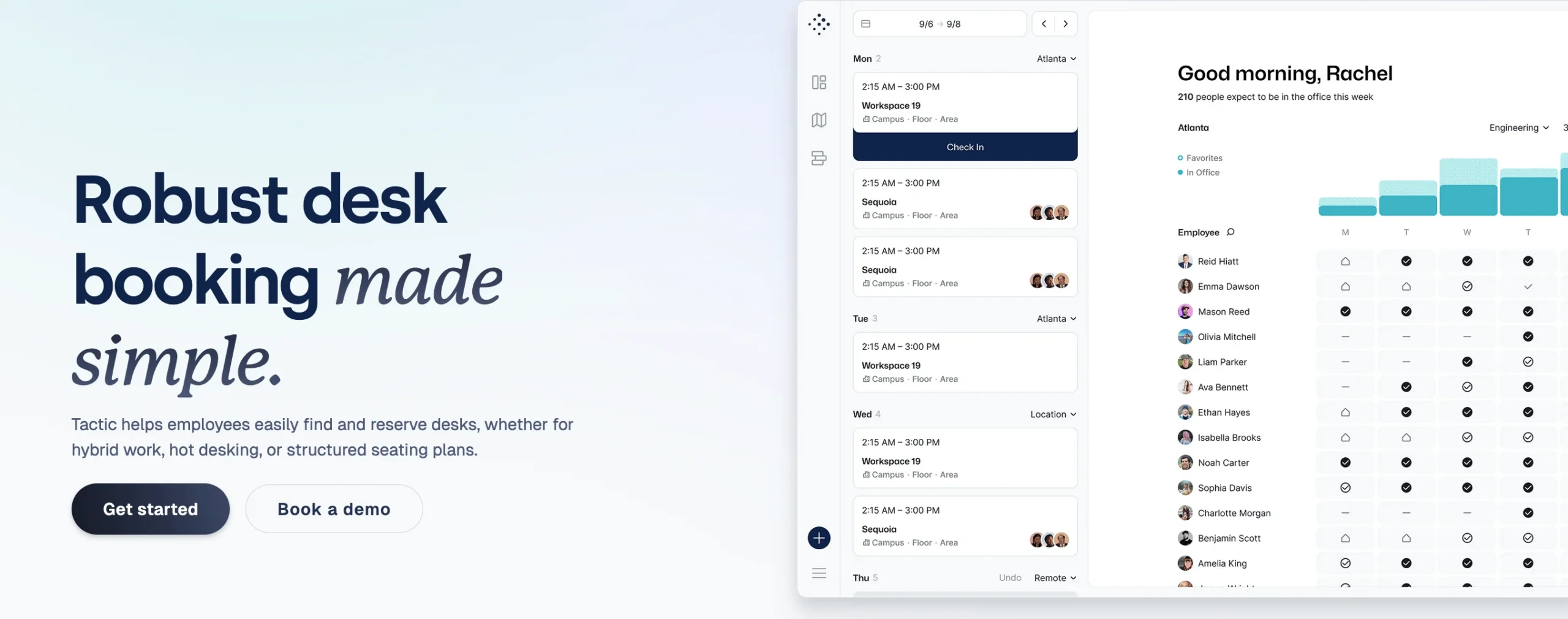
Key Features:
- Real-time workspace analytics
- Desk sharing and scheduling
- Office usage reporting and insights
- Floor plan visualization
- Capacity and utilization tracking
- Custom dashboards for decision making
Best For: Tactic is ideal for data-driven workplace strategy teams focused on efficiency.
Pricing: Per desk pricing (e.g., ~€2.90 per desk) or custom plans.
6. Othership
Othership supports flexible work environments with intuitive desk booking and collaboration tools. It focuses on improving employee experience and office planning.
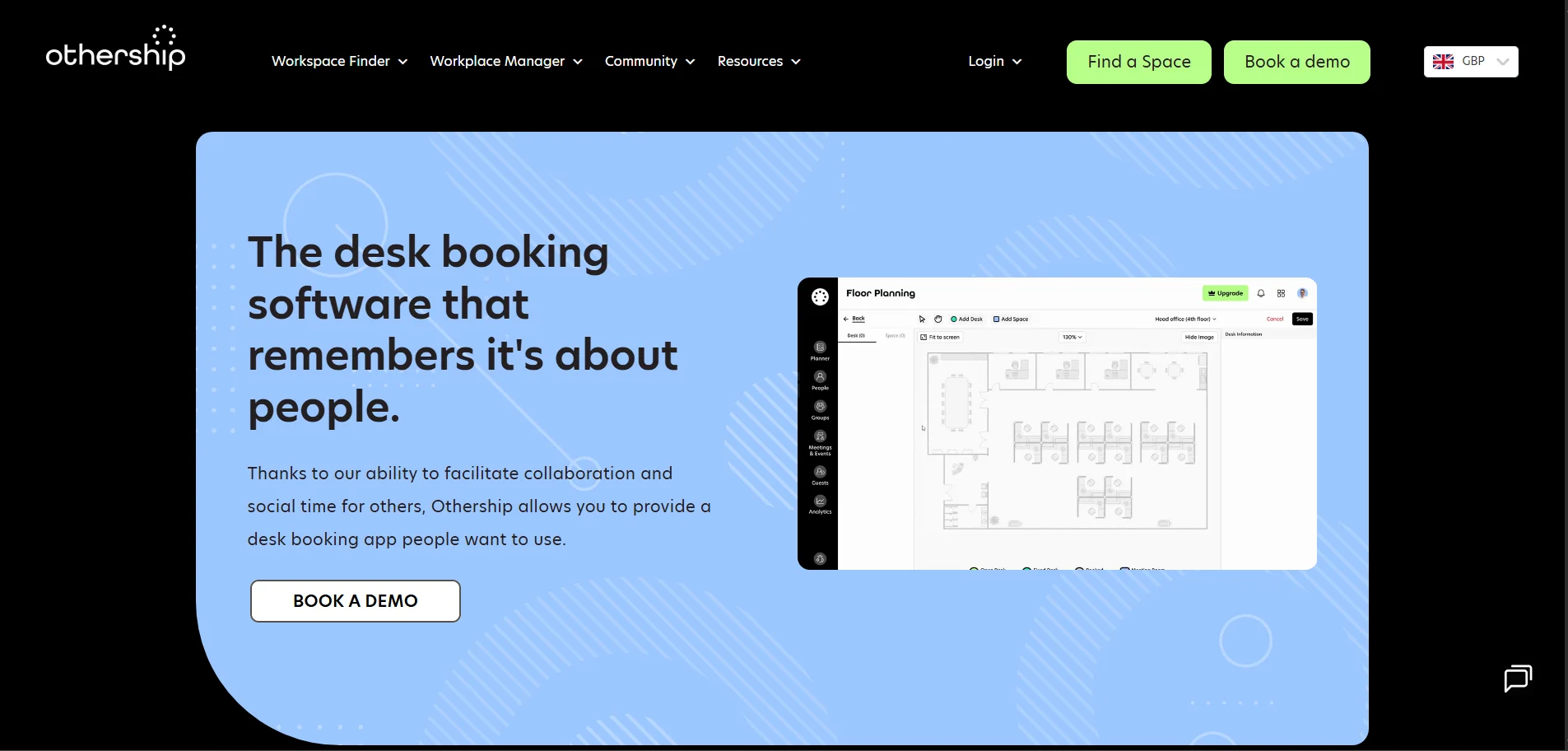
Key Features:
- Desk sharing and booking
- Team collaboration tools
- Office usage insights
- Scheduling and availability
- Simple interface
- Hybrid work support
Best For: Teams that want flexible booking plus collaboration features.
Pricing: Per user subscription plans (varies with features).
7. YAROOMS
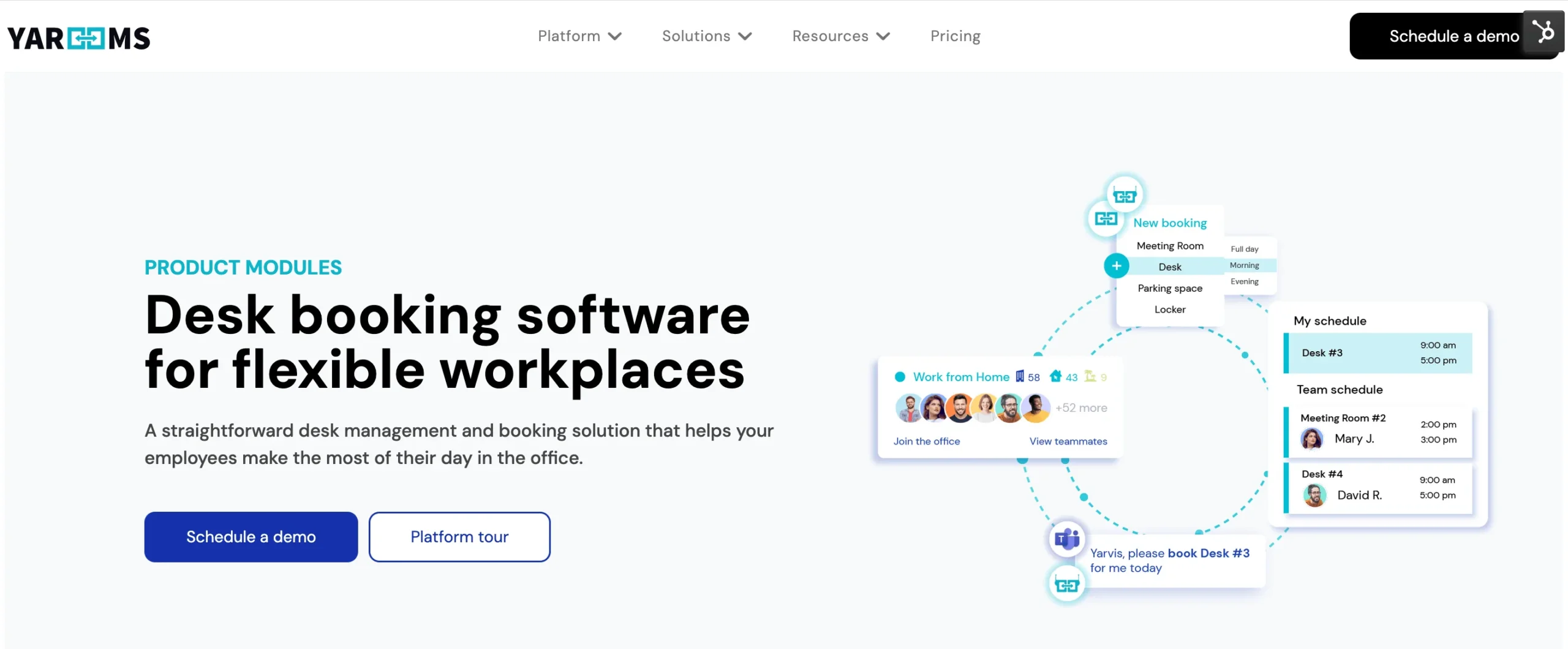
YAROOMS is a flexible platform for desk and room booking that supports hybrid work. It gives teams a clear view of desk availability and simplifies scheduling across locations.
Key Features:
- Desk and room booking
- Interactive office maps
- Attendance tracking
- Calendar integrations
- Custom booking rules
- Usage reporting
Best For: Companies wanting a fully integrated desk and room reservation system with strong reporting.
Pricing: Flat-rate tiers starting around $99/month (10 users)
8. Deskbird
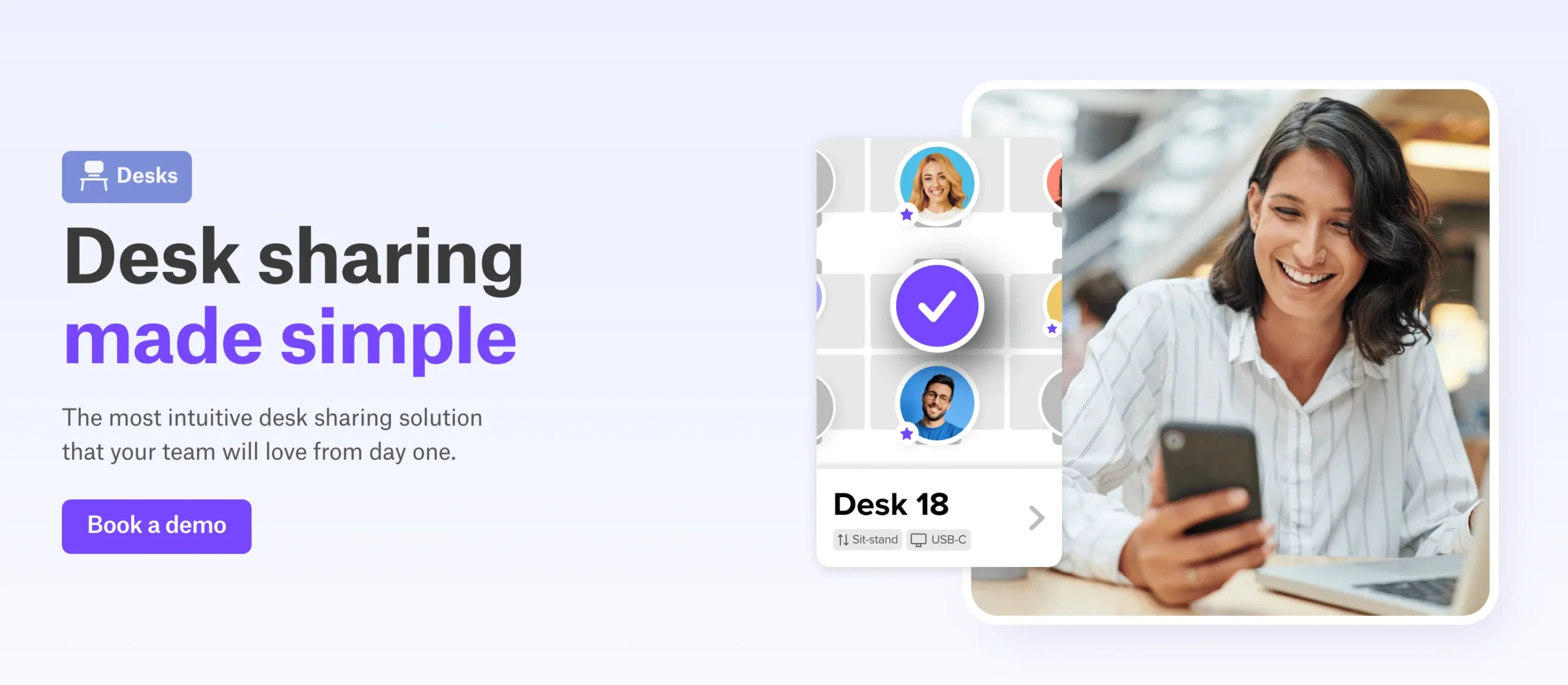
Deskbird helps hybrid teams plan office days by simplifying desk reservations and attendance tracking. Its user friendly interface works well for both small and growing teams.
Key Features:
- Desk booking and hot desking
- Office attendance insights
- Calendar sync with major platforms
- Team scheduling
- Simple analytics
- Mobile support
Best For: Small to mid sized teams needing intuitive desk booking and attendance visibility.
Pricing: Free forever basic plan; Paid plans start around €2.50–€3.50 per user/month.
9. Kadence
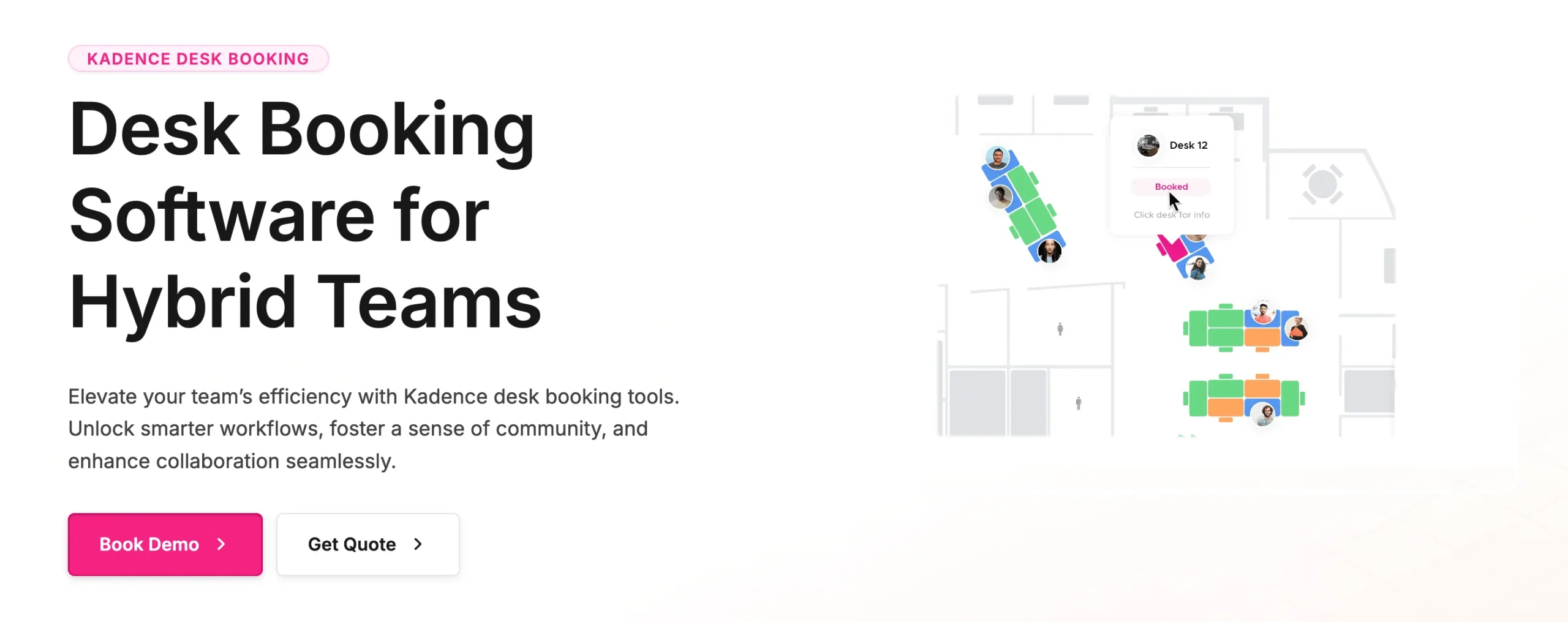
Kadence enhances desk booking with employee engagement features. It supports team coordination and workspace optimization from one dashboard.
Key Features:
- Desk and space booking
- Team scheduling coordination
- Interactive floor maps
- Workplace analytics
- Collaboration tools
- Calendar sync
Best For: Teams focused on collaboration and planning office days together.
Pricing: Around $4 per active user/month (annual billing).
10. Envoy
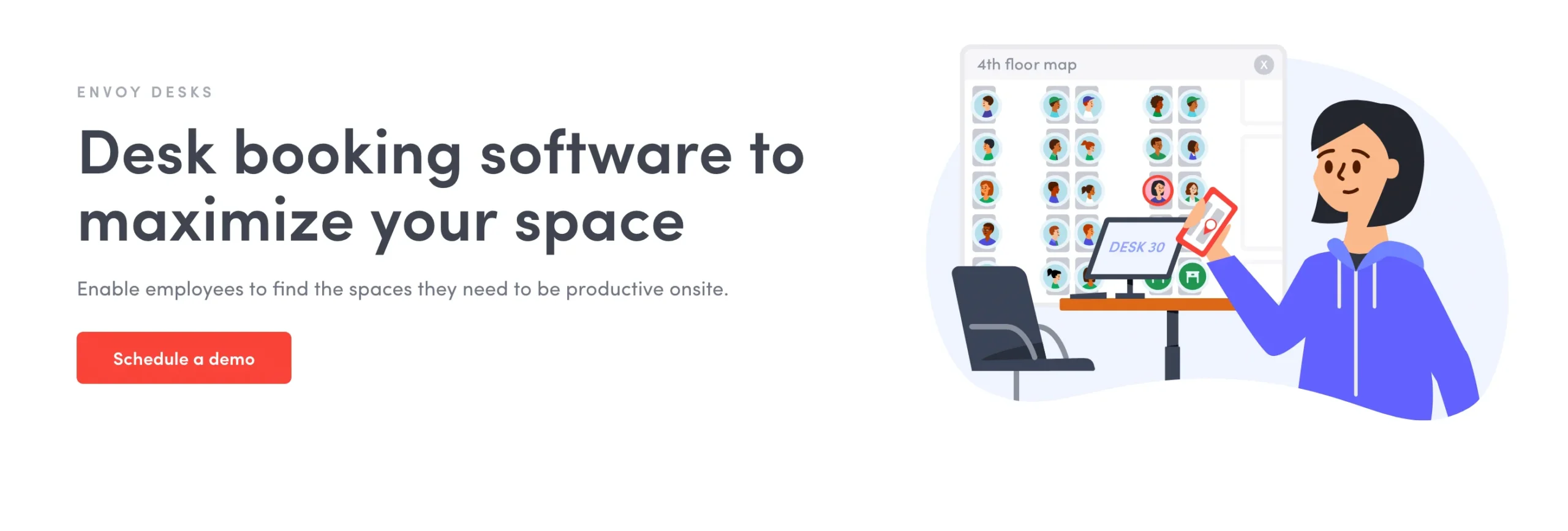
Envoy offers desk booking alongside visitor management and workplace safety tools. It supports hybrid work with a unified experience for employees and guests.
Key Features:
- Desk and space booking
- Visitor registration and day passes
- Capacity and safety controls
- Calendar integrations
- Workplace analytics
- Access and security features
Best For: Companies prioritizing workplace security and visitor check-ins along with desk booking.
Pricing: Workplace plans start around $3–$5 per active user/month.
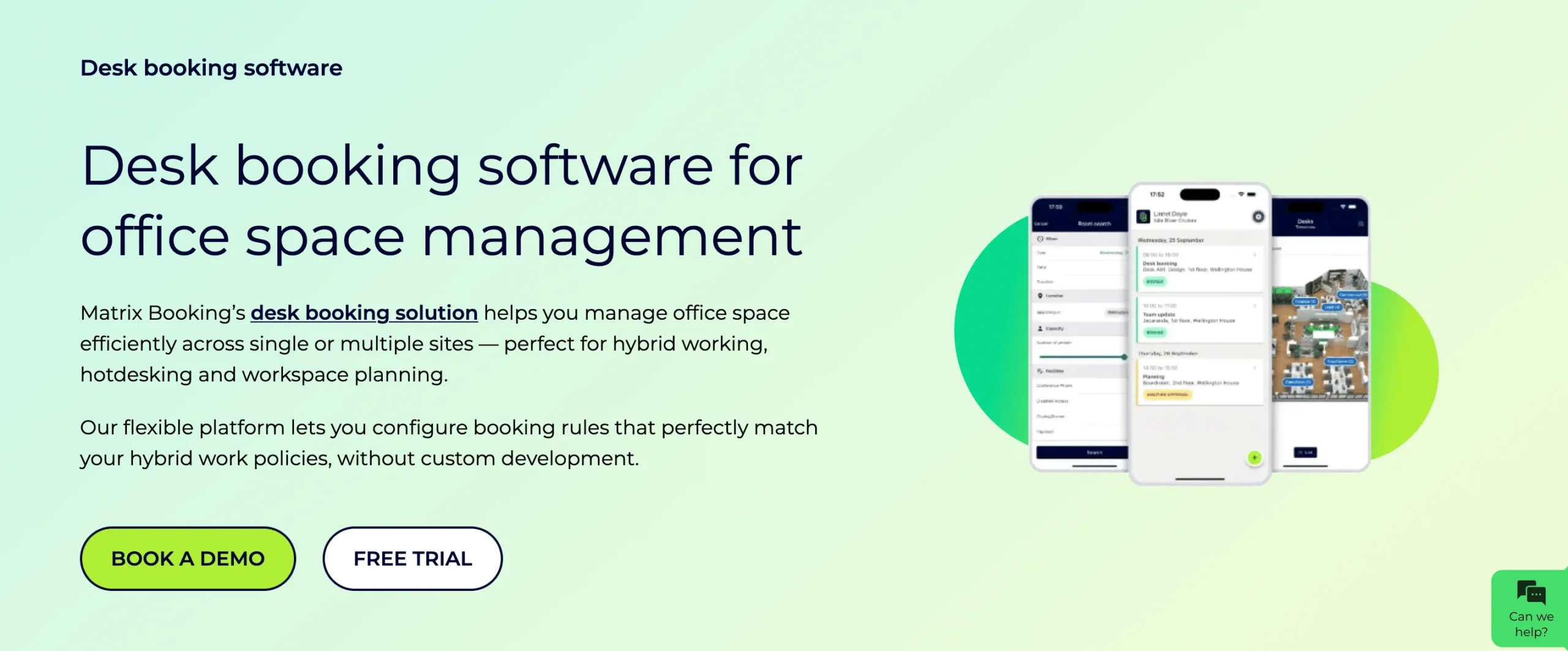
11. Matrix Booking
Matrix Booking provides robust desk and room reservation tools for structured workplaces. It is often used by enterprises with strict scheduling policies.
Key Features:
- Desk and meeting room booking
- Policy based scheduling
- Outlook integration
- Permission controls
- Reporting dashboards
- Scalable for large companies
Best For: Enterprises needing complex scheduling and policy enforcement across locations.
Pricing: Custom pricing (varies by plan and resources).
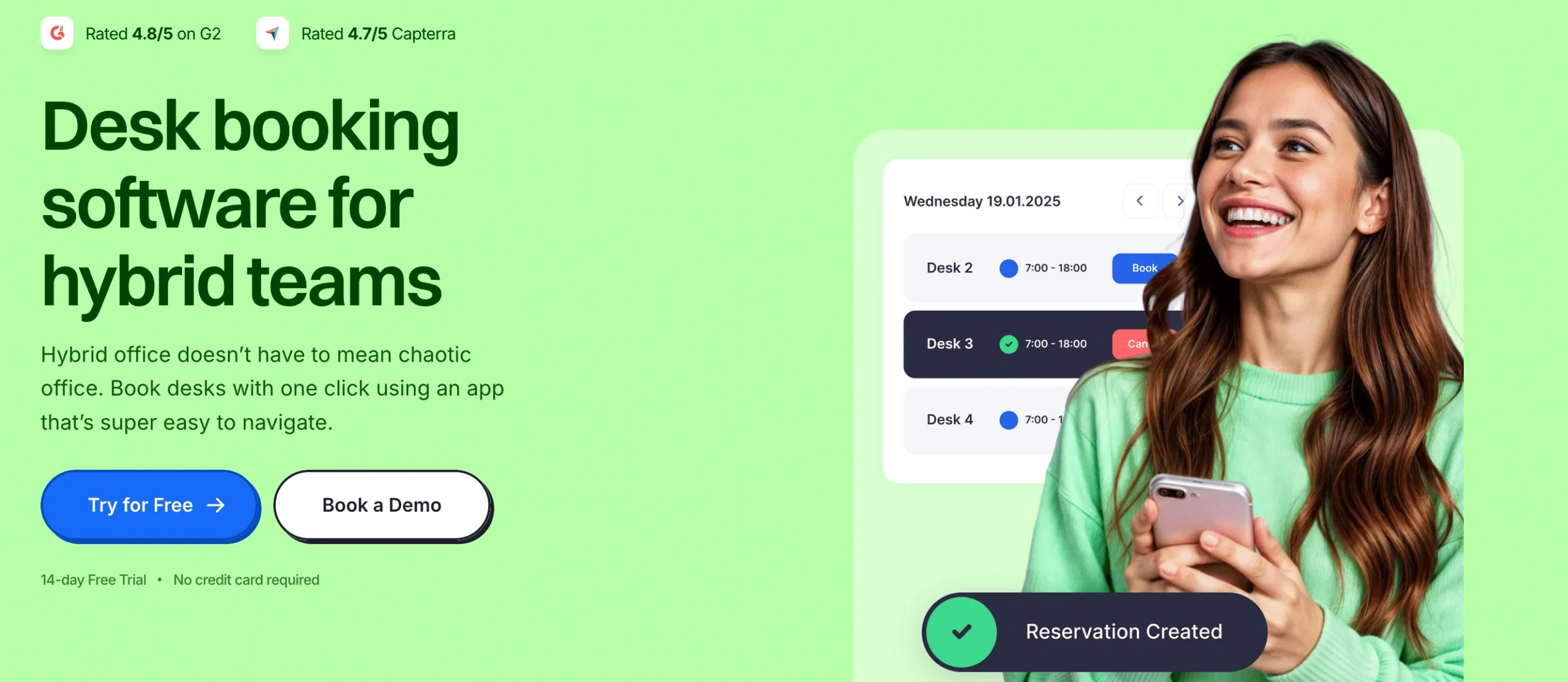
12. Dibsido
Dibsido focuses on straightforward desk booking with minimal setup. It keeps booking simple without overwhelming users with complicated options.
Key Features:
- Desk sharing and booking
- Clear desk availability
- Quick setup
- Lightweight reporting
- Team based access
- Simple UI
Best For: Teams that want a no-frills desk booking experience without learning overhead.
Pricing: Free up to ~20 users; Paid plans around $1.90 per user/month.
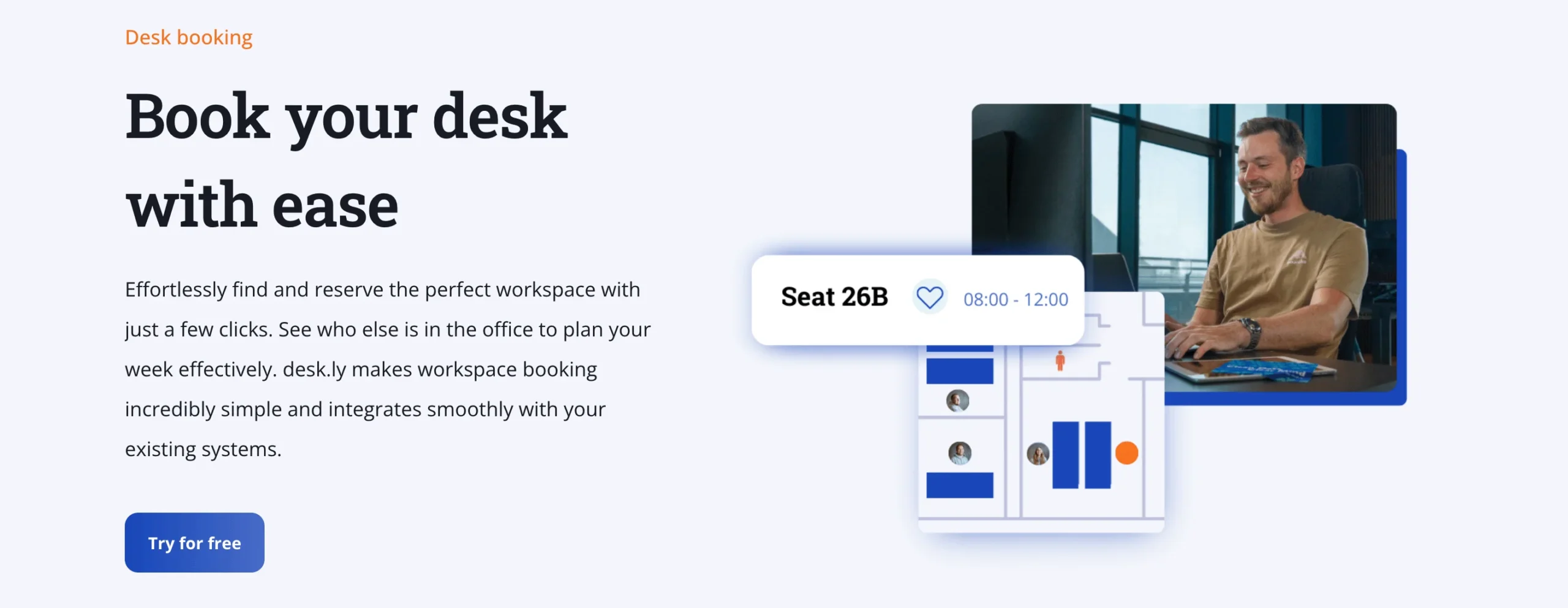
13. Desk.ly
Desk.ly makes it easy for hybrid teams to book desks and track attendance. Its simple interface supports quick adoption across teams.
Key Features:
- Desk booking
- Attendance tracking
- Office maps
- Calendar sync
- Mobile access
- Basic analytics
Best For: Organizations that want straightforward desk sharing without advanced features.
Pricing: Monthly subscription per user ($/user/month), basic and pro tiers.
14. Clearooms
Clearooms offers solutions for both desk and room booking with strong visualization tools. It supports flexible scheduling and helps improve office space use.
Key Features:
- Desk and room booking
- Office layout visualization
- Calendar integrations
- Custom booking rules
- Utilization reports
- Hybrid work support
Best For: Offices seeking clear visualization alongside booking tools.
Pricing: Pricing based on number of desks/rooms; monthly rolling basis.
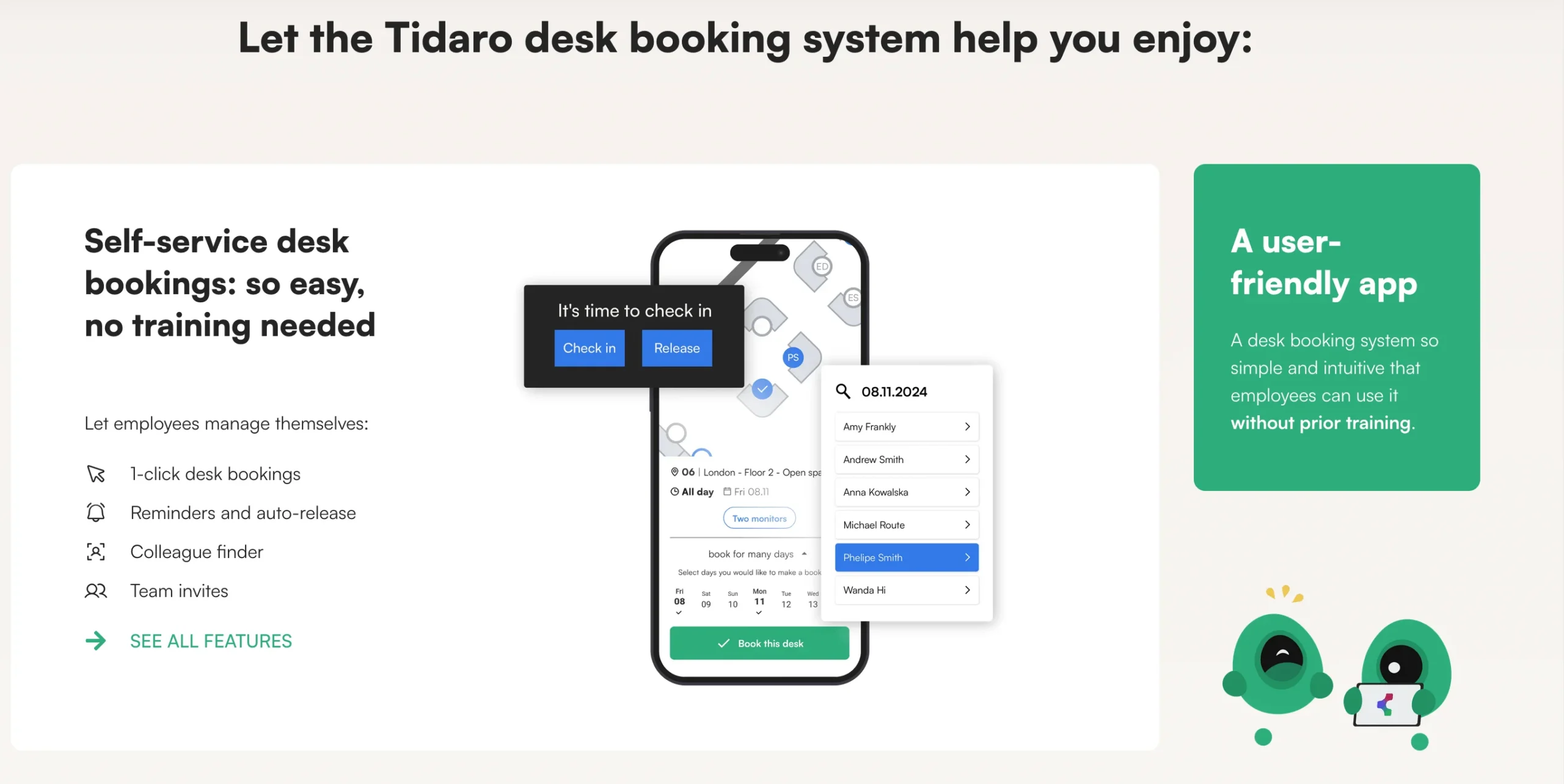
15. Tidaro
Tidaro combines desk booking with space management to enhance workplace efficiency. It helps teams see usage patterns and optimize seating arrangements.
Key Features:
- Desk booking and sharing
- Space planning tools
- Scheduling controls
- Usage analytics
- Team access levels
- Hybrid work features
Best For: Teams looking for space planning alongside simple desk booking.
Pricing: Subscription-based pricing (varies by features and seats).
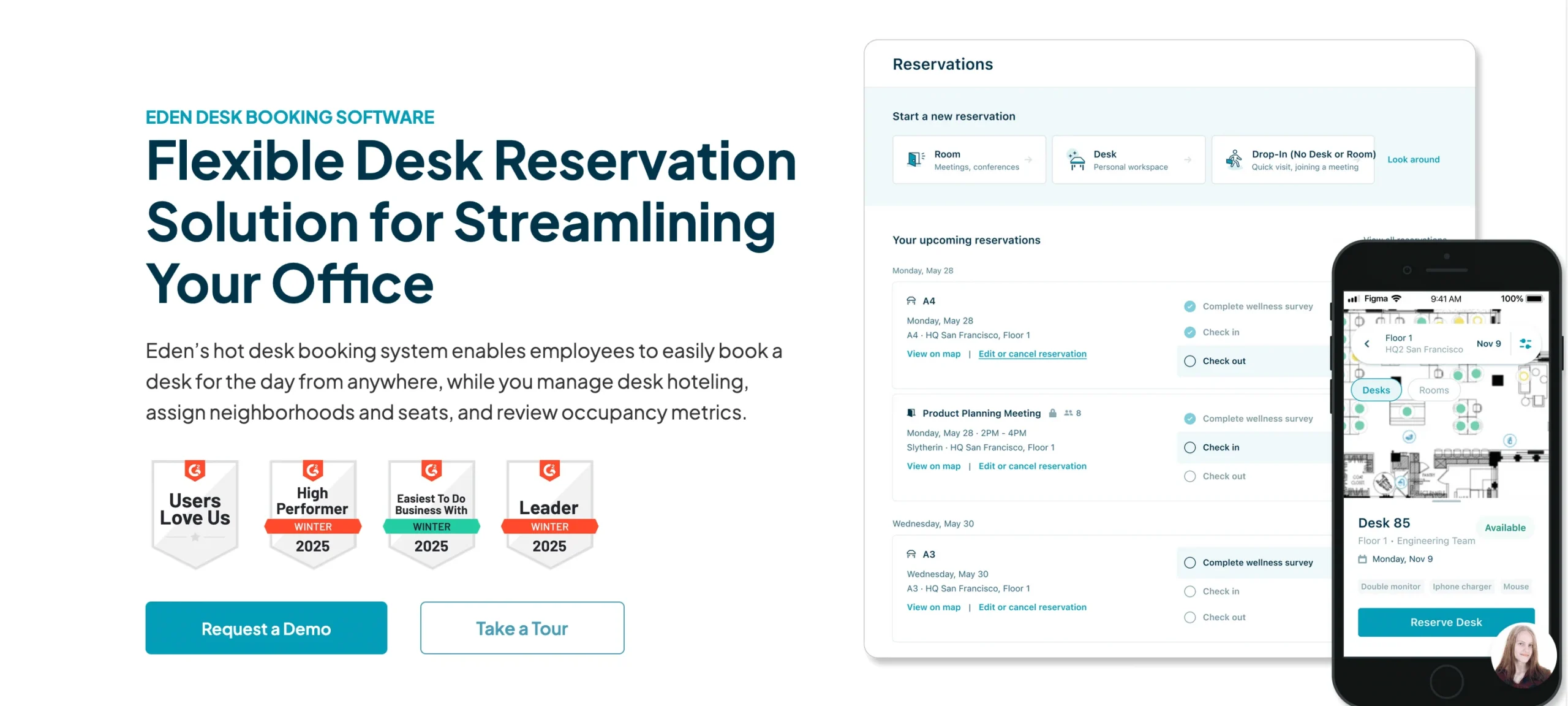
16. Eden
Eden is a broader workplace platform that includes desk booking and operations management. It helps workplaces handle day-to-day scheduling and space use.
Key Features:
- Desk and booking tools
- Workplace operations features
- Attendance tracking
- Space usage reporting
- Calendar sync
- Admin dashboard
Best For: Organizations wanting desk booking plus broader workplace tools.
Pricing: Starts at $3 per desk/month (minimum 25 desks).
17. Ronspot
Ronspot offers desk and room booking software with easy floor plan visualization. It helps workplaces manage space and avoid overcrowding.
Key Features:
- Desk and meeting room booking
- Interactive office maps
- Booking policies and rules
- Calendar sync
- Usage statistics
- Hybrid support
Best For: Teams that want visual floor plans and clear booking control.
Pricing: Space-based pricing (e.g., ~€50/month for basic, ~€80/month for advanced).
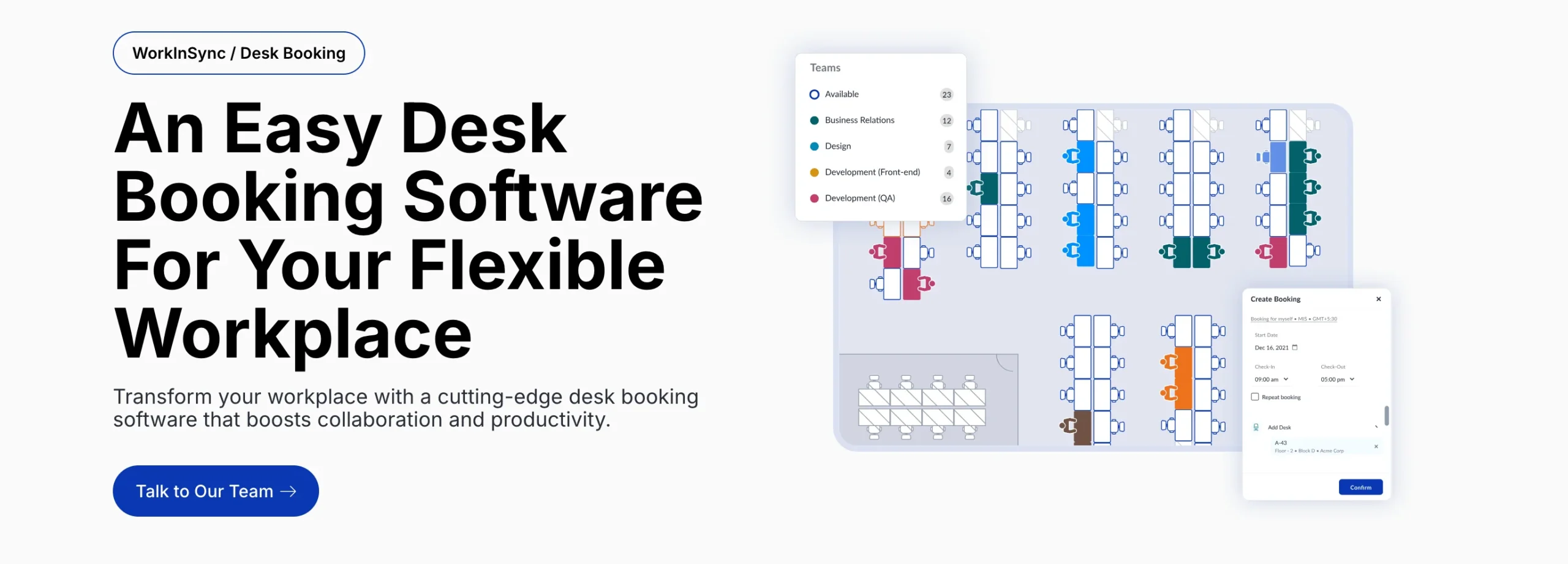
18. WorkInSync
WorkInSync provides desk sharing and analytics tools for hybrid organizations. It uses real usage data to help teams plan seating and office days.
Key Features:
- Desk booking and sharing
- Workspace analytics
- Attendance insights
- Office map views
- Calendar integration
- Capacity planning tools
Best For: Organizations that value data-driven space planning.
Pricing: Plans starting around $2.50 per user/month.
19. OfficeSpace
OfficeSpace offers enterprise-focused desk sharing and space management tools. It helps large companies plan real estate and improve space allocation.
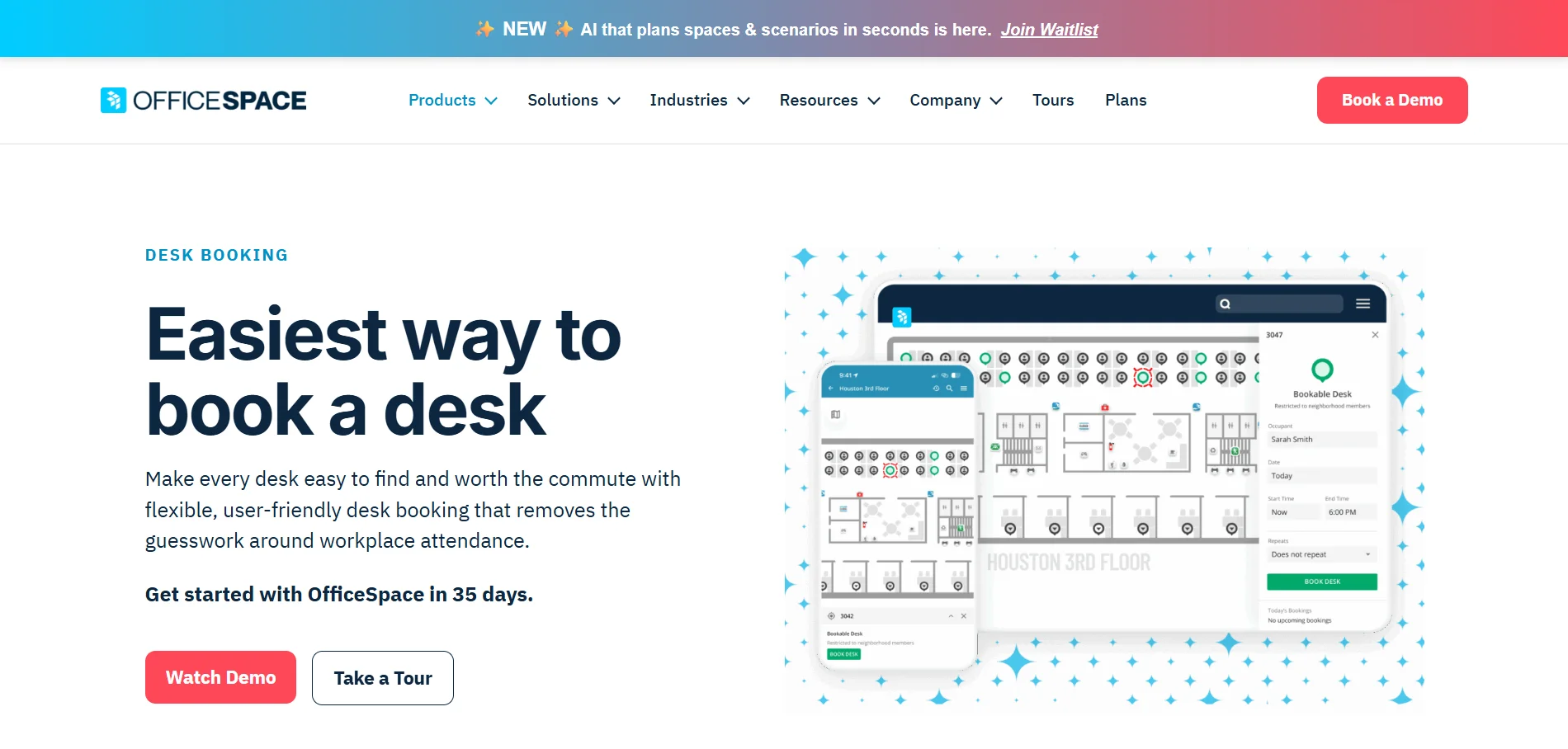
Key Features:
- Desk and space booking
- Space usage analytics
- Floor plan manager
- Reporting dashboards
- Permissions and roles
- Enterprise integrations
Best For: Large enterprises with detailed space planning and management needs.
Pricing: Custom enterprise pricing (contact sales).
20. Archie
Archie is a modern workplace management platform designed to simplify desk booking, visitor management, and office coordination. It focuses on creating a smooth employee experience while giving teams better visibility into office activity.
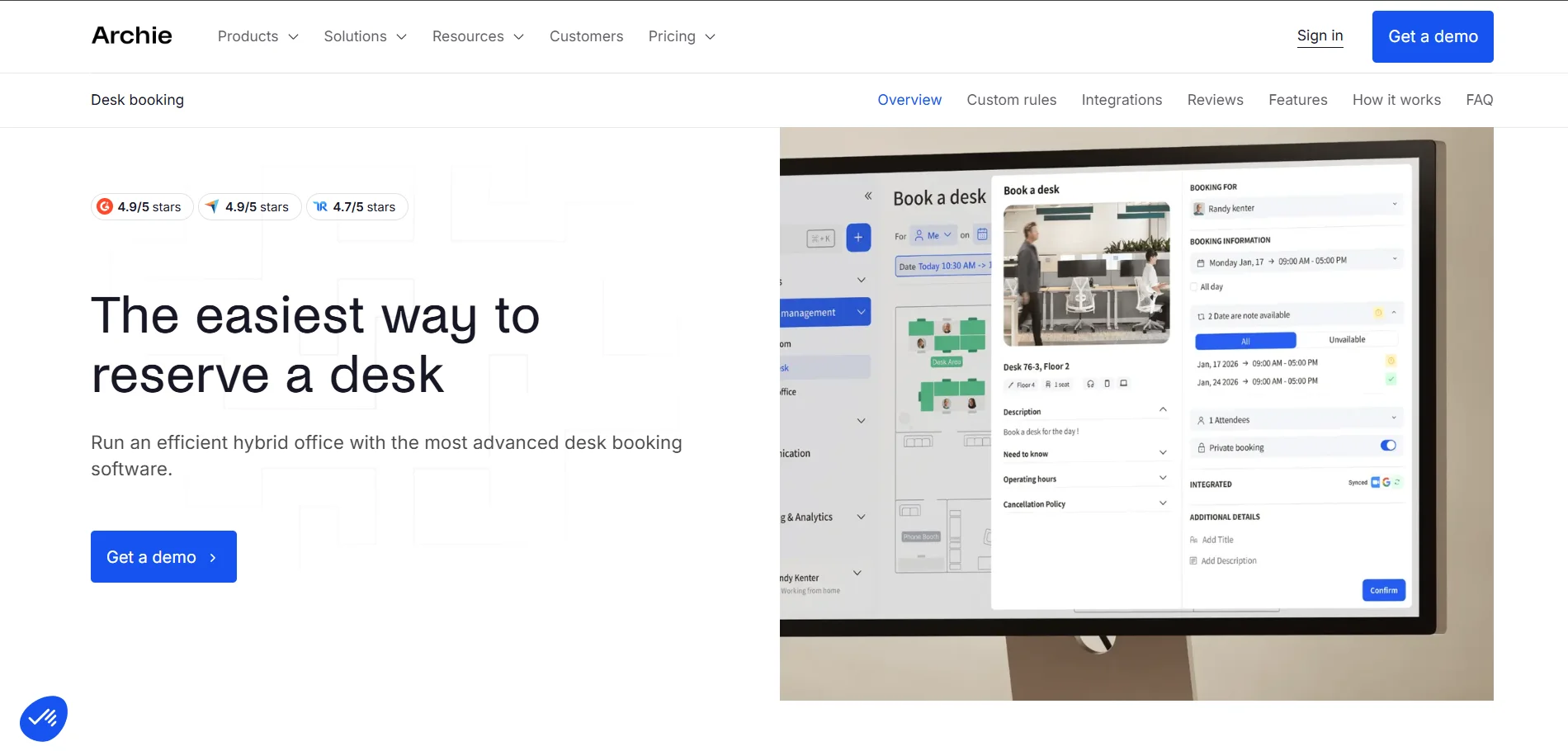
Key Features:
- Desk sharing and desk booking
- Visitor management and guest check-ins
- Office attendance visibility
- Calendar and collaboration tool integrations
- Admin controls for booking rules
- Workplace usage insights
Best For: Archie is best suited for growing companies that want a modern, user-friendly platform to manage desk booking and improve the overall office experience.
Pricing: Starts around $2.80 per desk and $8 per room/month, minimum ~$159/month.
Why DeskFlex Is the Best Desk Sharing Software for Hybrid Work?
DeskFlex is a powerful desk sharing solution designed to support modern hybrid workplaces. It helps organizations manage shared desks, meeting rooms booking, and parking spaces from one platform. With DeskFlex, employees can easily book desks while administrators gain full visibility into workspace usage. The system improves office efficiency, reduces scheduling conflicts, and supports flexible work policies.
DeskFlex is trusted by organizations that want better control over their workspace without adding complexity.
Key Features of DeskFlex
- Desk sharing and desk booking with real time availability
- Interactive floor plans for easy desk and space selection
- Meeting room and conference room scheduling
- Parking space management for hybrid offices
- Flexible booking rules and user permissions
- Automated check in and desk release
- Calendar integrations with Outlook and Google Workspace
- Detailed analytics and reporting for space optimization
- Support for hybrid, remote friendly, and flexible work environments